
Web Alert (Pro) is a powerful productivity tool designed for professionals in web development and automation. This one-time lifetime purchase enhances the free Web Alert app by adding advanced monitoring features. The application excels at tracking web page changes, such as price drops in online stores, and notifying users instantly.
The app's strength lies in its comprehensive customization options. Users can set custom check frequencies, apply text filters, monitor specific numbers, and define notification time ranges. Its professional-grade features include RegEx filtering, CSS/jQuery selectors, and HTML source code monitoring. The Tasker plugin integration makes it programmable without requiring coding knowledge.
Ideal for developers and power users who need precise control over web monitoring, Web Alert (Pro) offers unparalleled flexibility in tracking website changes while maintaining ease of use through its well-structured interface.
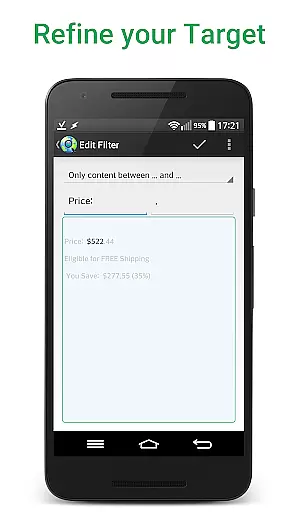
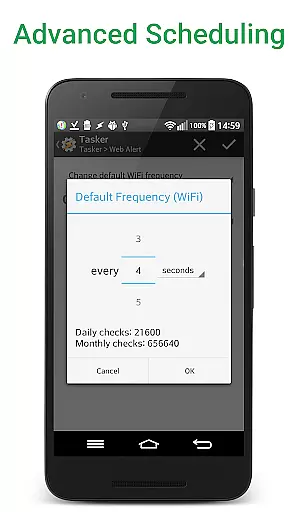
Web Alert (Pro) stands out with its extensive feature set tailored for advanced users. The application supports parallel checks with customizable frequencies as low as every 5 seconds, ensuring timely notifications. Its sophisticated filtering system allows users to monitor specific text segments or numerical values, making it perfect for price tracking scenarios.
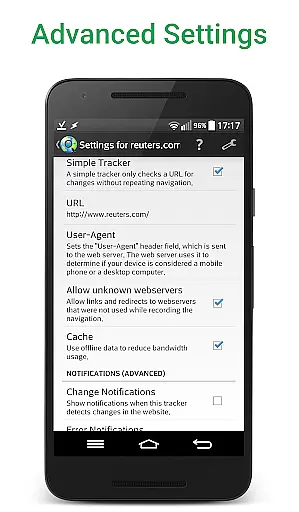
Professional users will appreciate the technical capabilities including RegEx support, CSS/jQuery selectors, and HTML source code monitoring. The app handles complex monitoring tasks with ease, such as detecting changes based on keyword presence or percentage-based modifications. Advanced access options enable monitoring of websites with SSL certificate issues.
Productivity-focused features include alert duplication, URL modification, accidental deletion protection, and comprehensive export/import functionality. The built-in Tasker plugin extends automation possibilities, while offline detection and zip archive exports provide additional practical benefits for power users.
Web Alert (Pro) excels in core task management by providing users with a comprehensive suite of tools to monitor web pages effectively. The app allows for setting custom frequencies for checks, enabling parallel checks, and filtering text between specific words.
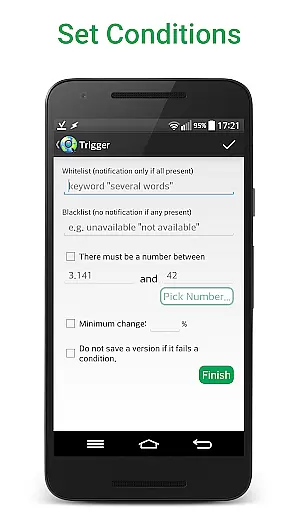
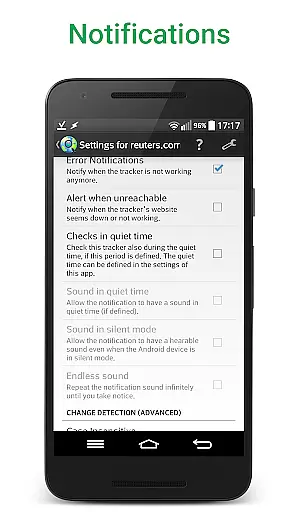
Professionals can leverage advanced features such as monitoring numbers for changes, defining time ranges without checks or notifications, and receiving alerts based on the presence or absence of certain keywords. This ensures that users are promptly informed about relevant changes without unnecessary interruptions.
The ability to modify alert URLs, restore accidentally deleted alerts, and export website versions as zip archives adds layers of flexibility and control. These features collectively enhance productivity by streamlining the monitoring process and ensuring critical updates are never missed.
Cross-device synchronization is crucial for maintaining consistency across multiple platforms, and Web Alert (Pro) addresses this need robustly. By allowing users to export and import their alerts, the app ensures that monitoring settings and preferences are seamlessly transferred between devices.
This synchronization capability extends to viewing changes directly within notifications, keeping website links intact, and offering the option to view only the altered parts of a webpage. Such features ensure that users have a uniform experience regardless of the device they use.
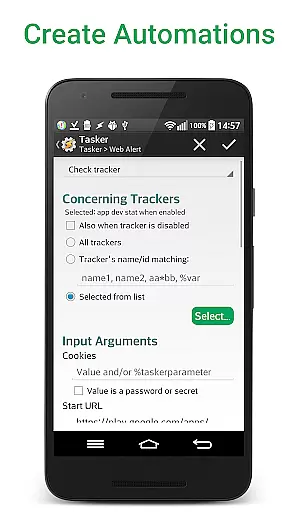
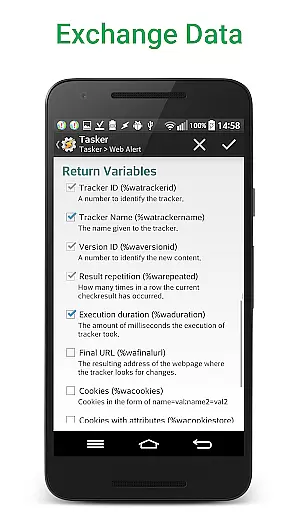
Furthermore, integration with Tasker, Automate, and Automagic through an extensive plugin makes many parts of the app programmable without requiring programming knowledge. This enhances the reliability of cross-device operations, making Web Alert (Pro) a dependable tool for professionals in web development or automation.
Advanced monitoring options
Customizable check frequencies
Professional-grade features
Tasker plugin integration
Comprehensive export tools
Requires separate free app
Complex for beginners
One-time purchase cost
Limited visual interface
Technical setup needed

AI Video AI Image Private LLM AI Browser Llama Gemma Ollama Connect LLM Studio
 4.2
4.2
Easily read and manage all your PDF files
4.10
The Pro Version of Android's tiniest Notepad app. Just 0.3MB but feature-packed!
4.60
CalenGoo is a very flexible and feature-rich calendar app
4.40
Font maker keyboard with your own handwriting
4.10
Functional QR scanner and barcode reader that requires little storage space.
4.60
Create and edit presentations with Google Slides, part of Google Workspace.
4.00
A beautiful digital clock with autostart and many other functions
4.70
Daily processing of PDF documents.
4.40
8 custom complications. Custom Time Fonts. Beautiful color schemes. A++ Design.
5.00
Seamlessly integrate data and reports to build your presentation to impress
4.80
App lock - lock apps with fingerprint, password, pin or pattern, protect privacy
4.70
A customizable calendar for your Wear OS watch
4.20
All in One PDF Reader: Manage, Read and Edit your Documents
4.20
Access your phone's notifications, calls, apps, photos & texts on your PC
3.90


User Reviews