
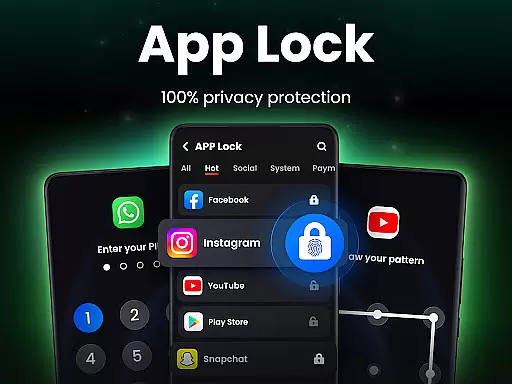
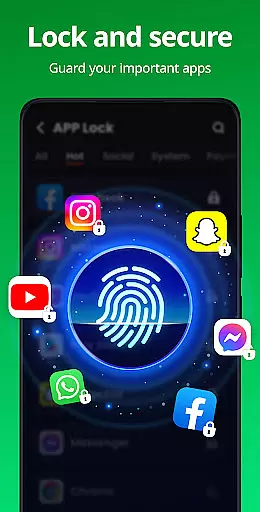
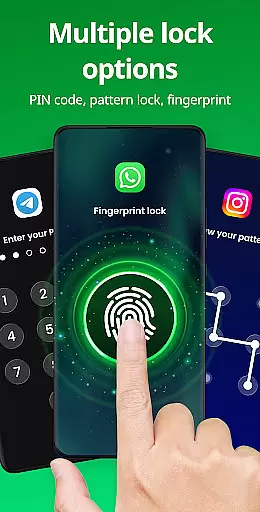

App Lock is a powerful productivity tool designed to safeguard your personal data with just one tap. This app allows you to lock individual applications using PIN, pattern, or fingerprint authentication, ensuring that your private information remains secure. Whether it's social media apps like WhatsApp and Instagram or sensitive areas such as Gallery and Contacts, App Lock provides comprehensive protection against unauthorized access.
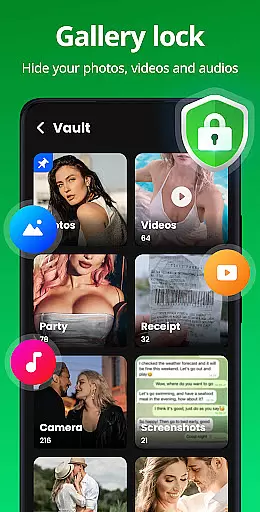
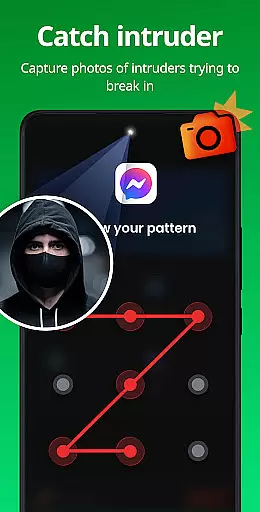
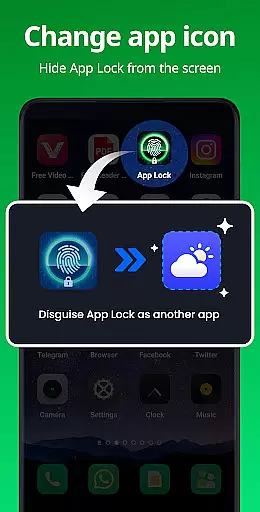
Beyond basic locking features, the app offers advanced functionalities including Safe Vault for hiding private photos and videos, Intruder Selfie which captures unauthorized access attempts, and Disguise App to mask its presence on your device. These features make it an essential tool for anyone looking to maintain their privacy in today’s digital age.
With customizable themes and additional security measures like random keyboards and hidden pattern paths, App Lock not only enhances your device's security but also personalizes your user experience. It's particularly useful for parents who want to prevent accidental in-app purchases by their children or professionals seeking to protect confidential communications.
App Lock stands out with its robust feature set tailored for maximum security and customization. The primary function allows users to lock any app with a variety of methods including PIN, pattern, or biometric fingerprint recognition. This versatility ensures that only authorized individuals can access specific applications, providing peace of mind when sharing devices or leaving them unattended.
In addition to locking capabilities, App Lock includes several innovative features. Safe Vault lets you hide sensitive media files from prying eyes, while Intruder Selfie automatically takes pictures of anyone attempting unauthorized entry. The Disguise App feature cleverly masks the app’s icon, adding another layer of stealth. Furthermore, Uninstall Protection prevents accidental removal of the app, ensuring continuous security coverage.
Customization options abound with multiple themes available for the lock screen interface. Advanced settings include Random Keyboard layouts to thwart password guessing and Relock Timers that automatically re-secure apps after use. With these comprehensive tools at your disposal, App Lock empowers users to take full control over their digital privacy without compromising usability.
At the heart of App Lock's functionality is its ability to manage tasks related to app security with precision. This mobile application allows users to lock specific apps, protecting private data through various means such as PINs, patterns, or fingerprint recognition.
The app extends its core task management features by enabling users to lock a wide range of applications including social media platforms like WhatsApp and Instagram, financial apps such as Google Pay and PayPal, and personal data repositories like Gallery and Contacts. This ensures that sensitive information remains inaccessible without proper authentication.
With additional capabilities such as hiding private photos and videos in a secure vault, capturing intruder selfies, and disguising the app's icon for privacy, App Lock provides comprehensive protection. These features collectively contribute to an environment where user data is safeguarded against unauthorized access.
By integrating customizable settings like invisible pattern paths, random keyboards, and adjustable relock times, App Lock empowers users with control over their digital security. Such tools not only enhance privacy but also offer peace of mind knowing that personal content is shielded from prying eyes.
While App Lock focuses primarily on securing apps on a single device, it offers reliable cross-device synchronization options that ensure consistent protection across multiple platforms. Users can expect their security preferences and locked apps list to remain up-to-date regardless of which device they use.
The application supports cloud backup functionalities, allowing users to save their critical data securely. This feature ensures that even if a device is lost or replaced, the user's settings and hidden files can be restored without hassle, maintaining continuity in privacy management.
Moreover, App Lock's requirement for All Files Access permission is justified by its role in protecting files across devices. By having this permission, the app can effectively hide private media and documents, ensuring they are not visible on any device unless accessed through the app with correct authentication.
In case users forget their password or wish to change it, App Lock provides recovery options via email and straightforward password change procedures within settings. These measures reinforce the reliability of maintaining synchronized security measures across all user devices.
Easy-to-use interface
Multiple locking methods
Advanced privacy features
Customizable themes
Parental control options
Requires many permissions
May drain battery faster
Occasional bugs reported
Limited free features
Ads in the free version

Seamlessly integrate data and reports to build your presentation to impress
 4.80
4.80
The long-awaited modern gallery app for your Nextcloud server
4.70
Mega cloud explorer plugin for Solid Explorer
3.80
A simple, portable logger for POTA, SOTA, Field Day, and more
4.1
Device's storage information in a simple and clear graphical form (infographics)
4.10
aCalendar+ makes your day, week and month
4.70
Activate Two Factor Authentication (2FA or Multi OTP), Password manager and more
4.10
Access, manage and transfer files on Android, PC, Mac, NAS and cloud storages.
4.30
Use powerful, industry-leading AI tools to generate visual charts from any data
4.80
QuickBooks Workforce lets teams view pay info and track time in one place.
4.70
Calendar 2023 widget for Android. Appointment scheduler, planner, and reminder
4.60
Docker, Kubernetes management over Portainer Mobile
4.40
When you Focus, so will your Bean in this cozy focus timer
4.30
Todo reminder
4.10
Wake up & get tasks done! Add alarms & reminders on the Clock Launcher.
4.00


User Reviews