
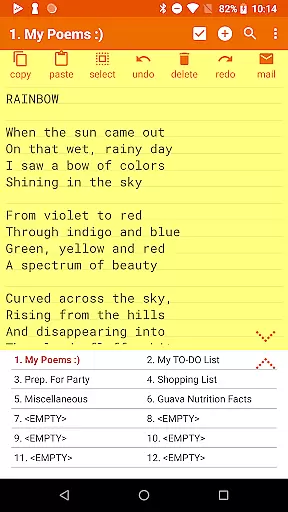
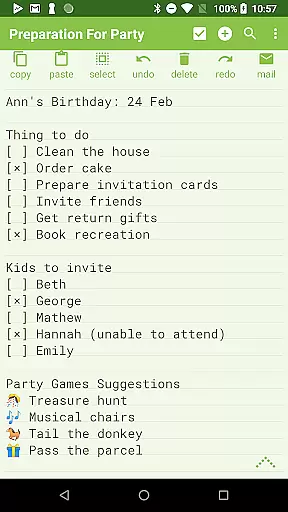
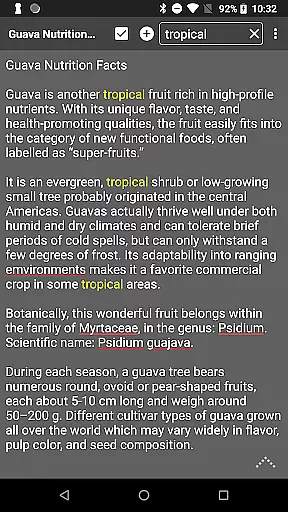
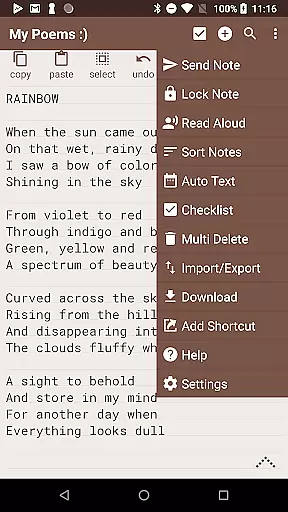
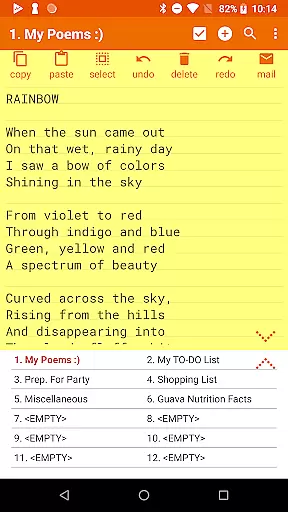
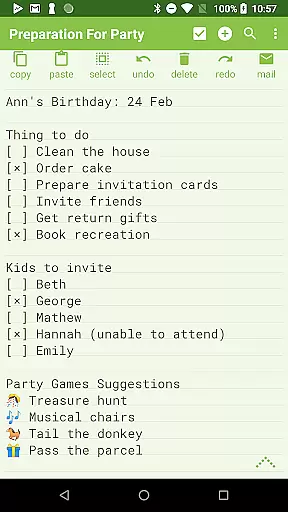
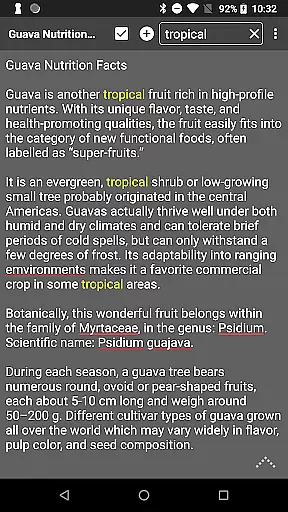
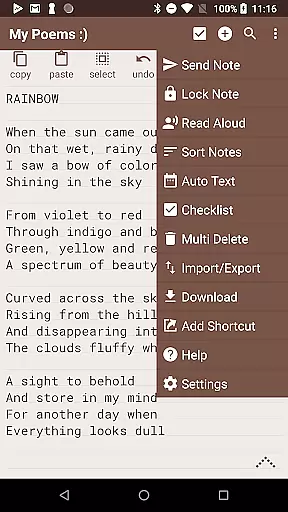
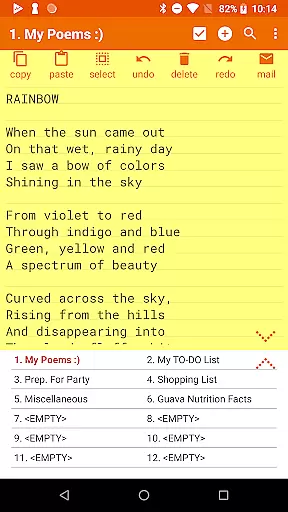
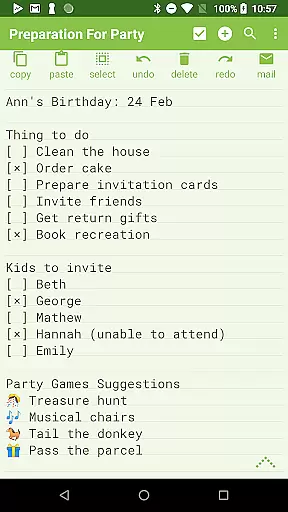
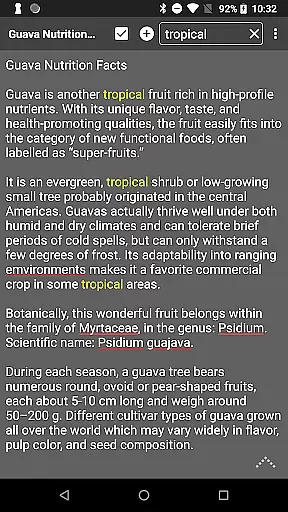
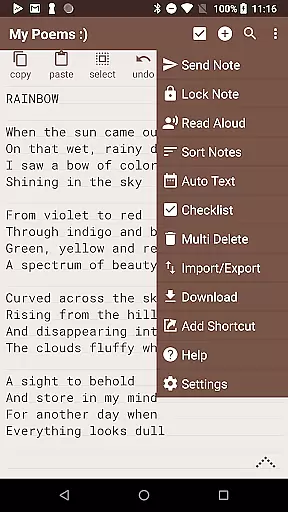
Notepad Pro represents the pinnacle of note-taking applications on Android, designed for users who value efficiency and versatility in their productivity tools. This application offers a robust set of features that cater to both casual note-takers and professionals alike.
At its core, Notepad Pro allows users to create unlimited notes with ease, thanks to its intuitive interface and auto-save functionality. The app stands out with its inline checklist capability, search functionality across notes, and a remarkably small footprint of just 0.3 MB. These features ensure that your device remains uncluttered while you stay organized.
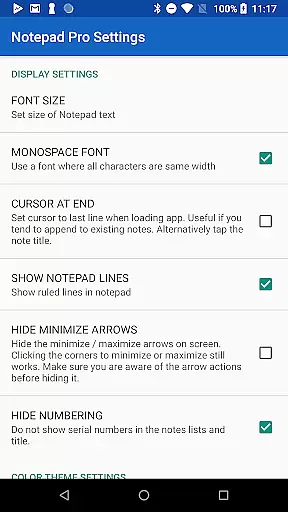
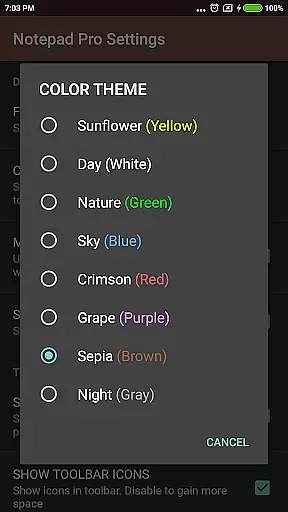
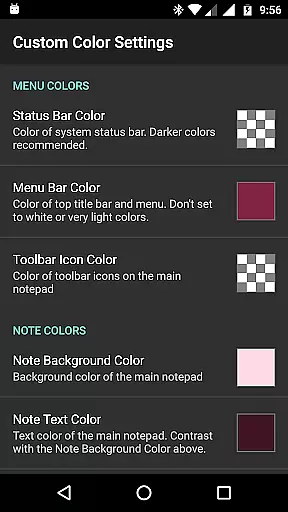
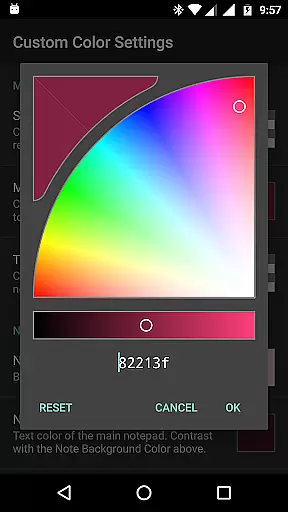
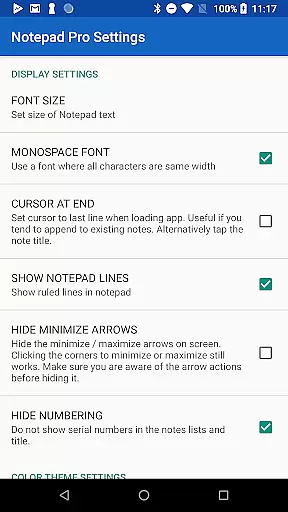
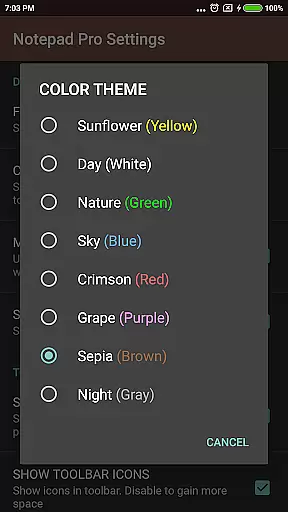
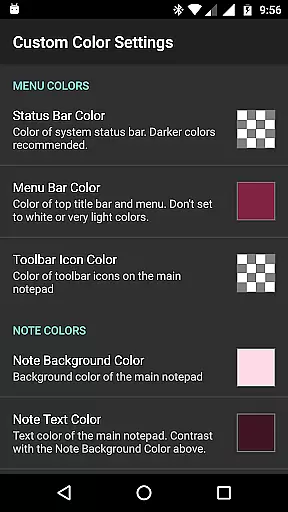
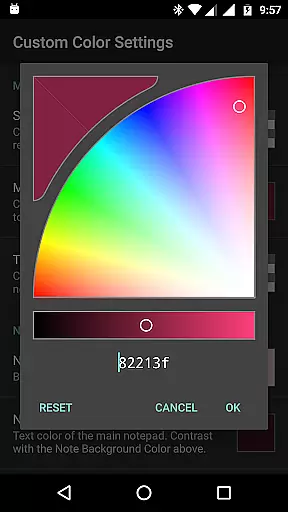
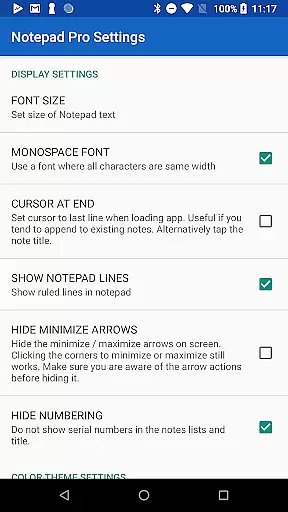
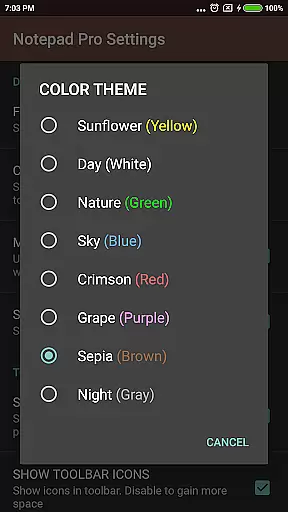
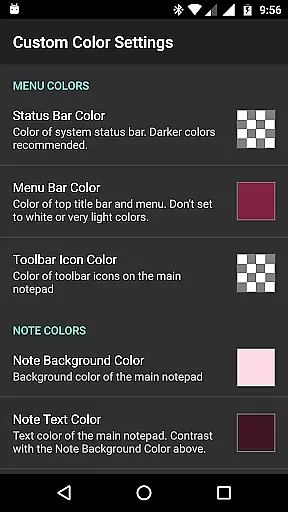
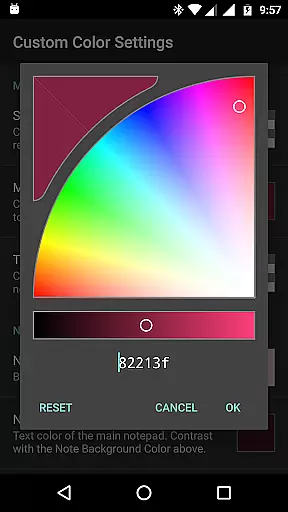
Whether you're managing personal tasks or professional projects, Notepad Pro adapts to your needs by offering customization options such as themes, sorting capabilities, and bookmarking. Its safeguard features like backup restoration and selective import/export functions provide peace of mind, ensuring your data is secure and accessible whenever needed.
Notepad Pro distinguishes itself through an array of sophisticated features tailored to enhance user experience. One of its standout aspects is the ability to handle unlimited notepad slots, allowing users to maintain an extensive collection of notes without any constraints.
The app's display functionalities are equally impressive, providing users with custom sort options, categorization tools, and support for personalized themes. These features enable a tailored viewing experience that can be adjusted to suit individual preferences, whether it's through full-screen views or always-visible note titles.
In terms of accessibility, Notepad Pro excels by integrating read-aloud capabilities, desktop shortcuts, and additional configuration settings. Sharing functionalities are also robust, allowing seamless integration with external apps for sending texts or attaching notes as files in emails. Such comprehensive features make Notepad Pro a versatile tool for managing information efficiently.
Notepad Pro excels in core task management by offering users a versatile Auto Save Notepad with unlimited slots. This ensures that users can jot down thoughts or tasks without worrying about storage limits.
The app goes beyond simple note-taking by providing in-line checklist capabilities and the ability to search within and across notes. These features allow for efficient organization and quick retrieval of information, making task management seamless.
With its tiny size of just 0.3 MB and no unwanted permissions, Notepad Pro ensures that managing your tasks doesn't come at the cost of device performance or privacy. The desktop widget support further enhances accessibility, allowing users to manage tasks directly from their home screen.
Cross-device synchronization is crucial for users who operate on multiple platforms. Notepad Pro addresses this need by enabling users to download notes and backups locally, ensuring data availability across devices.
The app allows selective import/export of notes, which means users can choose specific notes to synchronize between devices. This feature not only provides flexibility but also enhances the reliability of data transfer.
Furthermore, Notepad Pro offers the option to specify backup frequency, giving users control over how often their notes are backed up. This level of customization ensures that cross-device synchronization meets individual user needs while safeguarding against data loss.
User-friendly interface
Auto-save functionality
Customizable themes
Secure backup options
Efficient sharing tools
Paid version only
No cloud sync
Limited design templates
Advanced features may overwhelm new users
Small developer support team

Seamlessly integrate data and reports to build your presentation to impress
 4.80
4.80
Direct Chat without saving contacts & Dual WA Account on Single Device
4.70
IP Camera Viewer - Android TV : RTSP Surveillance camera viewer for Android TV
4.1
App Lock with fingerprint, password: Lock apps & hide photos with lock screens
4.60
Calendar 2023 widget for Android. Appointment scheduler, planner, and reminder
4.60
Tally and goal counter for Wear OS & mobile
4.50
This small app MUST BE INSTALLED after purchase, else license won't work
4.40
Simple notepad & memo. Take notes, to-do list, shopping list with reminders.
4.80
Set up, print, and get support—in one place
4.20
Secure your apps with lock screens, use custom themes and different features.
4.40
Share files & memories safely. Keep your photos and videos secure.
4.40 4.20
4.20
A customizable calendar for your Wear OS watch
4.20
Experience real multitasking on your Android!
4.00
A Revolutionary All-in-One Artificial Intelligence Tools
3.80


User Reviews