
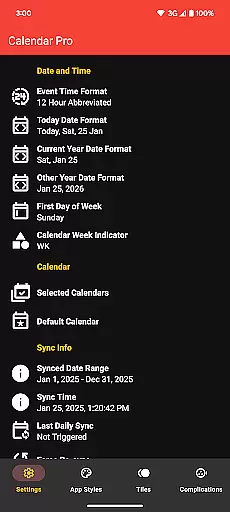
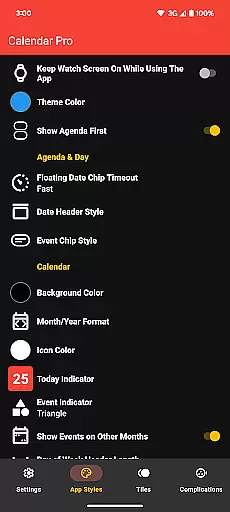
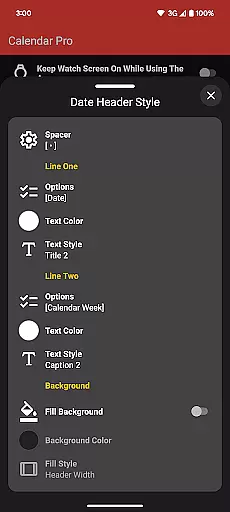
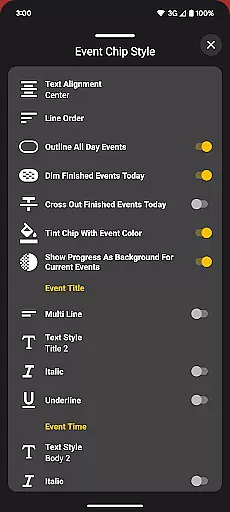
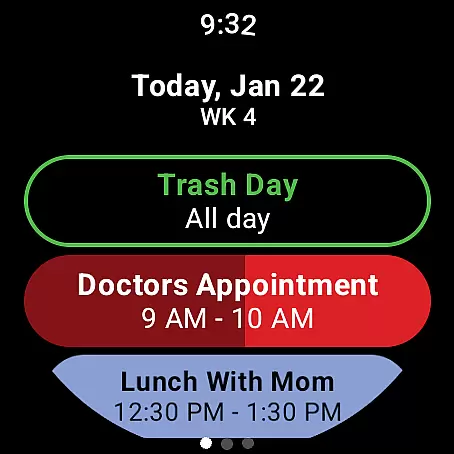
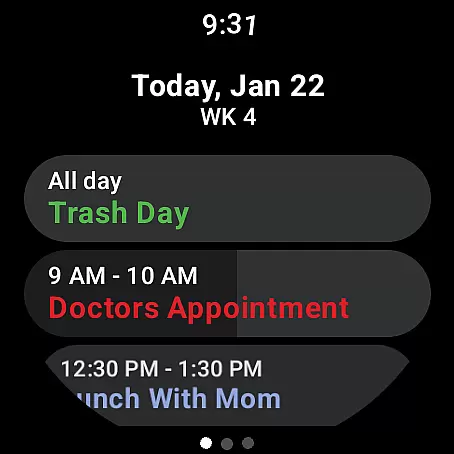
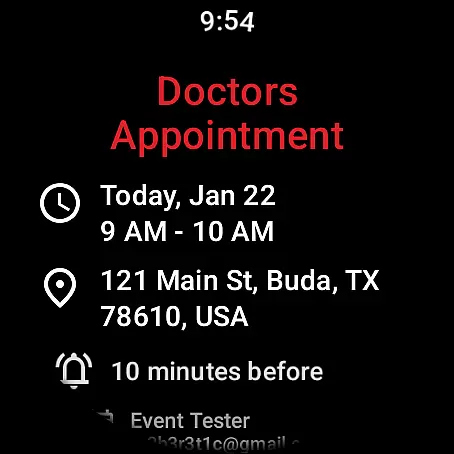
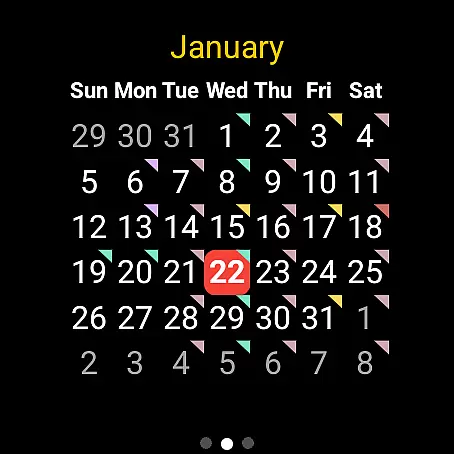
Calendar Pro for Wear OS is a comprehensive calendar solution that seamlessly integrates your phone's calendars with your Wear OS smartwatch. This productivity app allows users to access, manage, and customize their schedules directly from their wrist.
The app supports synchronization of multiple calendar services including Google Calendar, Outlook, and Samsung Calendar. With its intuitive interface, users can add, edit, and delete events effortlessly. The customizable features extend to month calendars, agenda views, and various watch tiles, ensuring a personalized experience tailored to individual preferences.
Ideal for busy professionals and active individuals, Calendar Pro enhances time management by providing instant access to upcoming events and important dates right on your wearable device.
Calendar Pro stands out with its extensive customization options and robust feature set. The app syncs the next 12 months of events to your Wear OS device, giving you long-term visibility into your schedule.
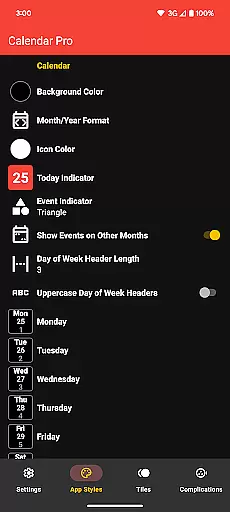
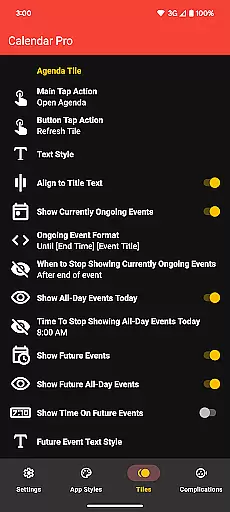
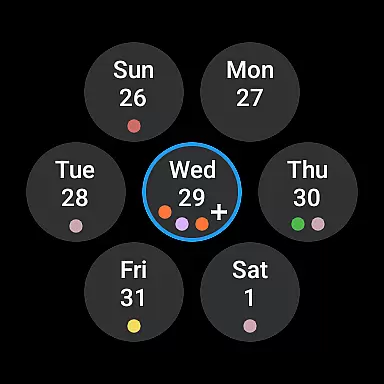
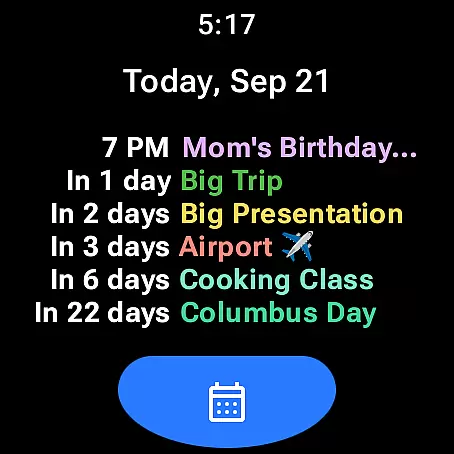
Users can personalize their experience through various customizations. The month calendar offers adjustable background colors, event indicators, and scaling options. Agenda view provides multiple date header styles and text formatting choices. Additionally, the app includes specialized tiles like Month Calendar Tile, Agenda Tile, and Next Event Tile for quick access to essential information.
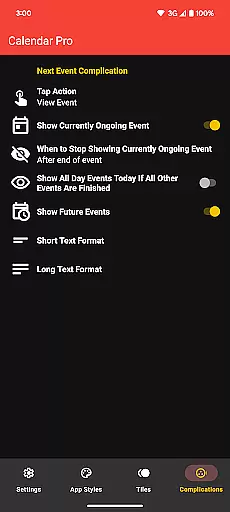
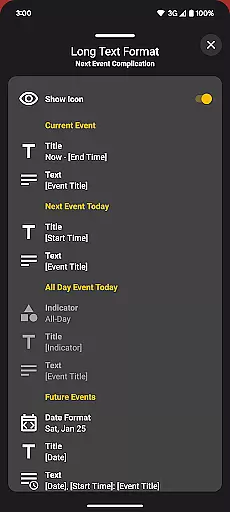
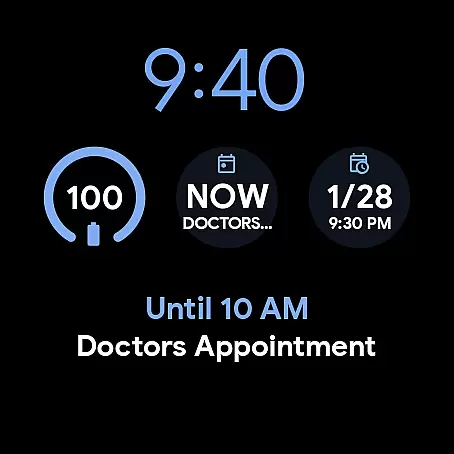
The innovative Next Event complication enhances usability by displaying current and upcoming events directly on the watch face. With support for multiple theme colors and compatibility with various calendar services, Calendar Pro delivers a versatile and reliable scheduling tool for Wear OS users.
Calendar Pro for Wear OS excels in core task management by providing users with a comprehensive suite of tools to manage their schedules effectively. The app syncs the next 12 months of events to your watch, ensuring that you have constant access to your upcoming commitments.
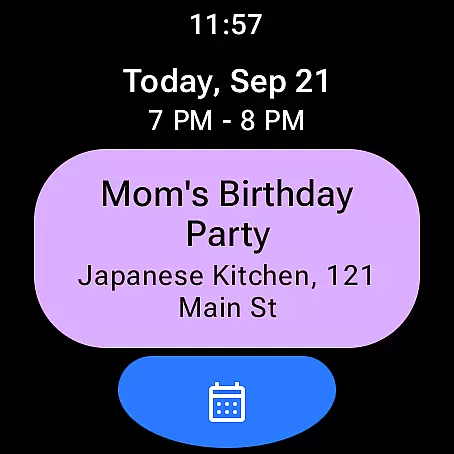
With the ability to add, edit, and delete events directly from your Wear OS watch, Calendar Pro streamlines task management like no other. This hands-on approach empowers users to make instant updates without needing to reach for their phone, thus maintaining productivity on the go.
The customizable Agenda feature allows for personalized views tailored to individual preferences, enhancing the user's capacity to prioritize tasks efficiently. By dimming finished events and showing progress for ongoing ones, it keeps users focused on what lies ahead.
Ultimately, this app's dedication to task management without the need for subscriptions offers an unrivaled value proposition. Users can unlock all features at a one-time price, making it a cost-effective solution for managing personal and professional schedules.
Cross-device synchronization is where Calendar Pro for Wear OS truly shines, offering reliable and seamless updates across your smartphone and Wear OS watch. This ensures that any changes made on one device are immediately reflected on the other, keeping you perpetually updated.
The app supports a wide array of calendars including Google calendar, Outlook calendar, Samsung calendar, DAVxu2075, and ICSxu2075. Such inclusivity guarantees that regardless of your preferred platform, Calendar Pro maintains synchronization integrity across all your devices.
Customizable tiles such as Month calendar Tile with event indicators, Agenda Tile, Week Tile, and Next Event Tile further enhance synchronization reliability. These visual cues provide at-a-glance information, ensuring users stay informed about their schedule wherever they are.
By requiring both the watch app and phone app to be installed, Calendar Pro assures users of a robust synchronization framework. This dual-installation approach underpins the app's commitment to delivering consistent and dependable performance across devices.
Comprehensive calendar sync
Extensive customization options
Multiple calendar service support
Intuitive event management
One-time purchase model
Requires phone app installation
Limited Samsung calendar support
Complex setup process
Interface learning curve
Watch battery consumption

Seamlessly integrate data and reports to build your presentation to impress
 4.80
4.80
Total remote control for your Android device, PC and cloud services (IFTTT)!
4.20
8 custom complications. Custom Time Fonts. Beautiful color schemes. A++ Design.
5.00
Smart PDF reader & editor to view, organize and manage PDF documents easily.
3.70
Secure, fast, open-source, Remote Desktop Client for Windows and Linux with SSH
4.60
Customizable calendar widget for seamless event sync, planning & scheduling.
4.00
Multilingual translator for text, voice, and image translation!
4.90
A beautiful digital clock with autostart and many other functions
4.70
This small app MUST BE INSTALLED after purchase, else license won't work
4.40
A Pixel Art watchface inspired by other iconic 90s designs for Wear OS devices!
4.40
Share files & memories safely. Keep your photos and videos secure.
4.40
Secure, open-source, SPICE and SSH Remote Desktop for QEMU KVM virtual machines
4.00
Auto-shutoff Alarm with Sunrise, Sunset & Fixed Options.
3.50
ID.me Authenticator is a simple and free Two Factor Authentication solution
3.50
Code on-the-go with VScode for Android. Edit,debug and collaborate from mobile!!
3.10


User Reviews