
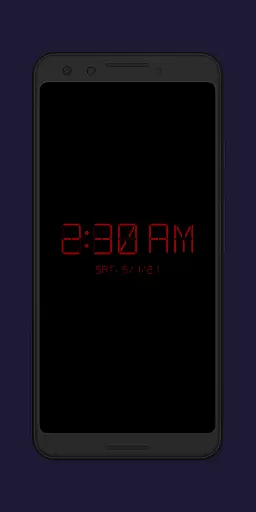
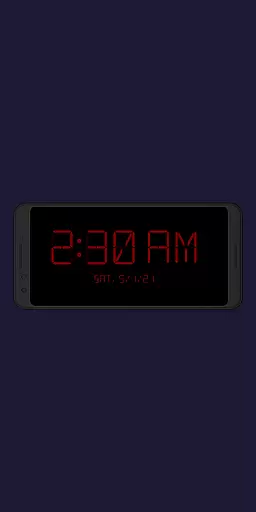
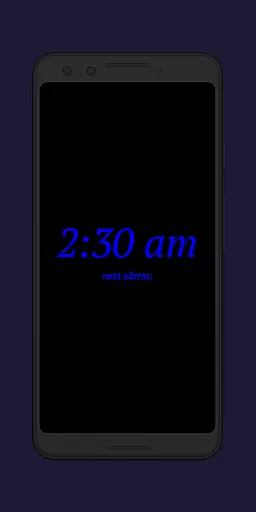
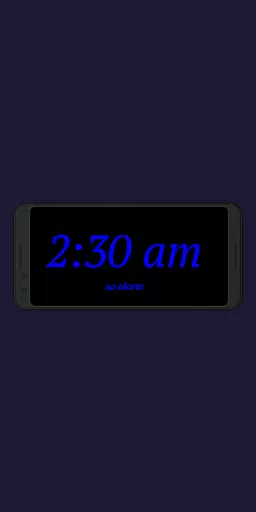
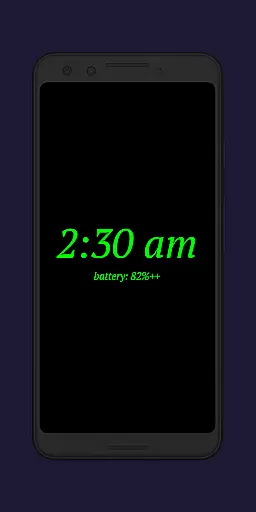
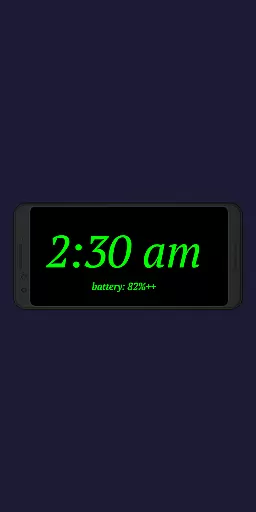
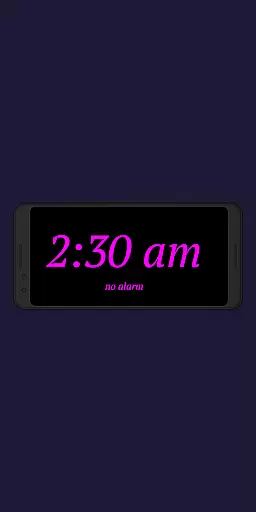
Night Clock + is a versatile digital clock application designed to serve as both a bedside night clock and a daylight mode display. The app transforms any unused Android device into an elegant timepiece that functions seamlessly throughout the day and night. Its supporter version offers all features without limitations, making it a reliable choice for users seeking a comprehensive clock solution.
The app includes practical features such as a built-in flashlight for nighttime convenience and customizable settings for optimal user experience. Whether you need a dependable night clock or a stylish digital display, Night Clock + provides a valuable tool for enhancing your daily routine.
Night Clock + boasts an impressive array of features that cater to diverse user needs. With four different font types and fully adjustable font colors, users can personalize their clock display to suit their preferences. The app also allows free selection of brightness levels and adjustable display sizes for clock elements, ensuring optimal visibility in any lighting condition.
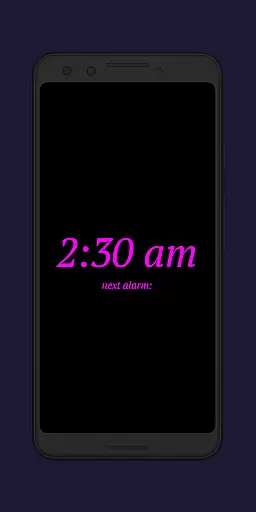
Additional functionalities include displaying the next alarm time from the Android system, direct access to a flashlight on the night clock screen, and automatic night clock activation when a power cord is connected. Users can also set automatic starts at preset times, utilize a daylight mode with automatic brightness adjustments, and view total night clock display time in the app settings. These innovative features collectively enhance the overall user experience.
In the realm of productivity, effective task management stands as a pivotal function. Night Clock + redefines this space by integrating essential time management features into a digital clock interface.
The app offers advanced functionalities such as displaying the next alarm time set in the Android system directly on the night clock screen. This feature ensures users are always aware of their upcoming schedules without having to navigate away from the current view.
Additionally, the automatic night clock start can be configured to activate at a preset time or whenever a power cord is connected to the device. These smart triggers streamline the user's daily routine by removing the need for manual adjustments.
By incorporating these task management elements, Night Clock + not only serves as a bedside companion but also as an efficient personal assistant that enhances the user's ability to manage their time effectively.
Cross-device synchronization is crucial for users who employ multiple devices in their daily lives. Night Clock + addresses this need by ensuring reliable and seamless functionality across different usage scenarios.
One of the standout features is the automatic brightness adjustment which caters to both daylight and nighttime conditions. Users can rely on consistent visibility whether they're using an old device as a dedicated clock or their primary phone as a nightstand companion.
The app also includes an integrated screensaver functionality where the clock moves very slowly across the screen. This subtle animation not only prevents screen burn-in but also maintains synchronization with the user's preferred settings regardless of the device in use.
With these robust synchronization capabilities, Night Clock + provides a dependable experience that adapts to various devices and environments, ensuring users have a uniform and reliable interface at all times.
User-friendly interface
Highly customizable
Reliable performance
Comprehensive feature set
Automatic activation options
Paid version only
Requires permissions
Complex for beginners
Battery consumption
Limited free version

When you Focus, so will your Bean in this cozy focus timer
 4.30
4.30
Unlock AutoNotification
4.00
Planet Free VPN - The best Fast Unlimited and Secure VPN Without Logs
4.50
Make your handwriting beautiful, even more than pen on paper.
3.60
Customizable calendar widget for seamless event sync, planning & scheduling.
4.00
Create and edit presentations with Google Slides, part of Google Workspace.
4.00
Docker, Kubernetes management over Portainer Mobile
4.40
Lightweight PDF, Word, Excel reader.
4.60
Browse and view your photos and videos from the phone with photo & video hide.
4.10
Simple notepad & memo. Take notes, to-do list, shopping list with reminders.
4.80
Stay on top of your to-dos with Google Tasks, part of Google Workspace.
4.60
Translate text/voice/photos in 150+ languages. Offline & fast translator app.
4.50
Make apps & sites with natural language prompts
4.10
Access your phone's notifications, calls, apps, photos & texts on your PC
3.90
Find and delete junk files & block unwanted notifications & manage files
3.70


User Reviews