
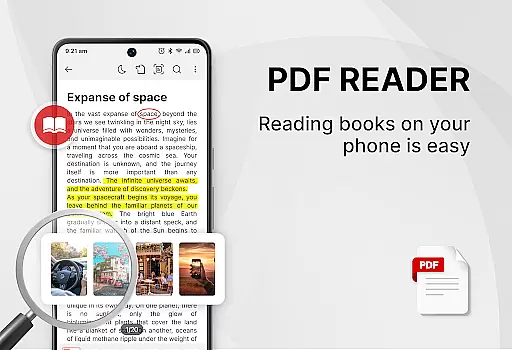
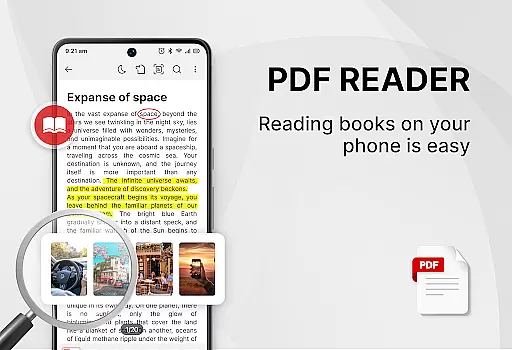
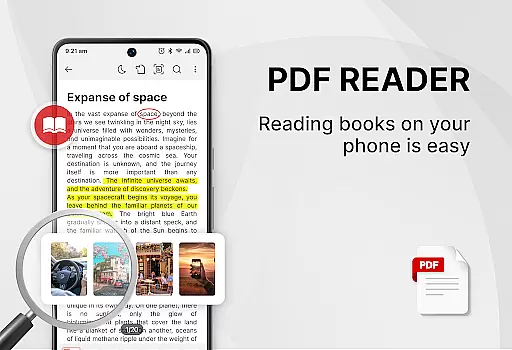
PDF Reader - Smart PDF Viewer is a comprehensive document management app designed for Android users. This productivity tool allows you to read, manage, and edit all types of PDF files effortlessly. The app supports various document formats including PDFs, Word documents, receipts, and more.
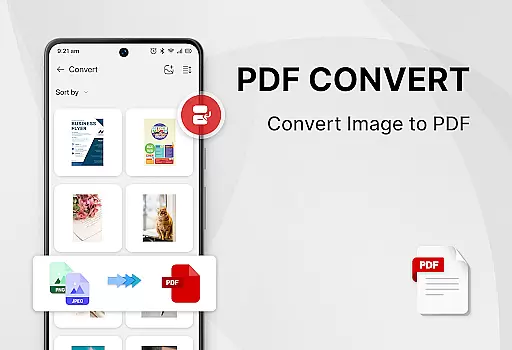
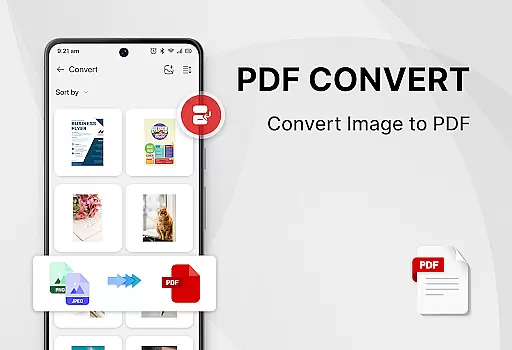
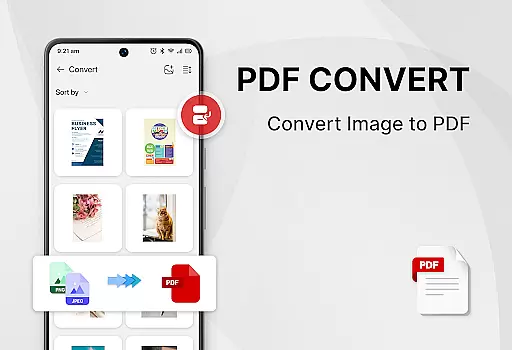
One of the standout features of this app is its ability to add e-signatures, convert PDFs to images, merge and split PDFs, and share documents with others. Whether you need an all-in-one PDF reader, ebook viewer, or PDF editor, this app has got you covered. It also offers a PDF converter to transform images or scanned files into PDF format. All these features are available for free, making it a valuable tool for both personal and professional use.
This app is particularly useful for students and professionals who need to handle multiple document formats regularly. With functionalities like switching between light and dark modes, managing recently opened files, and setting passwords for document protection, it enhances work efficiency significantly.
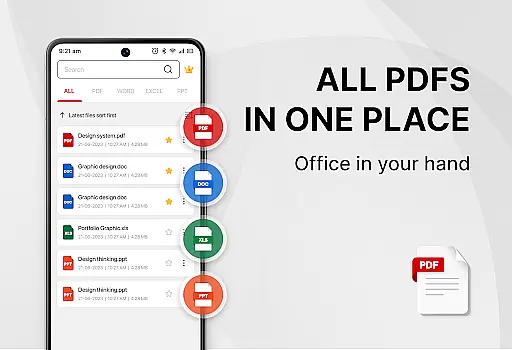
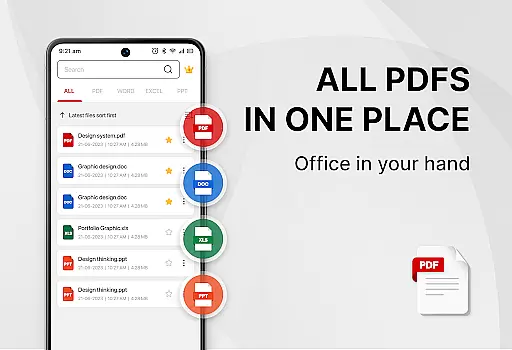
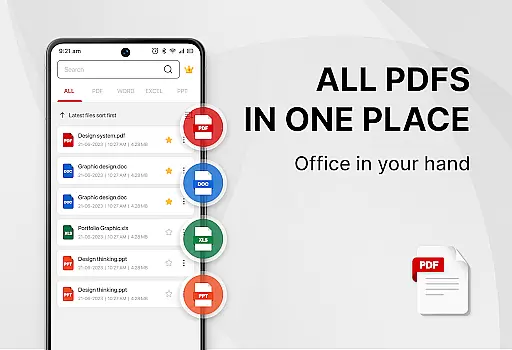
Smart PDF Reader App comes packed with powerful features that set it apart from other document management apps. Firstly, it provides a smart search function that displays all document files such as PDFs, Word, Excel, and PPTs. This makes it incredibly easy to locate and manage your files without any hassle.
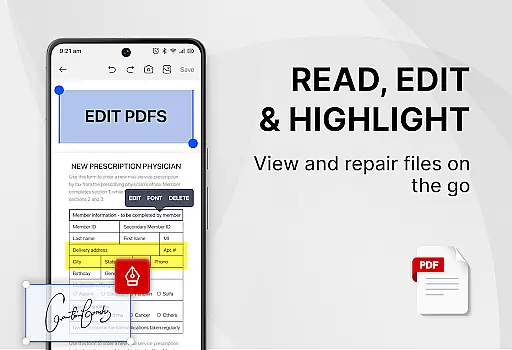
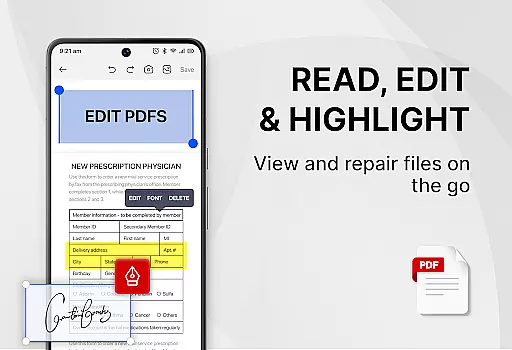
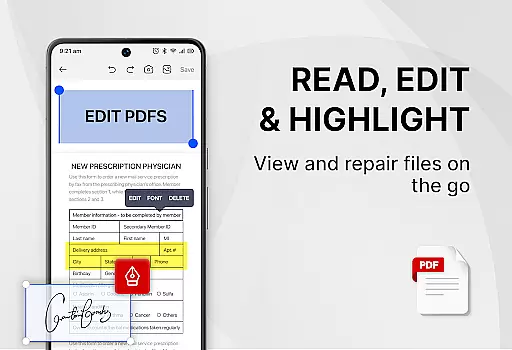
In addition to viewing and sharing PDFs, the app offers advanced tools like adding e-signatures, converting images to PDFs, scanning paper documents to PDF, and converting Word files to PDF. You can also search and copy text within PDF files easily. For those who require document security, the app allows you to set passwords to protect sensitive information.
The user interface is designed for simplicity and ease of use. Features like one-click switching between light and dark modes, displaying recently opened files in a simple list, and merging or splitting PDF files make document management straightforward and efficient. These capabilities ensure that users can focus on their tasks without being bogged down by complex operations.
Task management is a critical aspect of productivity applications, especially for users who need to handle multiple document formats efficiently. PDF Reader - Smart PDF Viewer excels in this area by offering an all-in-one solution for managing various types of documents.
This app allows users to search and manage PDF files with ease, providing features such as smart search functionality that displays all document files including PDFs, Word documents, Excel sheets, and PowerPoint presentations. The recent files list enables quick access to frequently used documents, streamlining the workflow.
Moreover, the application supports essential operations like merging and splitting PDFs, adding e-signatures, converting files between different formats, and protecting documents with passwords. These capabilities ensure that users can complete their tasks without needing additional software, thus enhancing overall efficiency.
By integrating comprehensive document management tools into a single platform, PDF Reader - Smart PDF Viewer empowers users to focus on their core activities, whether it's for work or study, making it an indispensable tool for anyone looking to optimize their productivity.
In today's interconnected world, reliable cross-device synchronization is vital for maintaining productivity and ensuring seamless access to important documents across different platforms. PDF Reader - Smart PDF Viewer addresses this need by providing a robust system for managing and accessing documents from any device.
The app requires the MANAGE_EXTERNAL_STORAGE permission to locate, access, and edit document files effectively. This permission ensures that users can reliably sync their documents across devices, allowing them to pick up where they left off, regardless of the device they are using.
With its cloud-based infrastructure, PDF Reader - Smart PDF Viewer guarantees real-time updates and consistent data integrity. Users can effortlessly share PDF files with others, convert images or scanned files to PDF, and perform advanced operations like setting passwords for document protection, all while being assured that their changes will be reflected across all linked devices.
By prioritizing cross-device synchronization reliability, PDF Reader - Smart PDF Viewer enhances user experience, enabling individuals to stay productive and organized, no matter where they are or which device they choose to use.
User-friendly interface
Comprehensive document support
Free to use
Advanced editing tools
Efficient file management
Requires storage permission
Limited offline functionality
Occasional ads
Basic UI design
Large app size

Secure, fast, open-source, VNC and SSH Remote Desktop for Windows, Linux and Mac
 4.70
4.70
When you Focus, so will your Bean in this cozy focus timer
4.30
Ads Free App! Editor, Hide File, Copy, Move, Delete and Rename.. all facility av
1.70
Unlock AutoNotification
4.00
A lightweight JSON & XML files creator, editor and viewer (Premium Version)
4.40
Secure, open-source, SPICE and SSH Remote Desktop for QEMU KVM virtual machines
4.00
Scientific calculator for Android - looks and operates like the real thing!
4.90
Okta MFA
4.70
Set up, print, and get support—in one place
4.20
Client for Nextcloud Deck
4.60
This small app MUST BE INSTALLED after purchase, else license won't work
4.40
Automates browsing any website and notifies you of important changes or events
4.30
Total remote control for your Android device, PC and cloud services (IFTTT)!
4.20
Intelligent AI Assistant
4.10
Make your handwriting beautiful, even more than pen on paper.
3.60


User Reviews