
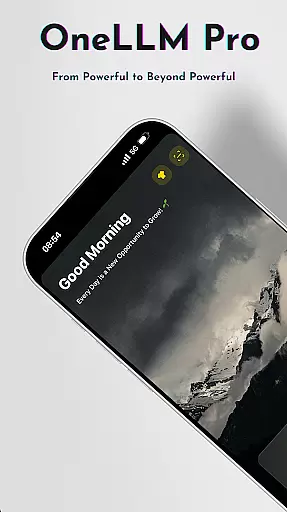
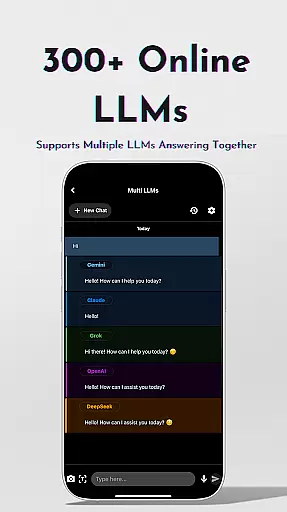
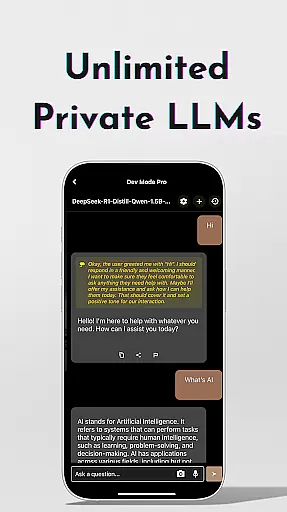
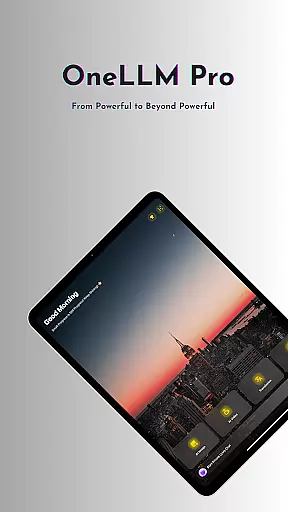
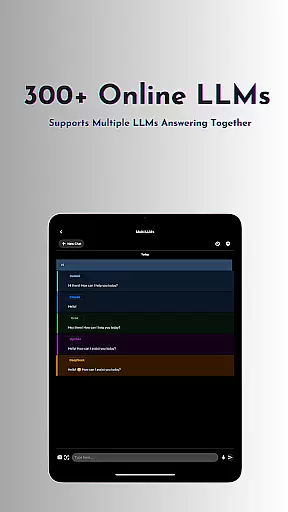
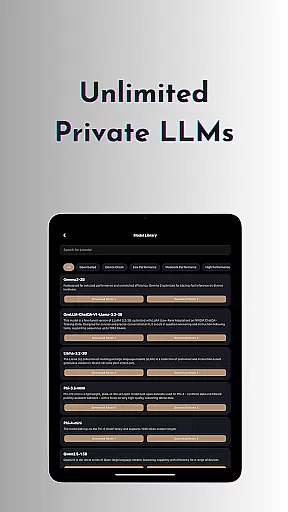
OneLLM Pro is a cutting-edge productivity app that seamlessly integrates local and cloud AI capabilities, offering users an extensive suite of tools for various tasks. Whether offline or online, the app provides access to thousands of fully offline top-tier Large Language Models (LLMs) and over 300 online LLMs, including industry leaders like ChatGPT 4o and Claude.
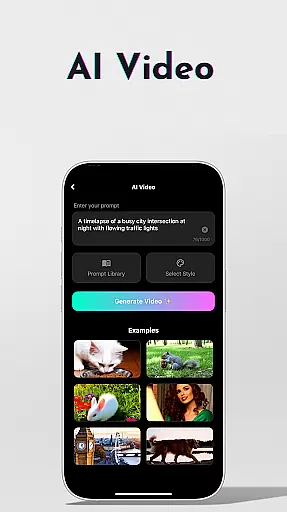
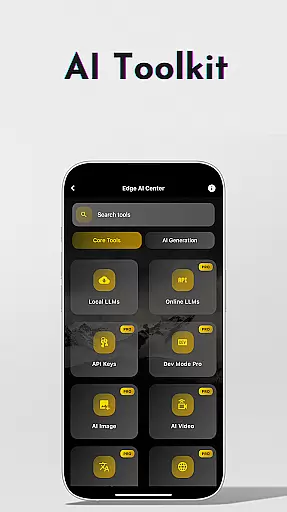
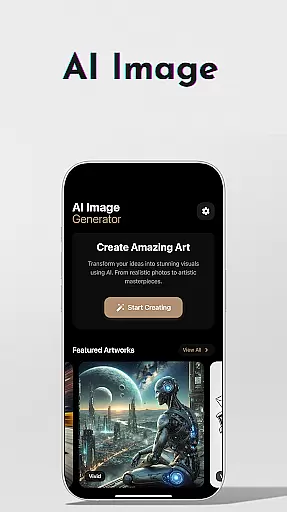
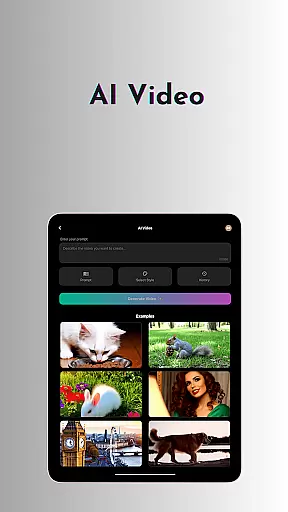
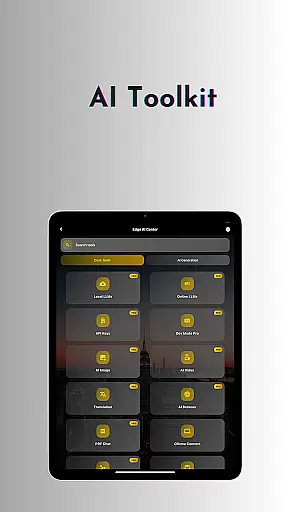
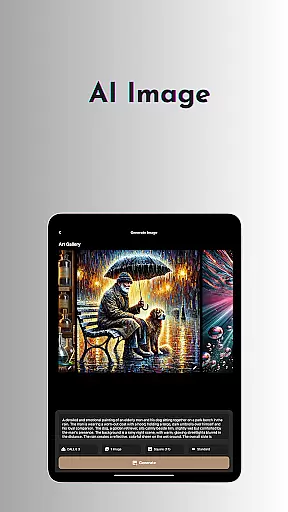
Beyond its core language model functionalities, OneLLM Pro features specialized AI toolkits such as video generation, image creation through Stable Diffusion and DALL·E 3, offline OCR document scanning, and private speech-to-text transcription. The app also includes practical utilities like password generation, AI-powered browsing assistance, and multi-LLM simultaneous response mode, making it an indispensable tool for both personal and professional use.
This versatile application caters to diverse user needs, from students utilizing the Study Assistant feature to professionals leveraging the AI browser for efficient content digestion. Its optimized performance across all device types ensures maximum accessibility while maintaining exceptional speed and security through local processing.
OneLLM Pro distinguishes itself through its comprehensive feature set that nearly doubles the number of on-device AI tools compared to its predecessor. The app's core functionality revolves around its robust support for both local and cloud-based LLMs, allowing users to switch between models with a single tap while maintaining complete control over their data privacy.
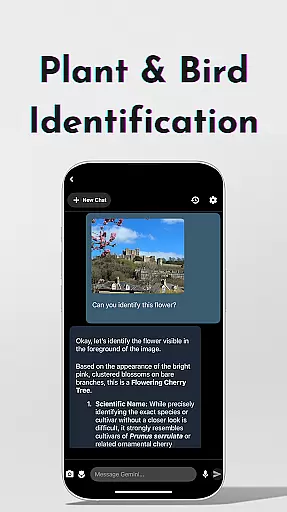
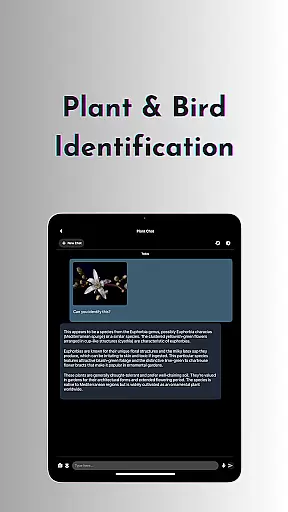
The AI toolkit collection represents a significant advancement in productivity applications, featuring innovative tools like cinematic video generation, advanced image creation capabilities, and specialized functions such as plant and bird identification. Particularly noteworthy is the app's implementation of Ollama Connect, enabling seamless integration with large LLMs running on external devices.
For power users, the LLM Dev Mode offers unprecedented customization options, allowing detailed parameter adjustments and per-model history management. The app's intelligent matching system recommends optimal LLM configurations based on device specifications, ensuring peak performance while optimizing storage and battery usage across both entry-level and flagship devices.
Task management is a cornerstone of productivity applications, and OneLLM Pro excels in this domain by offering an extensive suite of AI-driven tools designed to streamline various tasks. The app provides users with the ability to manage both simple and complex workflows through its multi-faceted approach, integrating local and cloud-based AI capabilities.
OneLLM Pro's core task management feature includes functionalities such as AI Notes for private speech-to-text transcription, perfect for meetings and lectures. Additionally, it offers a Study Assistant that supports text input, photo capture, or image uploads, making learning more accessible and efficient. These features ensure that users can handle their daily tasks with greater ease and efficiency.
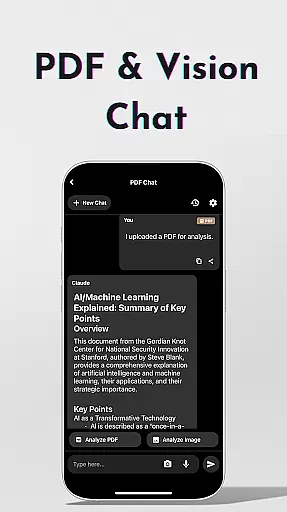
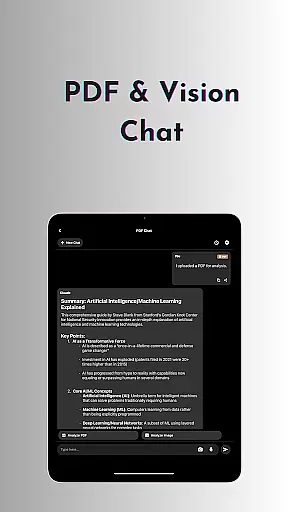
The application also allows users to interact with PDFs and images through its Chat with PDF & Image tool, which simplifies document analysis and content focusing. This functionality saves valuable time by pinpointing details and allowing users to concentrate on key content without getting bogged down by less relevant information.
Overall, OneLLM Pro transforms task management into a seamless experience by leveraging advanced AI technologies. Users benefit from enhanced productivity, privacy, and adaptability, ensuring they can tackle a wide range of tasks with confidence and precision.
Cross-device synchronization is crucial for maintaining workflow continuity across different devices, and OneLLM Pro ensures reliable and real-time updates to keep users productive regardless of their device. This feature guarantees that all data, settings, and AI models are consistently synchronized, providing a seamless user experience.
OneLLM Pro leverages both local and cloud processing to offer optimal synchronization. Whether you're switching from a mobile device to a PC or vice versa, the app ensures that your AI configurations, chat histories, and custom settings are preserved and up-to-date. This dual-processing capability enhances both performance and data security.
In addition to basic synchronization, OneLLM Pro includes advanced features like Ollama Connect, which enables users to link their mobile devices to large LLMs running on PCs or servers. This connectivity ensures that even the most demanding AI tasks can be handled smoothly, with no compromise on speed or reliability.
By prioritizing cross-device synchronization reliability, OneLLM Pro empowers users to work efficiently and effectively across multiple platforms. This ensures that whether you're at home, in the office, or on the go, your productivity remains uninterrupted, and your data stays secure and current.
Extensive LLM selection
Robust privacy controls
Versatile AI toolkits
Cross-device optimization
Comprehensive customization
Complex for beginners
Requires API setup
High resource demands
Premium pricing model
Limited free features

Auto-shutoff Alarm with Sunrise, Sunset & Fixed Options.
 3.50
3.50
Easily read and manage all your PDF files
4.10
Android Wallet Password Manager
4.80
A lightweight JSON & XML files creator, editor and viewer (Premium Version)
4.40
Device's storage information in a simple and clear graphical form (infographics)
4.10
Remotely view listen control and record cameras.
3.70
Todo reminder
4.10
Make apps & sites with natural language prompts
4.10
ID.me Authenticator is a simple and free Two Factor Authentication solution
3.50
Quickly and easily keep track of your work shifts
4.70
Stay on top of your to-dos with Google Tasks, part of Google Workspace.
4.60
Translate text/voice/photos in 150+ languages. Offline & fast translator app.
4.50
A customizable calendar for your Wear OS watch
4.20
Unlock AutoNotification
4.00
Smart PDF reader & editor to view, organize and manage PDF documents easily.
3.70


User Reviews