



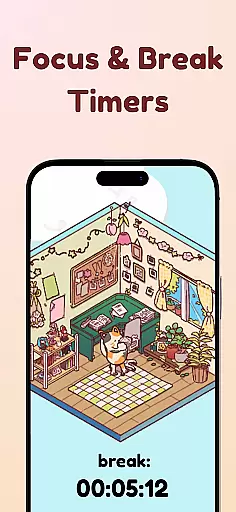
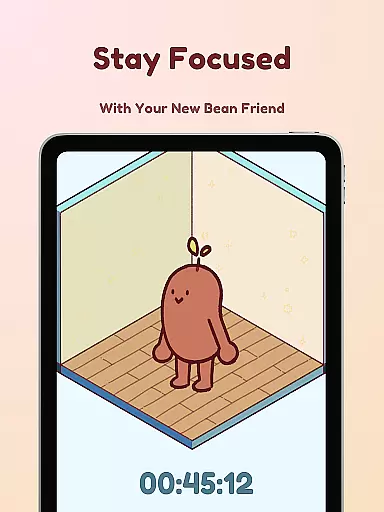
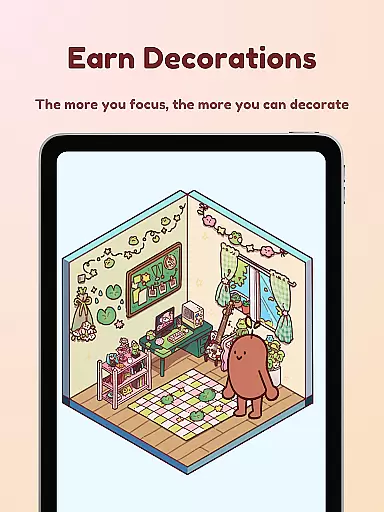
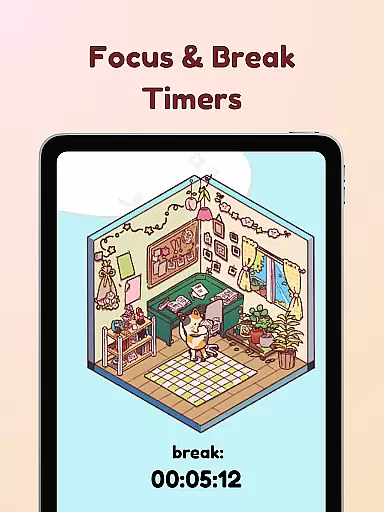
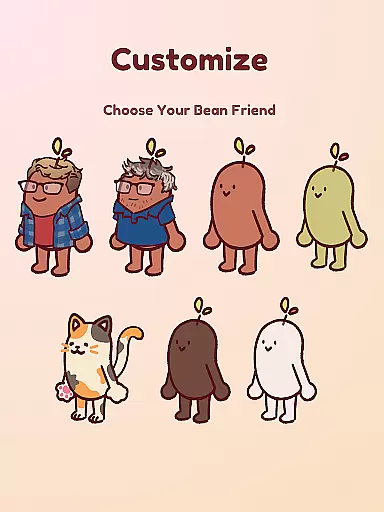
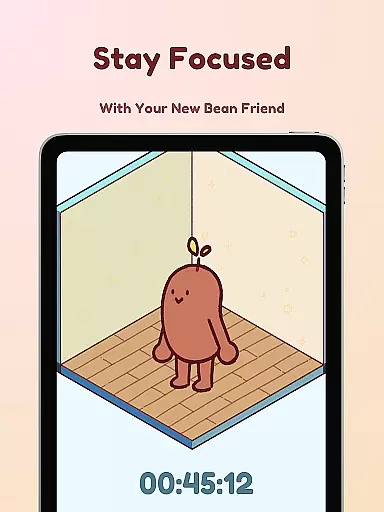
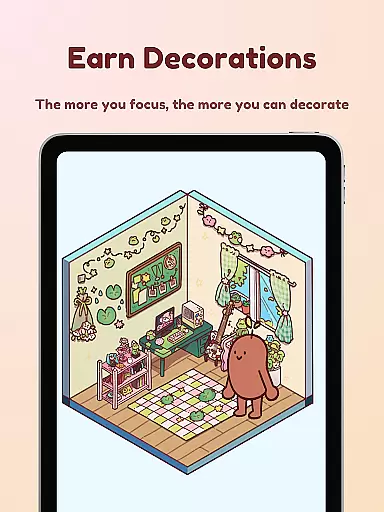
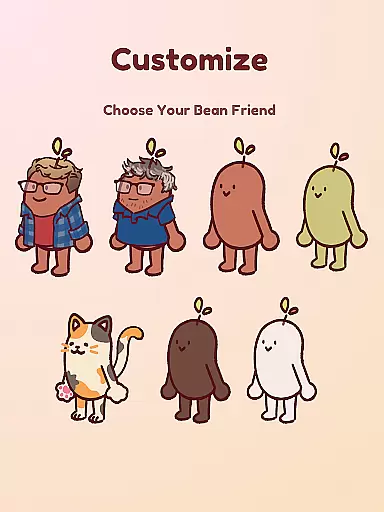
Focus Friend is a productivity app designed to help users maintain focus during work or study sessions through gamification. Developed by Hank Green, this app features a charming Bean character that mirrors the user's focus habits. When you stay on task, your Bean Friend stays happy; if you interrupt your session, the Bean becomes sad. The app provides a timer system that rewards users with in-app prizes for completing focus sessions, which can be used to decorate the Bean's room.
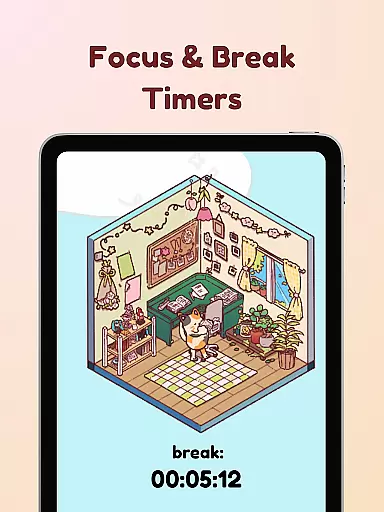
The app includes several productivity-enhancing features such as Live Activity, which allows users to see their timer progress even when the phone is locked. It also offers a Deep Focus Mode that locks distracting apps during focus sessions and break timers that encourage taking regular breaks using the Pomodoro technique. With hundreds of decorations and various Bean skins to choose from, Focus Friend makes productivity both fun and personalized.
Focus Friend stands out with its unique combination of productivity tools and engaging gamification elements. The app's core feature is its focus timer, which is designed to keep users on track with their tasks. By integrating a cute Bean character that reacts to the user's focus habits, the app creates an emotional connection that motivates users to stay disciplined. The Live Activity function ensures that users can monitor their progress even when their device is locked, providing continuous motivation.
In addition to the focus timer, the app offers a Deep Focus Mode that helps minimize distractions by locking access to other apps during work sessions. This feature is particularly useful for individuals who struggle with digital distractions. The inclusion of break timers supports the Pomodoro method, encouraging users to take short breaks to prevent burnout. With a wide variety of decorations and customizable Bean skins, including options like Coffee Bean or even characters resembling Hank and John Green, Focus Friend provides a personalized experience that enhances user engagement.
At the heart of Focus Friend lies its robust core task management system, designed to help users structure their work and study sessions effectively. This productivity app provides a unique approach by integrating gamification elements into traditional task management.
The timer functionality allows users to set specific focus periods, encouraging disciplined work intervals. The innovative Live Activity feature enables users to track their progress even when the phone is locked, maintaining continuity in their focus sessions.
What sets Focus Friend apart is its Deep Focus Mode, which actively helps users maintain concentration by locking distracting applications during work periods. This feature addresses the common challenge of digital distractions, making it particularly valuable for students and professionals who struggle with maintaining focus.
The app's Pomodoro-inspired break timers create a balanced workflow, allowing users to decorate their virtual space during breaks. This combination of structured work periods and rewarding break activities creates an engaging task management experience that promotes productivity while remaining enjoyable.
While Focus Friend primarily operates as a single-device application, its reliability in maintaining user progress and settings demonstrates basic cross-device synchronization principles. The app ensures that users' focus achievements, room decorations, and Bean customizations remain consistent across sessions.
The implementation of automatic progress saving and cloud-based backup (though not explicitly stated) is implied through the app's ability to maintain users' earned rewards and customized environments. This reliability is crucial for users who might switch devices or reinstall the application.
Focus Friend's synchronization capabilities extend to its various features, including the preservation of purchased decorations, earned Bean skins, and accumulated focus time statistics. This consistency creates a seamless experience for users who engage with the app on multiple devices or return after periods of absence.
The app's reliable tracking of completed focus sessions and corresponding rewards system demonstrates a basic but effective form of cross-platform data integrity. While not offering real-time synchronization between devices, this reliability ensures that users' productivity achievements and personalization choices remain intact and accessible.
User-friendly interface
Engaging gamification
Customizable Bean skins
Effective focus timer
Variety of decorations
Limited platform availability
Premium features may require payment
Some users may find it childish
Requires consistent use
May not suit all productivity styles

Secure, fast, open-source, VNC and SSH Remote Desktop for Windows, Linux and Mac
 4.70
4.70
Client for Nextcloud Deck
4.60
Take control of your clipboard with Clipper!
3.90
8 custom complications. Custom Time Fonts. Beautiful color schemes. A++ Design.
5.00
Smart PDF reader & editor to view, organize and manage PDF documents easily.
3.70
CalenGoo is a very flexible and feature-rich calendar app
4.40
Make apps & sites with natural language prompts
4.10
Enjoy classic gameplay with customizable features and retro-style graphics.
4.30
Quickly and easily keep track of your work shifts
4.70
Great calculator for Android named one of USA TODAY's "25 Essential Apps".
4.90
Mind Map and brainstorm, note taking and idea collection
4.80
Protect and view your important info on your phone and tablet with eWallet®
4.80
Access, manage and transfer files on Android, PC, Mac, NAS and cloud storages.
4.30
Unlock AutoNotification
4.00
Make your handwriting beautiful, even more than pen on paper.
3.60


User Reviews