
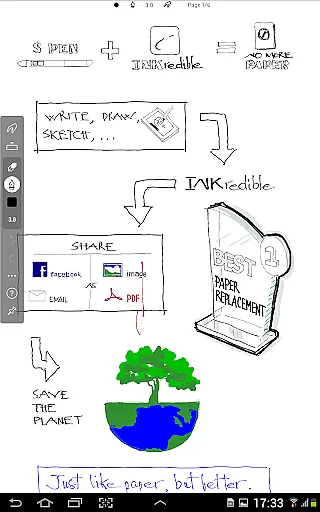
INKredible PRO is a premium handwriting app designed to deliver an exceptional writing experience on tablets. Building upon the success of its predecessor, Notes Plus, this app offers advanced inking capabilities with automatic palm and wrist rejection, ensuring a natural writing feel that rivals pen and paper.
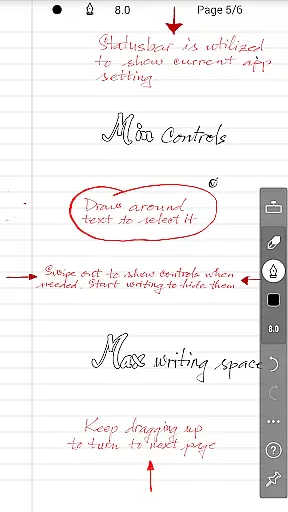
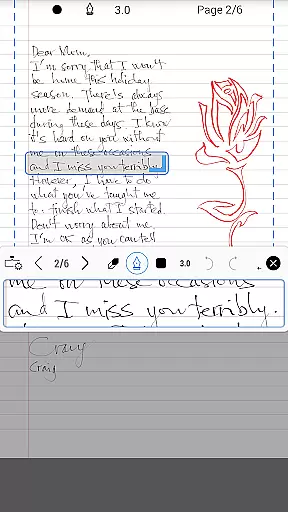
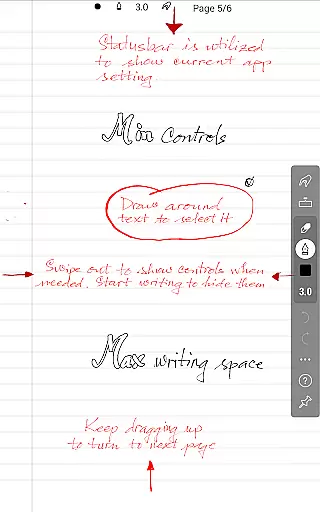
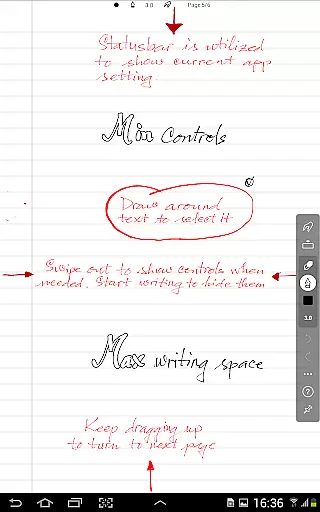
The app focuses on simplicity, providing a distraction-free environment by minimizing UI elements. Despite its minimalist approach, INKredible PRO excels in beauty and precision. Its cutting-edge vector-graphics technology makes handwriting appear more elegant than on traditional paper, while maintaining quality at any resolution - ideal for both printing and digital display.
Whether you're taking notes, journaling, or sketching, INKredible PRO's perfect balance of functionality and aesthetics makes it an invaluable tool for students, professionals, and creatives seeking a superior digital writing solution.
INKredible PRO stands out with its comprehensive feature set tailored for productivity enthusiasts. The app includes all premium features from the standard version, such as advanced handwriting recognition and various paper templates, plus exclusive PRO benefits like free future updates.
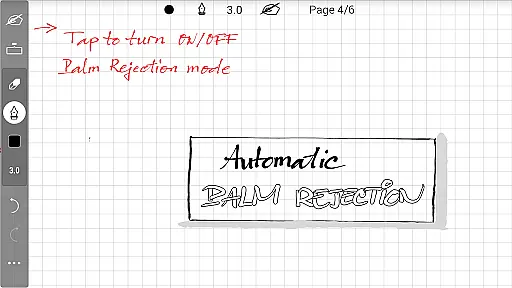
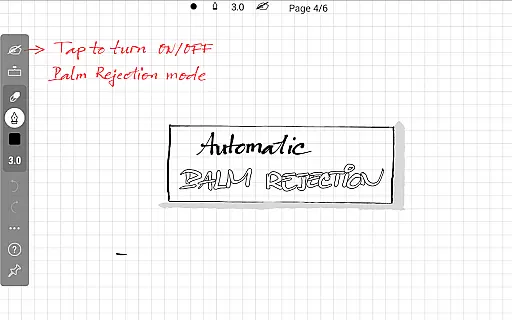
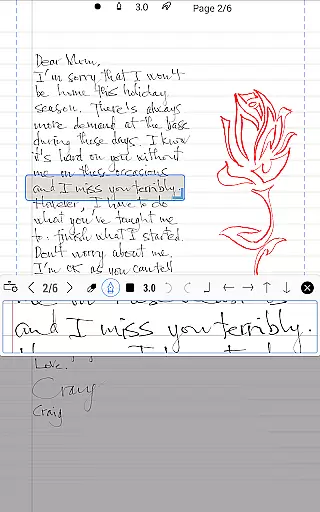
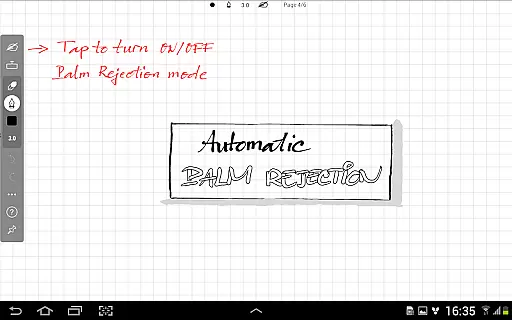
One of its most remarkable features is the sophisticated manipulation of Bezier curves, which elevates handwriting clarity to new levels. This mathematical precision ensures that every stroke appears smooth and professional, regardless of zoom level. The automatic palm rejection system works seamlessly, allowing users to write naturally without worrying about unintended touches.
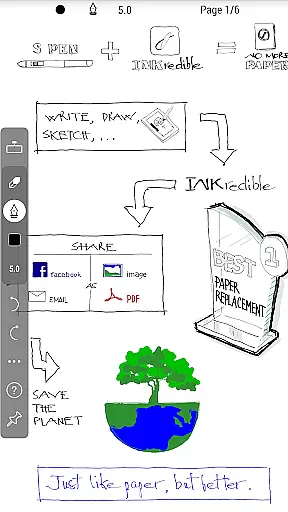
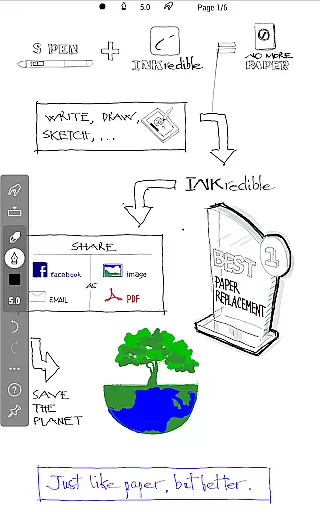
Additional notable features include multiple export options (PDF, PNG, SVG), customizable pen settings, and cloud synchronization. These capabilities, combined with its elegant user interface and reliable performance, make INKredible PRO a top choice for those seeking a professional-grade digital writing experience.
In the realm of productivity applications, core task management is pivotal for organizing and prioritizing tasks efficiently. INKredible PRO excels in this area by offering a streamlined interface that remains distraction-free.
The app focuses on providing an outstanding writing experience on a tablet with minimal UI interference. This approach ensures users can concentrate on their primary tasks without unnecessary distractions, simulating the natural feel of writing on paper.
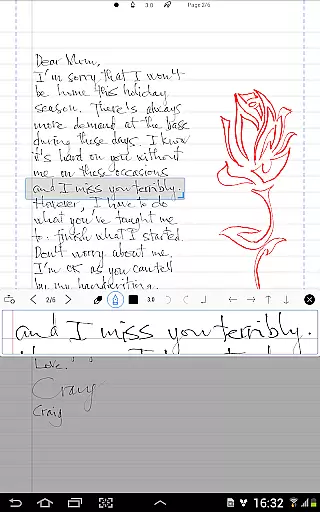
By integrating advanced inking technology refined over three years, INKredible PRO enhances the clarity and beauty of your handwriting digitally. This feature not only aids in task management through clear note-taking but also makes the content visually appealing for future reference or sharing.
Ultimately, the app's dedication to a singular missionu2014creating an optimal writing experienceu2014empowers users to manage their tasks more effectively, making it an invaluable tool for those seeking efficiency and elegance in their daily routines.
Cross-device synchronization is essential for ensuring that your work is accessible and up-to-date across all your devices. INKredible PRO addresses this need by providing reliable synchronization features that keep your notes consistent and current.
With automatic palm and wrist rejection technology, the app ensures that your writing experience remains uninterrupted and accurate, which translates into dependable note-taking that can be synchronized without errors or inconsistencies.
This level of precision and reliability means that whether you're transitioning from a tablet to a smartphone or any other device, your notes will retain their quality and formatting, allowing for seamless integration into your workflow.
By focusing on high-quality synchronization, INKredible PRO guarantees that users can rely on having their important information at their fingertips, regardless of the device they are using, thus enhancing both accessibility and productivity.
Advanced palm rejection
Beautiful handwriting rendering
Free future updates
Multiple export formats
Customizable writing tools
Higher price point
Limited drawing tools
No collaboration features
Steep learning curve
Occasional lag issues

 4.20
4.20
8 custom complications. Custom Time Fonts. Beautiful color schemes. A++ Design.
5.00
Smart PDF reader & editor to view, organize and manage PDF documents easily.
3.70
Pwnagotchi companion app
4.20
aCalendar+ makes your day, week and month
4.70
The AI assistant that thinks with you - write, code, and solve complex tasks
4.60
A Pixel Art watchface inspired by other iconic 90s designs for Wear OS devices!
4.40
Understand anything with a personalized AI research assistant
4.80
Scan paperwork into PDF/JPG, generate your own e-signature and send fax or email
4.70
Multilingual translator for text, voice, and image translation!
4.90
Seamlessly integrate data and reports to build your presentation to impress
4.80
CalenGoo is a very flexible and feature-rich calendar app
4.40
Easily read and manage all your PDF files
4.10
Experience real multitasking on your Android!
4.00
A simple, portable logger for POTA, SOTA, Field Day, and more
4.4


User Reviews