
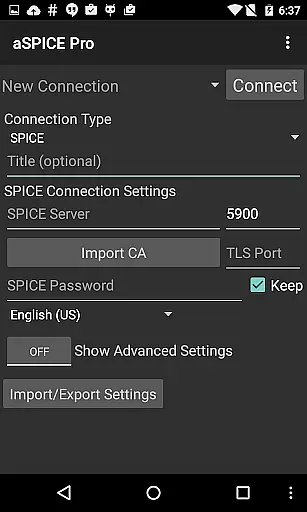
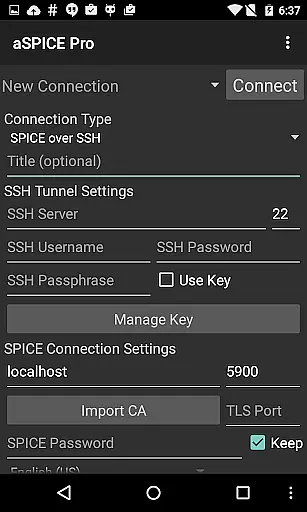
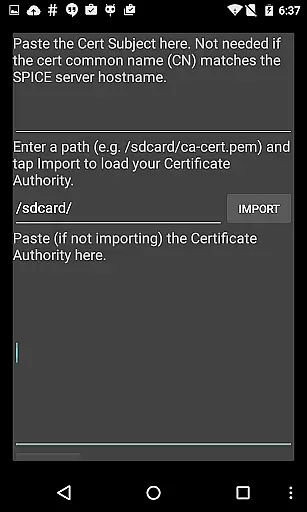
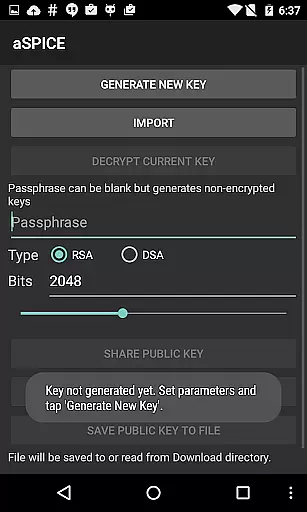
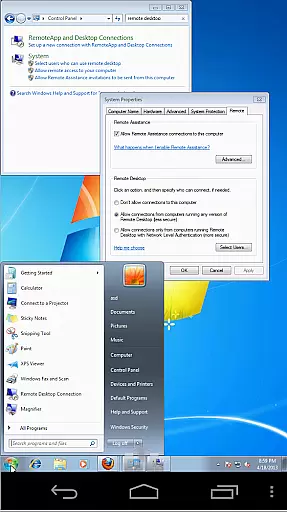
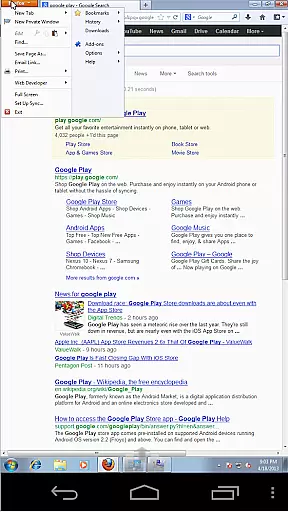
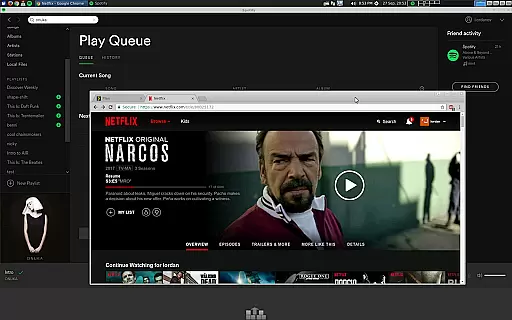
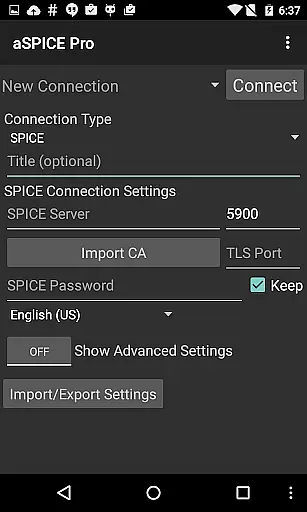
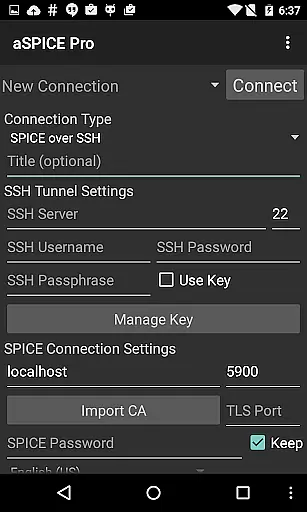
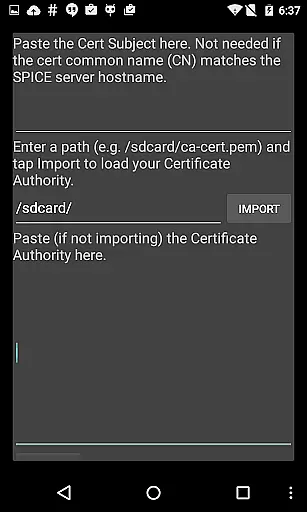
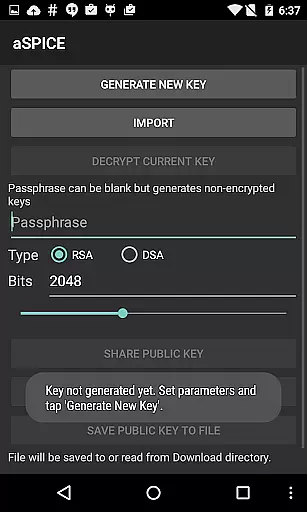
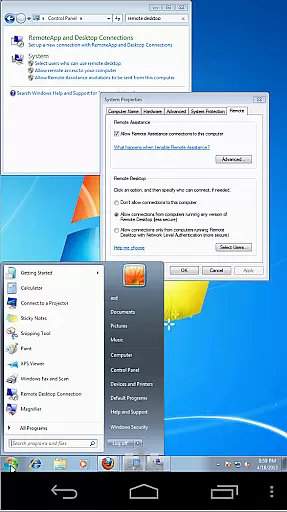
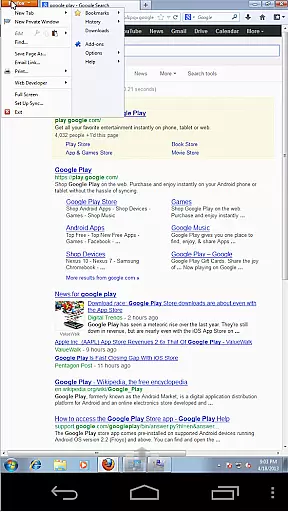
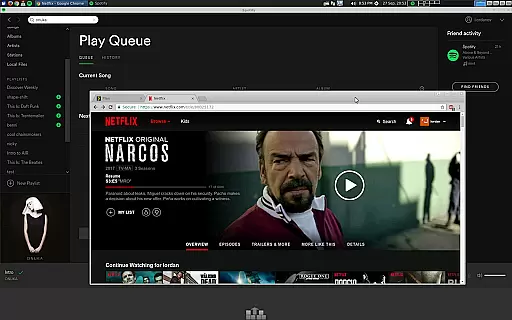
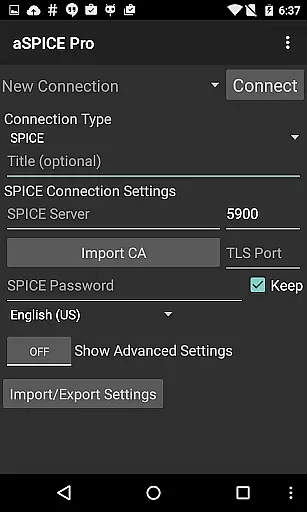
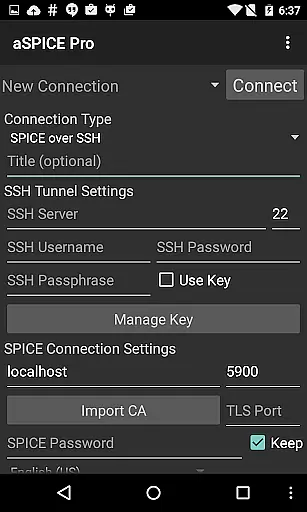
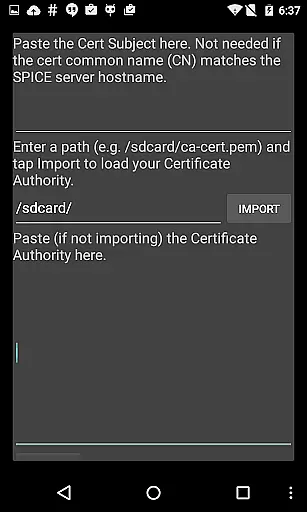
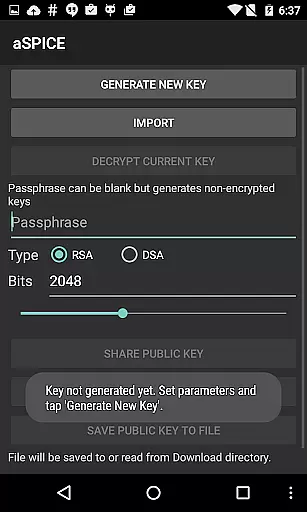
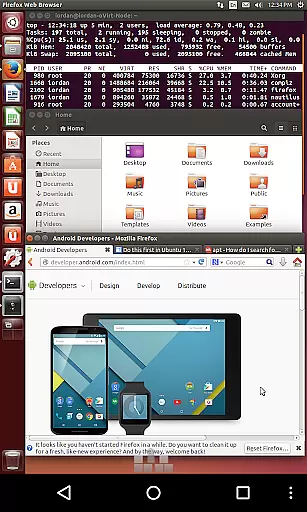
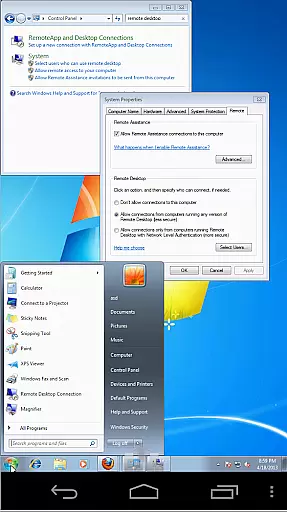
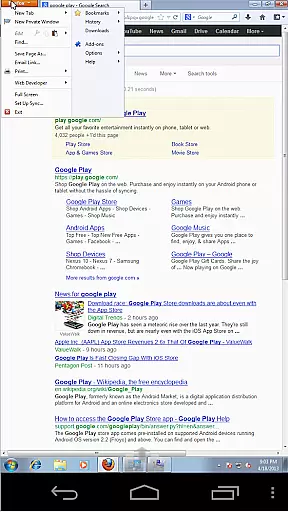
aSPICE Pro Secure SPICE Client is a robust productivity tool designed for secure remote desktop access. This application enables users to control any SPICE-enabled virtual machine regardless of the guest operating system. With support for SSH tunneling, multi-factor authentication, and USB redirection, it ensures both security and functionality.
The app provides an extensive set of features including dynamic resolution changes, multi-touch controls, and full mouse support on Android 4.0+. Its intuitive interface offers zoomable display modes, stowable on-screen keys, and optimized UI for various screen sizes, making remote desktop management efficient and user-friendly.
Whether you're managing virtual machines from BIOS to OS or require multi-language support, aSPICE Pro is a comprehensive solution that caters to both power users and IT professionals who need reliable remote access capabilities.
aSPICE Pro stands out with its advanced feature set tailored for productivity. The app supports master password functionality and MFA/2FA SSH authentication, ensuring top-level security for your connections. It also includes innovative input methods such as multi-touch control, simulated touchpad mode, and single-handed input options.
One of the key highlights is the ability to dynamically change resolutions during sessions, allowing seamless desktop reconfiguration. The app also excels in providing flexible connectivity options like SSH tunneling and pubkey authentication, alongside practical functions such as automatic session saving and importing/exporting settings.
Additionally, aSPICE Pro offers specialized modes including Fit to Screen and One to One scaling, catering to different user preferences. These features collectively enhance the remote desktop experience by combining security, flexibility, and ease of use.
In the realm of productivity, aSPICE Pro Secure SPICE Client excels in core task management by offering users comprehensive control over their virtual environments. This application allows for the seamless operation of any SPICE-enabled QEMU virtual machine, regardless of the guest operating system.
Users can manage tasks with precision through multi-touch controls, enabling intuitive interactions such as one-finger tap for left-clicks, two-finger tap for right-clicks, and three-finger tap for middle-clicks. Additionally, advanced features like dynamic resolution changes empower users to reconfigure their desktop settings on-the-fly, ensuring optimal performance and accessibility.
The inclusion of SSH tunneling adds a layer of security and extends the capability to reach machines behind firewalls, making remote task management not only efficient but also secure. With automatic connection session saving and various scaling modes, users can maintain productivity without interruption.
Cross-device synchronization is a critical component of aSPICE Pro Secure SPICE Client, ensuring that users can reliably access their virtual machines from multiple devices without losing progress or data integrity. The app supports importing and exporting settings, which facilitates consistent configurations across different platforms.
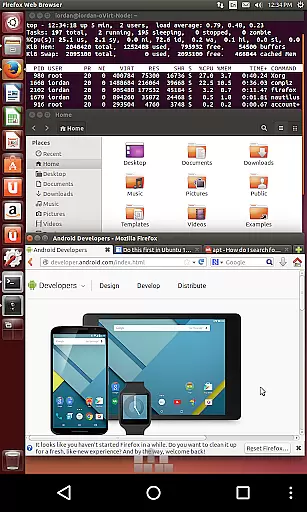
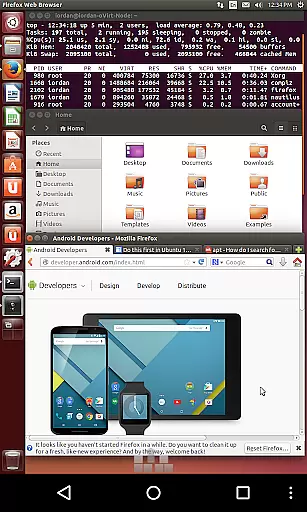
With full mouse support on Android 4.0+ and UI optimizations tailored for both tablets and smartphones, aSPICE guarantees a uniform experience irrespective of the device used. Samsung multi-window support further enhances this flexibility, allowing users to multitask effectively.
Moreover, the availability of on-device help and the integration of hardware keyboards, including specialized options like Hackerskeyboard, ensure that users have all the tools necessary for efficient cross-device operations. These features collectively contribute to a robust synchronization mechanism that upholds productivity standards.
Secure SSH connections
Multi-touch controls
Dynamic resolution
Extensive input modes
Automatic session saving
No clipboard integration
Limited OS support
Complex setup required
Advanced features overwhelming
High learning curve

QuickBooks Workforce lets teams view pay info and track time in one place.
 4.70
4.70
All in one sketching tool. Technical and General drawing. Online Maps support.
3.70
Wake up & get tasks done! Add alarms & reminders on the Clock Launcher.
4.00
A lightweight JSON & XML files creator, editor and viewer (Premium Version)
4.40
Cloud storage, automatic phone backup, and more.
4.10
Subscribe to Webcal & .ics calendars and keep them up-to-date!
4.50
Calendar 2023 widget for Android. Appointment scheduler, planner, and reminder
4.60
A comprehensive suite of tools designed specifically for Lactation Consultants
4.5
Seamlessly read, manage, and organize all your PDF files solution in one place
4.40
Direct Chat without saving contacts & Dual WA Account on Single Device
4.70
aCalendar+ makes your day, week and month
4.70
Translate text/voice/photos in 150+ languages. Offline & fast translator app.
4.50
This small app MUST BE INSTALLED after purchase, else license won't work
4.40
Easily read and manage all your PDF files
4.10
Auto-shutoff Alarm with Sunrise, Sunset & Fixed Options.
3.50


User Reviews