
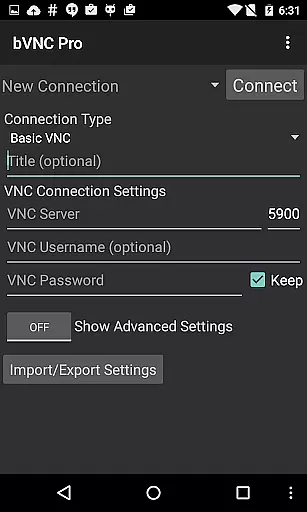
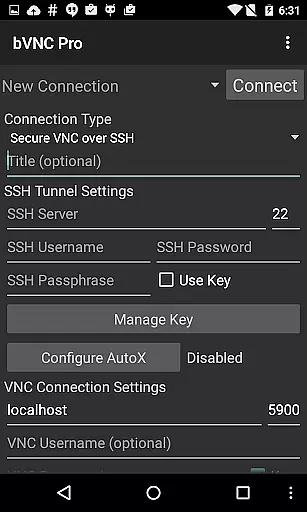
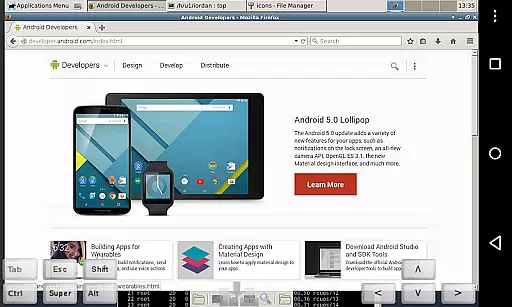
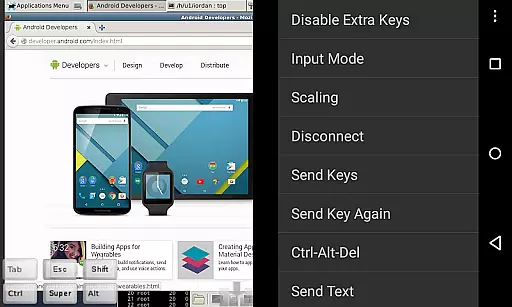
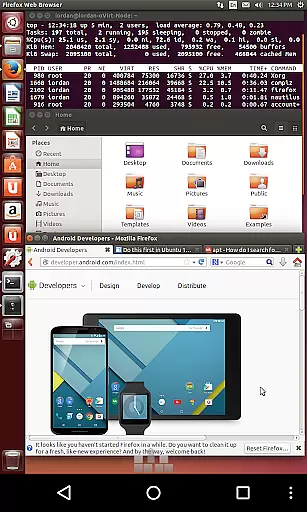
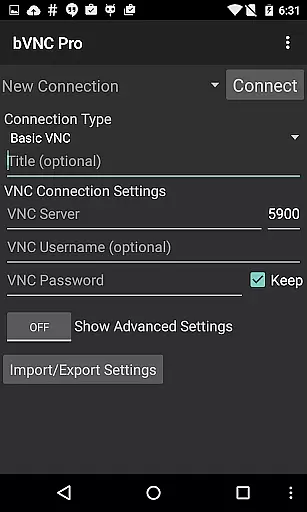
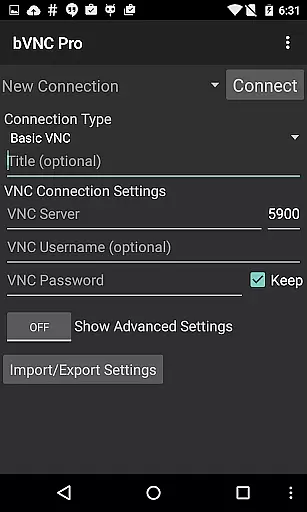
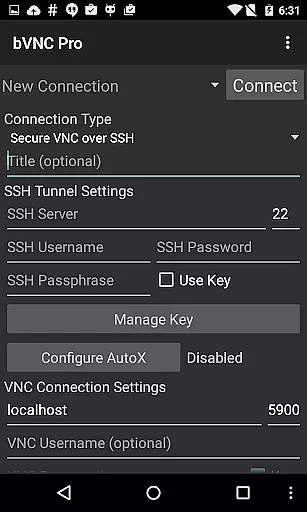
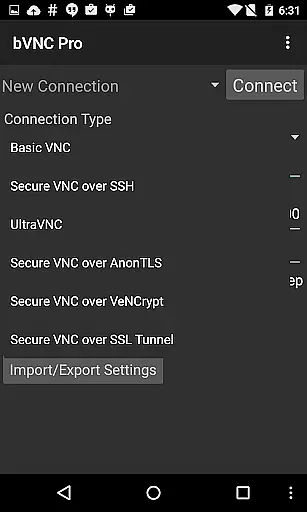
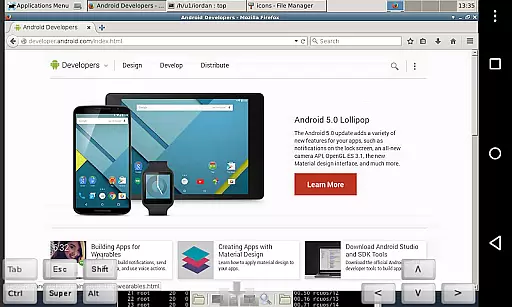
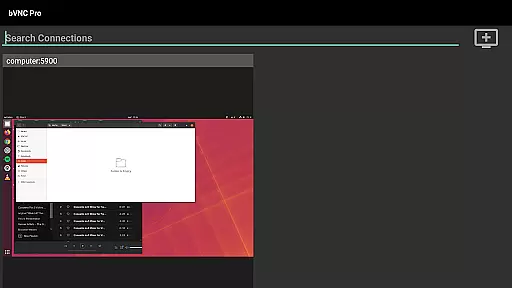
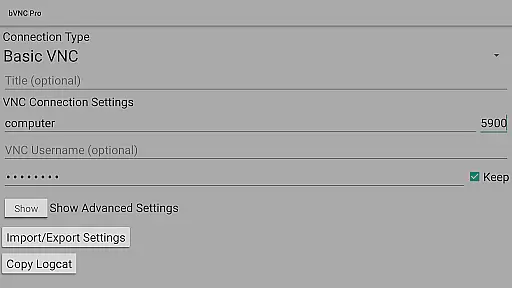
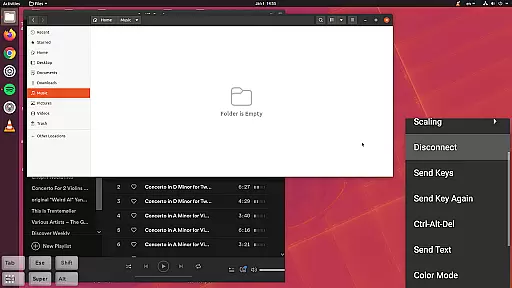
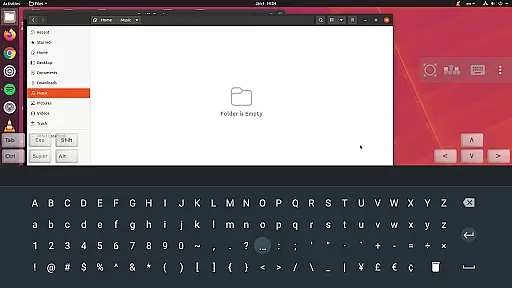
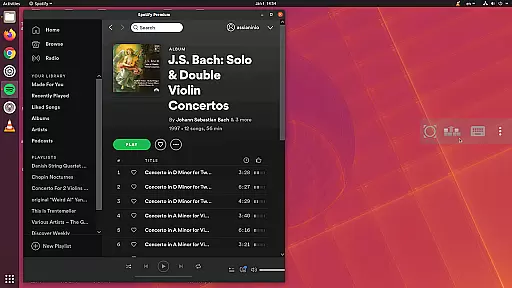
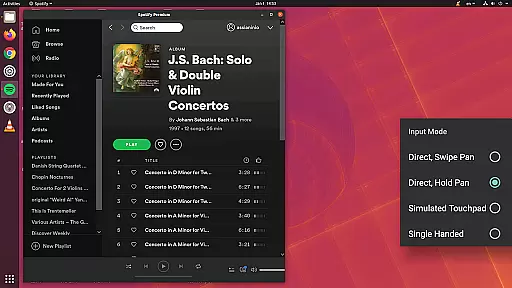
bVNC Pro is a secure, open-source VNC client designed for productivity-focused users. It allows seamless remote desktop connections to Windows, Mac, Linux, and other operating systems with VNC server support. The app offers advanced features like multi-touch mouse control, pinch-zoom, dynamic resolution changes, and full rotation, making it versatile for various use cases.
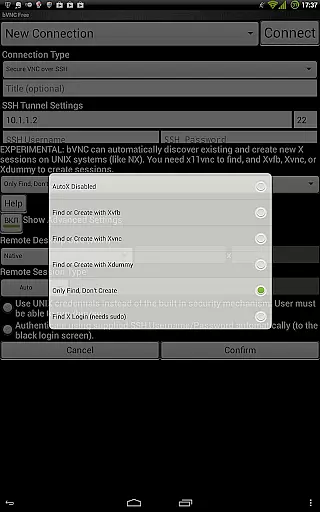
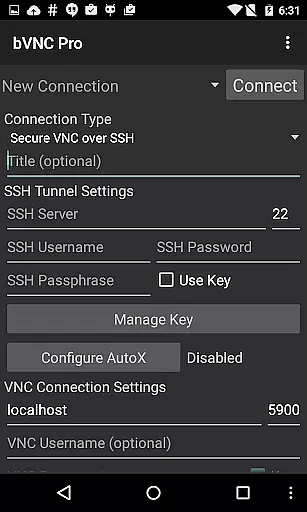
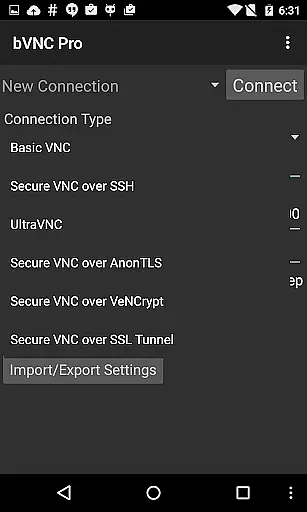
With its robust security protocols, including SSH tunneling, AnonTLS, and VeNCrypt, bVNC Pro ensures encrypted connections that are superior to standard RDP encryption. Its compatibility with PiKVM and support for two-factor SSH authentication in the Pro version make it ideal for IT professionals managing virtual machines or performing BIOS-level configurations securely.
bVNC Pro stands out with its comprehensive feature set tailored for efficient remote desktop management. One of its key highlights is the multi-touch functionality, enabling intuitive gestures such as one-finger tap for left-clicks, two-finger tap for right-clicks, and three-finger tap for middle-clicks. This enhances user interaction without requiring external peripherals.
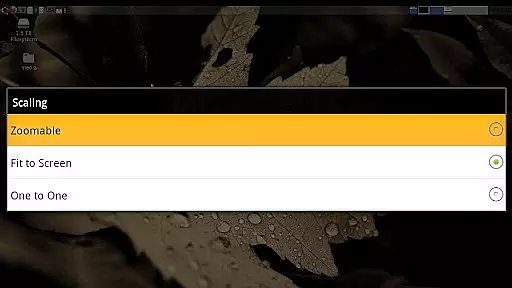
The app also supports high-grade encryption using SSH and VeNCrypt (x509 certificates and SSL), preventing man-in-the-middle attacks. Additionally, features like Tight and CopyRect encodings ensure quick screen updates, while options for reducing color depth over slow links optimize performance. Users can further benefit from Samsung DEX integration, Alt-Tab capture, and multiple scaling modes for an adaptable viewing experience.
bVNC Pro is not just a remote desktop client but also an essential productivity tool for managing tasks across multiple operating systems. Its core functionality revolves around providing secure and efficient access to remote machines, allowing users to handle critical tasks without being physically present at the system.
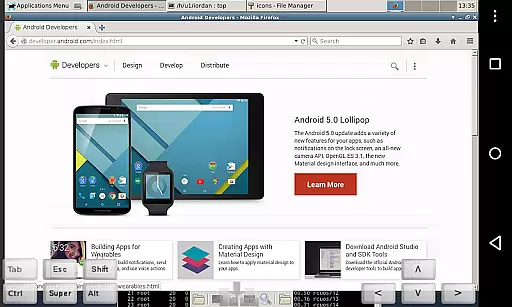
The application supports various VNC servers on Windows, Mac, Linux, and other platforms, ensuring seamless connectivity regardless of the environment. With features like dynamic resolution changes and full rotation, users can easily adapt their workspace to different screen configurations while maintaining complete control over virtual machines from BIOS to OS.
One of the standout aspects of bVNC Pro is its multi-touch control capabilities. Users can perform complex actions such as left, right, and middle-button clicks with simple finger taps. Scrolling and pinch-zoom further enhance the interactive experience, making it intuitive and efficient to navigate through remote desktops.
Additionally, bVNC Pro offers advanced security measures including SSH tunneling, AnonTLS, and VeNCrypt, which ensure that all connections are protected against unauthorized access. This level of security is crucial for professionals who need to manage sensitive data or perform administrative tasks remotely without compromising on safety.
Cross-device synchronization is a vital feature for any productivity tool, and bVNC Pro excels in this area by providing reliable and consistent performance across different devices. Whether you're using an Android phone, tablet, or even switching between multiple gadgets, bVNC Pro ensures that your sessions remain uninterrupted and synchronized.
The application's support for high-grade encryption methods such as SSH and VeNCrypt guarantees that your data remains secure during transmission between devices. This prevents man-in-the-middle attacks and ensures that your work environment is protected regardless of the network you're connected to.
bVNC Pro also includes innovative input modes designed to enhance usability across devices. For instance, the single-handed input mode allows users to perform various actions like clicking, dragging, scrolling, and zooming with minimal effort. This flexibility makes it easier to manage tasks efficiently, whether you're on a small smartphone screen or a larger tablet display.
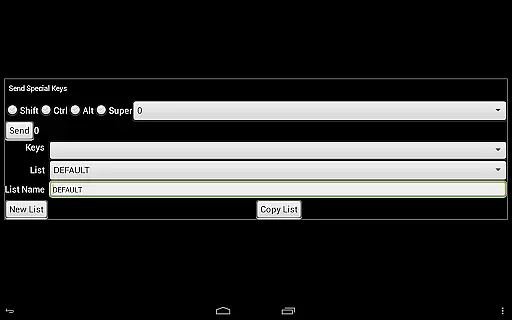
Furthermore, features like stowable on-screen keys, hardware keyboard support, and view-only mode contribute to a versatile user experience. These options allow users to customize their interaction based on device capabilities and personal preferences, ensuring that productivity is never hindered by hardware limitations.
Secure connections
Multi-touch controls
Dynamic resolution
Encryption superior to RDP
Versatile OS compatibility
No RealVNC encryption
Complex setup for beginners
Paid Pro features
Requires technical knowledge
Limited UI customization

The long-awaited modern gallery app for your Nextcloud server
 4.70
4.70
Experience real multitasking on your Android!
4.00
Create study competitions, track your hours, and stay consistent with friends
4.1
Ads Free App! Editor, Hide File, Copy, Move, Delete and Rename.. all facility av
1.70
Remotely view listen control and record cameras.
3.70
Great calculator for Android named one of USA TODAY's "25 Essential Apps".
4.90
AI Chatbot and AI writing assistant powered by ChatGPT.
4.60
Seamlessly read, manage, and organize all your PDF files solution in one place
4.40
Set up, print, and get support—in one place
4.20
A simple Whisper AI keyboard for reliable speech transcription and rewording
4.60
Lightweight PDF, Word, Excel reader.
4.60
Access, manage and transfer files on Android, PC, Mac, NAS and cloud storages.
4.30
Pwnagotchi companion app
4.20
Intelligent AI Assistant
4.10
Find and delete junk files & block unwanted notifications & manage files
3.70


User Reviews