
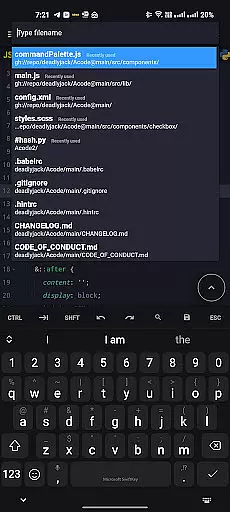
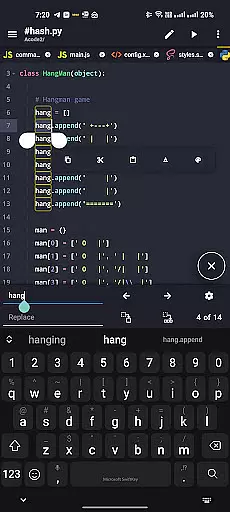
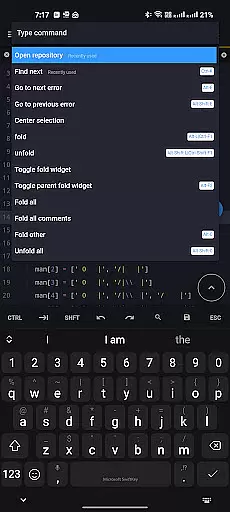
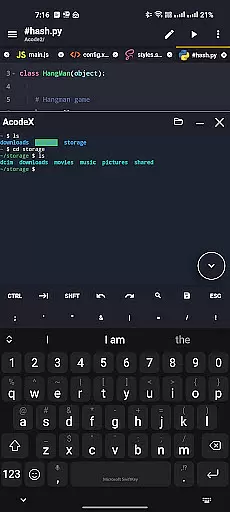
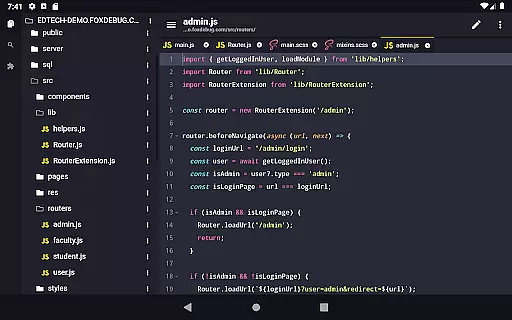
Acode is a powerful, lightweight code editor and web IDE for Android devices. It offers an ad-free experience with extensive syntax highlighting for over 100 programming languages. The app supports GitHub integration, FTP/SFTP, and includes an interactive JavaScript console for debugging.
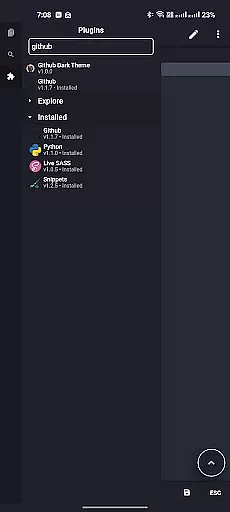
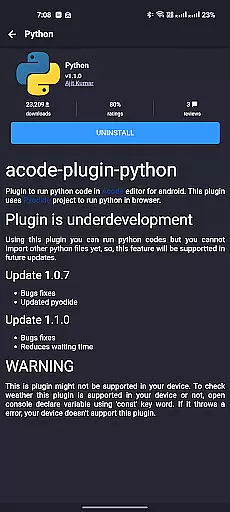
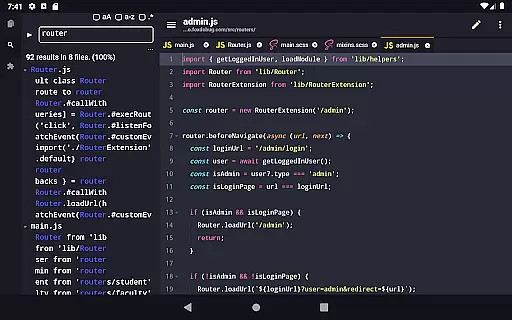
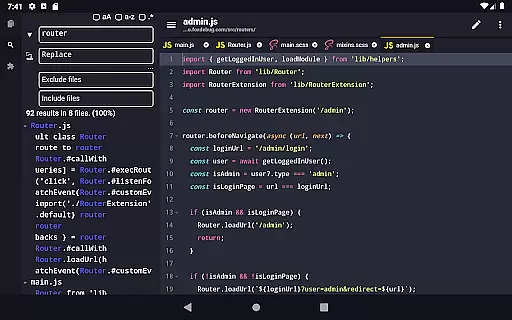
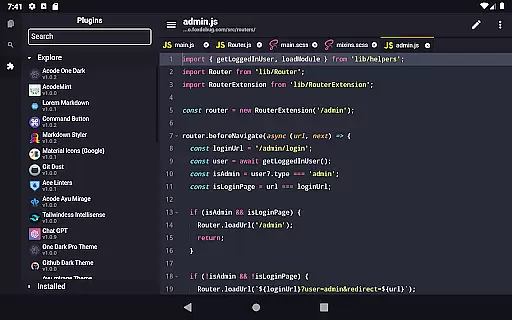
With its newly introduced Plugin System, Acode now provides over 30 plugins to enhance functionality. Users can enjoy features like search and replace in all files, customizable quick tools, and fast file listing. Its high performance supports files with more than 50,000 lines, ensuring a smooth workflow.
Developers will find Acode particularly useful for building and running websites directly within the browser, editing various source files, and managing projects efficiently through personalized themes and an intuitive interface.
Acode stands out with its enhanced Ace Editor updated to version 1.22.0, providing efficient editing capabilities. The introduction of the Plugin System allows users to extend the app's functionality according to their development needs, making it versatile and customizable.
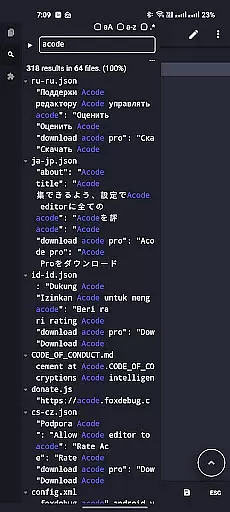
Key features include the ability to search and replace text across all files in opened projects, customizable quick tools, and fast file listing at startup. Additionally, Acode supports multi-file editing, keyboard shortcuts, and file recovery, ensuring users never lose their work and can navigate their projects seamlessly.
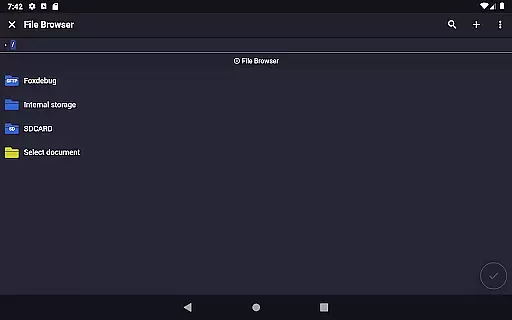
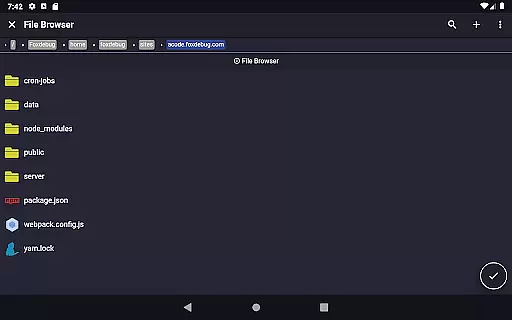
The app also offers an in-app preview for HTML/MarkDown files, an in-app file browser, and integrates an interactive JavaScript console for effective debugging. These features collectively provide a comprehensive coding environment on Android devices.
Task management is a critical aspect of productivity applications, especially for coding and development environments like Acode. This feature ensures that users can efficiently handle multiple tasks without losing track of their progress.
Acode provides an intuitive interface where developers can manage various files and projects simultaneously. With its multi-file support, users can work on several documents at once, streamlining the coding process. The app also includes a file recovery feature, ensuring that no work is lost due to unexpected interruptions.
The customizable quick tools and keyboard shortcuts further enhance task management by allowing users to tailor the environment to their specific needs. These features help in speeding up the workflow and making the coding experience more efficient and enjoyable.
Overall, Acode's task management capabilities ensure that developers can maintain high productivity levels, keep their projects organized, and focus on writing quality code without any distractions.
Cross-device synchronization is essential for users who work across multiple devices and need a seamless transition between them. Acode offers reliable synchronization features that ensure all your projects and files are up-to-date, regardless of the device you are using.
With integrated GitHub support, Acode allows developers to sync their projects directly with their GitHub repositories. This means that any changes made on one device can be pushed to GitHub and pulled on another, maintaining consistency and reliability across all devices.
In addition to GitHub integration, Acode supports FTP/SFTP protocols, enabling efficient file management and synchronization. This feature is particularly useful for developers who need to manage files on remote servers, ensuring that all changes are accurately reflected across different environments.
By providing robust cross-device synchronization, Acode ensures that developers can work flexibly and efficiently, without worrying about discrepancies or data loss between devices. This reliability enhances the overall productivity and user experience.
Lightweight and fast
Extensive plugin support
GitHub and FTP/SFTP integration
Multi-language syntax highlighting
Customizable user interface
Limited to Android platform
Some features still in beta
Requires technical knowledge
No iOS version available
Learning curve for beginners

Client for Nextcloud Deck
 4.60
4.60
A customizable calendar for your Wear OS watch
4.20
The long-awaited modern gallery app for your Nextcloud server
4.70
Experience real multitasking on your Android!
4.00
Ads Free App! Editor, Hide File, Copy, Move, Delete and Rename.. all facility av
1.70
The upgraded version of Name Wheel with AI and the power to add your own wheels.
4.4
Secure, open-source, SPICE and SSH Remote Desktop for QEMU KVM virtual machines
4.00
Scientific calculator for Android - looks and operates like the real thing!
4.90
Intelligent AI Assistant
4.10
Use powerful, industry-leading AI tools to generate visual charts from any data
4.80
Stay on top of your to-dos with Google Tasks, part of Google Workspace.
4.60
Tally and goal counter for Wear OS & mobile
4.50
When you Focus, so will your Bean in this cozy focus timer
4.30
Automates browsing any website and notifies you of important changes or events
4.30
Make your handwriting beautiful, even more than pen on paper.
3.60


User Reviews