
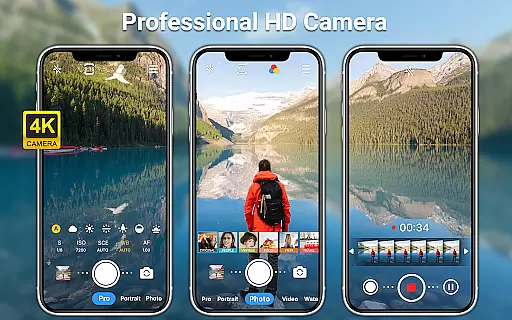
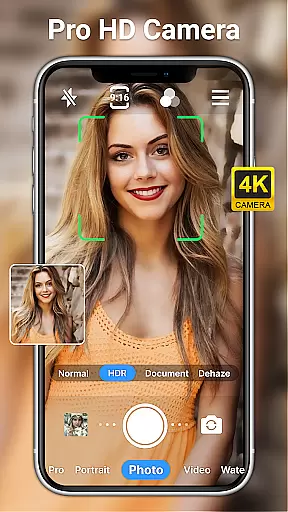
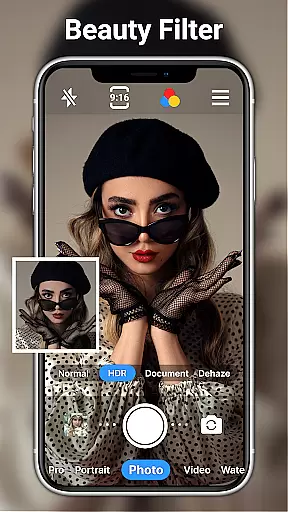
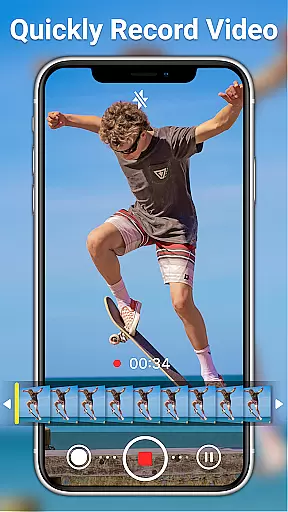
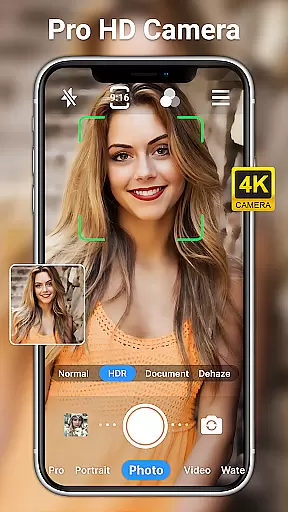
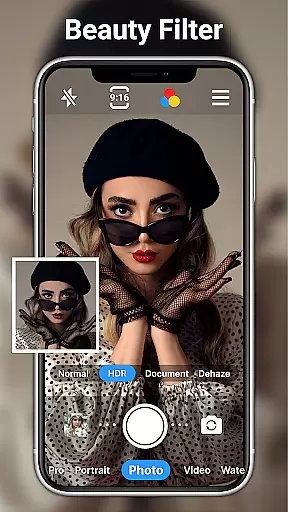
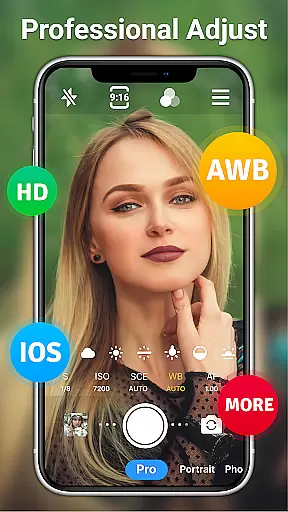
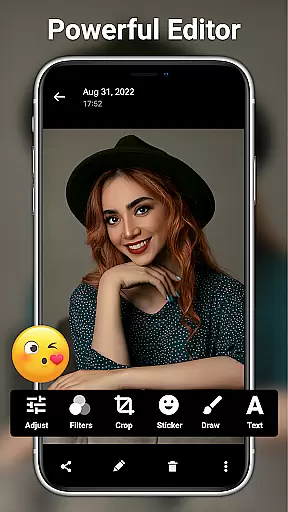
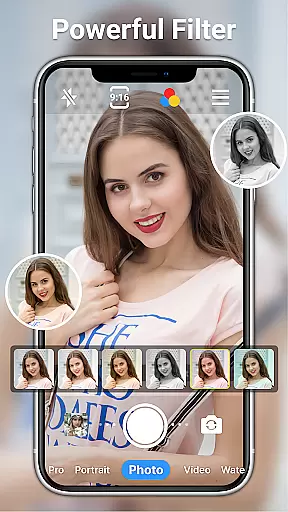
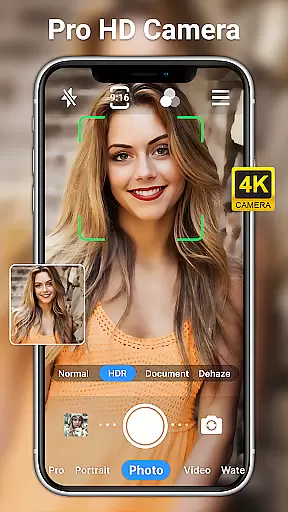
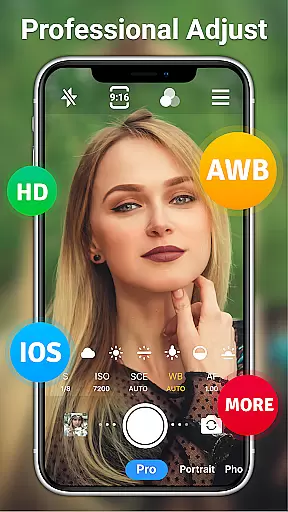
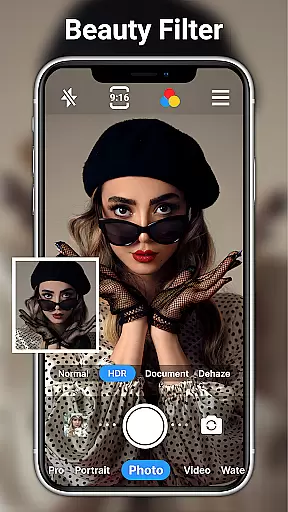
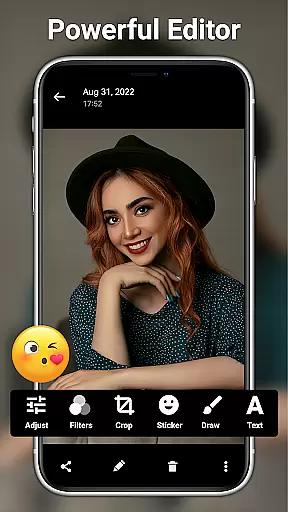
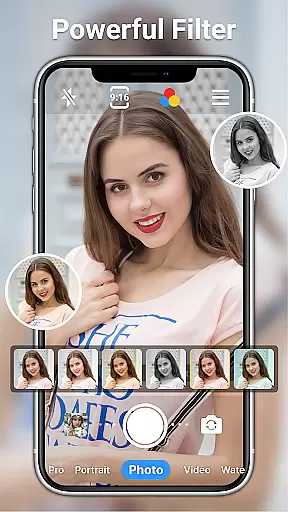
HD Camera for Android is a professional-grade photography application that empowers users to capture high-definition photos and videos with exceptional clarity and detail. The app supports full HD 1080p resolution, ensuring crisp images even in low-light conditions.
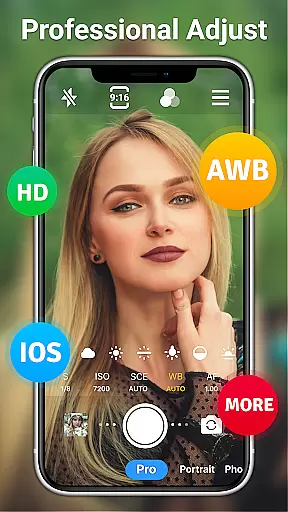
With its intuitive interface and comprehensive feature set, the app caters to both amateur photographers and professionals. Users can choose from various shooting modes, real-time filters, and advanced settings like ISO adjustment, white balance, and scene modes. These features make it suitable for diverse photography needs, from casual snapshots to carefully composed shots.
The app's value lies in its ability to transform an Android device into a powerful camera tool without requiring additional equipment. Whether capturing everyday moments or creating artistic compositions, this app provides the necessary tools to produce stunning visual content.
HD Camera for Android distinguishes itself through its extensive range of professional-grade features. The app offers multiple shooting modes including steady shooting, short-video mode, and time-lapse photography, allowing users to explore different creative possibilities.
A key highlight is the app's support for both front and rear cameras with options to toggle between them seamlessly. The inclusion of optical/digital zoom, tap-to-focus functionality, and focus halo display ensures precise control over image composition. Additionally, features like timer, grid lines, and level indicators help users achieve perfectly framed shots every time.
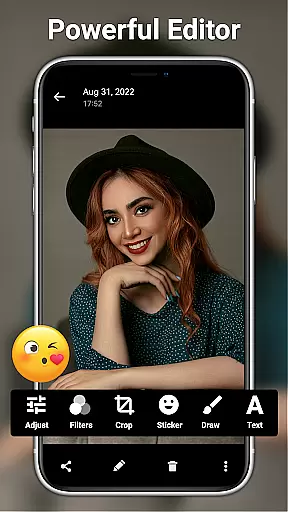
The app also includes robust photo editing capabilities. Users can adjust various parameters such as brightness, contrast, saturation, and exposure. With 20+ photo filters and AI-powered restoration tools, plus options to add text and stickers, the app enables comprehensive post-processing without needing separate editing software.
Real-time capture and preview functionality is essential for ensuring that every photo or video taken meets the user's expectations immediately. HD Camera for Android offers a seamless real-time capture experience, allowing users to see exactly what the camera sees with no lag.
This application leverages 1080p full HD mode, providing users with crystal-clear previews of their shots before capturing them. The high-definition preview ensures that even the smallest details are visible, making it easier to compose the perfect shot.
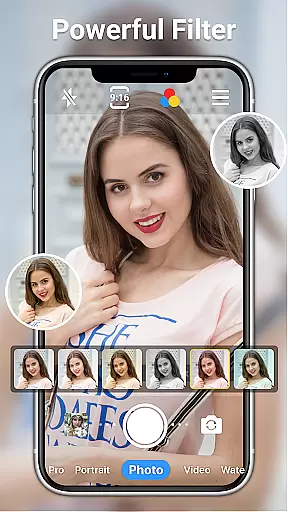
Users can choose from over ten amazing real-time filters to apply to their photos and videos instantly. This feature enables users to create unique styles and moods in their content without needing to edit afterward. Whether shooting in daylight or at night, the app maintains its performance, delivering consistently high-quality results.
AI beauty and enhancement features have become increasingly popular in photography apps, aiming to improve the aesthetic appeal of photos naturally. HD Camera for Android incorporates advanced AI algorithms to enhance facial features while maintaining a natural look.
The app provides one-click facial retouching, which intelligently smooths skin tones and enhances facial features without appearing artificial. Users can adjust settings such as brightness, contrast, saturation, and exposure to fine-tune their images further, ensuring that enhancements align with their personal preferences.
In addition to basic editing tools, the app includes 20+ photo filters suitable for various occasions. These filters, combined with AI restore and AI palettes, allow users to experiment with different looks and find the perfect balance between enhancement and authenticity. With these powerful yet easy-to-use features, HD Camera for Android ensures that every photo captures the true essence of the moment.
User-friendly interface
Professional shooting modes
Real-time filters and effects
Comprehensive editing tools
Free with full features
May drain battery quickly
Occasional crashes reported
Interface could be outdated
Ads present in free version
Large file size

A collection of tools and reference tables for DPs, ACs, DITs and Operators.
 4.70
4.70
All-in-One Editor & AI Photo Enhancer, Collage, Cartoonify, Funny Stickers & BGS
4.10
Be your best in every shot! Fix, edit and retouch your face in selfies & photos.
3.70
Create Business Headshots, Polaroid Filter, Retake Photos,Profile Pics,AI Photos
4.50
Photo Exif Editor allows to view, add and modify EXIF data of multiple photos
4.50
Fit multiple photos on one post. Create carousels & scroll layouts for Instagram
4.50
Transform Photos: Edit, Beautify and Craft Memories & Make Collages!
4.10
A unique animation app. Powerful, easy to use, and lots of fun.
4.30
Discover How to Plan any Sun, Moon and Milky Way Photo You Imagine in Seconds
4.70
Android Native system HD camera app. Never been so simple and faster.
4.70
Add Watermark - Sign your pictures with a text or logo. Effective, quick, easy!
4.50
All-in-One Editor & AI Photo Enhancer, Beautify & Retouch, Collage, Cartoonify
4.20
Create & Edit with AI: AI Remove, Enhance, Retouch, Filter
4.10
USB Storage Access for Photos, Videos, Music and Documents
3.80
Professional video recording application with manual controls for filmmakers!
2.80


User Reviews