
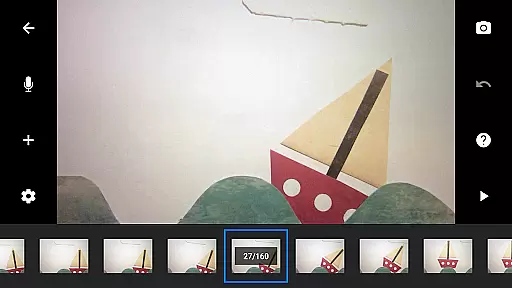
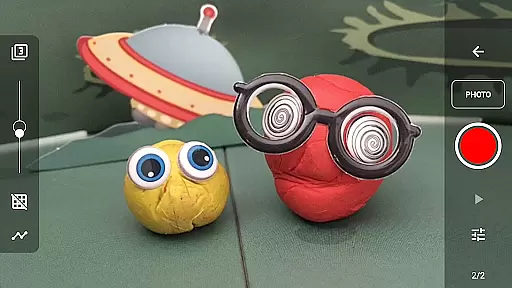
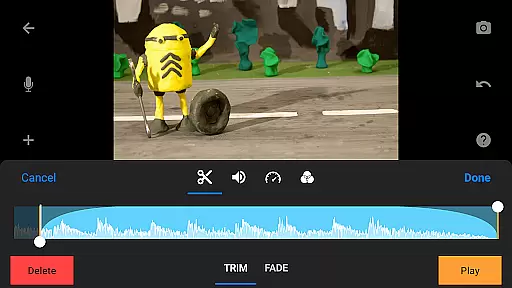
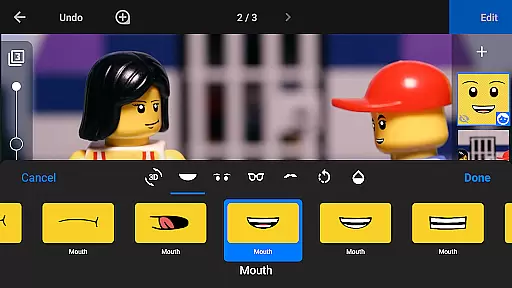
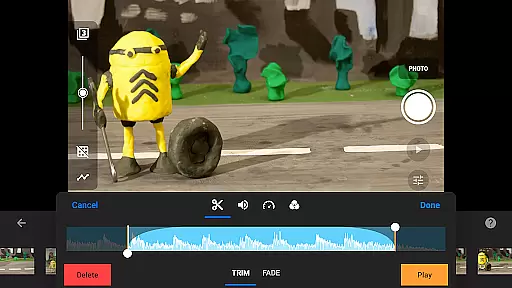
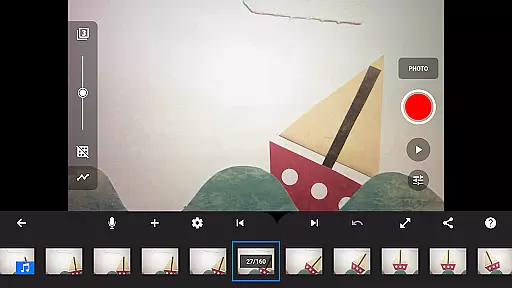
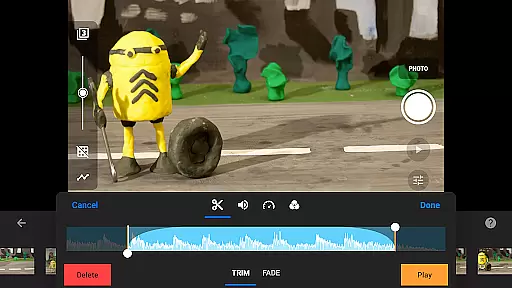
Stop Motion Studio Pro is the ultimate stop motion animation app that brings your creative ideas to life. Designed for both beginners and professionals, this powerful tool allows you to create stunning animations with ease. The app features a user-friendly interface that simplifies the moviemaking process while offering advanced functionalities for more sophisticated projects.
With Stop Motion Studio Pro, you can produce high-quality animations using various professional-grade tools. Whether you're crafting unique title sequences, applying video filters, or adding soundtracks, the app provides everything needed to make your vision a reality. Its versatility extends to capturing frames with precision camera controls and editing images with a robust layer-based editor.
This app is perfect for anyone interested in animation, from educators teaching the basics of moviemaking to artists looking to experiment with new techniques. By enabling seamless project sharing and transfer across devices, Stop Motion Studio Pro ensures your creative workflow remains uninterrupted.
Stop Motion Studio Pro stands out with its comprehensive suite of features tailored for stop motion enthusiasts. The app offers an intuitive overlay mode that highlights frame differences, making it easier to achieve smooth transitions between shots. Animation guides assist in positioning objects accurately, ensuring consistent movement throughout your film.
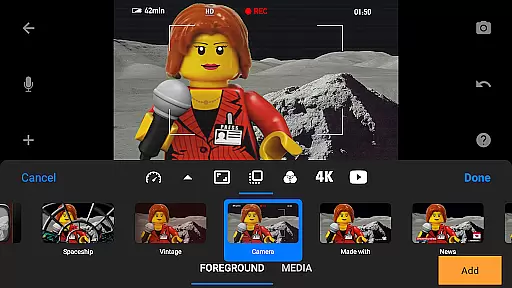
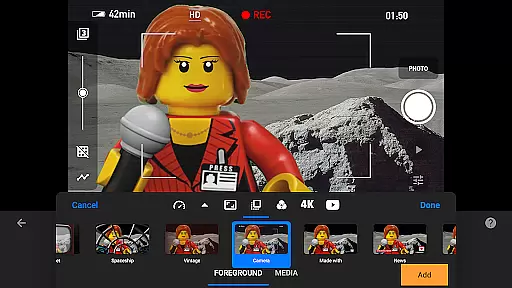
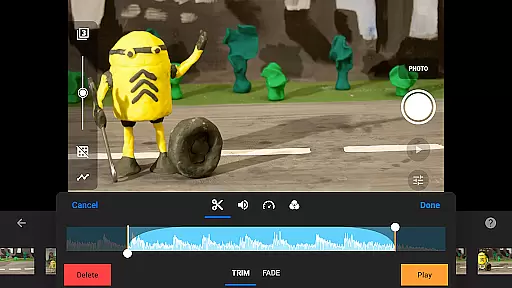
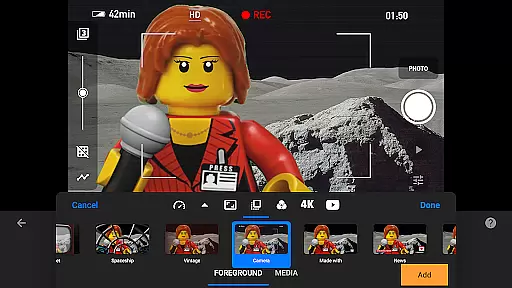
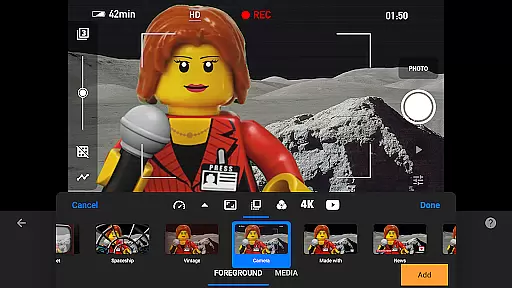
Creativity knows no bounds with this app's diverse editing capabilities. You can choose from a variety of title cards and text options, apply video filters for distinct visual effects, and enhance scenes with foregrounds and backgrounds. The built-in audio tools allow you to craft a captivating soundtrack using music, sound effects, or voiceovers.
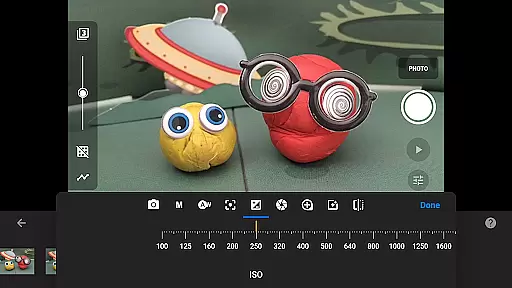
For those seeking professional control, the app includes advanced camera settings such as manual white balance, focus, exposure adjustments, and even remote capture options using a second device. Additionally, the integrated image editor lets you add text, touch up frames, and remove unwanted elements, providing complete creative freedom.
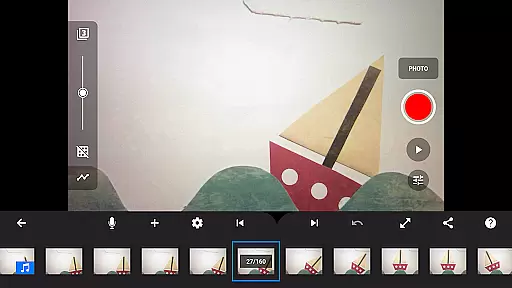
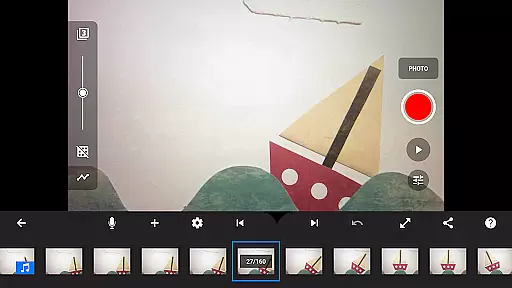
Real-time capture and preview functionality is essential for stop motion animation, allowing creators to see their work come to life frame by frame. Stop Motion Studio Pro offers an advanced capturing system that ensures each frame is captured with precision.
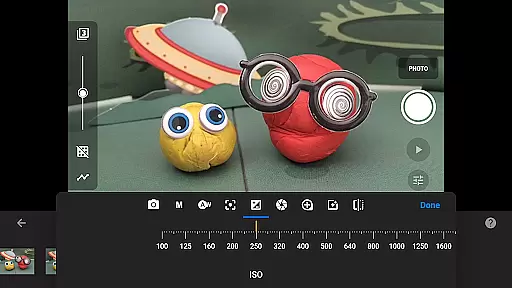
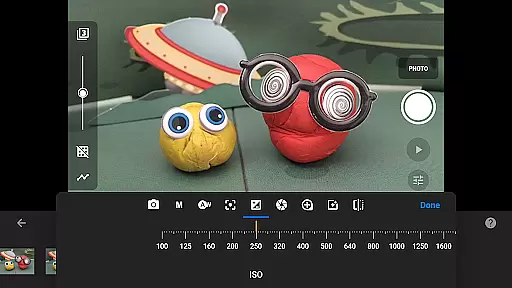
The app provides adjustable time interval features and full camera controls including manual white balance, focus, exposure, ISO, and shutter speed. These features give animators complete creative control over their projects, ensuring optimal image quality for every shot.
Additionally, users can connect a second device as a remote camera, offering flexibility in shooting angles and setups. This real-time feedback loop empowers animators to make immediate adjustments, enhancing the overall quality of their animations while maintaining workflow efficiency.
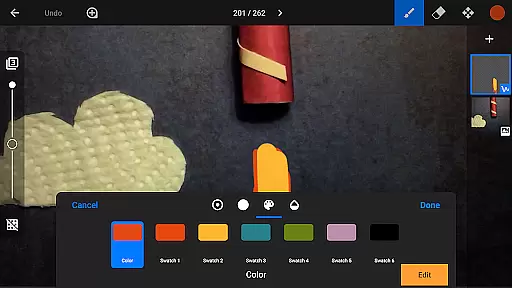
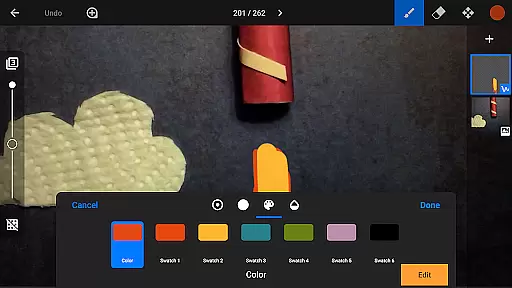
While primarily focused on stop motion creation, Stop Motion Studio Pro also includes powerful enhancement tools that bring natural beauty to animations without relying on artificial intelligence. The app's layer-based image editor allows for detailed touch-ups and enhancements.
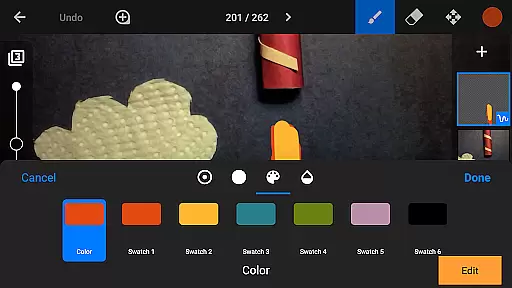
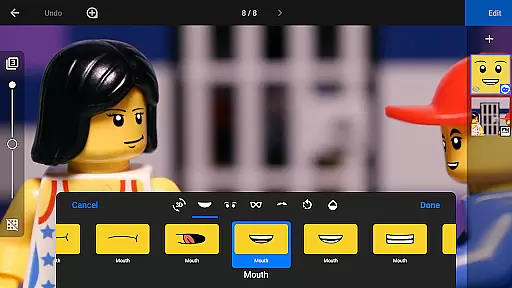
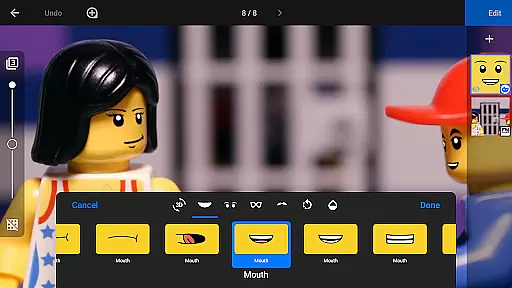
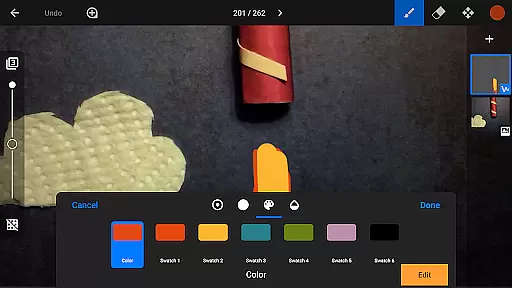
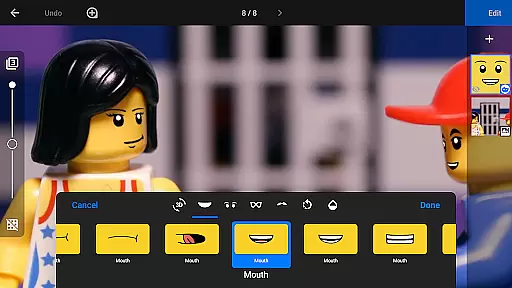
Creators can add text, speech bubbles, and titles or even draw facial expressions onto figures, providing a personal touch to each frame. With tools like the eraser and painting brushes, artists can naturally enhance images, ensuring that every movement and expression aligns perfectly with their vision.
This hands-on approach to enhancement ensures that all modifications appear organic and true to the animator's intent, preserving the authenticity of stop motion films while elevating them with professional-grade finishing touches.
User-friendly interface
Advanced camera controls
Comprehensive editing tools
Versatile sharing options
Professional-grade features
Steep learning curve
High cost for full version
Resource-intensive
Limited free features
Occasional bugs

How would you look like with a differently shaped nose, chin or lips?
 3.90
3.90
Easily stitch panoramas from multiple photos or video.
4.40
How old age camera Gender Swap App Face Shape Hairstyle App Hair Styler App fun!
4.00
Natural Beauty, Selfie Retouch
4.30
Create Business Headshots, Polaroid Filter, Retake Photos,Profile Pics,AI Photos
4.50
Over 800 film simulation recipes for Fujifilm. Black Friday Offer!
4.0
Future baby face generator: AI kids generator, kid face! What my baby look like?
4.40
Astrophotography with your smartphone, photo live stacking and much more!
3.90
Remote control the phone camera shutter from your smartwatch and take a picture
1.60
Photo prints, cards, & gifts at Walgreens. Easy ordering & fast local pickup !
4.80
See your baby AI baby face generator AI baby maker Face generator babymaker fun!
4.70
Add Watermark - Sign your pictures with a text or logo. Effective, quick, easy!
4.50
Transform photos into videos! Create realistic or anime-style images easily!
4.50
Perfect photos with body shaping, BG changer and object remover.
3.70
Superimpose one photo on top of another using the original Superimpose app!
3.20


User Reviews