
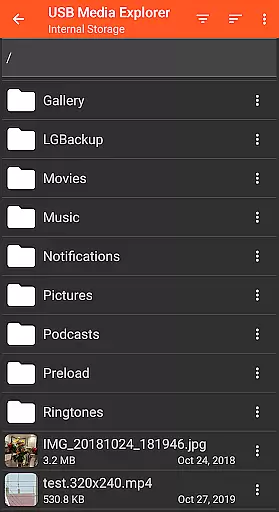
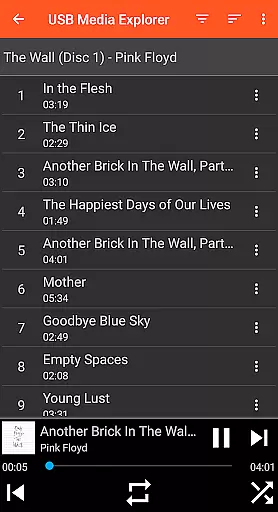
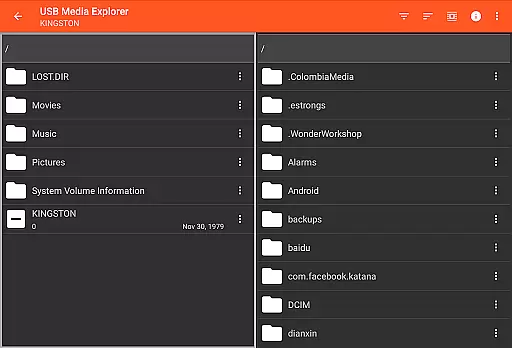
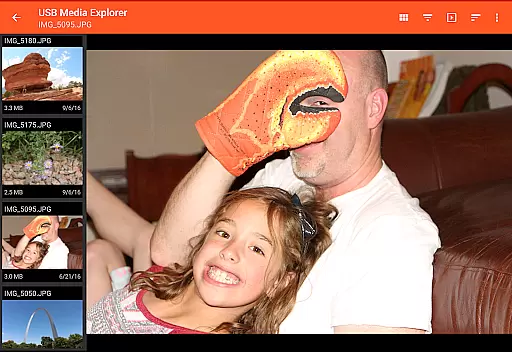
USB Media Explorer (UME) is a versatile photography app that allows users to view photos, stream videos, listen to music, and manage documents from various USB storage devices. With specialized viewing modes for different media types, it offers a comprehensive solution for accessing and managing your digital content on the go.
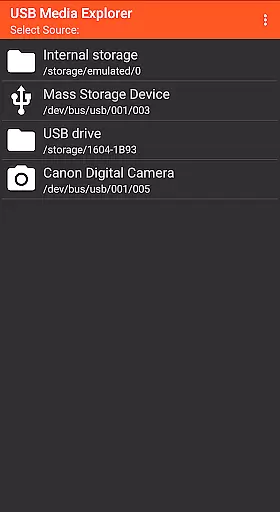
The app supports a wide range of devices including flash drives, card readers, hard drives, cameras, and even other Android devices. Its standout feature is the ability to view full-size photos and videos directly from USB devices without the need for importing, making it an essential tool for photographers and multimedia enthusiasts.
Whether you're a professional photographer needing to review raw images on location or a traveler wanting to access multimedia files from external storage, USB Media Explorer provides a seamless experience across supported devices.
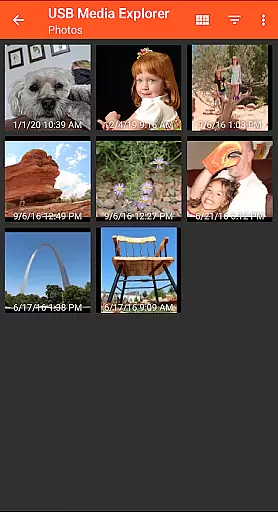
USB Media Explorer stands out with its specialized screens for different media types - photos, videos, music, documents, and file management. This thoughtful design ensures optimal viewing and organization of various file formats.
The app enables bi-directional file transfers between USB devices and Android devices, giving users complete control over their data. Its support for both Jpeg and Raw photo formats, along with video streaming capabilities, makes it particularly valuable for professional photographers.
What sets UME apart is its compatibility with various USB devices while maintaining Android's native functionality. The app also provides practical solutions for power-hungry devices like hard drives through support for powered USB hubs.
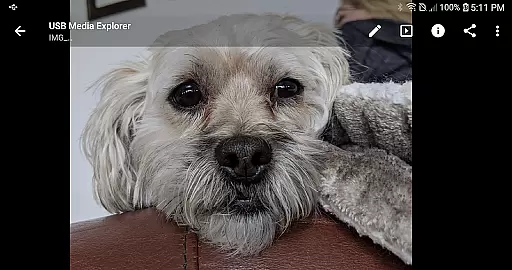
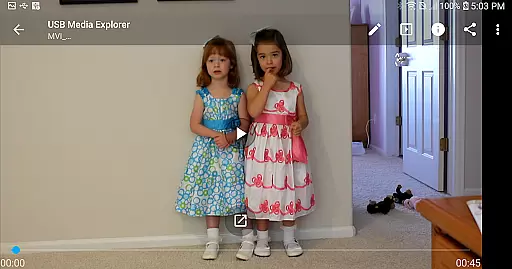
USB Media Explorer offers a unique real-time capture and preview feature that allows users to view photos and stream videos directly from USB storage devices without the need for importing. This functionality is crucial for photographers and videographers who require immediate access to their files on the go.
The application supports both Jpeg and Raw photo formats, ensuring that professionals can work with high-quality images directly from their cameras or storage devices. The ability to view full-size photos and videos without importing saves valuable time and storage space on your Android device.
Users benefit from specialized viewing screens tailored for different media types, including photos, videos, music, documents, and file management. This ensures an optimal viewing experience regardless of the content type, making it easier to manage and enjoy multimedia files in their original quality.
This real-time functionality not only enhances productivity but also provides a seamless user experience by eliminating the cumbersome process of file importing, thus allowing users to focus more on content creation and less on file management.
While USB Media Explorer does not explicitly market itself as an AI beauty and enhancement tool, its ability to handle various media formats with natural precision makes it a valuable asset for enhancing visual content. The app supports a wide range of video formats, although some may require third-party players like VLC for full compatibility.
For photographers and content creators, the application's support for both Jpeg and Raw image formats means that users can apply post-processing enhancements while maintaining the natural look of their photos. This flexibility is essential for achieving professional-grade results without compromising on quality.
Additionally, the app's specialized screens for different media types ensure that whether you're viewing photos, videos, or documents, the enhancement features maintain the authenticity of the original content. This attention to detail helps preserve the creator's intended aesthetic while still offering room for subtle improvements.
Overall, USB Media Explorer's robust handling of diverse file types and its ability to present them naturally on Android devices make it a reliable choice for anyone looking to enhance their multimedia content while retaining its original essence.
User-friendly interface
Wide device compatibility
Direct file viewing
Bi-directional file transfer
Specialized media viewers
No native AVI support
Hard drive power limitations
Endoscope not supported
iOS device incompatible
DVD playback restricted

Effortlessly organize, view and share your photos & videos with Gallery app!
 4.40
4.40
Easily stitch panoramas from multiple photos or video.
4.40
Application for remote controlling DSLR
3.00
Photobooth mini FULL app will allow you to add more fun to your parties
4.00
Create & Edit with AI: AI Remove, Enhance, Retouch, Filter
4.10
Transform photos into videos! Create realistic or anime-style images easily!
4.50
Movie camera, supports pro recording settings for filming. Try it and be amazed!
4.50
Add a dreamy vibe to your selfies and videos with soft style filters
4.5
GCamera allows all GCam features on all phone models! Better photos with GCamera
3.30
AI Photo Editor with 100+ Filters, Effects! Remove BG, Retouch & Photo Enhancer.
4.80
Turn your phone into a professional camera - full DSLR manual photography
4.30
Smart, light, and fast photo and video gallery
4.30
AI-powered video creator by MiniMax - Where ideas meet cinema
4.20
Professional video recording application with manual controls for filmmakers!
2.80
Over 800 film simulation recipes for Fujifilm. Black Friday Offer!
4.2


User Reviews