
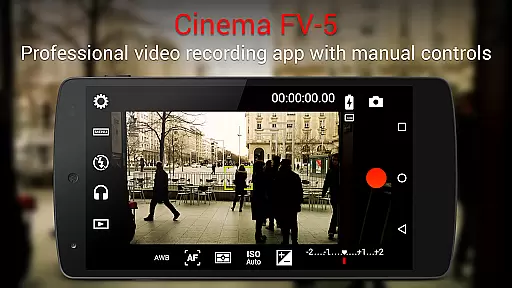
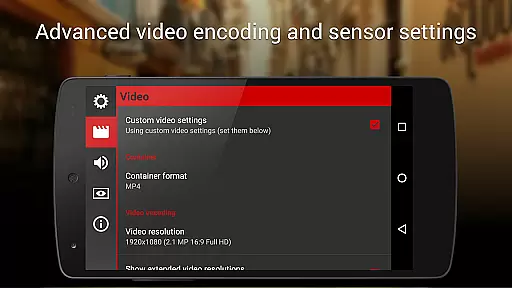
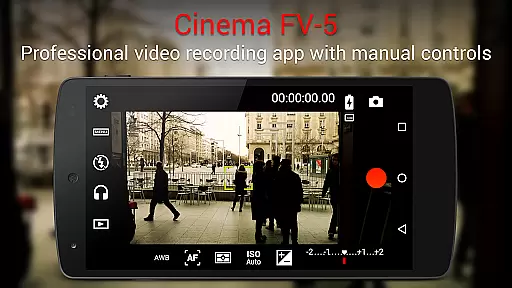
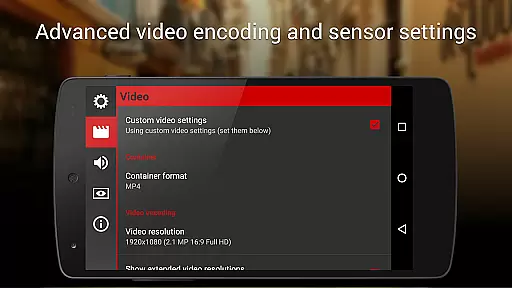
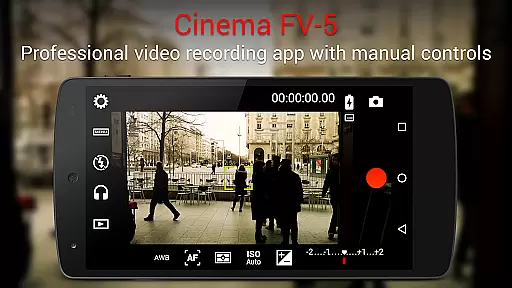
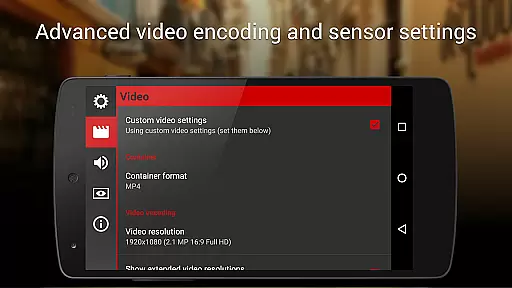
Cinema FV-5 is a professional-grade video camera application designed for mobile devices, offering advanced manual controls that empower videographers and filmmakers to capture high-quality footage. With its comprehensive set of features tailored for professional use, this app allows users to adjust critical image sensor parameters such as ISO, exposure compensation, focus modes, and white balance, even during recording. This makes it an ideal tool for those seeking precise control over their video production process.
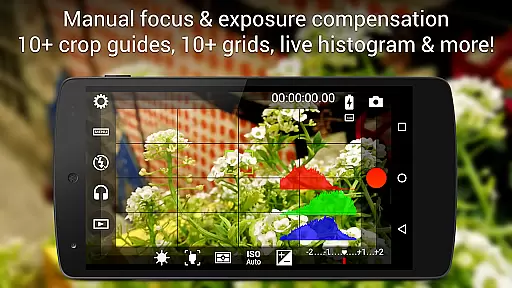
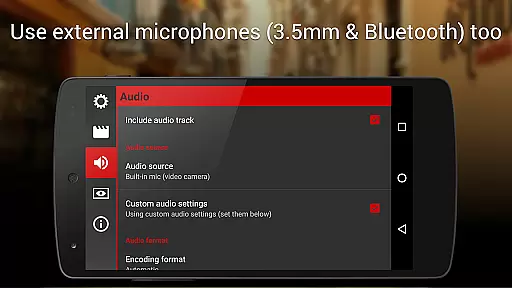
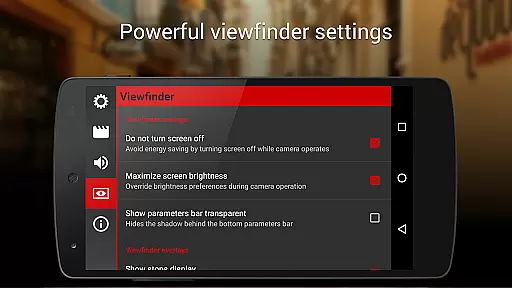
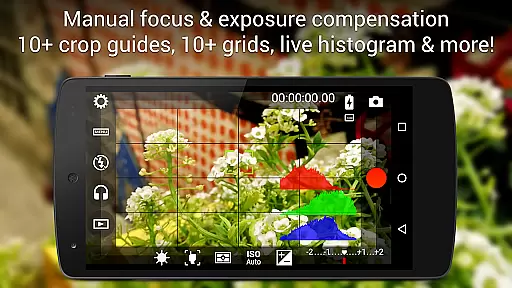
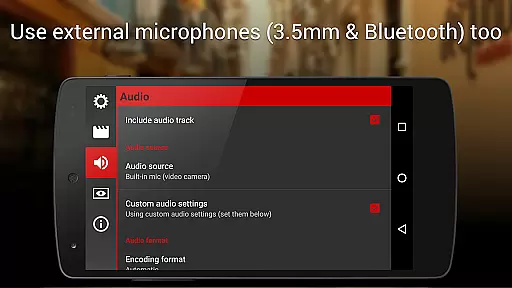
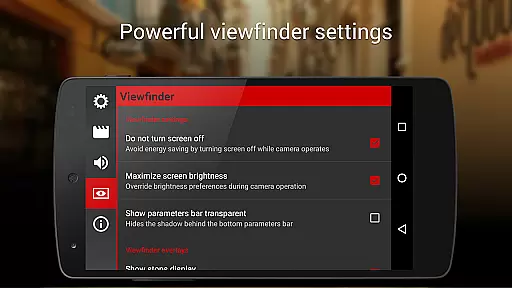
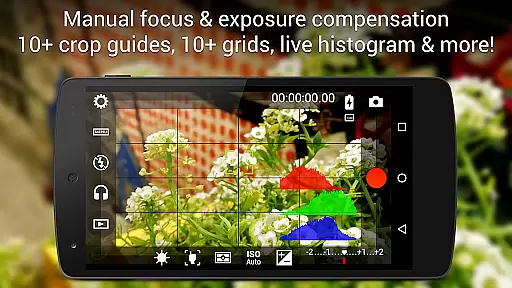
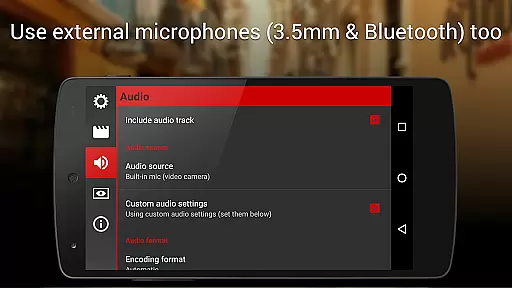
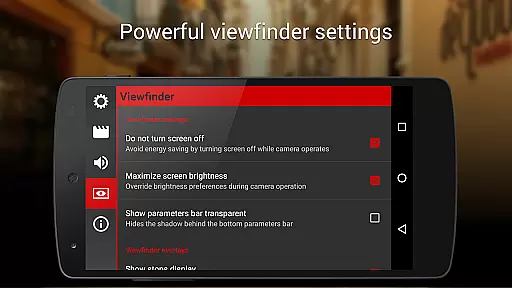
One of the standout capabilities of Cinema FV-5 is its professional viewfinder, which includes 10+ compositing grids, crop guides, and live RGB histograms, ensuring optimal framing and exposure. Additionally, the app supports various audio input sources and provides professional sound metering options, allowing users to achieve excellent audio quality alongside their visuals. Whether capturing footage in 4K UHD or leveraging advanced electronic viewfinder tools, Cinema FV-5 ensures that videographers can unleash their creativity without limitations.
The app's versatility extends to its compatibility with Android-based compact cameras, enabling users to utilize high-quality lenses and optical stabilization. The captured footage is easily editable on any non-linear editing (NLE) software, making it suitable for short- to medium-sized productions. With customizable settings, geotagging support, and assignable camera functions, Cinema FV-5 stands out as a powerful companion for professional videography, delivering exceptional results across different devices.
Cinema FV-5 distinguishes itself through its extensive feature set, specifically engineered for professional videography. One of its core strengths lies in providing complete manual control over essential camera settings. Users can adjust parameters like ISO, exposure compensation, light metering modes (matrix/center/spot), focus modes, and white balance both before and during video recording. This level of control ensures that videographers can fine-tune every aspect of their footage to match their creative vision.
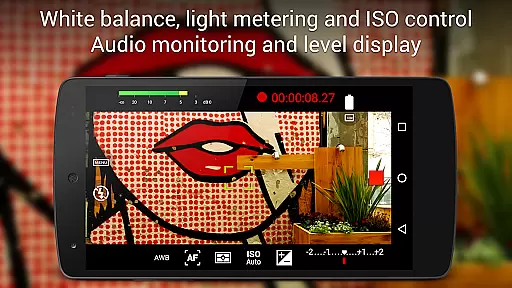
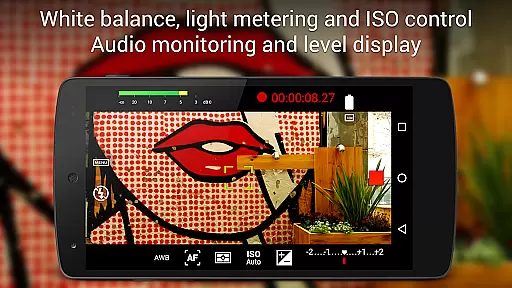
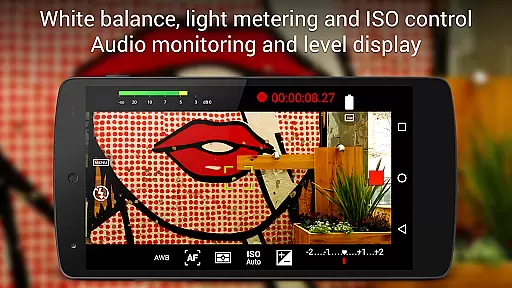
In addition to its robust camera controls, Cinema FV-5 offers advanced viewfinder functionalities that enhance the filming experience. The app features live RGB and luminance histograms, multiple compositing grids, and safe area displays, all of which contribute to achieving technically precise shots. Furthermore, the app supports professional audio monitoring, displaying audio peaks and clipping warnings during recording. This ensures that both video and audio are captured at the highest possible quality, meeting the demands of post-production workflows.
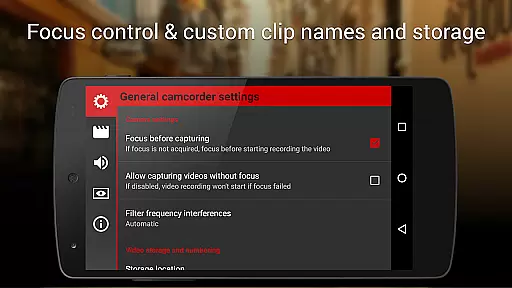
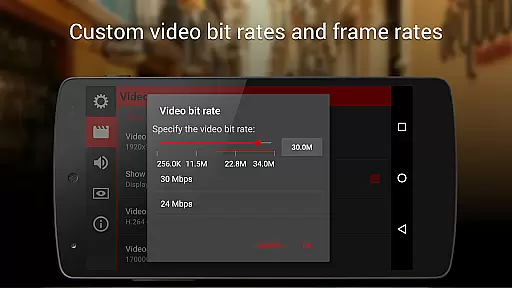
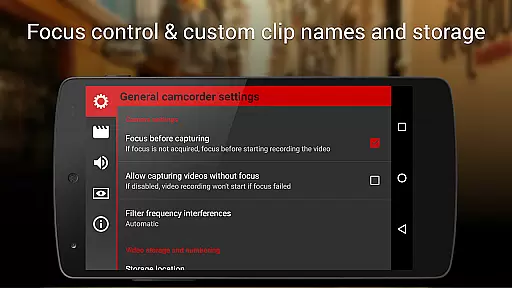
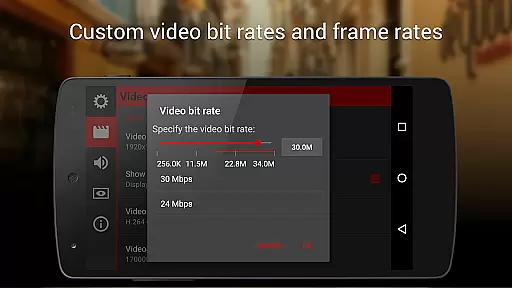
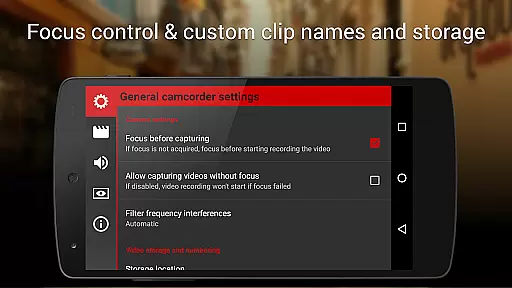
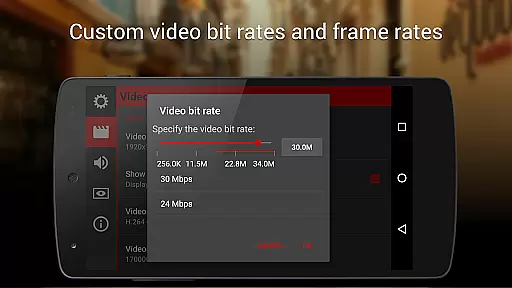
Cinema FV-5 also excels in its organizational and customization capabilities. Users can choose from various video and audio codecs, adjust bitrates, and customize file names with specific variables. The app supports geotagging, different storage locations, and assignable hardware keys for quick access to critical functions. These features make Cinema FV-5 not only a powerful video capture tool but also a highly adaptable solution for professional filmmakers who require efficiency and precision in their workflow.
Cinema FV-5 excels in providing real-time capture and preview capabilities, ensuring videographers can monitor their footage as it's being recorded. This feature is crucial for professionals who need to make precise adjustments on the fly.
The application offers a professional viewfinder with over 10 compositing grids and crop guides, allowing users to frame their shots accurately. The inclusion of safe areas display ensures that all critical elements are captured within the frame, optimizing post-production efficiency.
One standout aspect is the advanced electronic viewfinder, which displays live RGB and luminance histograms during recording. This allows users to monitor exposure levels and make necessary adjustments in real time, ensuring optimal video quality.
With manual controls available at your fingertips, including focus and exposure adjustments during recording, Cinema FV-5 empowers creators to produce high-quality footage that meets professional standards.
While primarily focused on professional videography, Cinema FV-5 also incorporates features that enhance video quality through advanced settings rather than AI-based beautification. These enhancements ensure natural and authentic results without compromising the original footage.
Users can adjust various sensor parameters such as ISO, exposure compensation, and white balance even during recording. This flexibility allows videographers to adapt to changing lighting conditions seamlessly, maintaining the natural look of the scene.
Sound quality is another area where Cinema FV-5 shines, offering professional sound metering options. Audio peaks and clipping warnings help maintain clear and balanced sound, contributing to the overall natural feel of the video.
By prioritizing manual controls and professional settings over automated enhancements, Cinema FV-5 ensures that the final output remains true to the creator's vision, delivering natural and high-quality results.
Advanced manual controls
Professional viewfinder tools
Excellent audio monitoring
Customizable settings
4K UHD support
Complex for beginners
High device requirements
No built-in editor
Paid application
Limited automation

A collection of tools and reference tables for DPs, ACs, DITs and Operators.
 4.70
4.70
Photo editor: face & body editor, beauty cam, filters and quality enhancer.
4.00
Add Watermark - Sign your pictures with a text or logo. Effective, quick, easy!
4.50
Find time and duration of different sunlight phases at any location
4.90
All-in-One Editor & AI Photo Enhancer, Collage, Cartoonify, Funny Stickers & BGS
4.10
Create AI Photos, Improve and restore quality of blurry, old or damaged pics.
4.20
Photo editor & gallery. Crop pictures & edit photos offline, no wifi!
4.50
Fit multiple photos on one post. Create carousels & scroll layouts for Instagram
4.50
Welcome to ProShot, the most powerful camera app on Android.
4.20
Perfect body tune & face app - photo retouch, makeup, slim body & beautify face.
4.80
Your personal guide to the sun and moon. Plan ahead, visualize and predict!
4.70
Create & Edit with AI: AI Remove, Enhance, Retouch, Filter
4.10
USB Storage Access for Photos, Videos, Music and Documents
3.80
Remote control of the phone camera from your Wear OS smartwatch
3.70
An interval timer to automate photo taking process for timelapse
2.90


User Reviews