
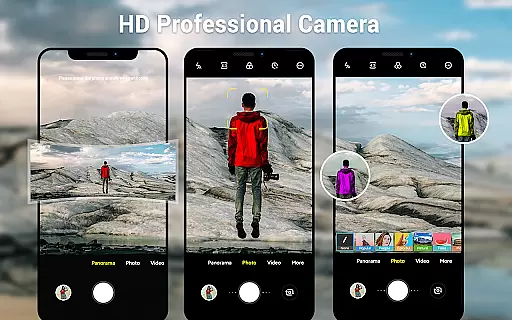
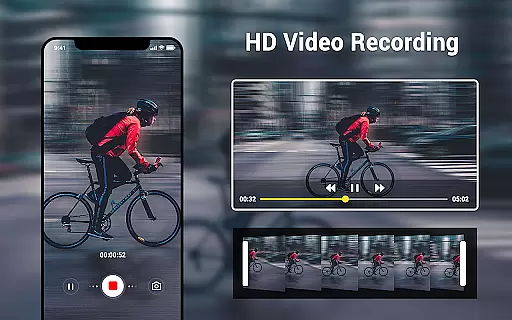
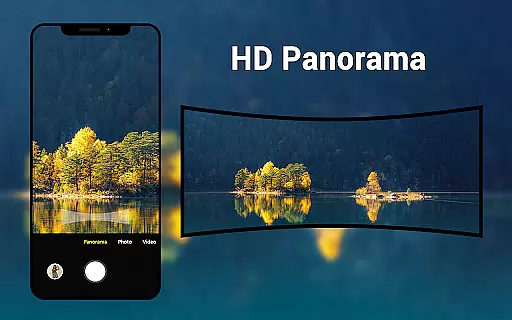
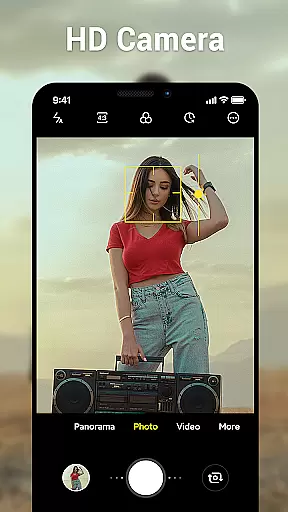
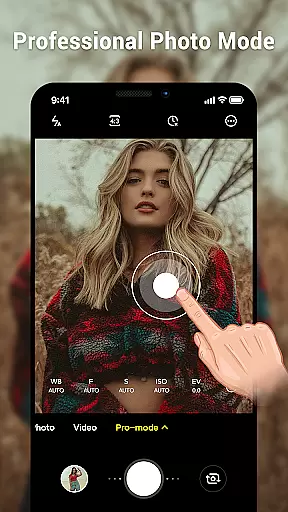
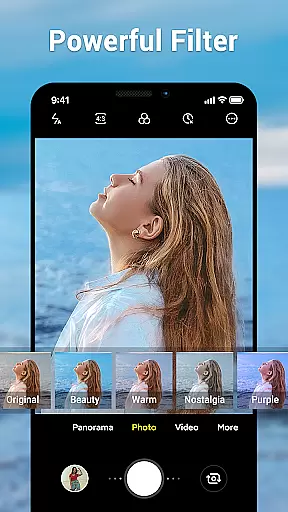
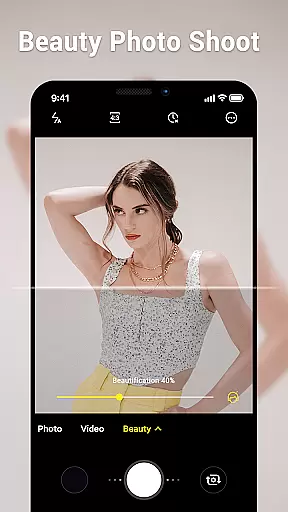
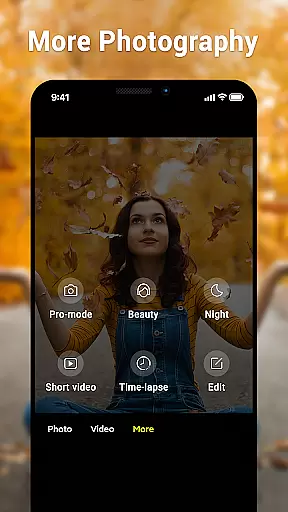
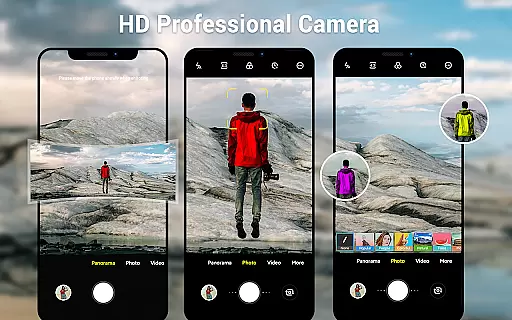
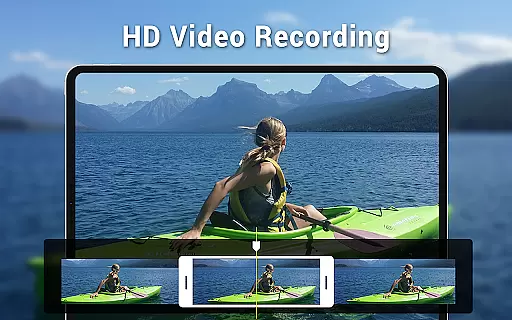
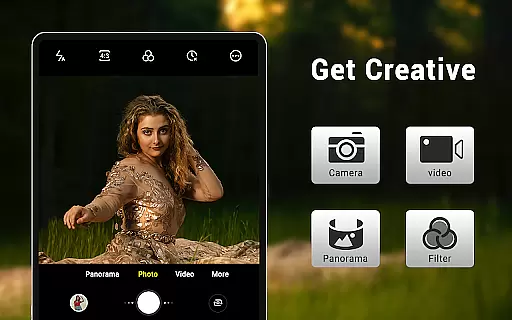
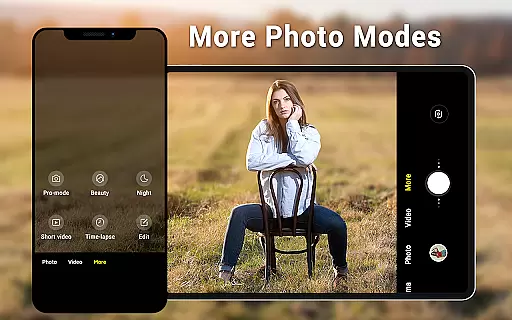
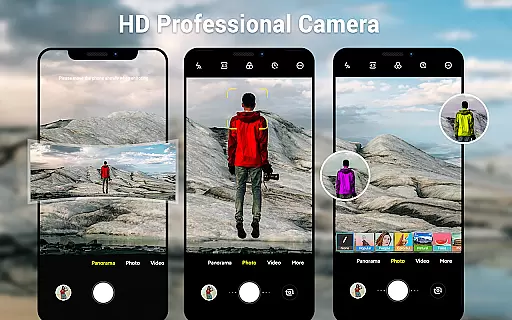
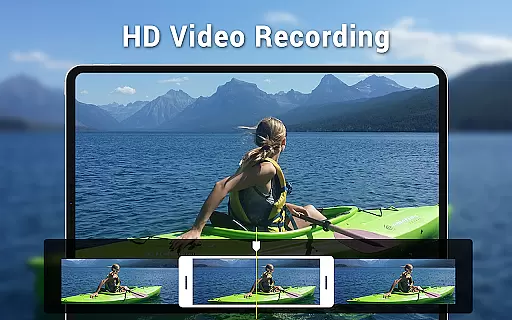
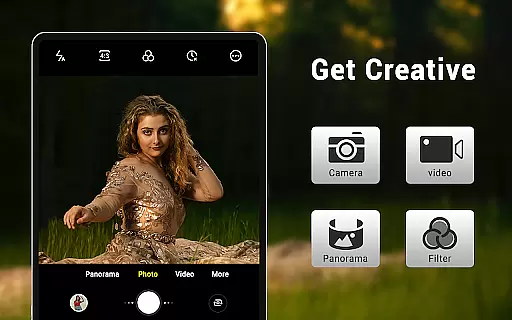
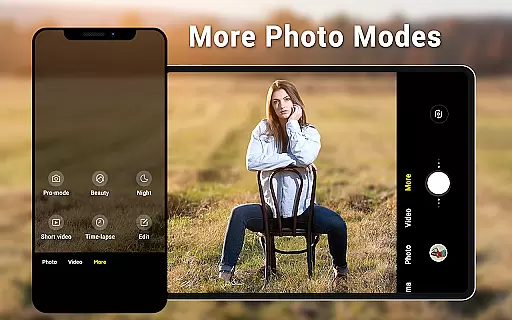
Camera for Android is a native HD camera application designed to provide users with a simple and efficient way to capture high-quality photos and videos. The app supports multiple shooting modes including standard photo capture, video recording, and smart panorama features.
With intuitive controls such as pinch-to-zoom, countdown timer, and exposure settings, this photography app ensures users can easily optimize their shooting experience across various devices. Its dynamic user interface adapts seamlessly to both phones and tablets, making it versatile for different screen sizes.
The app offers an impressive range of features that cater to both amateur and professional photographers. It includes advanced settings like white balance adjustments (Incandescent, Fluorescent, Auto, Daylight, Cloudy), screen mode options (Action, Night, Sunset, Play), and configurable volume keys for customized control.
Additional functionalities include location targeting, wide-screen picture support, and picture quality settings that allow users to fine-tune every aspect of their photography experience. These comprehensive features ensure the app meets diverse user needs while maintaining optimal performance.
Real-time capture and preview functionality is essential for ensuring that users can accurately frame and capture their desired shots without delay. The Camera for Android app excels in this area by providing a seamless experience that leverages the native capabilities of Android devices.
This application offers three distinct modes: camera, video recorder, and panorama, each with HD features. Users can take advantage of pinch-to-zoom and smart panorama shooting to capture wide-screen pictures with ease. These functionalities ensure that every moment is captured with precision and clarity, offering an intuitive photography experience.
The dynamic user interface adapts to both phone and tablet screens, enhancing usability. With additional features like countdown timer, exposure settings, and white balance adjustments, users have comprehensive control over their photography sessions. This ensures that the real-time preview accurately reflects the final image quality, allowing users to make necessary adjustments on the fly.
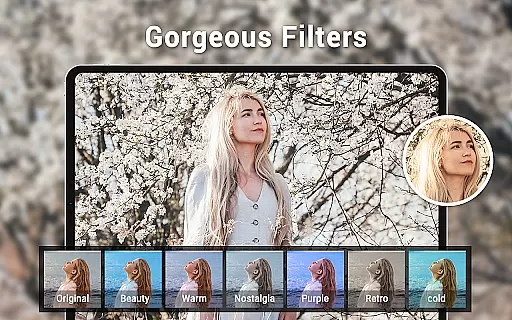
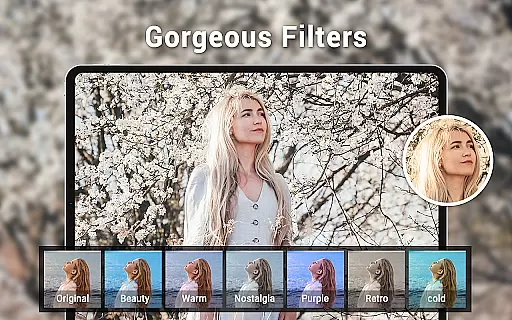
AI beauty and enhancement features are increasingly popular in photography apps, aiming to provide users with tools to enhance their photos naturally. The Camera for Android app incorporates these features while maintaining a focus on authenticity and high-quality results.
With configurable volume keys and location targeting, users can customize their shooting experience to suit their preferences. The app includes various picture quality settings and screen mode options such as Action, Night, Sunset, and Play, which contribute to more natural photo enhancements.
Despite the availability of many camera applications, this app stands out by utilizing native Android camera code under the Apache License. This ensures efficient performance and reliability, meeting user needs effectively. By focusing on natural enhancement techniques, the app provides users with aesthetically pleasing yet genuine-looking photographs, making it a valuable tool for everyday photography.
User-friendly interface
High-definition photo capabilities
Versatile shooting modes
Advanced customization options
Optimized for all devices
Limited unique features
No social sharing integration
Basic editing tools
Occasional performance lags
Ads in free version

Perfect photos with body shaping, BG changer and object remover.
 3.70
3.70
Natural Beauty, Selfie Retouch
4.30
Photo editor & gallery. Crop pictures & edit photos offline, no wifi!
4.50
Create AI photos & videos with Enhancer; restore, fix, beautify, enhance photos
4.50
Enhance, retouch & create your story - Share the moment with Photoshop Express.
4.60
AI-powered video creator by MiniMax - Where ideas meet cinema
4.20
Snap photos remotely using your Garmin watch as the camera trigger
4.4
Your personal guide to the sun and moon. Plan ahead, visualize and predict!
4.70
A unique animation app. Powerful, easy to use, and lots of fun.
4.30
Collage your moments in one tap: 1000+ layouts, filters, stickers, and texts.
4.90
Cartoon and artistic effects for your photos and videos
4.70
HD Camera Pro with HD Video shooting, Panorama, Photo editor , Beauty Camera.
4.50
Transform Photos: Edit, Beautify and Craft Memories & Make Collages!
4.10
Photo editor: face & body editor, beauty cam, filters and quality enhancer.
4.00
Photo Album Watch Face shows your favorite pictures as a Watchface.
1.90


User Reviews