
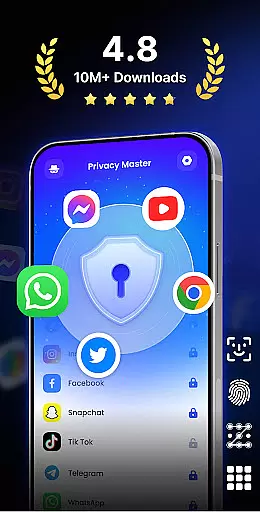
App Lock - Fingerprint Lock is a comprehensive security solution designed to protect your digital privacy. This productivity app allows users to lock sensitive applications using password, pattern, or fingerprint authentication. With over 50 million downloads, it has become a trusted tool for safeguarding personal data on mobile devices.
The app's core functionality extends beyond basic locking features. It includes advanced options like intruder selfies, icon disguise, and custom lock themes. These features make it an ideal choice for users who want both security and personalization. Whether you need to protect financial apps or hide private media files, App Lock provides complete peace of mind.
What sets this app apart is its ability to handle multiple security scenarios. From hiding notifications to removing junk files, it offers a complete suite of tools that enhance both security and device performance. The auto-relock feature and multiple lock types ensure that users can tailor their security experience according to their specific needs.
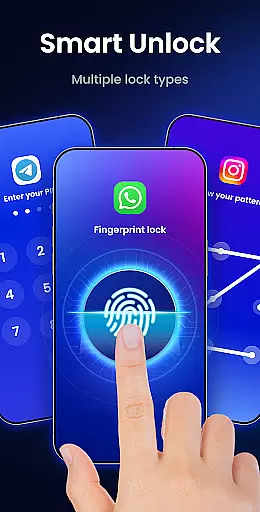
App Lock - Fingerprint Lock distinguishes itself through its extensive feature set that caters to various security requirements. The app's primary feature is its robust locking mechanism that supports multiple authentication methods including PIN, pattern, and fingerprint recognition. This flexibility ensures that users can choose their preferred security method while maintaining strong protection.
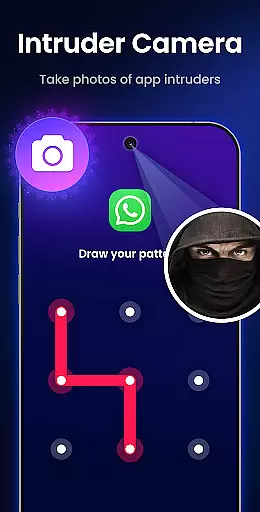
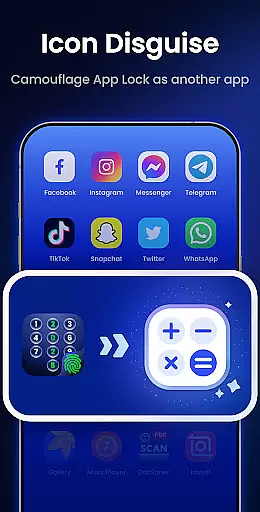
Beyond basic locking, the app offers several innovative features. The intruder camera function automatically captures photos of anyone attempting unauthorized access, providing an extra layer of security. The icon disguise feature allows users to mask the app's presence by displaying it as a calculator or weather app, making it perfect for situations where discretion is crucial.
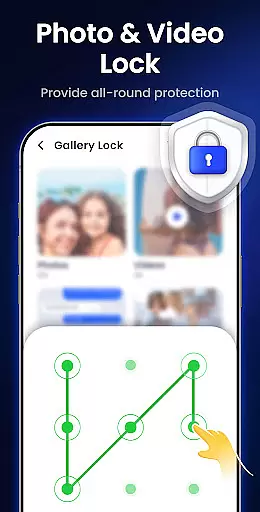
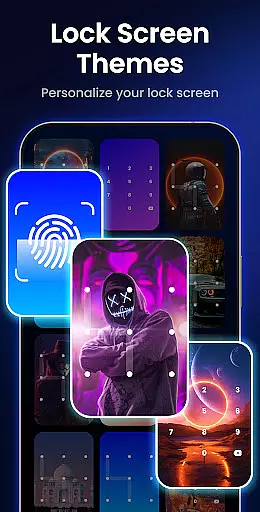
Additional notable features include the ability to hide private files in a secure gallery, automatic re-lock timers, and customizable lock screen themes. The app also includes practical tools like junk file removal and notification hiding. These features collectively create a comprehensive security solution that addresses both privacy concerns and device optimization needs.
App Lock - Fingerprint Lock offers a robust solution for managing access to your most critical apps and data. This feature allows users to lock specific applications using various methods such as password, pattern, or fingerprint authentication.
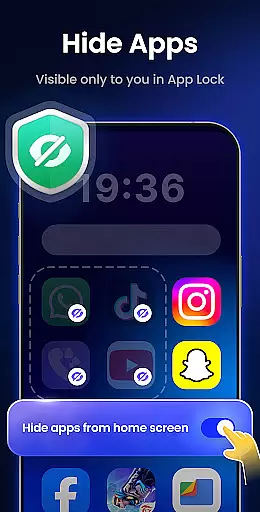
The app supports locking for a wide range of applications including social media, financial services, and system settings. By enabling this functionality, users can ensure that sensitive information remains private and secure from unauthorized access.
With options like auto re-lock and multiple lock types, the app provides flexibility in how and when access is granted. These features enhance user convenience while maintaining high security standards.
Overall, the core task management capabilities of App Lock empower users to take control of their digital privacy with ease and confidence.
While App Lock - Fingerprint Lock primarily focuses on securing individual devices, it incorporates features that support reliable cross-device synchronization. The app's cloud backup functionality (coming soon) will enable users to maintain consistent security settings across multiple devices.
Currently, the app offers uninstall protection which ensures that security measures remain intact even when reinstalling or switching devices. This creates a seamless experience for users who utilize multiple devices in their daily routine.
Additionally, the app's icon disguise feature allows for consistent protection strategies across different devices. Users can maintain their preferred level of privacy without drawing attention to their security measures.
Although direct synchronization features are still developing, the existing framework provides reliable protection that can be effectively managed across various devices in a user's ecosystem.
Highly secure
User-friendly interface
Customizable themes
Intruder detection
Multiple authentication
Requires permissions
May slow device
Ads in free version
Complex settings
Occasional bugs

The long-awaited modern gallery app for your Nextcloud server
 4.70
4.70
Native client for Forgejo and Gitea
5.00
A simple, portable logger for POTA, SOTA, Field Day, and more
4.0
Protect and view your important info on your phone and tablet with eWallet®
4.80
App lock - lock apps with fingerprint, password, pin or pattern, protect privacy
4.70
Create and edit presentations with Google Slides, part of Google Workspace.
4.00
A simple Whisper AI keyboard for reliable speech transcription and rewording
4.60
Scan paperwork into PDF/JPG, generate your own e-signature and send fax or email
4.70
Daily processing of PDF documents.
4.40
Scientific calculator for Android - looks and operates like the real thing!
4.90
Simple notepad & memo. Take notes, to-do list, shopping list with reminders.
4.80
Send files, sync SMS, notifications & clipboard across devices via local network
4.40
Docker, Kubernetes management over Portainer Mobile
4.40
Remotely view listen control and record cameras.
3.70
Make your handwriting beautiful, even more than pen on paper.
3.60


User Reviews