
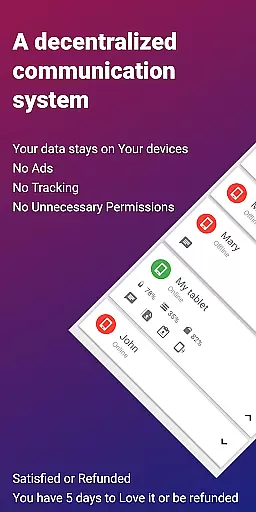
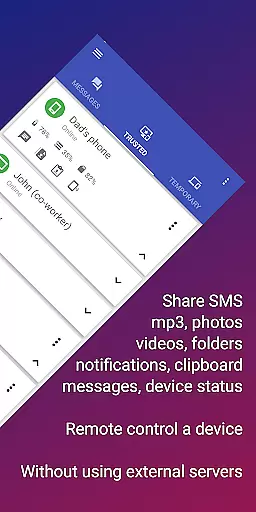
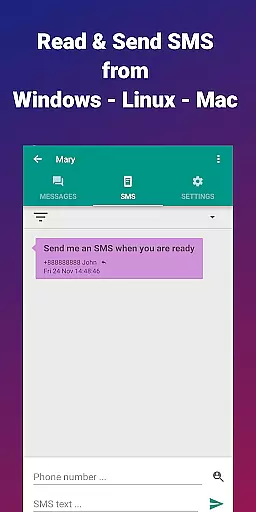
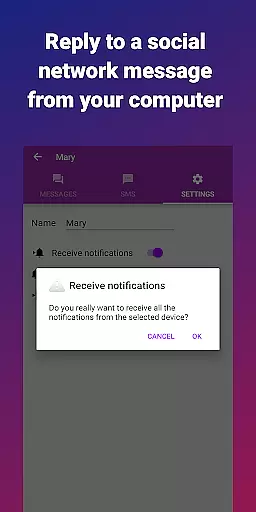
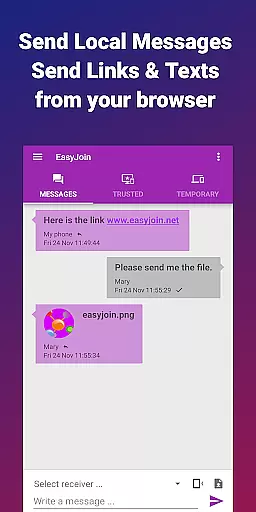

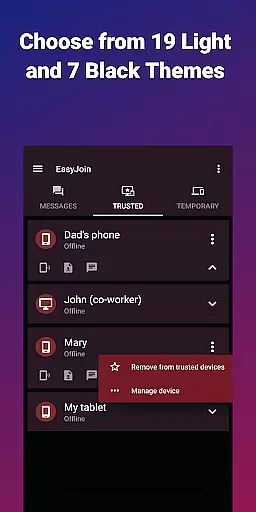
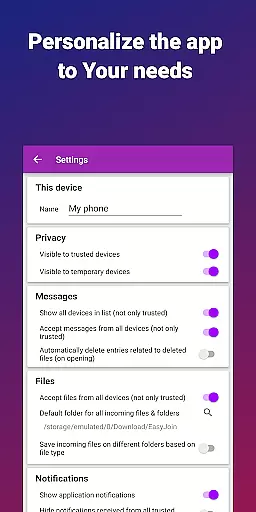
EasyJoin is a productivity-focused application designed to seamlessly connect your devices and transfer files instantly without relying on cloud services, advertisements, or tracking mechanisms. The app enables users to send files, sync clipboards, manage SMS, read notifications, and control devices using only their local network. Everything remains private and encrypted, ensuring complete data security.
The core functionality of EasyJoin revolves around fast file transfers between devices such as phones, PCs, and tablets. It also supports clipboard synchronization across multiple platforms including Android, Windows, macOS, iPhone, iPad, and Linux. Additionally, the app allows remote notifications and SMS management directly from a computer, enhancing productivity for users who frequently multitask across devices.
Perfect for both personal and professional use, EasyJoin is ideal for reading and sending SMS from a computer, transferring files between phone and computer, and enabling offline file sharing within a secure local network. Its privacy-first approach ensures no accounts, cloud storage, ads, or trackers are involved, making it a reliable tool for maintaining data confidentiality while boosting efficiency.
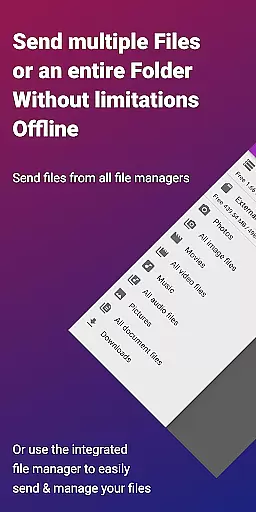
EasyJoin stands out with its comprehensive set of features tailored to enhance productivity and ensure privacy. One of its key highlights is the fast file transfer capability that allows users to send photos, videos, documents, and folders instantly between devices without requiring an internet connection, cloud storage, or external servers.
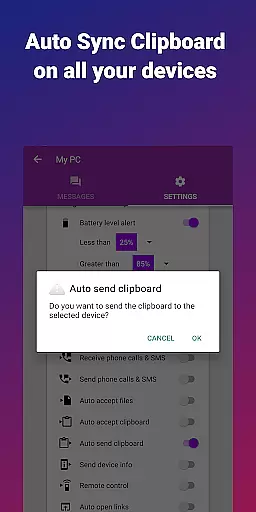
Another notable feature is the clipboard sync functionality, which lets users copy content on one device and paste it on another. This works seamlessly across various platforms, including Android, Windows, macOS, iPhone, iPad, and Linux. Additionally, the app offers peer-to-peer encrypted sharing, ensuring all data stays within the local network with end-to-end encryption, thus safeguarding sensitive information.
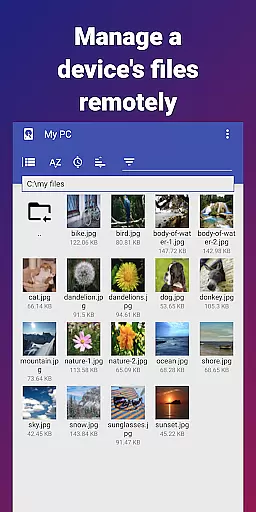
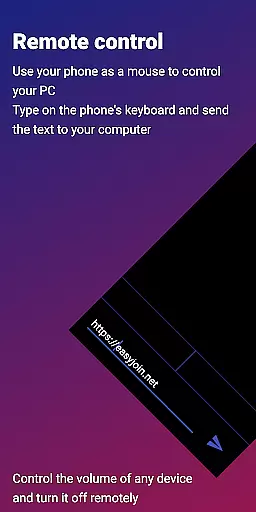
Remote notifications and SMS management enable users to read and respond to phone messages or notifications directly from their computers. The remote control feature allows users to utilize their phones as keyboards or mice for PCs or control their phones from a computer. With cross-platform support and a focus on security, EasyJoin provides desktop apps for Windows, macOS, and Linux, along with browser extensions, making it a versatile tool for modern productivity needs.
Task management is a cornerstone of productivity applications, and EasyJoin excels in this domain by offering a suite of features that streamline device connectivity and file sharing. The app enables users to send files, sync clipboards, and manage SMS across multiple devices without relying on cloud services.
EasyJoin's implementation of task management revolves around its peer-to-peer encrypted sharing capabilities. This ensures that all data shared between devices remains private and secure within the user's local network. The absence of external servers means that tasks such as transferring files or syncing notifications are executed swiftly and directly.
For users, this translates into an efficient workflow where actions like reading notifications, responding to SMS, or controlling devices remotely can be performed seamlessly from a single interface. The application's support for cross-platform operations further enhances its utility, allowing for a cohesive experience whether you're using Windows, macOS, Linux, or mobile operating systems.
The true value of EasyJoin's task management lies in its ability to integrate these functions while maintaining privacy and security. With end-to-end encryption and a focus on local network operations, users can trust that their data remains confidential and under their control, providing peace of mind while boosting productivity.
Cross-device synchronization is a pivotal feature for modern productivity tools, and EasyJoin offers reliable performance in this area. By enabling instant file transfers, clipboard syncing, and remote notifications across devices connected to the same local network, it ensures that users can maintain continuity in their work without interruptions.
The reliability of EasyJoin's synchronization stems from its use of peer-to-peer connections that keep all interactions within the user's local environment. This approach eliminates dependency on internet connectivity or third-party cloud services, which can introduce latency or pose security risks. As a result, users experience fast and dependable synchronization regardless of external factors.
Moreover, EasyJoin supports a wide range of platforms including Android, iPhone, iPad, Windows, macOS, and Linux. This extensive compatibility ensures that no matter what combination of devices a user owns, they will benefit from consistent and accurate synchronization of their data and tasks.
Ultimately, EasyJoin's commitment to privacy-first practices reinforces the reliability of its cross-device synchronization. With end-to-end encryption safeguarding every connection, users can confidently synchronize sensitive information knowing that their data never leaves their local network and remains protected against unauthorized access.
Fast file transfer
Clipboard sync
P2P encryption
Cross-platform
No subscriptions
Limited to LAN
One-time cost
No cloud backup
Complex setup
Fewer integrations

Auto-shutoff Alarm with Sunrise, Sunset & Fixed Options.
 3.50
3.50
Native client for Forgejo and Gitea
5.00
Wake up & get tasks done! Add alarms & reminders on the Clock Launcher.
4.00
The Pro Version of Android's tiniest Notepad app. Just 0.3MB but feature-packed!
4.60
A lightweight JSON & XML files creator, editor and viewer (Premium Version)
4.40
Protect and view your important info on your phone and tablet with eWallet®
4.80
PDF scanner & converter for files, photos, lottery, QR codes. One swipe away!
4.50
Create and edit presentations with Google Slides, part of Google Workspace.
4.00
AT&T Internet customers can use this app to personalize their Wi-Fi network.
4.40
The long-awaited modern gallery app for your Nextcloud server
4.70
CalenGoo is a very flexible and feature-rich calendar app
4.40
Total remote control for your Android device, PC and cloud services (IFTTT)!
4.20
Experience real multitasking on your Android!
4.00
Unlock AutoNotification
4.00
Experience and share your SolidWorks designs on your Android® phone and tablet.
2.50


User Reviews