
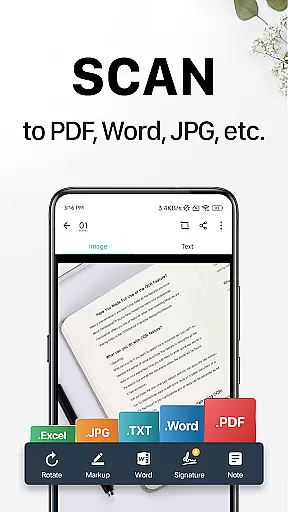
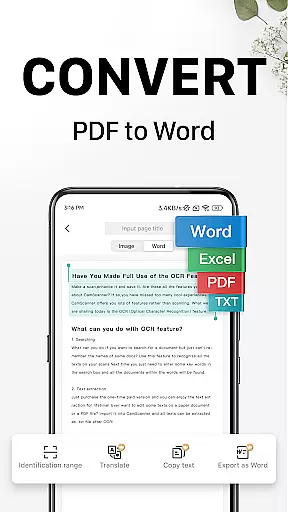
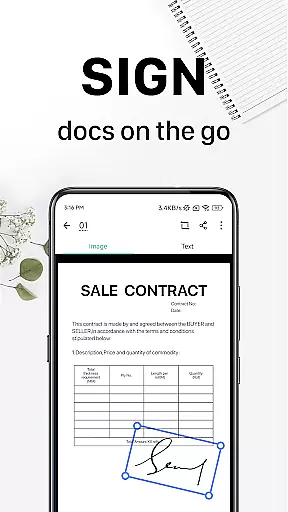
CamScanner is a versatile productivity app that transforms your mobile device into a powerful portable scanner. With advanced OCR technology, it allows users to instantly scan, save, and share documents in various formats including PDF, JPG, Word, and TXT. The app's intuitive interface and robust features make document management seamless and efficient.
Beyond basic scanning, CamScanner offers essential tools such as text extraction, wireless printing, and remote fax capabilities. These features are particularly beneficial for professionals who need to digitize receipts, notes, invoices, and business cards while on the go. By providing cross-platform synchronization, CamScanner ensures you can access your documents anytime, anywhere.
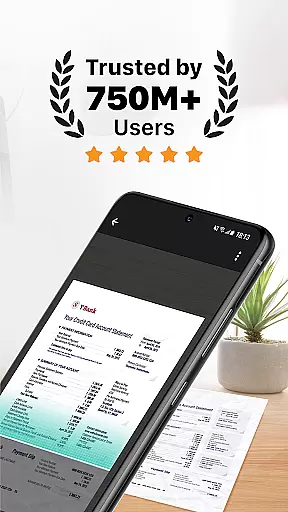
The app's global user base of over 300 million across 200 countries demonstrates its reliability and effectiveness. Whether you're a student, business professional, or home user, CamScanner helps streamline document handling, making it an indispensable tool for improving productivity and saving time.
CamScanner stands out with its comprehensive feature set tailored for productivity enhancement. The app's quick document digitization allows users to scan various types of paper documents using their mobile camera. Its smart cropping and auto-enhancing capabilities ensure scans maintain premium color and resolution quality.
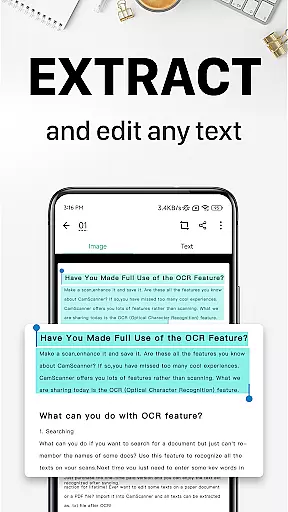
One of the key highlights is the OCR functionality, which extracts text from images or PDFs for easy searching, editing, and sharing. Additionally, CamScanner supports wireless printing and remote faxing to over 30 countries, eliminating the need for physical printers or fax machines. Advanced document editing tools enable annotations and customized watermarks, adding a professional touch to your documents.
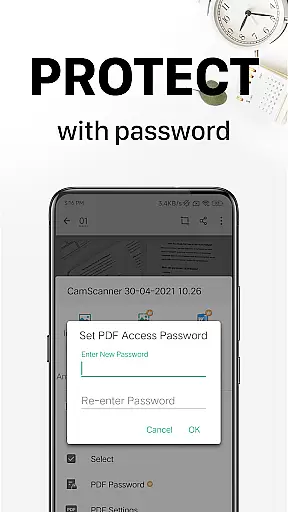
The app also includes secure document protection through password settings and syncs across multiple devices, ensuring seamless access and collaboration. With unlimited access membership options, users can enjoy all these features without restrictions, making CamScanner a complete solution for all document management needs.
At the heart of CamScanner lies its robust core task management system, designed to streamline document handling and boost productivity. This feature allows users to quickly digitize documents using their mobile device's camera, transforming receipts, notes, invoices, and more into high-quality digital formats.
The app employs smart cropping and auto-enhancing technologies to ensure that every scan is optimized for clarity and sharpness. These capabilities not only save time but also enhance the overall quality of the scanned documents, making them easier to read and share.
With CamScanner, users can efficiently organize their digital workspace by tagging documents for quick retrieval and utilizing advanced search functionalities. The optical character recognition (OCR) feature further augments this by enabling text extraction from images or PDFs, allowing for seamless searching, editing, and sharing of content.
Cross-device synchronization is a pivotal feature of CamScanner, ensuring that all your important documents are accessible no matter where you are. By signing up for an account, users can sync their documents across smartphones, tablets, and computers, accessing them via the CamScanner app or website.
This synchronization process is reliable and efficient, providing real-time updates so that the latest version of any document is always available. Whether you're at home, in the office, or on the go, your documents are just a few clicks away, enhancing both convenience and peace of mind.
Moreover, CamScanner offers secure cloud storage options, safeguarding your data with password protection and encrypted download links. This ensures that confidential information remains protected while still being readily accessible to authorized users across different platforms.
User-friendly interface
Advanced OCR technology
Cross-platform synchronization
Wireless printing support
Remote fax capabilities
Premium features require subscription
Limited free trial usage
Some advanced tools locked behind paywall
Occasional ads in free version
Large file sizes may affect performance

Total remote control for your Android device, PC and cloud services (IFTTT)!
 4.20
4.20
Unlock AutoNotification
4.00
The upgraded version of Name Wheel with AI and the power to add your own wheels.
4.5
Device's storage information in a simple and clear graphical form (infographics)
4.10
Easiest event planning, volunteer signups & parent teacher conference scheduling
2.20
Make apps & sites with natural language prompts
4.10
A Pixel Art watchface inspired by other iconic 90s designs for Wear OS devices!
4.40
Okta MFA
4.70
Seamlessly read, manage, and organize all your PDF files solution in one place
4.40
The long-awaited modern gallery app for your Nextcloud server
4.70
PDF scanner & converter for files, photos, lottery, QR codes. One swipe away!
4.50 4.20
4.20
Activate Two Factor Authentication (2FA or Multi OTP), Password manager and more
4.10
ID.me Authenticator is a simple and free Two Factor Authentication solution
3.50
Code on-the-go with VScode for Android. Edit,debug and collaborate from mobile!!
3.10


User Reviews