
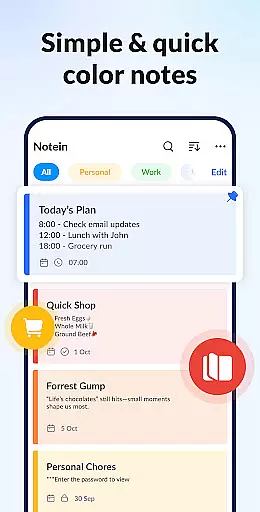
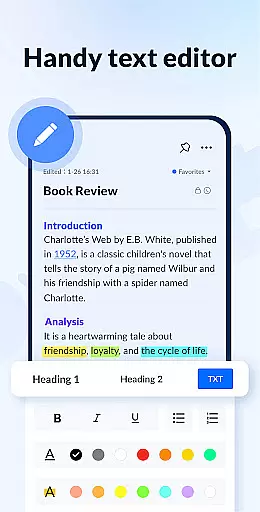
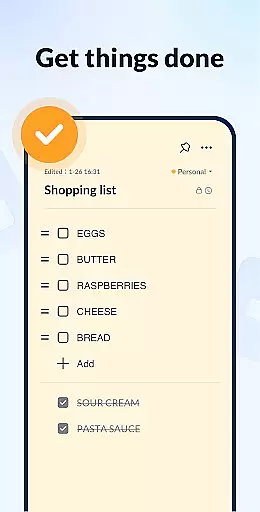
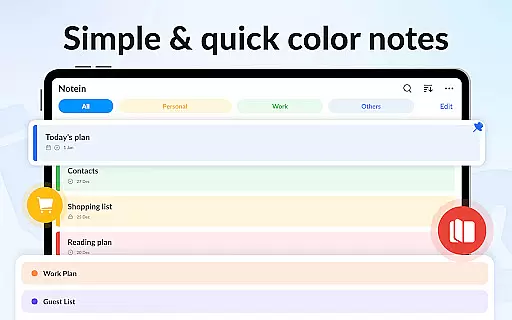
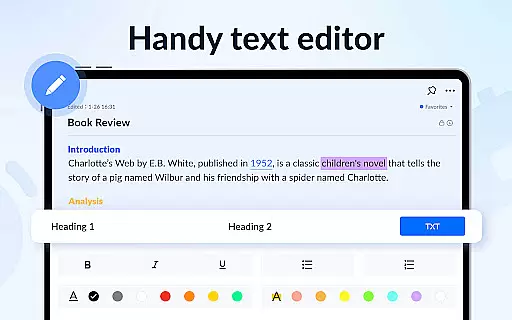
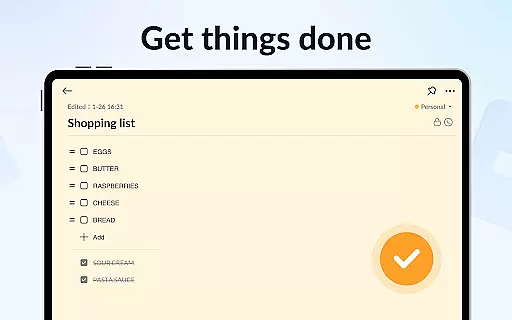
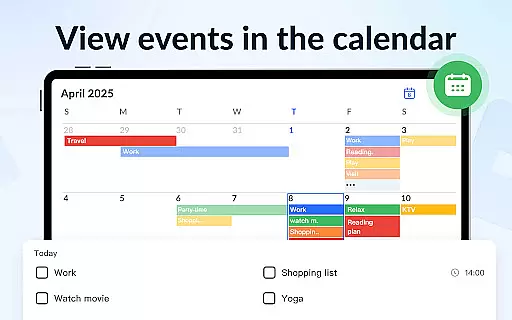
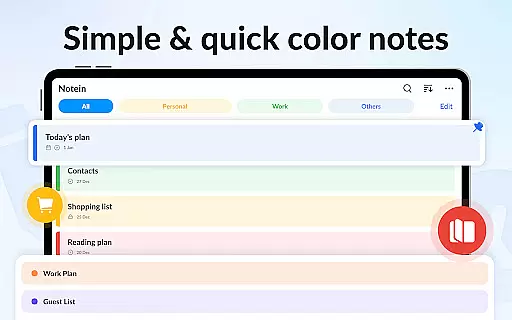
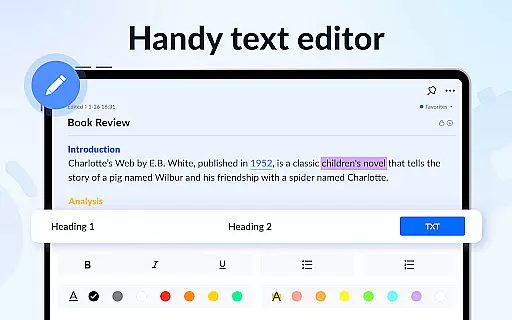
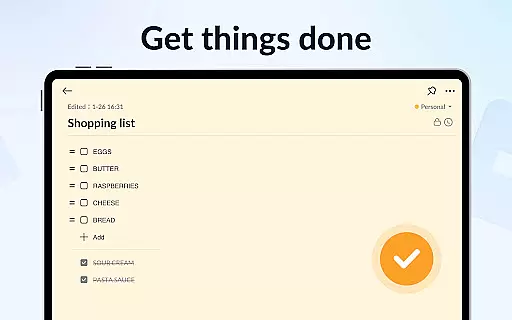
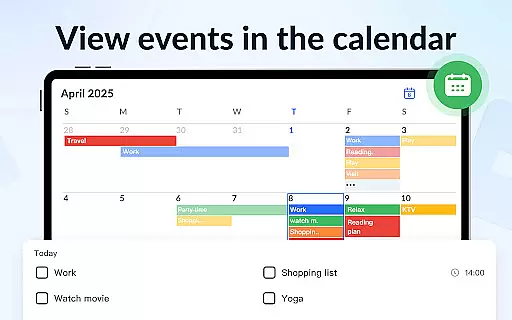
Notein - Notepad, Notes, Lists is a versatile productivity app designed for effortless note-taking and task management. This free notepad app offers multiple note-taking modes including text and checklist formats, automatic saving, and an intuitive interface that mimics traditional pen-and-paper writing. Users can create quick notes, meeting notes, to-do lists, and shopping lists while enjoying features like color-coded organization and calendar integration.
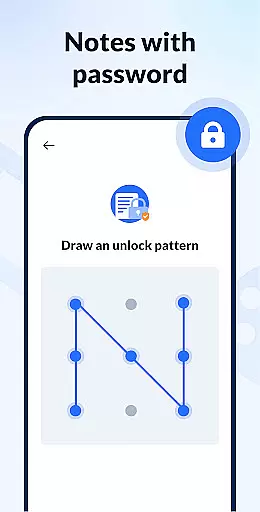
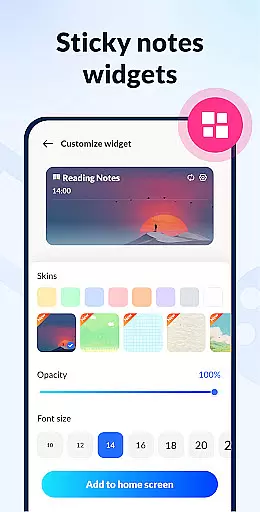
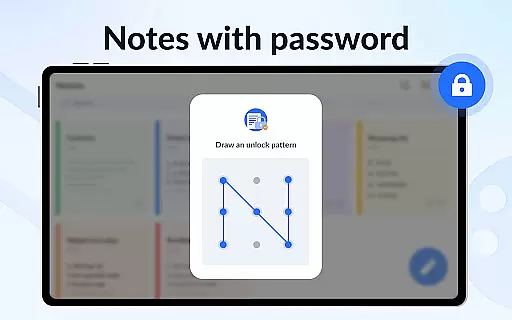
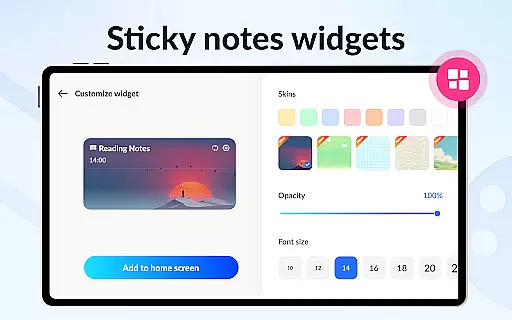
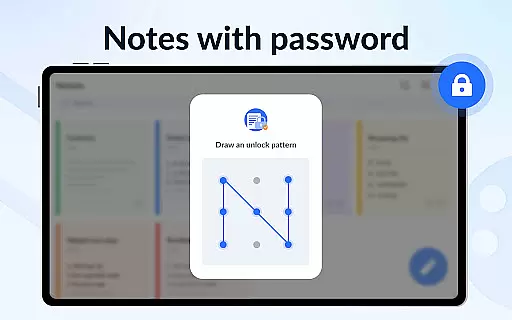
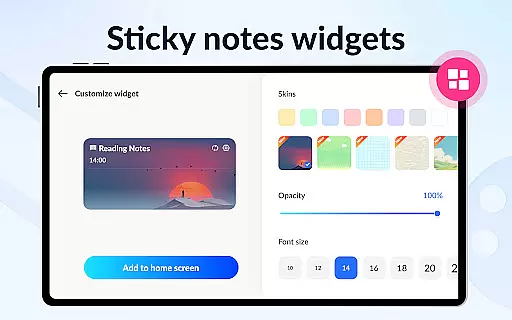
The app stands out with its sticky notes widget functionality, allowing users to pin important reminders directly to their device's home screen. With additional features such as note reminders, password protection, and cloud backup, Notein ensures both convenience and security. Whether you need to manage daily tasks or organize complex schedules, this app provides a comprehensive solution for all your note-taking needs.
Notein offers an impressive array of features that enhance the note-taking experience. The app provides two distinct note-taking modes: a lined paper-style text mode and a checklist mode, both automatically saving your progress. Its standout feature is the sticky notes widget, which enables quick access and viewing of important notes directly from your home screen.
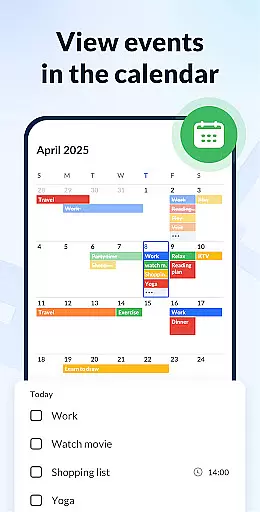
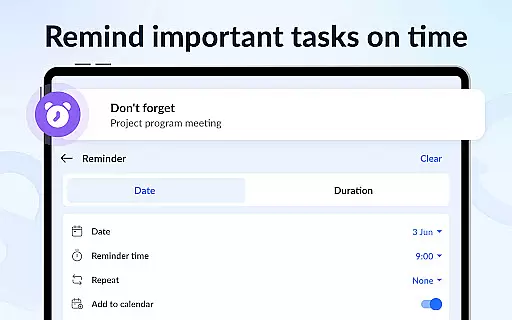
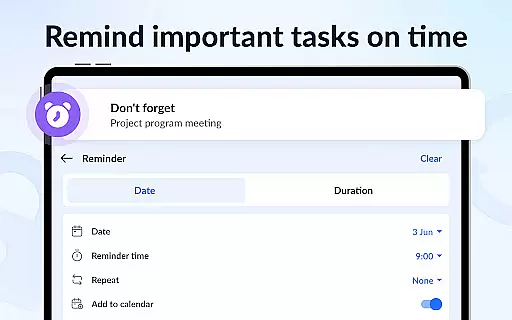
Additional functionalities include a calendar mode for scheduling tasks, color-coding options for better organization, and reminder notifications to ensure you never miss important deadlines. The app also supports secure note storage through password protection and offers cloud backup capabilities to prevent data loss. These comprehensive features make Notein an ideal choice for anyone seeking an efficient digital notebook solution.
Effective task management is essential for productivity applications, serving as the backbone for organizing and executing daily activities. Notein - Notepad, Notes, Lists excels in this area by offering versatile modes for note-taking, including text mode and checklist mode, which cater to different user preferences and needs.
The application automatically saves notes as you type, ensuring that no information is lost and allowing users to focus on their tasks rather than managing their data. This feature supports quick notes, school notes, meeting notes, memos, to-do lists, and shopping lists, making it a comprehensive tool for personal and professional organization.
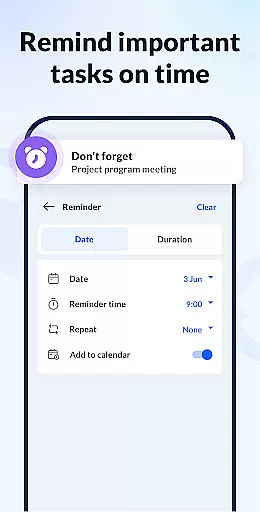
With functionalities such as setting reminders, adding notes to the calendar, and viewing, adding, checking, and editing notes through widgets, Notein enhances task management by integrating various tools that streamline workflow and improve efficiency. These capabilities ensure users can manage their schedules effectively and never miss important deadlines or events.
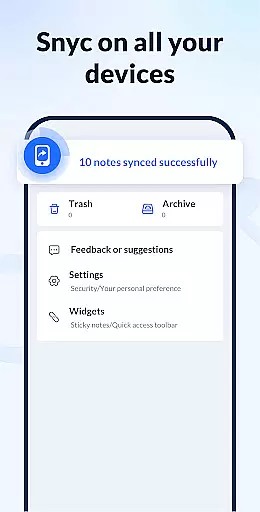
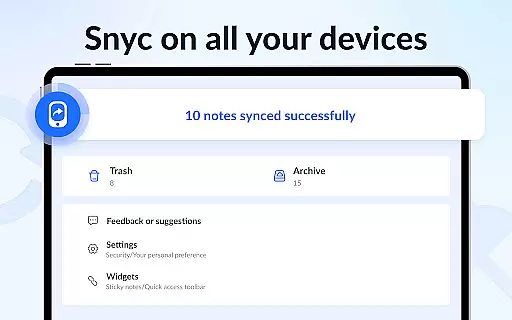
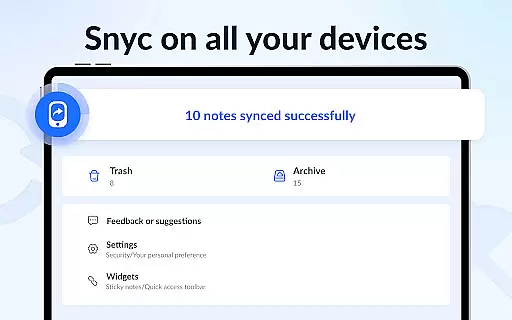
In today's interconnected world, reliable cross-device synchronization is crucial for maintaining consistency and accessibility across multiple platforms. Notein addresses this need by providing cloud backup and restore features, enabling users to synchronize their notes seamlessly across devices.
This ensures that whether you're switching from your phone to a tablet or accessing your notes from a computer, all your information remains up-to-date and readily available. The ability to back up all notes and lists to the cloud not only prevents data loss but also facilitates easy access and management of notes from anywhere.
Additionally, Notein supports sharing notes with friends via various channels such as Twitter, SMS, WeChat, and Email. This collaborative aspect, combined with robust synchronization, makes Notein a reliable choice for individuals seeking a seamless experience in managing their digital notes across different devices.
User-friendly interface
Automatic note saving
Colorful organization options
Secure password protection
Cloud backup functionality
Limited collaboration features
No advanced formatting tools
Occasional syncing issues
Basic drawing capabilities
Widget customization limitations

Auto-shutoff Alarm with Sunrise, Sunset & Fixed Options.
 3.50
3.50
Professional calendar app for Google Calendar, MS Outlook & Exchange
4.20
Direct Chat without saving contacts & Dual WA Account on Single Device
4.70
Planet Free VPN - The best Fast Unlimited and Secure VPN Without Logs
4.50
Subscribe to Webcal & .ics calendars and keep them up-to-date!
4.50
Calendar 2023 widget for Android. Appointment scheduler, planner, and reminder
4.60
Code on-the-go with VScode for Android. Edit,debug and collaborate from mobile!!
3.10
Scan paperwork into PDF/JPG, generate your own e-signature and send fax or email
4.70
AI Chatbot and AI writing assistant powered by ChatGPT.
4.60
Best Tool for the professionals Electrician, Electrical contractors, etc.
4.90
Mind Map and brainstorm, note taking and idea collection
4.80
App lock - lock apps with fingerprint, password, pin or pattern, protect privacy
4.70
PDF scanner & converter for files, photos, lottery, QR codes. One swipe away!
4.50
Translate text/voice/photos in 150+ languages. Offline & fast translator app.
4.50
ID.me Authenticator is a simple and free Two Factor Authentication solution
3.50


User Reviews