
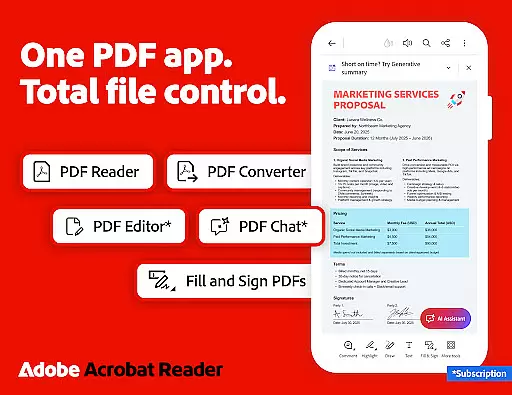
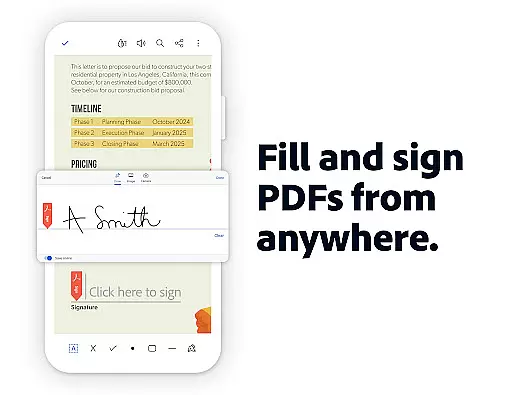
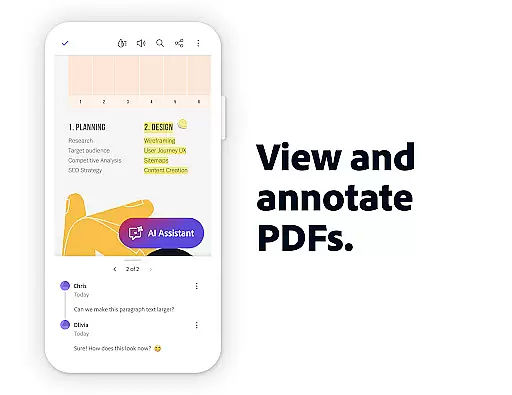
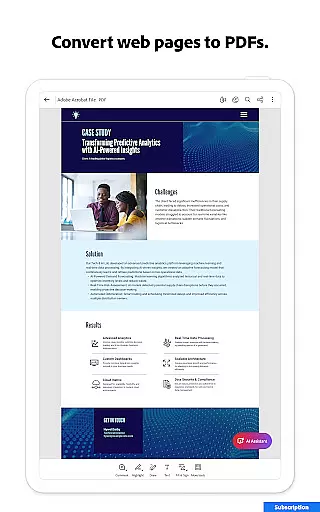
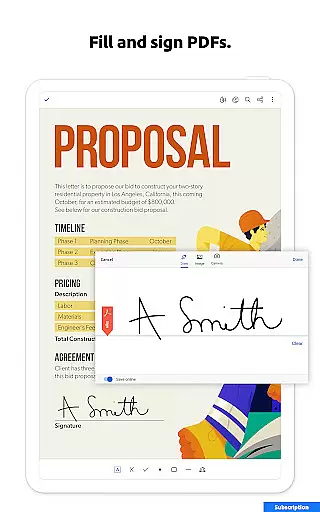
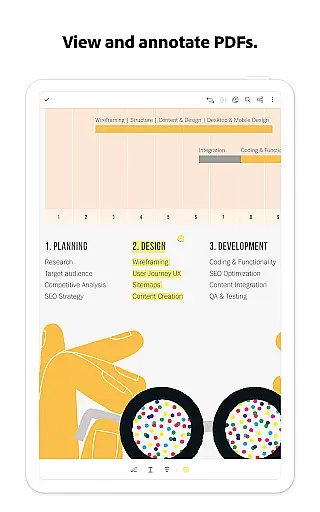
Adobe Acrobat Reader is a comprehensive PDF solution that combines document viewing, editing, and collaboration features. As the world's most trusted PDF reader with over 635 million installs, it enables users to view, annotate, sign, and share documents seamlessly across devices.
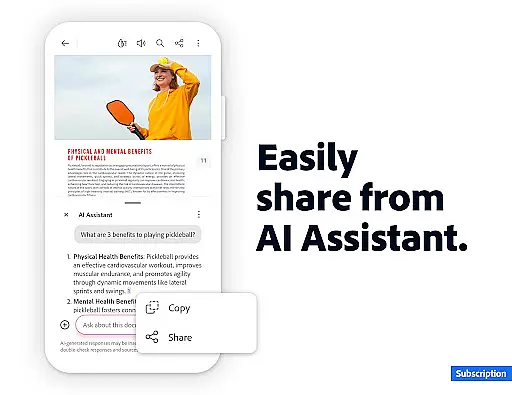
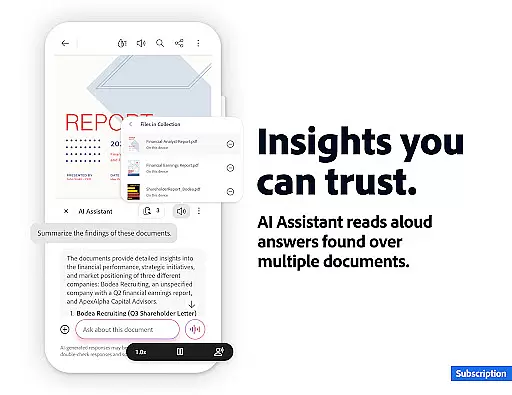
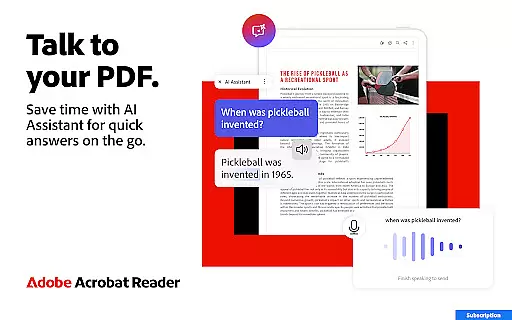
The app's standout feature is the new Adobe Acrobat AI Assistant, which allows users to work smarter with PDFs through conversational AI. Users can generate summaries, extract content for emails or blogs, and get cited answers about document details including charts and graphs. The AI-powered Figures Q&A function makes document analysis more efficient than ever.
Ideal for professionals who need advanced PDF capabilities, this application streamlines document workflows while offering cloud storage integration with services like Google Drive and Dropbox. Its combination of free essential tools and premium features makes it suitable for both individual and enterprise use.
Acrobat Reader distinguishes itself through its robust set of productivity-enhancing features. The PDF Spaces functionality creates a unified workspace for managing multiple files, while the AI Assistant provides intelligent document processing capabilities. The Generative AI Summaries feature automatically creates concise document summaries, saving users valuable time.
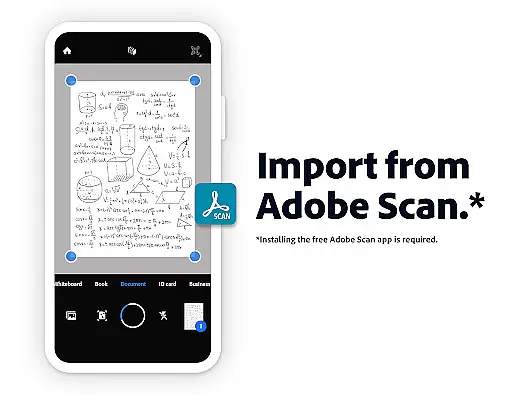
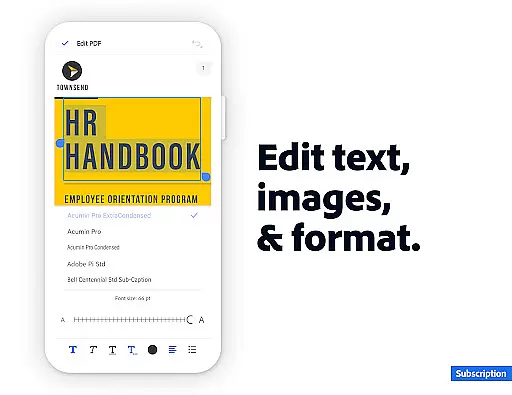
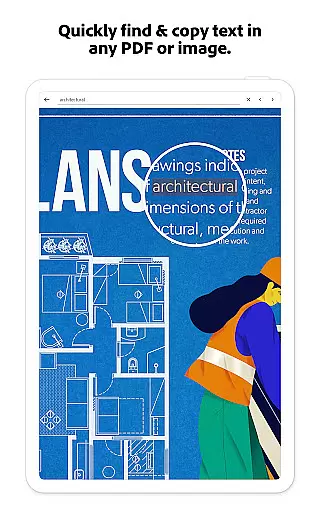
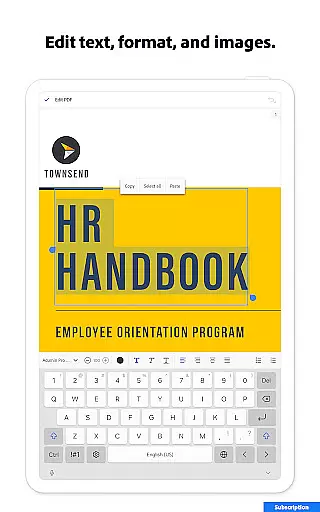
For document management, the app offers comprehensive tools including OCR functionality that converts scanned documents into editable text. Users can merge, split, and organize PDFs with ease, while the PDF editor allows direct modification of text and images within documents. Advanced security features enable password protection and file compression for secure sharing.
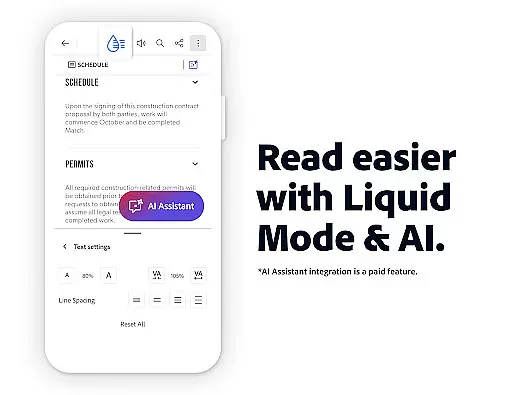
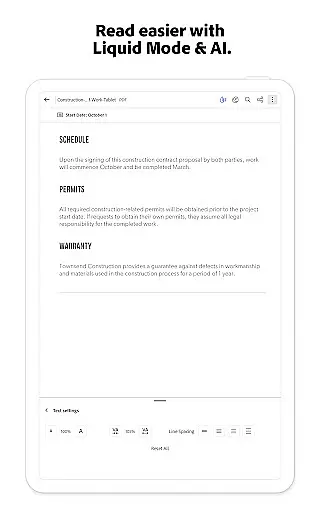
The application's collaboration tools are particularly noteworthy. Shared document review capabilities include @mention notifications and centralized comment management. Liquid Mode optimizes document viewing on mobile devices, while integrated voice support allows hands-free operation. These features collectively enhance productivity and streamline document-centric workflows.
Task management is essential for productivity applications, and Adobe Acrobat Reader excels in this area. The app provides a comprehensive suite of tools that allow users to handle PDF documents efficiently.
With features like PDF Spaces, users can collaborate across multiple files, store documents, and utilize the AI Assistant for enhanced productivity. The ability to edit text and images directly within PDFs streamlines the document refinement process.
Users benefit from advanced functionalities such as Optical Character Recognition (OCR), which transforms scanned documents into editable and searchable files. This feature supports seamless content repurposing across different formats.
The application's organizational tools enable users to merge, split, and reorder pages effortlessly. These capabilities ensure that managing complex document workflows is both intuitive and efficient, significantly boosting user productivity.
Cross-device synchronization is crucial for maintaining workflow continuity, and Adobe Acrobat Reader ensures reliable performance in this domain. Users can access their PDF files across mobile and web platforms without disruptions.
The app integrates with popular cloud storage services like Google Drive, Dropbox, and Microsoft OneDrive. This connectivity allows users to manage and retrieve documents from any device, ensuring consistent access to important files.
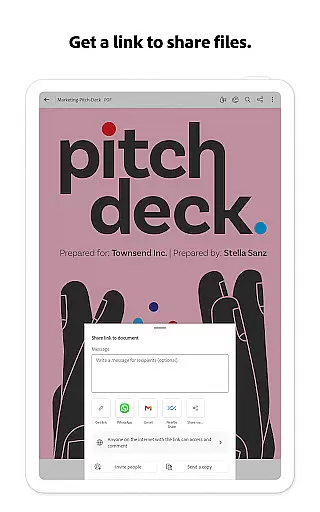
Real-time collaboration features enable teams to work together seamlessly. The @mention functionality and centralized comment management system keep all collaborators updated and engaged.
Additionally, the application's file compression and security features ensure that documents remain protected while being transferred between devices. This comprehensive approach to synchronization establishes Adobe Acrobat Reader as a dependable solution for modern document management needs.
User-friendly interface
Comprehensive PDF tools
Excellent cloud integration
Advanced AI features
Strong security options
Premium features costly
Some tools require subscription
Occasional performance lag
Complex for beginners
Limited free AI usage

Auto-shutoff Alarm with Sunrise, Sunset & Fixed Options.
 3.50
3.50
Ads Free App! Editor, Hide File, Copy, Move, Delete and Rename.. all facility av
1.70
Professional calendar app for Google Calendar, MS Outlook & Exchange
4.20
Planet Free VPN - The best Fast Unlimited and Secure VPN Without Logs
4.50
All in One PDF Reader: Manage, Read and Edit your Documents
4.20
Font maker keyboard with your own handwriting
4.10
Simple and reliable communication between inmates, friends and family
3.20
A beautiful digital clock with autostart and many other functions
4.70
Secure your apps with lock screens, use custom themes and different features.
4.40
Android Wallet Password Manager
4.80
Secure, fast, open-source, VNC and SSH Remote Desktop for Windows, Linux and Mac
4.70
App Lock with fingerprint, password: Lock apps & hide photos with lock screens
4.60
Tally and goal counter for Wear OS & mobile
4.50
Unlock AutoNotification
4.00
A Revolutionary All-in-One Artificial Intelligence Tools
3.80


User Reviews