
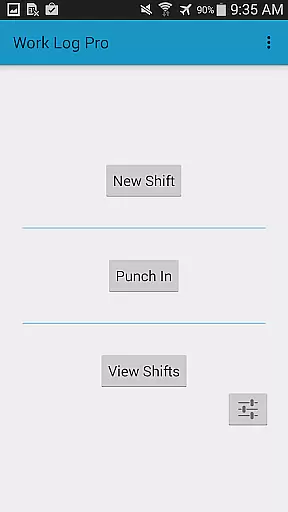
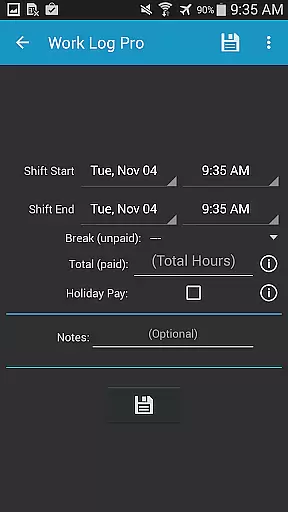
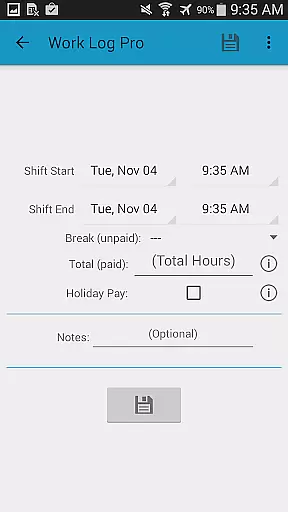
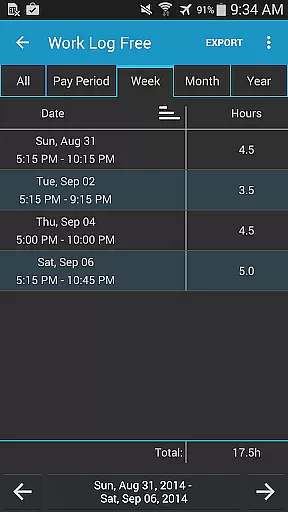
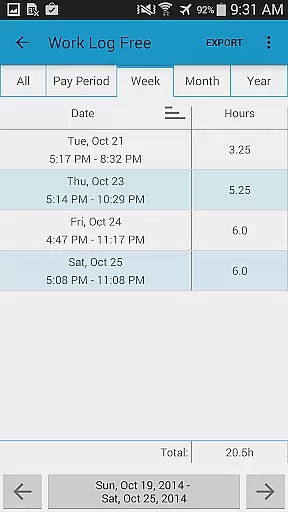
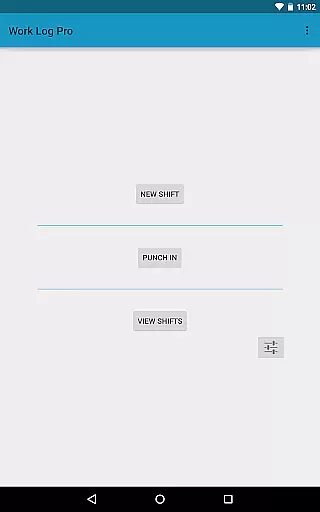
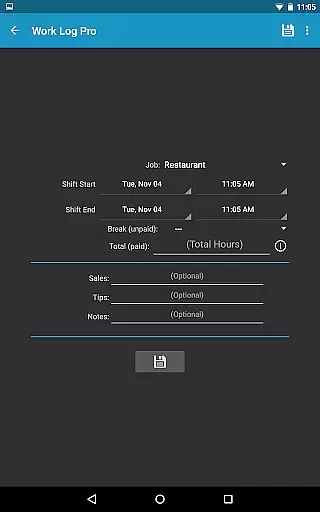
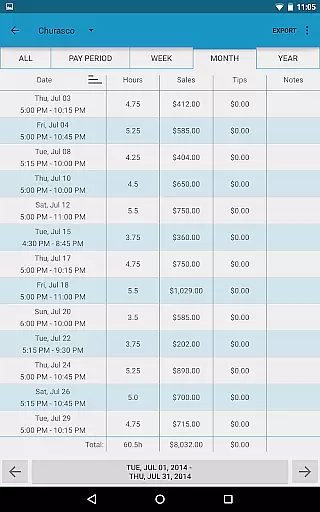
Work Log Pro is a comprehensive productivity tool designed for efficient work hour tracking and payroll management. The application allows users to log shifts, calculate worked hours, and manage wages across multiple jobs with ease. Its standout feature is the ability to export data as spreadsheets or PDFs, making it invaluable for financial record-keeping.
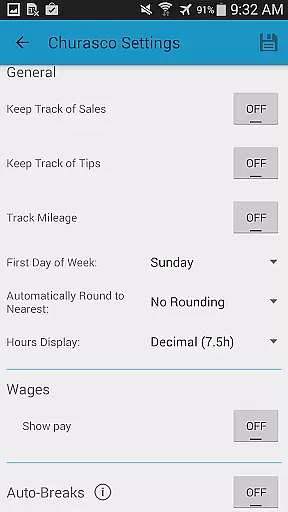
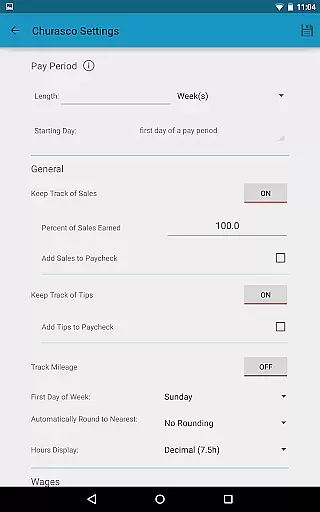
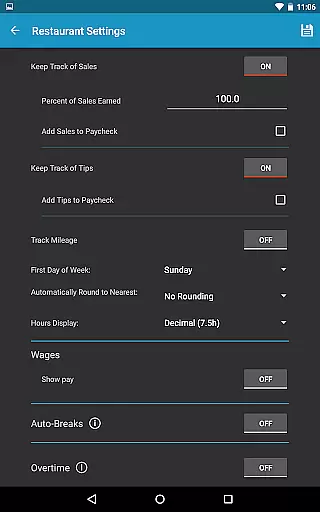
The app offers advanced customization options such as automatic break deductions, pay period settings, and overtime tracking. Users can choose between punching in/out manually or automatically, while enjoying extensive personalization features like 24-hour time formatting and multiple viewing options for past shifts. This makes Work Log Pro adaptable to various work styles and preferences.
Ideal for freelancers, servers, and salespeople, the app supports tracking tips, commissions, and bonuses. With its widget functionality for quick access, cloud backup options, and ad-free experience, Work Log Pro ensures both convenience and reliability. These robust features collectively help users maintain accurate work records and optimize their time management.
Work Log Pro stands out with its rich feature set tailored for productivity enthusiasts. One of its key capabilities is the support for multiple jobs, each with customizable settings for wages, breaks, and overtime rules. This flexibility allows users to manage complex work scenarios effortlessly, whether they're juggling different roles or managing variable pay structures.
The app provides powerful tools for paycheck calculations, including automatic deductions for taxes or bonuses like vacation pay. It also supports detailed tracking of sales and tips, which proves especially beneficial for workers in commission-based roles. Additionally, the app's widget functionality enables quick shift logging, while its backup and restore feature ensures data safety across devices.
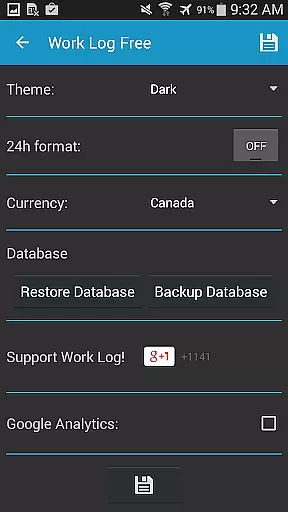
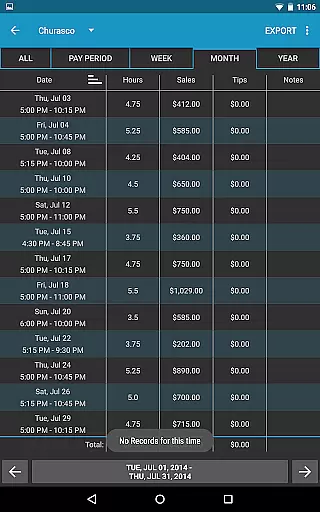
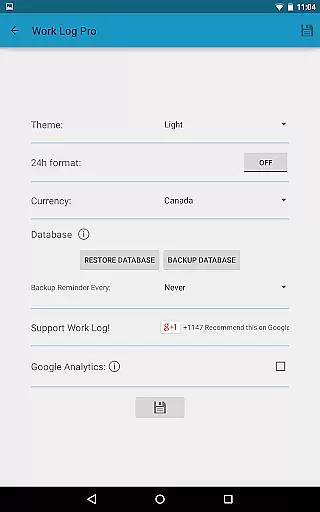
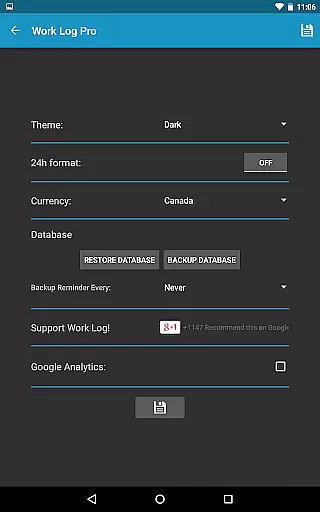
What truly sets Work Log Pro apart is its focus on user experience through customization. From choosing light or dark themes to setting pay periods by weeks, months, or half-months, the app empowers users to tailor every aspect of their tracking process. Such attention to detail highlights its innovative approach to workforce management tools.
Effective task management is essential for productivity applications, and Work Log Pro excels in this area by offering a comprehensive suite of features designed to streamline the tracking of work hours. The app allows users to punch in and out or manually enter shift hours, providing flexibility that caters to different working styles.
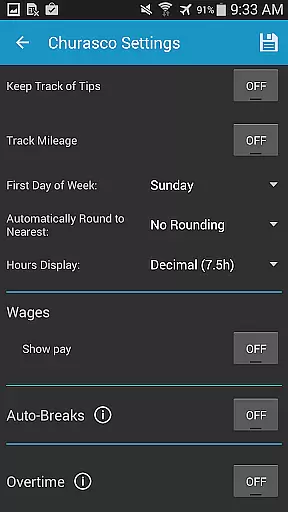
The application goes beyond simple time tracking by enabling users to set up automatic break deductions, pay period settings, and overtime calculations. These features save time and reduce errors, ensuring that users can focus on their work without worrying about manual data entry or miscalculations.
For those with multiple jobs, Work Log Pro supports individualized settings for each position, allowing for accurate tracking across various roles. This level of customization ensures that all work data remains organized and easily accessible, empowering users to make informed decisions about their time and earnings.
In today's mobile world, reliable cross-device synchronization is crucial for maintaining productivity. Work Log Pro addresses this need by providing robust backup and restore functionalities, ensuring that all shift data is safely stored and can be effortlessly transferred to a new device.
Users can create backups of their shifts and transfer them via email using the Backup Database option found in General Settings. This process not only secures user data but also facilitates a seamless transition between devices, preserving all recorded information without loss or corruption.
Additionally, the ability to export shifts as a spreadsheet or PDF further enhances the appu2019s synchronization capabilities. Whether transitioning to a new phone or sharing work logs with an employer, these export options ensure that users have consistent access to their data, regardless of the device they are using.
Accurate time tracking
Multiple job support
Customizable settings
Export functionality
Ad-free experience
Requires free version
No automatic syncing
Paid upgrade needed
Complex interface
Limited offline help

A customizable calendar for your Wear OS watch
 4.20
4.20
8 custom complications. Custom Time Fonts. Beautiful color schemes. A++ Design.
5.00
The upgraded version of Name Wheel with AI and the power to add your own wheels.
4.2
We're working to become the best machining app on the market! www.cncdirt.com
4.80
⏰ Finally a timer app which can run multiple timers simultaneously on your watch
3.90
Find and delete junk files & block unwanted notifications & manage files
3.70
All document reader, all in one file viewer read PDF, DOCX, XLS, PPT, TXT files.
4.60
Okta MFA
4.70
Browse and view your photos and videos from the phone with photo & video hide.
4.10
Protect and view your important info on your phone and tablet with eWallet®
4.80
All in One PDF Reader: Manage, Read and Edit your Documents
4.20
Mega cloud explorer plugin for Solid Explorer
3.80
Smart PDF reader & editor to view, organize and manage PDF documents easily.
3.70
Make your handwriting beautiful, even more than pen on paper.
3.60
ID.me Authenticator is a simple and free Two Factor Authentication solution
3.50


User Reviews