
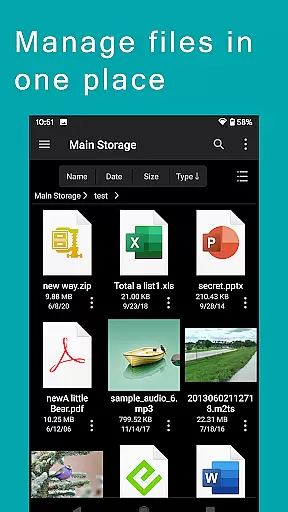
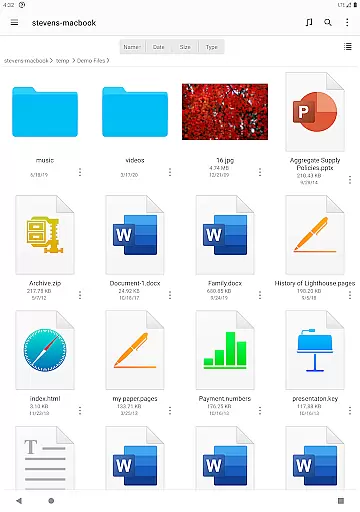
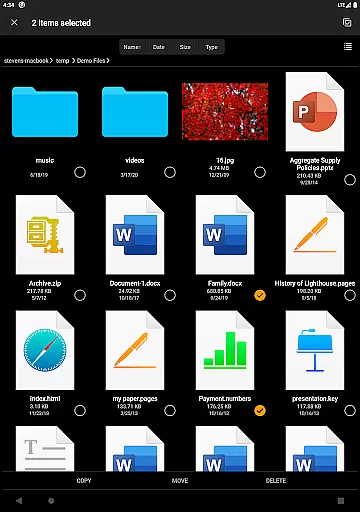

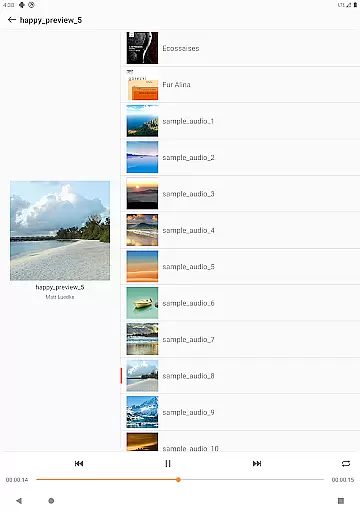
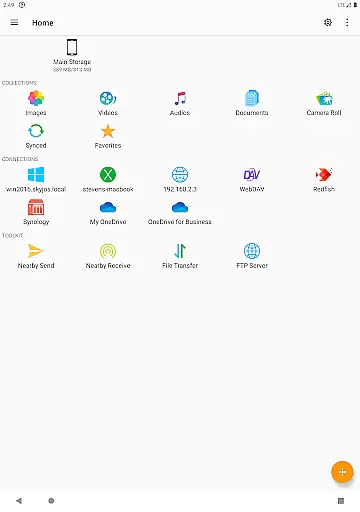
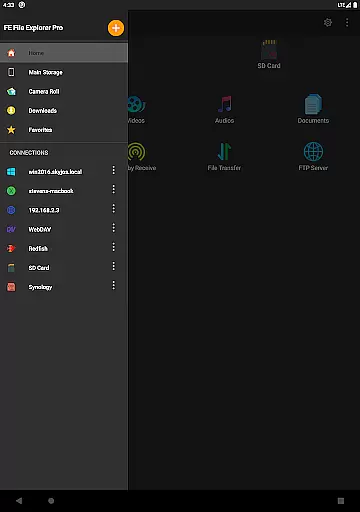
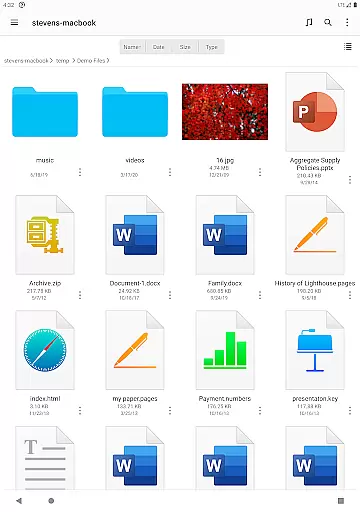
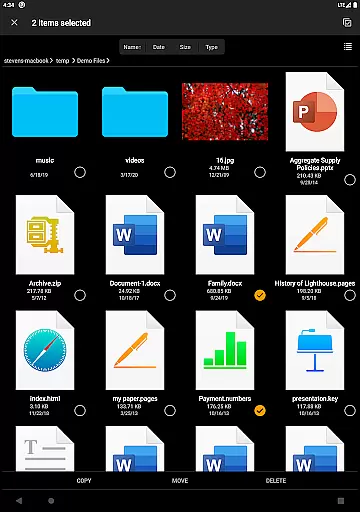
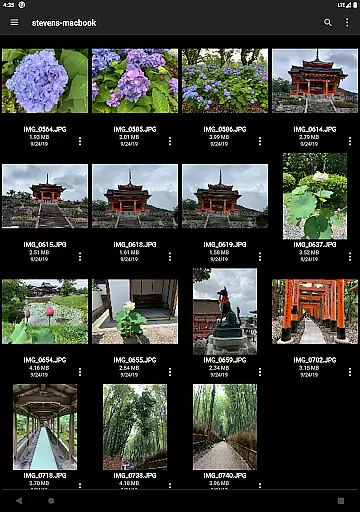

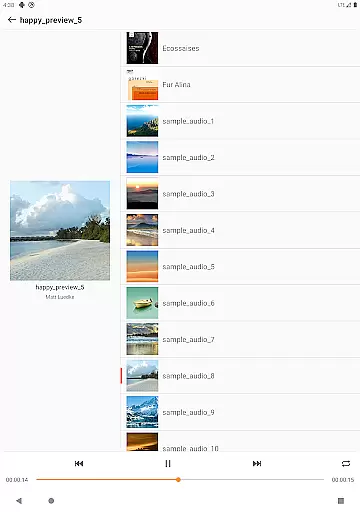
FE File Explorer Pro is a versatile productivity app designed for Android and iOS users, enabling seamless file management across multiple platforms. This powerful tool allows you to access local files as well as files stored on your computer, NAS, and various cloud storage services. With its intuitive interface, you can effortlessly transfer files between different locations, stream multimedia content, and directly manage documents, photos, and other files without the need for downloading.
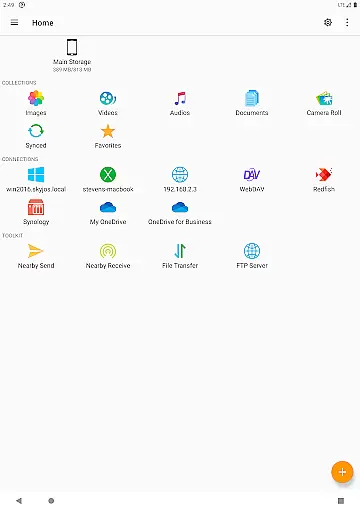
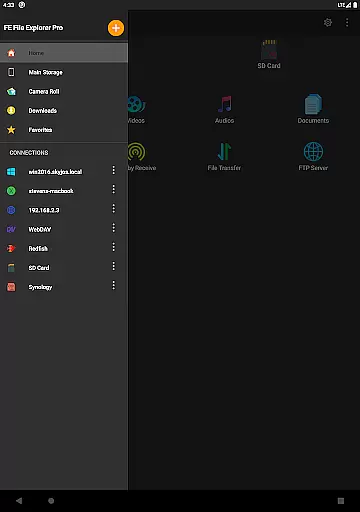
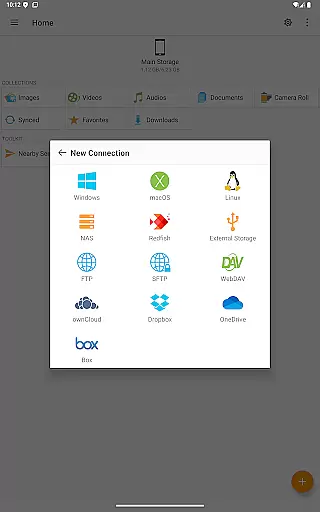
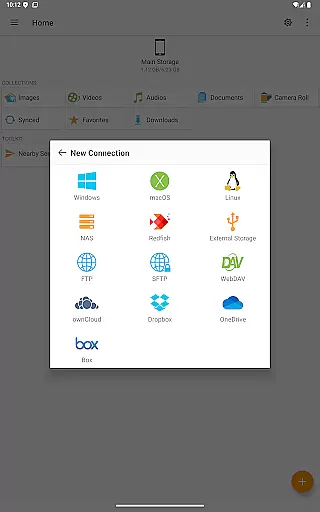
The app's standout feature is its extensive connectivity options. It supports SMB/CIFS protocol for accessing network shares on macOS, Windows, Linux, and NAS devices. Additionally, it works with WebDAV, FTP, and SFTP servers, while also providing access to popular cloud services like OwnCloud, Dropbox, and OneDrive. Whether you're managing files on your Android's internal storage, SD card, or USB OTG, FE File Explorer Pro ensures you have complete control over your data.
This app is particularly valuable for professionals who need to manage large volumes of data across different platforms. Its ability to automatically discover computers and NAS devices simplifies the setup of new connections. Moreover, features like editing documents in place and syncing files between remote storage and your device make it an indispensable tool for enhancing productivity and ensuring your files are always up-to-date and accessible.
FE File Explorer Pro boasts an impressive array of features that cater to diverse file management needs. One of its key strengths is the ability to access network shares via SMB/CIFS protocol, allowing users to connect to macOS, Windows, Linux, and NAS devices effortlessly. The app also supports WebDAV, FTP, and SFTP servers, making it a comprehensive solution for managing files across different server types.
In addition to its robust network capabilities, the app provides seamless integration with major cloud storage services such as OwnCloud, Dropbox, and OneDrive. This ensures that your files are accessible from anywhere, at any time. The app also supports automatic discovery of computers and NAS devices, streamlining the process of setting up new connections. Furthermore, its compatibility with Windows Domain, Active Directory, and DFS enhances its utility in professional environments.
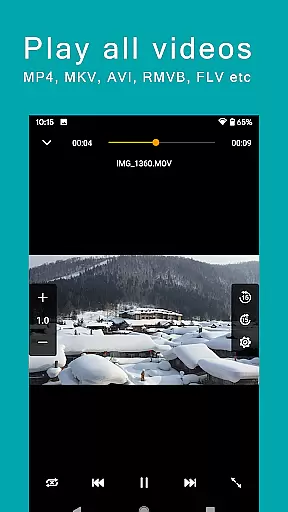
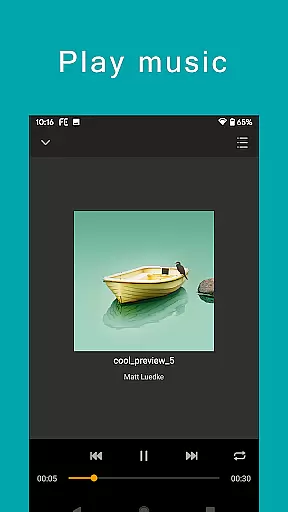
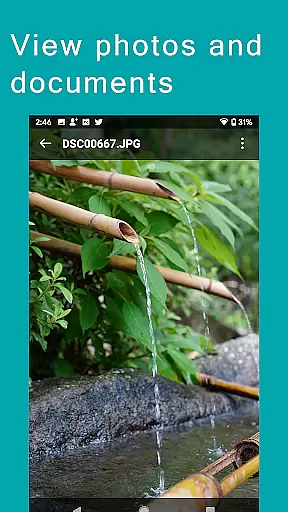
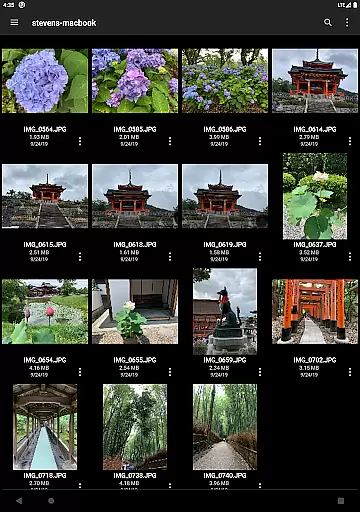
Another notable feature is the ability to perform file operations directly on Android devices. You can copy, move, rename, and delete files with ease, as well as view documents, browse images, and play multimedia files. The Edit-in-Place functionality allows you to modify documents located on remote storage using another app, with changes saved automatically. Additional features like archive management, file searching, and multimedia streaming further enhance the app's value, making it an essential tool for efficient file management.
FE File Explorer Pro excels in core task management by offering a comprehensive suite of tools for file handling across multiple platforms. This includes seamless access to files on local storage, network shares, and cloud services.
The app supports SMB/CIFS protocol for accessing files on macOS, Windows, Linux, and NAS devices. It also connects to WebDAV, FTP, and SFTP servers, as well as popular cloud storages like OwnCloud, Dropbox, and OneDrive. This versatility ensures that users can manage their files from virtually any location.
With features such as automatic discovery of computers and NAS, support for Windows Domain and Active Directory, and the ability to copy, move, rename, and delete files directly on Android, FE File Explorer Pro streamlines file management tasks. Users benefit from an intuitive interface that simplifies complex operations, enhancing productivity.
Cross-device synchronization is a standout feature of FE File Explorer Pro, ensuring reliable and efficient data transfer between different storage locations. The app allows users to sync files between remote storage and Android devices with ease.
Users can transfer files not only between various cloud services and network shares but also between Android internal storage, SD cards, and USB OTG devices. This flexibility makes it simple to keep files up-to-date across all devices.
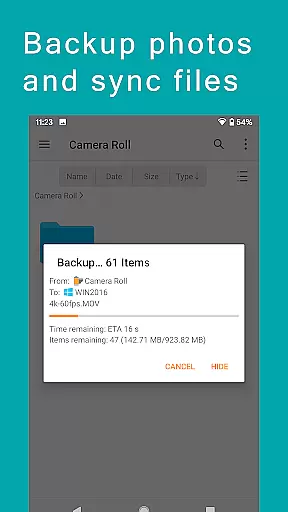
In addition to basic file transfers, FE File Explorer Pro offers advanced features like streaming movies and music from remote storages, editing documents in place, and backing up camera photos to remote storage. These capabilities ensure that users have constant access to their files, regardless of the device they are using.
Extensive connectivity
Cloud storage support
Automatic discovery
File operation ease
Multimedia streaming
Premium pricing
Complex interface
Limited free features
Occasional bugs
Heavy resource use

QuickBooks Workforce lets teams view pay info and track time in one place.
 4.70
4.70
Seamlessly integrate data and reports to build your presentation to impress
4.80
Auto-shutoff Alarm with Sunrise, Sunset & Fixed Options.
3.50
The Pro Version of Android's tiniest Notepad app. Just 0.3MB but feature-packed!
4.60
A simple, portable logger for POTA, SOTA, Field Day, and more
4.1
Secure, fast, open-source, Remote Desktop Client for Windows and Linux with SSH
4.60
Enjoy classic gameplay with customizable features and retro-style graphics.
4.30
Secure, open-source, SPICE and SSH Remote Desktop for QEMU KVM virtual machines
4.00
Seamlessly read, manage, and organize all your PDF files solution in one place
4.40
Direct Chat without saving contacts & Dual WA Account on Single Device
4.70
Client for Nextcloud Deck
4.60
The AI assistant that thinks with you - write, code, and solve complex tasks
4.60
Total remote control for your Android device, PC and cloud services (IFTTT)!
4.20
Unlock AutoNotification
4.00
Wake up & get tasks done! Add alarms & reminders on the Clock Launcher.
4.00


User Reviews