
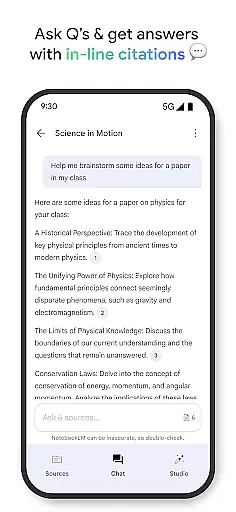
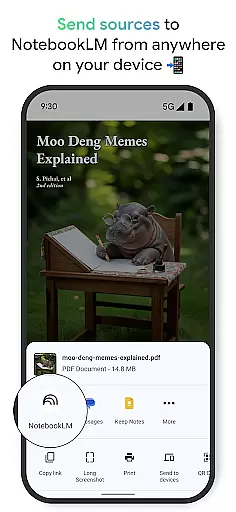
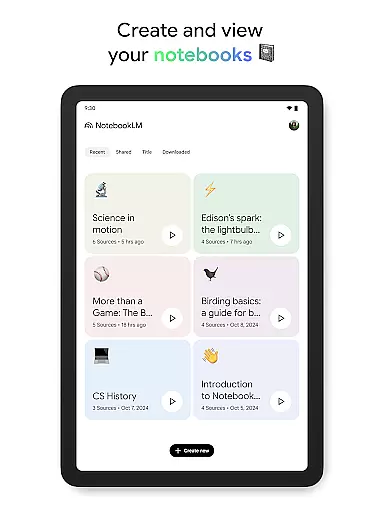
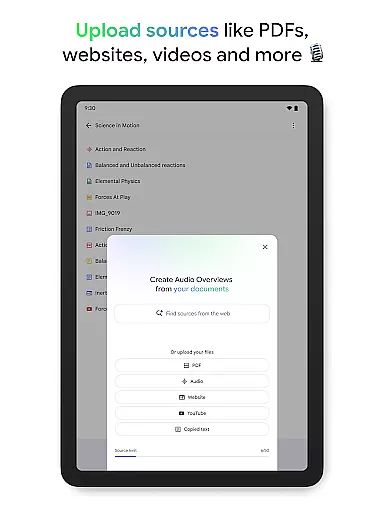
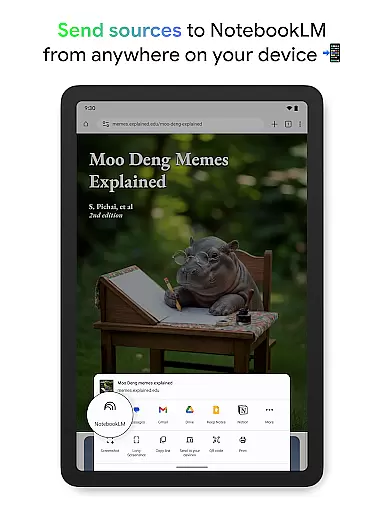
NotebookLM is a productivity powerhouse designed to simplify complex information management. This AI-driven app allows users to upload various sources like PDFs, websites, and videos, transforming them into easily digestible formats. The application's expertise lies in its ability to analyze and connect information from your uploaded materials, providing reliable insights and summaries.
What sets NotebookLM apart is its versatility across different user groups - from students to CEOs. Users can create comprehensive notebooks, ask contextual questions about their content, and even generate podcast-style Audio Overviews for on-the-go learning. The app's offline support and background playback features make it particularly valuable for professionals who need flexible access to their information resources.
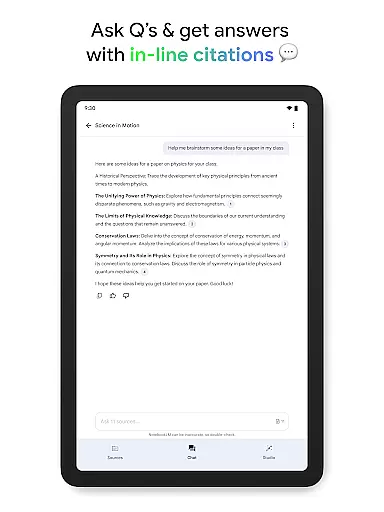
The app's feature set centers around intelligent information processing. Its source analysis capability dives deep into uploaded materials, creating meaningful connections and generating trustworthy summaries with proper citations. The AI-powered question-answering system provides accurate responses based on your specific documents and data sources.
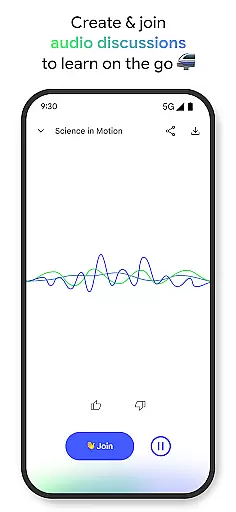
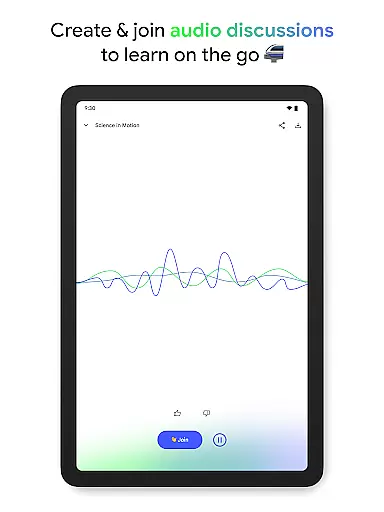
NotebookLM offers innovative learning options through its Audio Overview functionality, allowing users to transform text-based content into engaging audio discussions. The two-host format creates dynamic conversations about your materials, with the option to interact and guide the discussion. Additional features include background playback for multitasking, offline access for uninterrupted productivity, and cross-platform synchronization for seamless workflow integration.
Effective task management is crucial for productivity applications, serving as the backbone for organizing and executing tasks efficiently. NotebookLM excels in this area by transforming complex information into manageable insights.
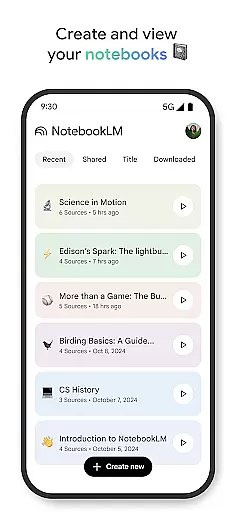
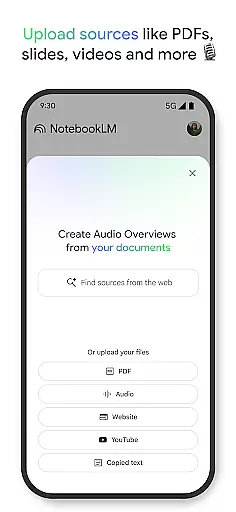
The app allows users to upload various sources such as PDFs, websites, and videos, turning them into structured notebooks. This feature simplifies the task of managing extensive data, making it accessible and actionable.
Users benefit from NotebookLM's ability to summarize content and draw connections between different pieces of information. This not only saves time but also enhances understanding, allowing users to focus on critical aspects of their work or study.
By providing trusted insights and enabling multi-format learning, NotebookLM ensures that users can handle tasks on their terms, boosting overall productivity and learning efficiency.
In today's interconnected world, reliable cross-device synchronization is essential for maintaining workflow continuity. NotebookLM addresses this need by ensuring seamless access to notebooks across multiple devices.
With background playback and offline support, users can listen to Audio Overviews and interact with their notebooks without an active internet connection. This feature guarantees uninterrupted productivity, regardless of the user's location or network status.
NotebookLM's synchronization capabilities extend to real-time updates, allowing users to create and modify notebooks on one device and instantly access these changes on another. This ensures that all devices reflect the most current information.
By prioritizing synchronization reliability, NotebookLM empowers users to transition smoothly between devices, enhancing flexibility and convenience in managing their digital content.
Powerful AI analysis
Offline functionality
Multi-format support
Trusted citations
Interactive learning
Limited free tier
Occasional AI errors
Resource intensive
Steep learning curve
Premium pricing

A customizable calendar for your Wear OS watch
 4.20
4.20
Native client for Forgejo and Gitea
5.00
Device's storage information in a simple and clear graphical form (infographics)
4.10
Remotely view listen control and record cameras.
3.70
Todo reminder
4.10
All document reader, all in one file viewer read PDF, DOCX, XLS, PPT, TXT files.
4.60
Calendar 2023 widget for Android. Appointment scheduler, planner, and reminder
4.60
Tally and goal counter for Wear OS & mobile
4.50
Okta MFA
4.70
Pwnagotchi companion app
4.20
Activate Two Factor Authentication (2FA or Multi OTP), Password manager and more
4.10
Customizable calendar widget for seamless event sync, planning & scheduling.
4.00
Take control of your clipboard with Clipper!
3.90
Easiest event planning, volunteer signups & parent teacher conference scheduling
2.20
AI Video AI Image Private LLM AI Browser Llama Gemma Ollama Connect LLM Studio
4.3


User Reviews