
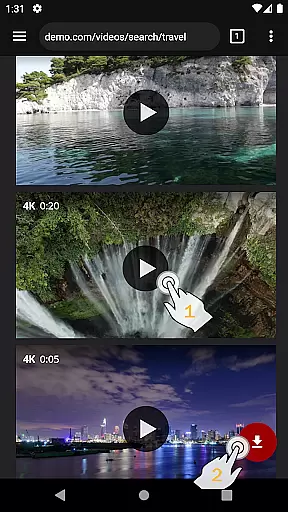
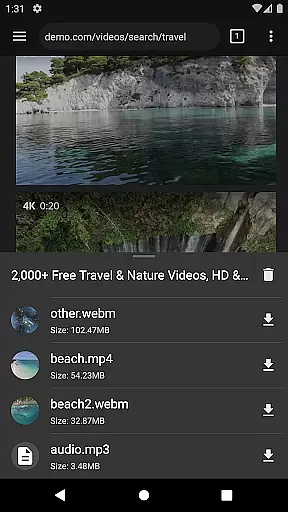
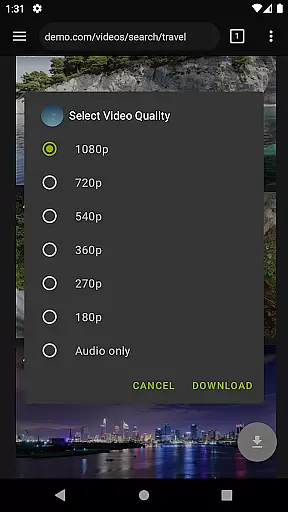
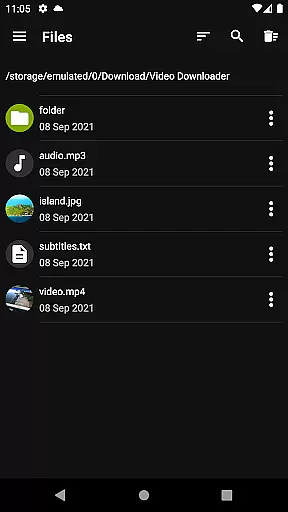

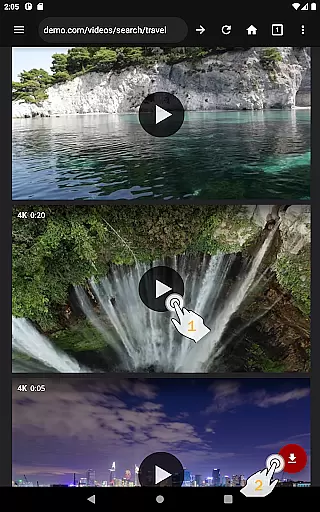
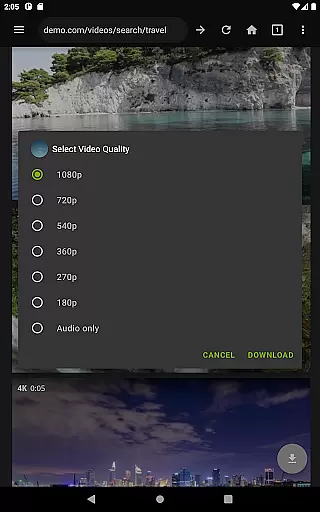
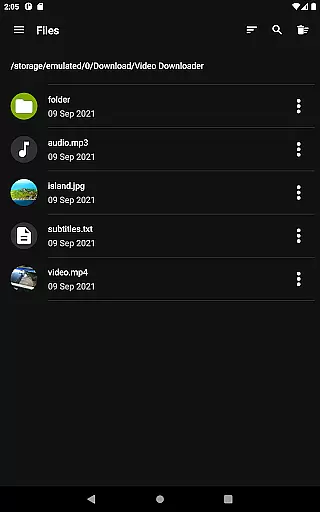
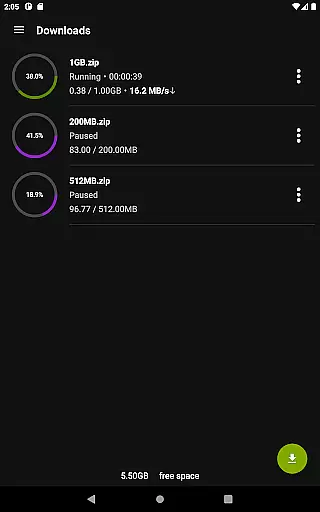
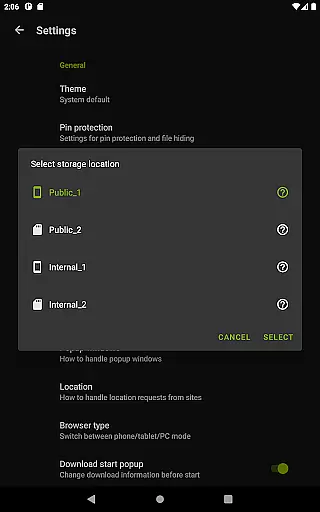
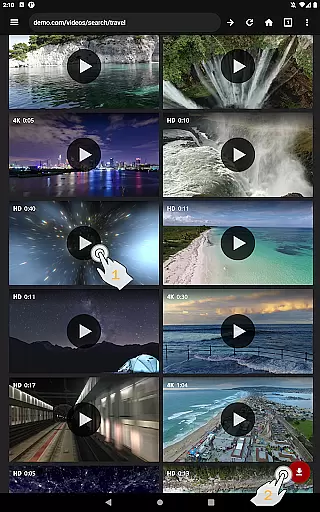
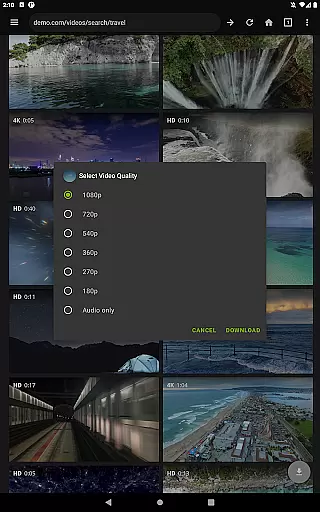
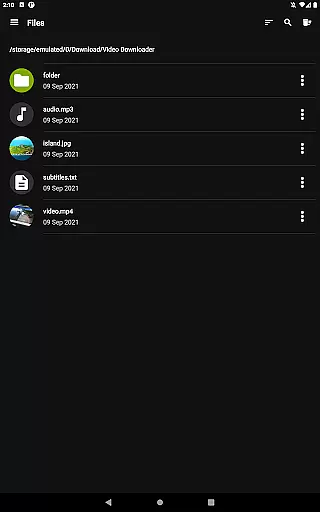
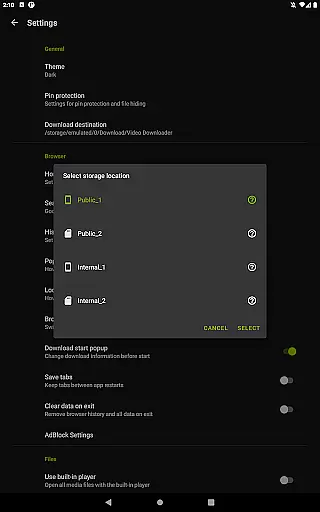
Video Downloader Pro is a premium video downloading application designed for users who need advanced functionality and an ad-free experience. The app allows users to download both static videos and live streams, making it versatile for various content consumption needs. With features like multi-connection download acceleration, multiple SD card support, and private browsing, it offers a comprehensive toolset for managing and viewing video content offline.
In addition to its core downloading capabilities, the app provides users with priority customer support and lifetime access across multiple devices under a single Google account. This makes it particularly suitable for power users who require reliable performance and consistent updates. Whether you're looking to download high-quality streams or need a secure browsing environment, Video Downloader Pro delivers significant value through its combination of convenience and advanced features.
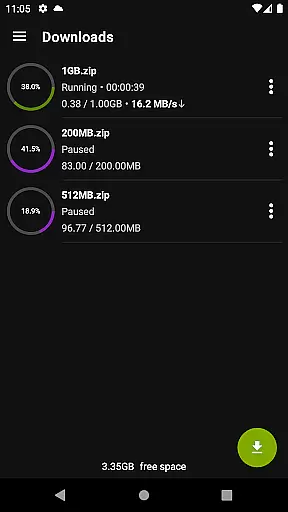
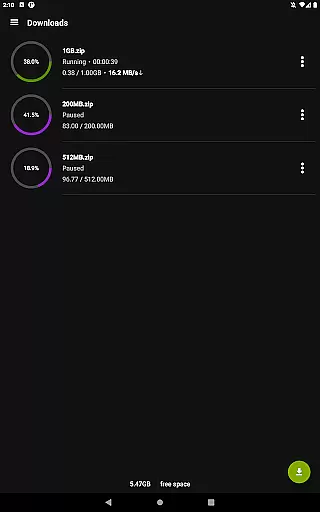
Video Downloader Pro stands out with its robust feature set tailored for both casual and power users. One of its key highlights is the ability to download live video streams, which is not commonly found in standard downloaders. The multi-connection download manager significantly boosts download speeds by splitting files into smaller segments, ensuring faster completion times even for larger files.
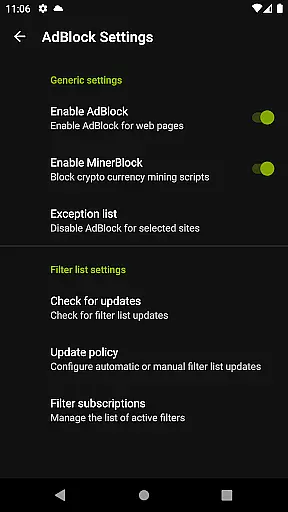
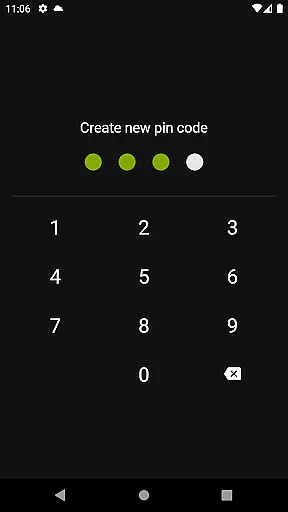
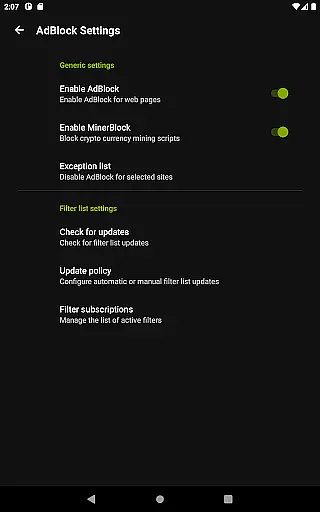
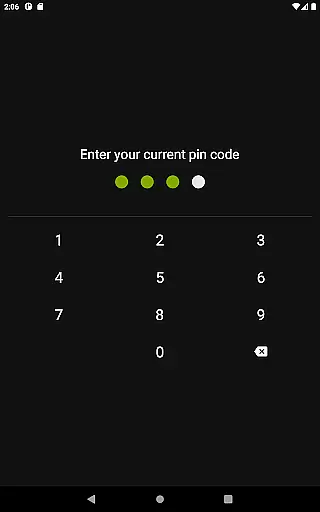
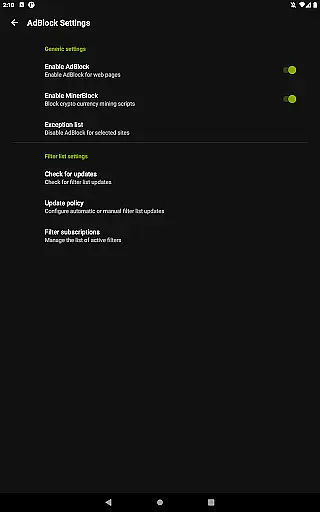
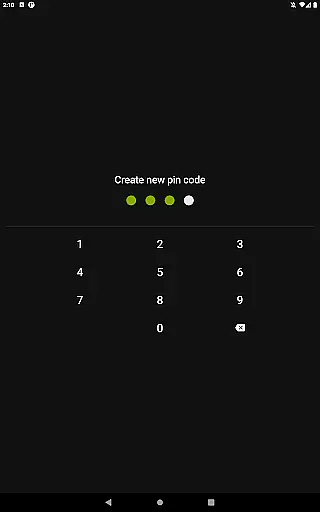
The app also includes a fully-featured AdBlocker and a private web browser that supports incognito mode and PIN protection, providing users with a secure and uninterrupted browsing experience. Additional functionalities such as background downloads, simultaneous file downloads, and support for files over 4GB make this app highly versatile. These features collectively ensure that users can manage their downloads efficiently while enjoying a seamless viewing experience.
Furthermore, the app's user-friendly interface simplifies the downloading process. Users can bookmark favorite pages, import and export bookmarks between devices, and easily pause or resume downloads. With its focus on both performance and usability, Video Downloader Pro establishes itself as a top-tier solution in the video downloading space.
Video Downloader Pro stands out with its extensive video format compatibility, ensuring users can download and enjoy videos in various formats without limitations. This feature is crucial for those who require specific formats for editing or playback on different devices.
The application supports a wide array of video formats including MP4, AVI, MKV, and more, making it versatile for diverse user needs. Whether you're downloading live streams or static videos, the app ensures that the original quality and format are preserved.
This flexibility benefits users by eliminating the need for additional conversion software, saving both time and storage space. Moreover, the multi-connection download manager enhances the speed of downloading large files, even those over 4GB, without compromising the format integrity.
With Video Downloader Pro, users can confidently download videos from their favorite websites knowing that the format will be compatible with their devices, providing a seamless viewing experience offline.
While Video Downloader Pro focuses primarily on downloading capabilities, it also integrates AI-powered editing features to enhance user experience. These features allow users to make quick edits directly within the app, streamlining the process from download to final use.
Although not its main function, the app offers basic editing tools enhanced by AI technology. This includes automated video trimming, enhancing video quality, and adjusting audio levels, which are powered by intelligent algorithms that simplify complex editing tasks.
Users benefit from these AI-driven tools as they reduce the learning curve associated with traditional video editing software. The intuitive interface ensures that even beginners can achieve professional-looking results with minimal effort.
By incorporating AI-powered editing features, Video Downloader Pro adds extra value for content creators and casual users alike, allowing them to refine their downloaded videos effortlessly before sharing or archiving them.
Ad-free experience
Live stream downloads
Lifetime purchase
Priority support
Multi-device sync
Requires permissions
Premium cost
Complex setup
Limited free version
Legal restrictions

Auto video maker with music & exclusive filters. Video editing made simple.
 4.50
4.50
Save photos and videos from social apps in one tap.
3.60
A Quick and Pro Video Editor
4.70
Create & edit videos with AI
4.30
AirMirror is Receiver for Screen Mirroring and Casting from Apple Devices.
3.60
KMPlayer Plus (Divx Codec) officially support Divx codec.
4.30
Fast & easy HD video downloader for all formats, support 4K playback & download.
4.60
Cast movies, tv shows and live streams to Chromecast, Roku, DLNA, Fire TV & more
4.60
Livestream, news, & gaming content. Watch, chat, and upload. Join Rumble today!
3.80
Flud is a simple and beautiful BitTorrent client for Android.
4.80
Add date and time watermark to photos and videos
4.50
Turn your phone into a wireless camera!
4.20
Web Browser for LG TV to stream webvideos, online movies and livestreams in HD
4.20
All format media Player, no need video converter any more!
4.00
This app is an emulator of some specific IPTV boxes
3.50


User Reviews