


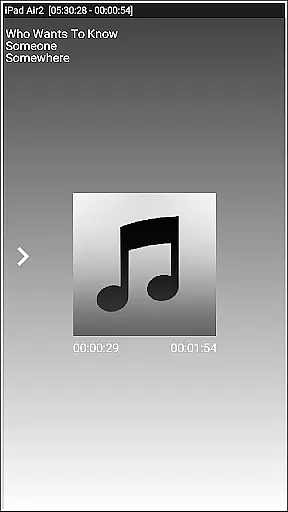


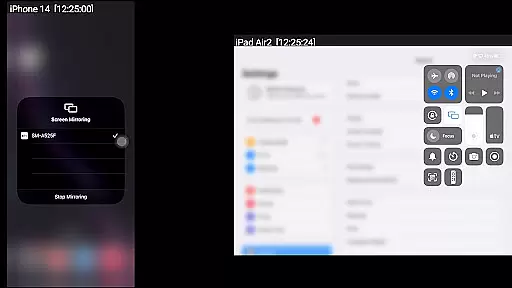
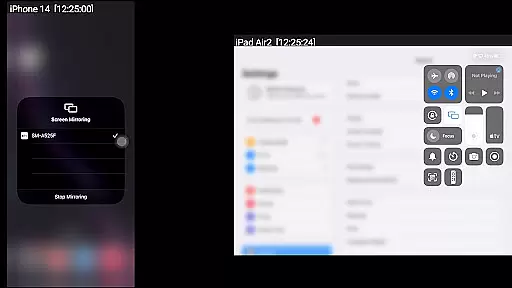
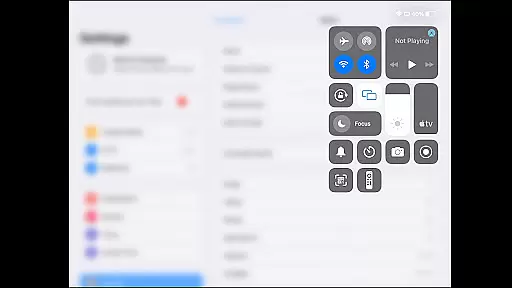
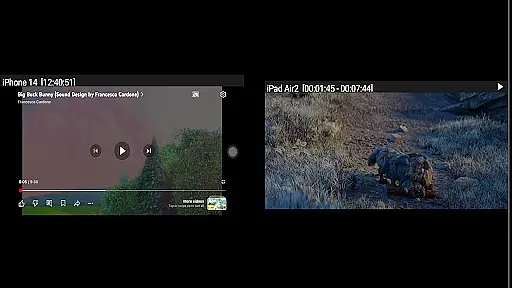
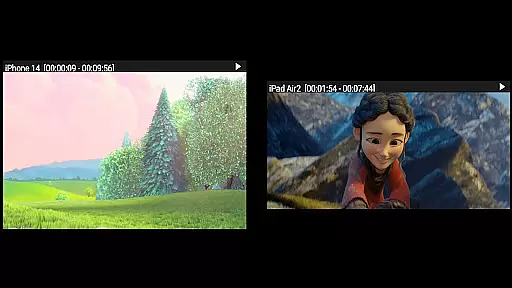

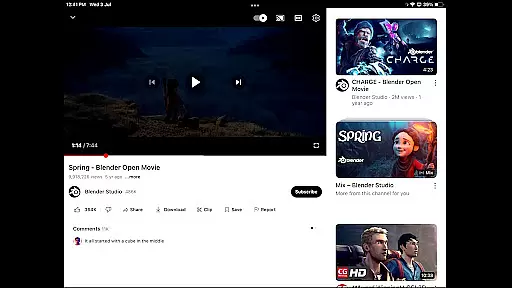
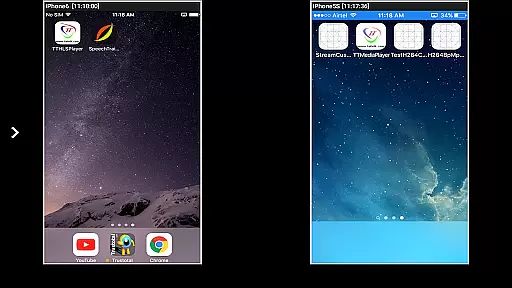

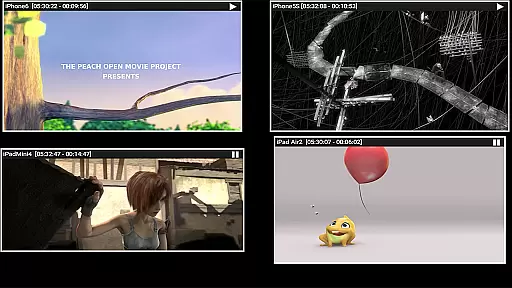
AirMirror is an innovative receiver application designed specifically for Android devices to enable seamless screen mirroring and casting from Apple devices. This includes iPhones, iPads, MacBooks, and iMacs, making it a versatile tool for sharing content across different platforms. The app supports iOS versions 9 to 15, allowing users to mirror screens, play back media, and even cast YouTube videos over the local network.
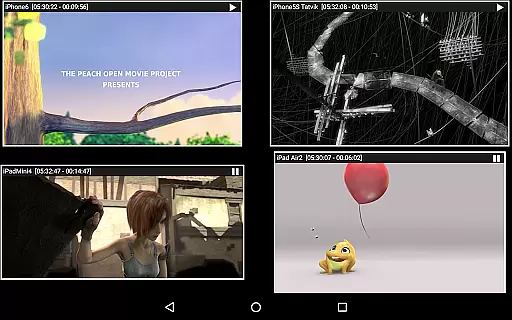
One of the standout features of AirMirror is its ability to simultaneously connect up to four Apple devices, providing a dynamic and interactive experience. Whether you're sharing photos, videos, or engaging in collaborative work sessions, AirMirror ensures that your content is displayed with clarity and precision. Its user-friendly interface and customizable settings make it an invaluable tool for both personal and professional use.
AirMirror offers a comprehensive suite of features that cater to various needs. Firstly, it excels in mirroring the screens of Apple devices, ensuring that presentations, games, and media playback are smooth and uninterrupted. The app also allows users to resize and move the mirroring window within the app view, offering flexibility and control over how content is displayed.
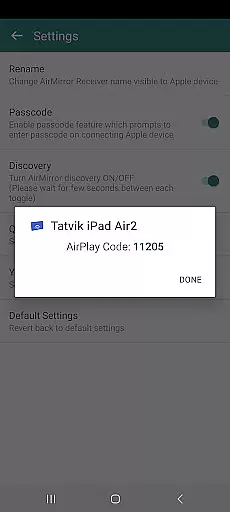
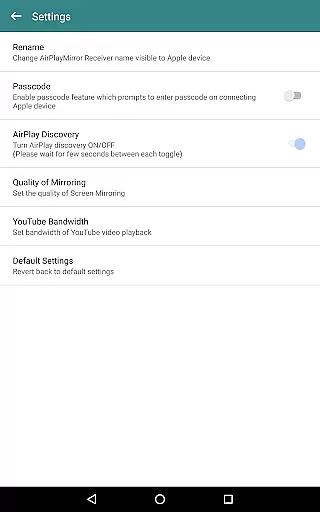
Security is another key aspect, as AirMirror includes a passcode feature to restrict unauthorized access, ensuring that only approved users can share their screens. Additionally, the app supports Bluetooth Low Energy advertising, enabling device mirroring across different subnets. This makes it ideal for environments where multiple networks are in use, such as large offices or educational institutions.
Video format compatibility is a crucial feature for any video player or editor application. AirMirror excels in this area by supporting screen mirroring and casting from Apple devices to Android, allowing users to playback various media formats stored on their Apple devices. This includes photos, videos, and audio files, making it versatile for both entertainment and professional settings.
The app facilitates simultaneous mirroring from up to four Apple devices, ensuring that content in different formats can be shared without compatibility issues. Whether you're sharing a YouTube video link or conducting a presentation with multimedia elements, AirMirror handles diverse file types seamlessly over the local network.
For users, this means they can confidently share their device screens with family, friends, or colleagues without worrying about format restrictions. The ability to resize and move the mirroring window within the app view further enhances user experience by providing flexibility in how content is displayed.
While AirMirror primarily focuses on screen mirroring and casting, its AI-powered editing features subtly enhance user interaction and content management. Although not a traditional video editor, the app incorporates intelligent functionalities like Bluetooth Low Energy based advertising, which allows mirroring across different subnets, optimizing connectivity and performance.
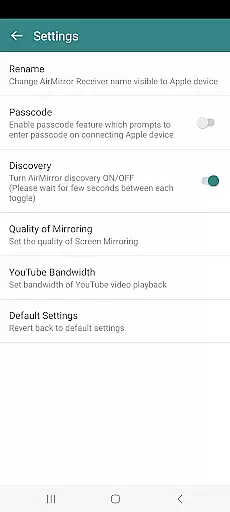
Users benefit from advanced settings that include options to change mirroring quality, set YouTube bandwidth, and toggle receiver discovery. These features ensure that the mirrored content maintains high quality and smooth playback, akin to AI-driven enhancements found in dedicated video editors.
Moreover, security features such as passcode protection for unauthorized access add another layer of intelligence to the app's functionality. This ensures that only authenticated users can mirror their screens, safeguarding sensitive content during business presentations or private viewings.
User-friendly interface
Supports multiple devices
High-quality mirroring
Flexible window management
Secure passcode protection
No DRM content support
Limited live TV capability
Network dependency
Occasional connectivity issues
Requires same network

A full editing room to accompany your Insta360 cameras and handheld gimbals.
 3.30
3.30
You can play SWF format file!
2.50
IPTV-Smarters Player Pro M3U - Watch Live Stream TV Channels with Chromecast
4.00
Cast Videos from Web Browser, IPTV to Roku, Chromecast, DLNA, Smart TV +more
4.60
This app was created to edit the metadata of music files.
4.20
Video Downloader, Multiple Resolution Options, Video Player
4.50
Download videos and play them offline
4.70
Enjoy your favorite videos and channels with the official YouTube app.
3.90
convenient, safe and fast at Video Downloader & Player
4.60
Fast & easy HD video downloader for all formats, support 4K playback & download.
4.60
Photo and Music Video Creator into Stunning Videos—Effortlessly
4.40
Turn your phone into a wireless camera!
4.20
Online Videos Player
3.90
Cast to Smart TV, Fire TV. Cast video, photo - Fast & Stable!
3.90
Save photos and videos from social apps in one tap.
3.60


User Reviews