
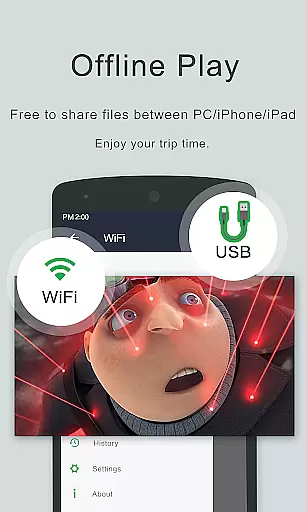
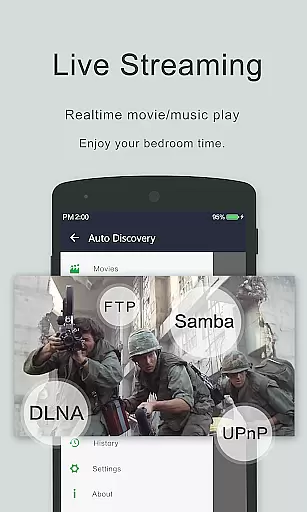

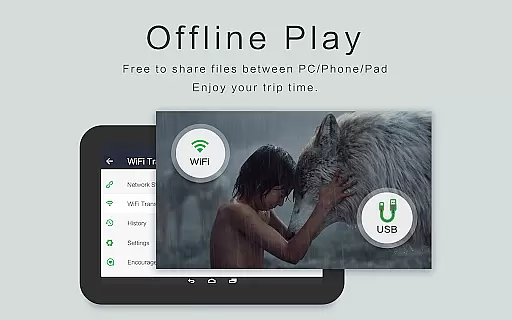
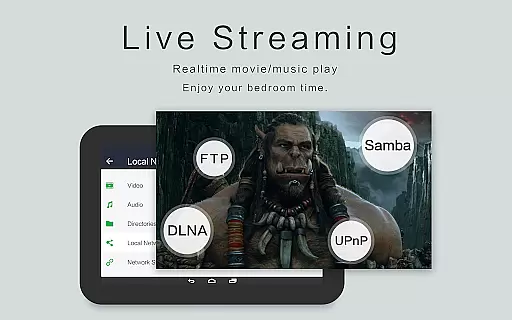
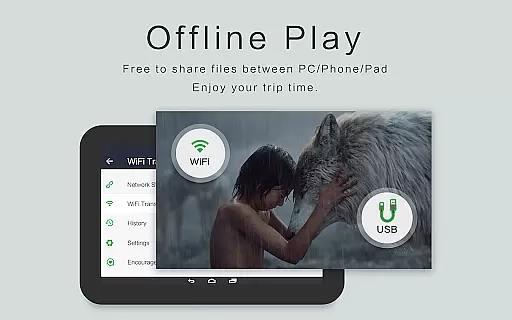
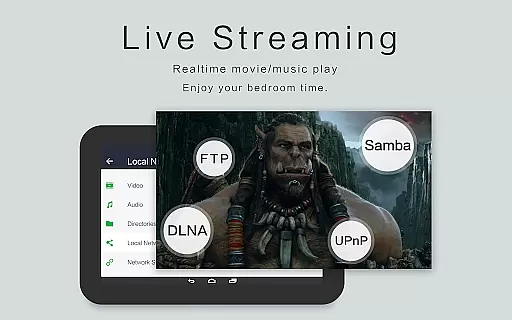
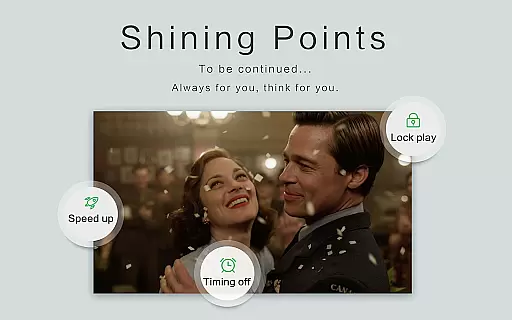
OPlayer is a professional-grade media playback tool that has been meticulously developed for over 12 years, establishing itself as one of the premier HD video players for Android devices. It supports an extensive range of media formats including MKV, MP4, AVI, and more, making it an indispensable app for multimedia enthusiasts.
With its Ultra HD video player capabilities supporting 4K resolution, hardware acceleration, and advanced features like Chromecast support, OPlayer delivers a top-tier viewing experience. The app also offers practical functionalities such as gesture unlock for video safety, pop-up window playback, and night mode, catering to various user preferences and environments.
OPlayer stands out with its comprehensive format compatibility, covering almost all video formats such as MKV, MP4, M4V, AVI, MOV, and audio formats like WMA, FLAC, MP3. This versatility ensures users can enjoy their media without format restrictions.
The app's innovative features include floating video playback for multitasking, background video play for audio-focused sessions, and seamless casting to TV via Chromecast. Additionally, its full-featured file manager allows easy organization and sharing of videos, enhancing overall usability and convenience.
Video format compatibility is a crucial feature for any video player application. OPlayer excels in this area by supporting an extensive range of video formats including MKV, MP4, AVI, and many more.
The app's ability to handle Ultra HD and 4K videos ensures users can enjoy high-quality playback without worrying about format restrictions. This versatility makes it suitable for both casual viewers and tech-savvy users who work with various video codecs.
With hardware acceleration support, OPlayer optimizes video playback performance across different Android devices. This results in smoother streaming experiences while maintaining battery efficiency.
Users benefit from comprehensive format support as they can play all their video files without the need for conversion or additional plugins. The app's all-encompassing approach to video compatibility establishes it as a reliable solution for diverse media playback needs.
While primarily a video player, OPlayer incorporates AI-powered features that enhance the viewing experience. The app's intelligent subtitle downloader automatically fetches appropriate subtitles for your videos.
The built-in file management system uses smart algorithms to identify and organize all video files on your device and SD card. This automated categorization saves users time and effort in managing their media library.
OPlayer's AI capabilities extend to its playback features, including automatic aspect ratio adjustment and optimized background play functionality. These intelligent features adapt to user preferences and viewing habits.
Although not a traditional video editor, OPlayer's AI-driven tools provide practical benefits such as Chromecast support optimization and efficient resource management during video playback.
User-friendly interface
Extensive format support
Advanced playback options
Chromecast integration
Comprehensive file management
Occasional bugs reported
Interface may feel dated
Limited customer support
Premium version required
High system resource usage

Auto video maker with music & exclusive filters. Video editing made simple.
 4.50
4.50
Video Player - Unlimited features, 30 days money back guarantee.
4.60
Cast Videos from Web Browser, IPTV to Roku, Chromecast, DLNA, Smart TV +more
4.60
Powerful HD video player with support for all formats & subtitles.
4.0
KMPlayer Plus (Divx Codec) officially support Divx codec.
4.30
Explore the largest library of free GIFs, Stickers & Memes - or create your own!
3.90
Seamlessly connect and control your smart devices, anytime, anywhere with ease.
4.60
IPTV Player - Watch live TV from m3m & m3u8 playlist, stream IPTV on mobile
3.30
Browser for Samsung TV to stream webvideos, online movies and livestreams in HD
4.10
#1 Torrent App on Android ** No Ads Ever + Battery Saver **
4.80
Download Hub, easy and private way to download and enjoy your videos offline
4.80
VLC Remote lets you control your VLC Media Player on Mac, PC or Linux.
4.60
Video player with 4K & 1080P support, popup play, background play and subtitle.
4.20
Cast to Smart TV, Fire TV. Cast video, photo - Fast & Stable!
3.90
This app is an emulator of some specific IPTV boxes
3.50


User Reviews