
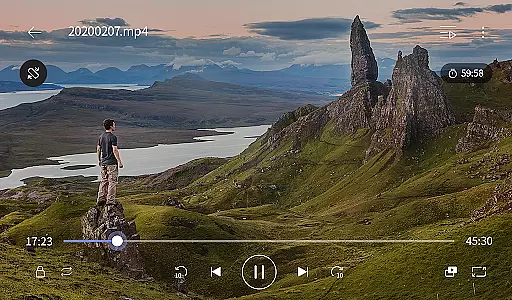
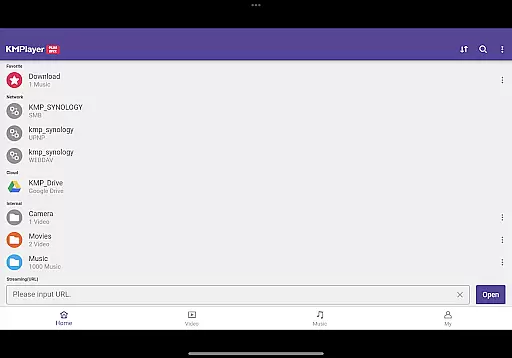
KMPlayer Plus (Divx Codec) is a versatile video player that supports Divx codec, making it ideal for users who need to play various video formats. The app offers high-definition playback for HD, 4K, and even 8K videos, ensuring an exceptional viewing experience across all resolutions.
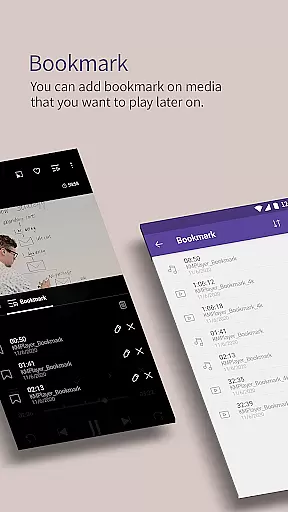
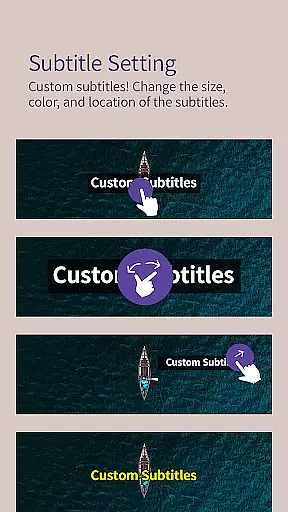
With advanced features like bookmarking, color adjustment, zoom functionality, and section repeat, users can customize their playback experience. Additionally, the app provides subtitle support in multiple formats, allowing for a personalized and accessible media consumption.
The KMPlayer Plus stands out with its comprehensive codec support, including DXMF, DIVX, and MP4V among others, while clearly listing unsupported codecs like DTS and TrueHD. This ensures users know exactly what formats they can enjoy without issues.
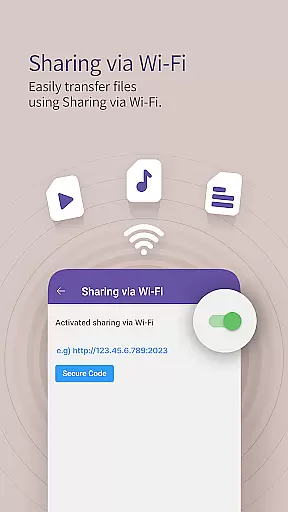
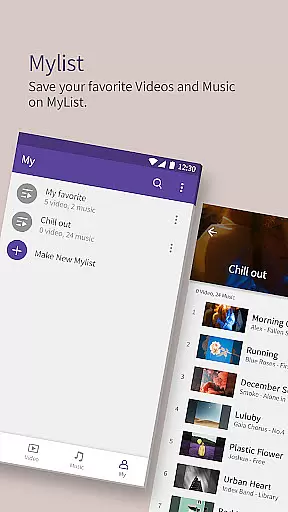
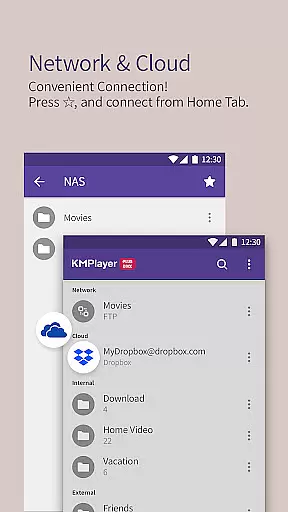
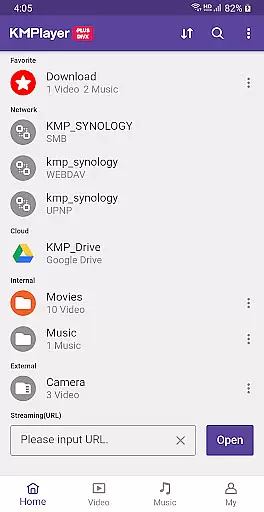
Beyond codec support, the app includes practical functions such as Wi-Fi sharing, playlist creation, and external storage device compatibility. Users can also benefit from cloud integration with Dropbox and OneDrive, network streaming via FTP and SMB, and advanced VIP features like Torrent Client and MP3 Converter through in-app purchases.
Video format compatibility is a crucial feature for any video player, ensuring that users can enjoy a wide range of media files without technical barriers. KMPlayer Plus (Divx Codec) excels in this area by supporting an extensive list of codecs and file formats.
The application officially supports Divx codec, catering to various AVI and MKV file types with specific codec names such as DXMF, DX50, DIVX, DIV4, DIV3, and MP4V. This broad support ensures that users can play most video files they encounter without the need for additional software or conversions.
Moreover, KMPlayer Plus provides comprehensive subtitle support, accommodating formats like DVD, DVB, SSA/ASS Subtitle Track, SubStation Alpha (.ssa/.ass), SAMI (.smi), SubRip (.srt), MicroDVD (.sub/.txt), VobSub (.sub/.idx), SubViewer2.0 (.sub), MPL2 (.mpl/.txt), TMPlayer (.txt), Teletext, PJS (.pjs), and WebVTT (.vtt). This makes it an excellent choice for users who require flexible subtitle options.
By offering such extensive video and subtitle format compatibility, KMPlayer Plus ensures a seamless playback experience, allowing users to focus on enjoying their content rather than troubleshooting playback issues.
AI-powered editing features are transforming how users interact with media players by providing intelligent tools that enhance both audio and video content. KMPlayer Plus (Divx Codec) incorporates several advanced functionalities that leverage AI technology to improve user experience.
Among its standout features is the ability to adjust video color settings, including brightness, contrast, hue, saturation, and gamma information. This allows users to customize their viewing experience according to personal preferences or environmental conditions, ensuring optimal visual quality.
In addition to color adjustments, KMPlayer Plus offers innovative editing capabilities such as cropping videos and audio segments, creating GIFs from favorite scenes, and converting video files to MP3 format. These features enable users to personalize their media library and create shareable content effortlessly.
The inclusion of AI-driven functions like speed control, which allows playback rates from 0.25 to 4 times, and equalizer settings for enhanced audio playback further demonstrates KMPlayer Plus's commitment to delivering a sophisticated yet user-friendly interface. Such features not only enhance usability but also empower users to explore creative possibilities within their media projects.
Wide codec support
High-definition playback
Advanced customization options
Comprehensive subtitle support
Cloud and network integration
Limited free trial for VIP
Some features require in-app purchase
Automatic subscription renewal
Storage permission required
Selectable permissions needed for full functionality

Client application for NextPVR software
 3.00
3.00
HD video & music player - All format support with floating & PIP mode!
3.80
Photo and Music Video Creator into Stunning Videos—Effortlessly
4.40
HD video maker with no watermark, no ads & vlog maker with music, PIP, text
4.50
Turn your phone into a wireless camera!
4.20
Fast & easy HD video downloader for all formats, support 4K playback & download.
4.60
LumaFusion: The Ultimate Storytelling Experience for Video Editing
4.10
Fast & Private HD Video Downloader with Built-in Proxy Browser and Video Player.
4.50
Screen recorder with audio to take live videos & Screenshot in high quality!
4.70
#1 Torrent App on Android ** No Ads Ever + Battery Saver **
4.80
GENRAL PRO - General Pro is the best video player that fully supports all formats.
4.70
A Simple app to download Video & Music from the Internet.
4.70
Create & edit videos with AI
4.30
1)AirPlay/DLNA Mirroring/Streaming, up to 4 connections; 2)Samba/NAS/DMS Player.
4.00
IPTV Player - Watch live TV from m3m & m3u8 playlist, stream IPTV on mobile
3.30


User Reviews