
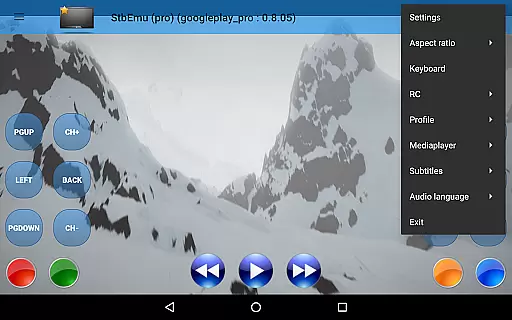
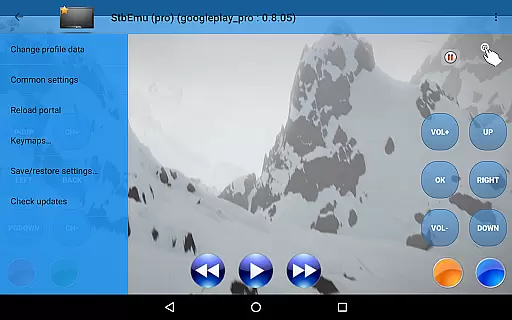
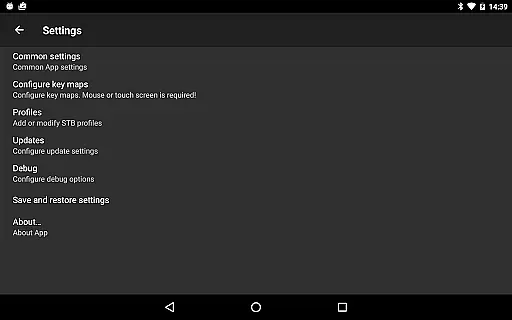
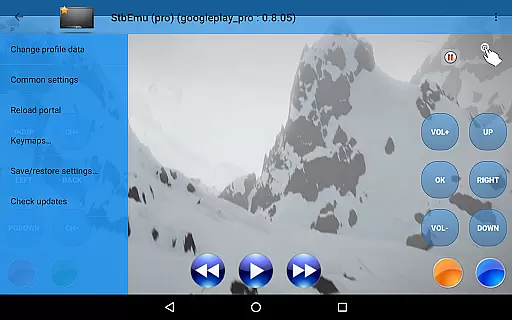
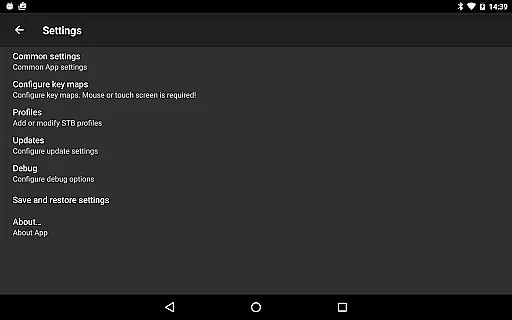
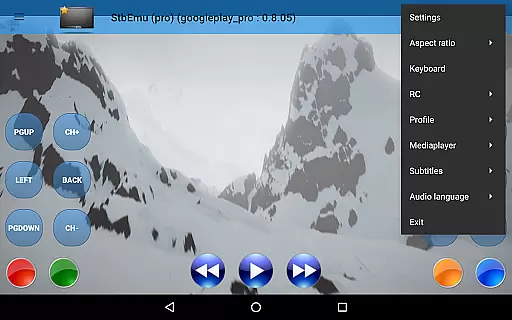
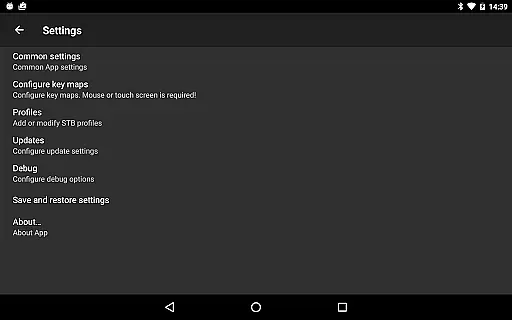
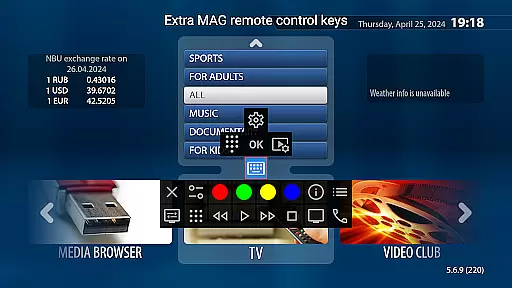
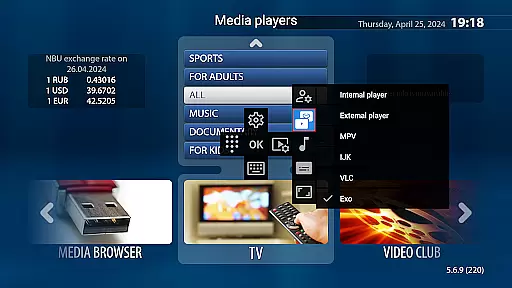
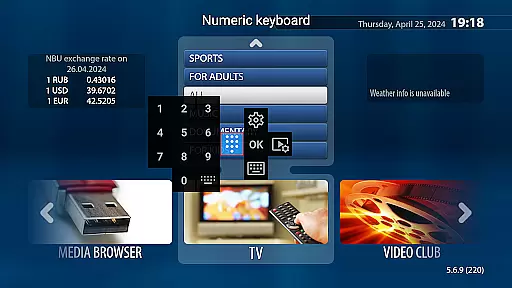
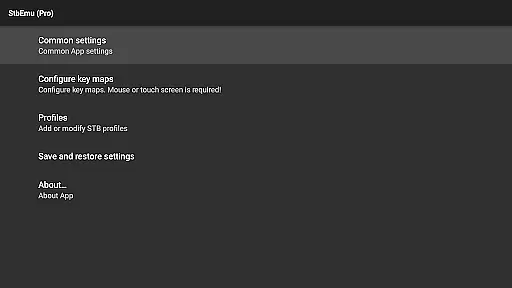
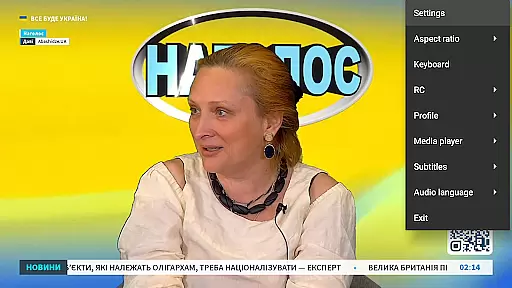
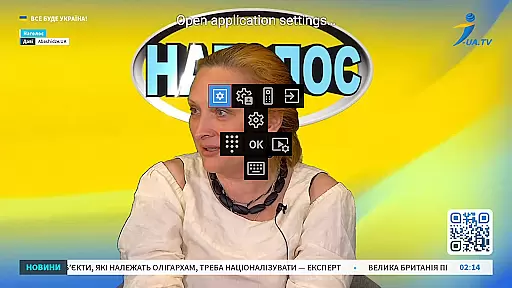

StbEmu (Pro) is a specialized video player application designed for advanced IPTV services. This app allows users to emulate set-top box functionalities on their mobile devices, providing access to various IPTV content.
The core feature of StbEmu (Pro) is its ability to connect to specific IPTV portals, enabling users to stream live TV channels and on-demand content. While the app comes pre-configured with a demo IPTV portal for testing purposes, it requires manual configuration for integration with individual IPTV service providers.
This application is particularly valuable for experienced IPTV users who need a customizable streaming solution. It offers extensive configuration options that can be tailored to specific requirements, making it an essential tool for advanced media consumption.
StbEmu (Pro) stands out with its comprehensive set of features designed for advanced IPTV usage. The application provides detailed configuration settings that allow precise control over streaming parameters and connection protocols.
A key characteristic is its support for various IPTV protocols and codecs, ensuring compatibility with multiple service providers. The app also includes advanced network settings, parental controls, and detailed logging capabilities for troubleshooting purposes.
These features deliver significant value to experienced users by providing them with complete control over their IPTV experience. The ability to fine-tune every aspect of the streaming process ensures optimal performance and reliability for demanding media applications.
Video format compatibility is a crucial aspect of any video player application, ensuring that users can enjoy content in various formats without technical hindrances. StbEmu (Pro) is designed with this in mind, supporting a wide array of video codecs and container formats.
The app's configuration allows for seamless playback of streams provided by your IPTV provider, once properly set up. This ensures that whether you're streaming standard or high-definition content, the experience remains smooth and uninterrupted.
For users who have configured the app correctly, they will find that StbEmu (Pro) handles different types of video streams with ease. This flexibility makes it an excellent choice for those looking to customize their IPTV viewing experience according to their specific needs and preferences.
By offering extensive support for numerous video formats, StbEmu (Pro) empowers users to explore a vast library of content without worrying about compatibility issues. This feature significantly enhances user satisfaction by providing a versatile and reliable viewing platform.
While StbEmu (Pro) primarily focuses on IPTV streaming rather than traditional video editing, its advanced settings offer functionalities akin to AI-powered editing features. These settings allow for optimized stream quality and customization options tailored to individual preferences.
Users can adjust parameters such as bitrate, resolution, and deinterlacing methods to enhance video playback. This level of control mimics intelligent editing tools by enabling users to fine-tune visual output based on their unique requirements and network conditions.
Although not a conventional video editor, StbEmu (Pro)'s sophisticated configuration options empower users to achieve professional-grade results. By tweaking these settings, users can ensure optimal performance and picture quality across different devices and network environments.
This pseudo-AI capability sets StbEmu (Pro) apart from basic players by offering a customizable experience that adapts to varying content types and viewing scenarios. Such adaptability ensures consistent high-quality playback regardless of source material or streaming conditions.
Highly customizable settings
Advanced protocol support
Detailed configuration options
Parental control features
Comprehensive logging system
Complex setup process
No m3u playlist support
Not beginner-friendly
Limited official support
Requires technical knowledge

Online Videos Player
 3.90
3.90
You can play SWF format file!
2.50
All format media Player, no need video converter any more!
4.00
This app was created to edit the metadata of music files.
4.20
Fast & easy HD video downloader for all formats, support 4K playback & download.
4.60
Add date and time watermark to photos and videos
4.50
The essential companion to your Blue Iris PC software
2.50
Web Browser for LG TV to stream webvideos, online movies and livestreams in HD
4.20
Video player with 4K & 1080P support, popup play, background play and subtitle.
4.20
Download videos and play them offline
4.70
Video Player - Unlimited features, 30 days money back guarantee.
4.60
Auto video maker with music & exclusive filters. Video editing made simple.
4.50
AI Video Editor:AI Music, Text to Video,Text to Speech,Auto Caption,Video Effect
4.00
AirMirror is Receiver for Screen Mirroring and Casting from Apple Devices.
3.60
Connect EasyCap or UVC devices for recording and broadcast video/audio stream
3.60


User Reviews