
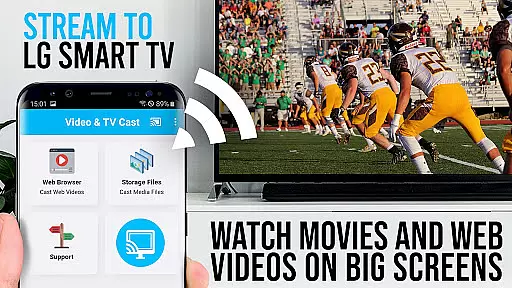
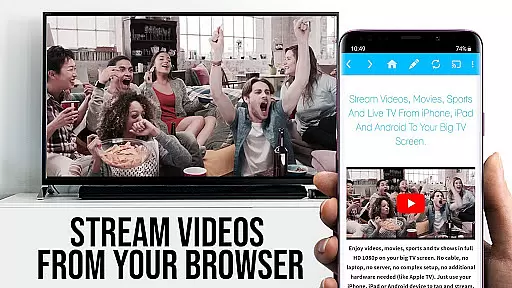
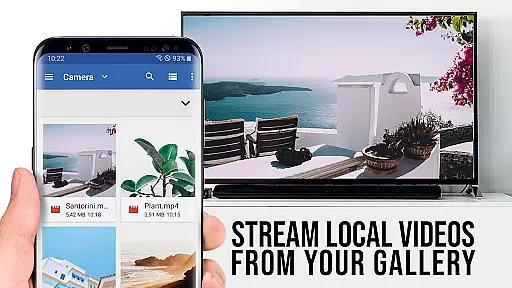
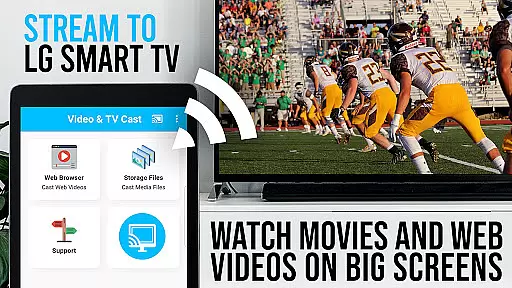
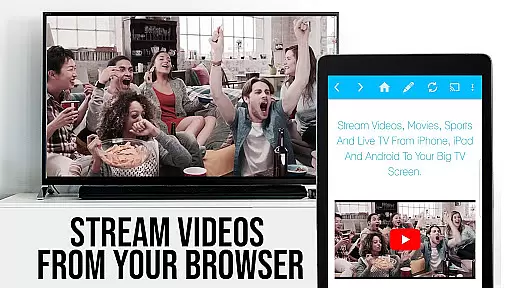
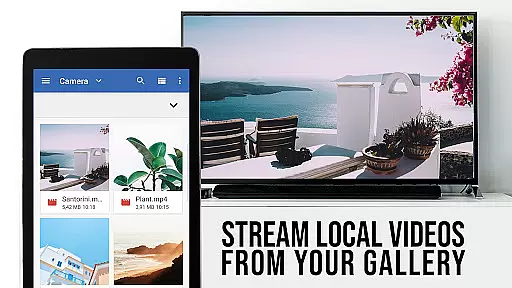
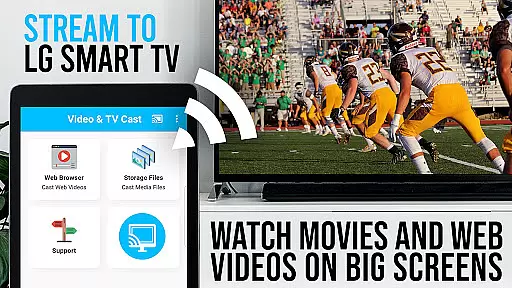
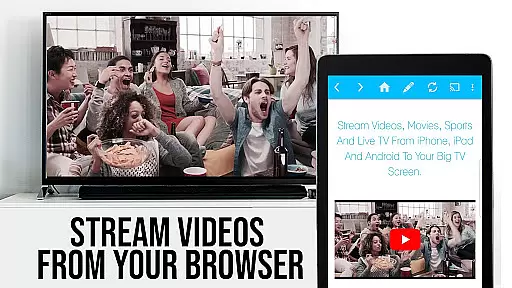
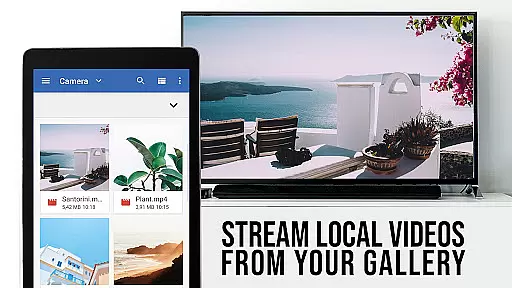
TV Cast Pro for LG webOS is a premier application designed to enhance your viewing experience on LG Smart TVs. This app allows users to stream web-videos, online-movies, livestreams, and live TV shows directly to their LG TV without the need for an additional streaming box. With its ability to cast content in Full HD and support for various video formats such as mp4 and m3u8, it stands out by offering uninterrupted multi-tasking capabilities even while casting.
The app's compatibility with all Android devices and its optimization for low-resolution screens make it a versatile tool for enjoying high-quality content. Whether you're looking to watch your favorite web series or follow live sports, TV Cast Pro ensures that your content is delivered smoothly and in stunning clarity on your largest screen at home.
TV Cast Pro for LG webOS boasts several distinctive features that cater to diverse user needs. One of its key functionalities is the Remote Playbar, which provides advanced video control options including scrubbing, forward, rewind, play, pause, and stop functions. This feature enhances user interaction with the content being streamed.
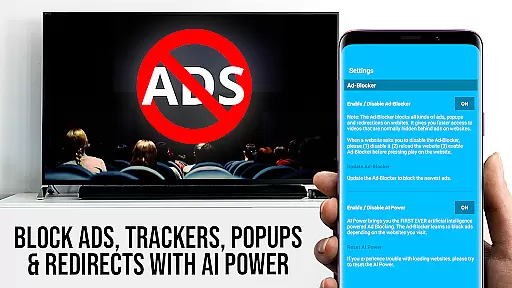
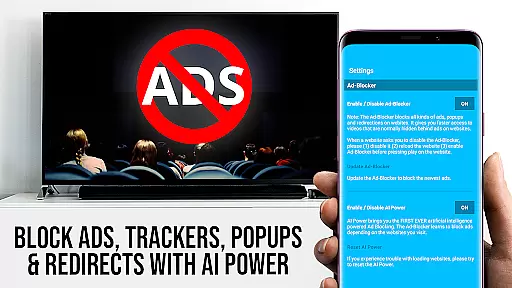
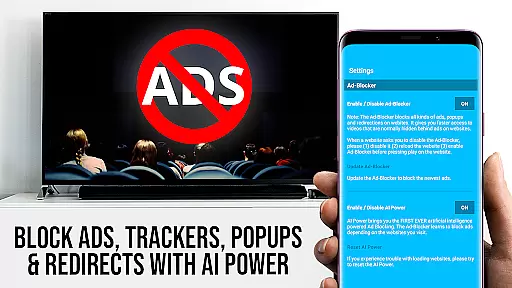
In addition to seamless control, the app includes an Ad-Blocker that removes ads and popups from most websites, ensuring an uninterrupted viewing experience. Users also benefit from the Desktop Mode, allowing them to view desktop versions of websites, and customizable settings like bookmarks and homepage selection. These features collectively offer a personalized and enriched browsing and streaming experience tailored to individual preferences.
TV Cast Pro for LG webOS stands out in its exceptional video format compatibility, ensuring a seamless streaming experience. The app supports popular formats like mp4 and m3u8, allowing users to cast web-videos, online-movies, livestreams, and live TV shows directly to their LG Smart TVs without any hiccups.
The ability to handle Full HD content even on Android devices with lower screen resolutions makes this app a top choice for quality-conscious viewers. This feature guarantees that regardless of your device's native resolution, you can enjoy crisp, clear videos on your TV screen.
Moreover, the app ensures broad device support, working across all Android devices. This inclusivity means that whether you're using an older model or the latest smartphone, you can rely on TV Cast Pro to deliver your desired content without limitations.
By prioritizing comprehensive video format support, TV Cast Pro enhances user accessibility and satisfaction, making it easier than ever to enjoy a wide range of content on the big screen.
While TV Cast Pro for LG webOS focuses primarily on streaming capabilities, it also incorporates AI-powered features that enhance the overall user experience. Although not a traditional video editor, the app leverages intelligent algorithms to optimize video playback and ensure smooth streaming sessions.
One notable feature is the Ad-Blocker, which uses AI to detect and block ads & popups on most websites. This functionality allows for uninterrupted viewing pleasure, removing distractions and letting users focus solely on their desired content.
Additionally, the Remote Playbar offers advanced video control while browsing. Users can scrub through videos, adjust playback speed, and manage playback actions such as play, pause, and stop. These AI-driven enhancements provide greater control over content consumption.
By integrating these smart features, TV Cast Pro demonstrates its commitment to providing not just basic streaming but an intelligent, user-friendly interface that adapts to individual preferences and viewing habits.
User-friendly interface
Full HD streaming
Multi-tasking support
Ad-free experience
Customizable settings
No DRM content support
Requires companion app
Limited device compatibility
Paid version necessary
QR code dependency

Video Trimmer, Video to MP3 Converter. Extract music from video, Easy & Fast.
 4.80
4.80
Tik & Story Saver-Download ALL social media videos, photos & reels no watermark.
4.80
Full HD Video mp3 Player, MP4 player play 1080p, File manager, Video Downloader
4.40
Stream high quality video from your camera over NDI protocol
4.2
Download website videos fast&privacy
4.40
Fast & easy HD video downloader for all formats, support 4K playback & download.
4.60
Fast & Private Video Downloader App. Save all videos easily from the Internet.
4.40
Manage your IPTV live channels and VOD playlists (no playlist included)
3.80
The essential companion to your Blue Iris PC software
2.50
Video Player - Unlimited features, 30 days money back guarantee.
4.60
Video Downloader, Multiple Resolution Options, Video Player
4.50
Add date and time watermark to photos and videos
4.50
Stream Web Videos to Chromecast, Samsung, LG, Sony, Roku, Fire TV, DLNA + more
4.00
Save photos and videos from social apps in one tap.
3.60
Client application for NextPVR software
3.00


User Reviews