

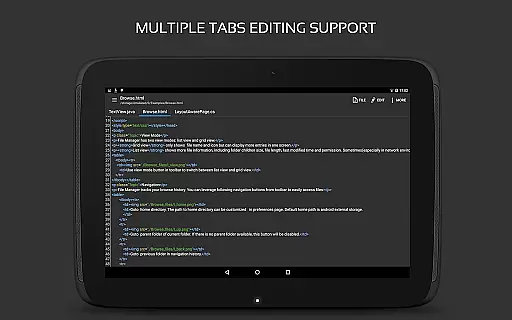
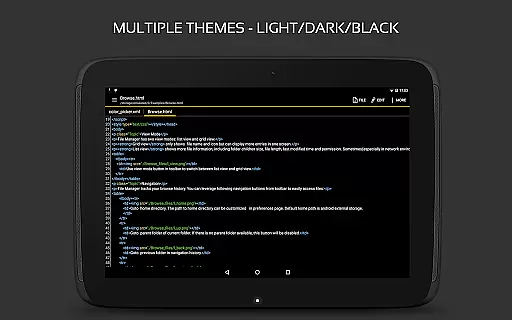
QuickEdit Text Editor Pro is a premium text editing solution designed for both casual users and programming professionals. This productivity app combines the functionality of a plain text editor with advanced code editing capabilities, making it suitable for various tasks from note-taking to software development.
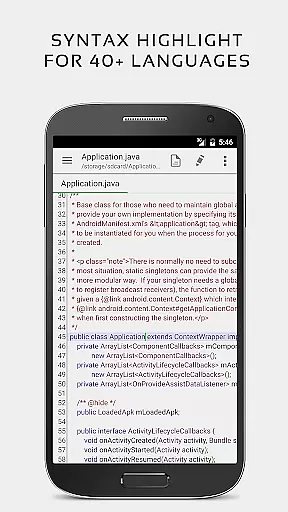
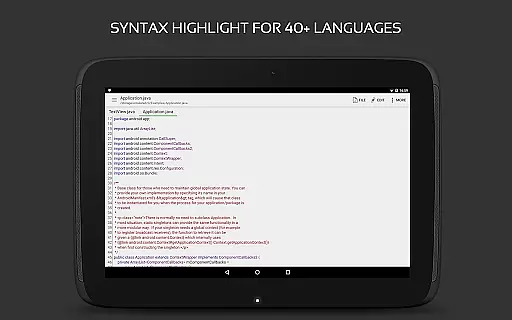
The application stands out with its support for 170+ programming languages, complete with syntax highlighting and online compilation features. Its high-performance design ensures smooth operation even with large files, while offering precise editing tools that cater to power users. QuickEdit also includes convenient features like multi-tab navigation, line numbering, and unlimited undo/redo functions.
Whether you're a developer needing a reliable code editor or a professional requiring efficient document management, QuickEdit Text Editor Pro provides the necessary tools in a streamlined interface. The app's ability to handle different file types and integrate with cloud services makes it an essential productivity tool for Android users.
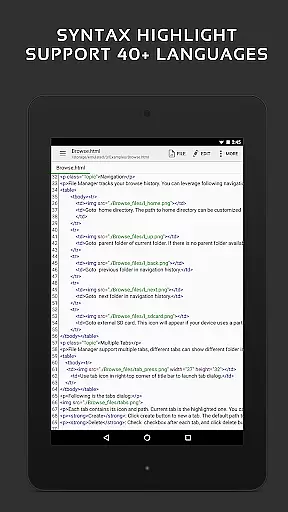
QuickEdit Text Editor Pro offers an impressive array of features that enhance text editing efficiency. The app's enhanced notepad functionality goes beyond basic text editing by incorporating professional-grade tools such as syntax highlighting for over 170 programming languages and an integrated online compiler supporting more than 30 languages.
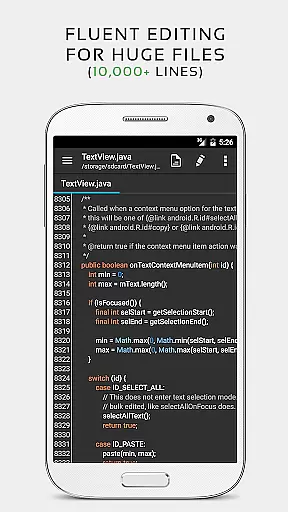
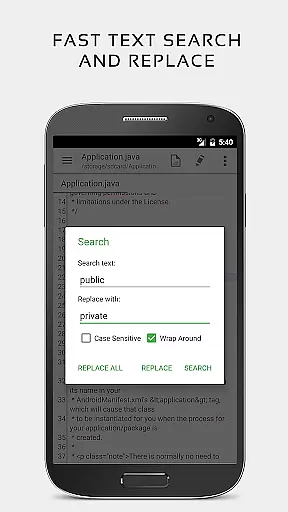
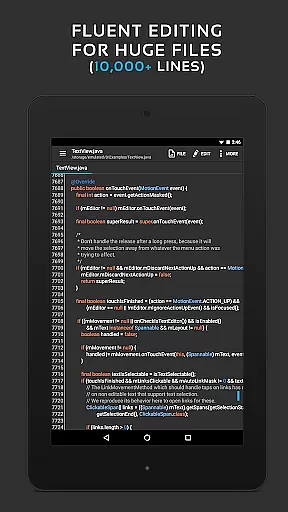
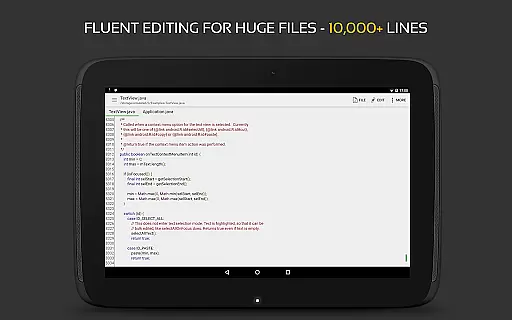
Performance optimization is a key aspect of QuickEdit's design. The app maintains exceptional speed and responsiveness regardless of file size, even handling documents with more than 10,000 lines without lag. Advanced editing features include comprehensive search and replace functions, automatic indentation, and precise cursor control. Users can benefit from both touch and physical keyboard support, including key combinations for faster navigation.
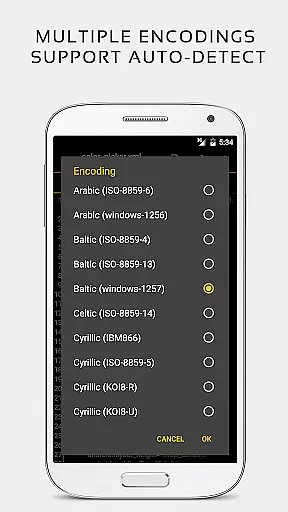
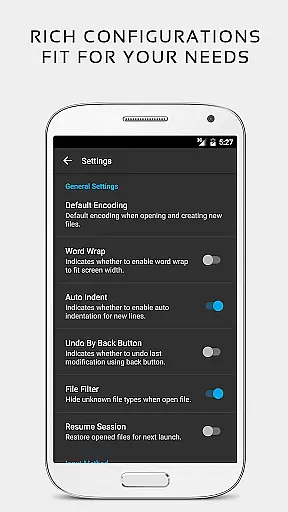
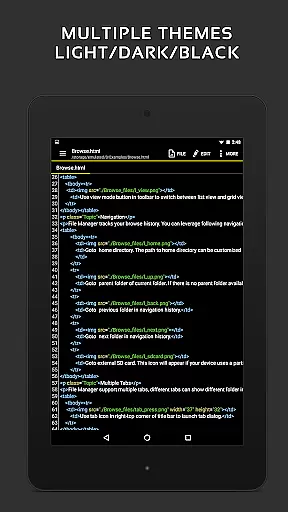
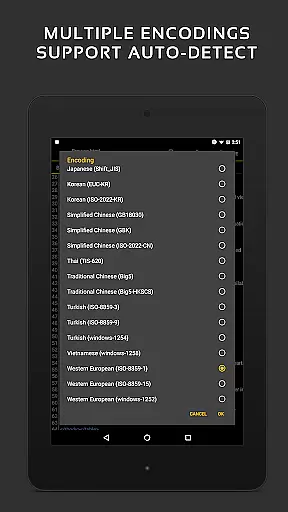
The editor supports various productivity-enhancing features such as direct line targeting, hex color input, and automatic charset detection. Its versatility extends to file management capabilities, allowing users to access files from multiple sources including FTP, Google Drive, and Dropbox. The inclusion of both light and dark themes, along with customizable fonts and sizes, ensures comfortable use in any environment.
Task management in QuickEdit Text Editor Pro is designed to streamline the editing process for both plain text and programming files. This feature ensures that users can efficiently handle multiple tasks without experiencing lag, even with large files containing over 10,000 lines.
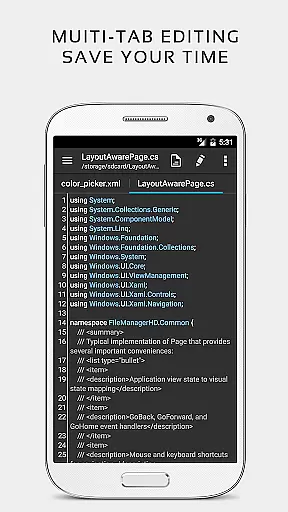
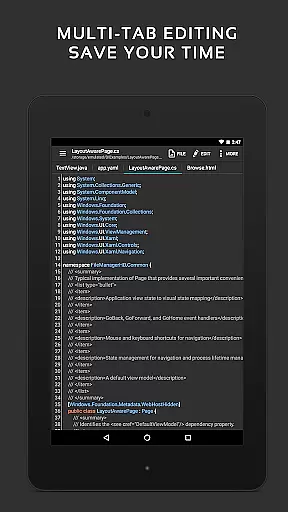
The application provides enhanced navigation between multiple open tabs, allowing users to switch contexts quickly. With unlimited undo and redo capabilities, it offers a safety net for all changes, ensuring that users can experiment without the fear of making irreversible mistakes.
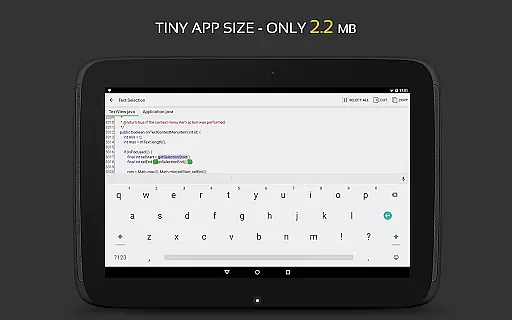
QuickEdit also supports physical keyboard inputs, including key combinations, which significantly boosts productivity for power users who prefer keyboard shortcuts over touch interactions. The smooth scrolling in both vertical and horizontal directions further enhances the user experience by providing seamless navigation through documents.
Cross-device synchronization in QuickEdit Text Editor Pro ensures that your work is consistently up-to-date across all your devices. Whether you're switching from a phone to a tablet or vice versa, the app maintains the integrity and consistency of your files, providing a reliable editing experience.
QuickEdit allows access to files from various cloud services such as Google Drive, Dropbox, and OneDrive. This integration means that no matter where you are or what device you're using, your files are always within reach, and any changes made are automatically synced across all linked devices.
In addition to cloud storage, QuickEdit supports FTP access, enabling users to manage files on remote servers directly from the app. This feature is particularly beneficial for developers and IT professionals who need to edit system files on rooted devices or manage web content hosted on different servers.
Extensive language support
High performance editing
Advanced coding features
Cloud integration
User-friendly interface
Paid version only
Steep learning curve
No iOS version
Complex for beginners
Requires technical knowledge
A customizable calendar for your Wear OS watch
 4.20
4.20
QuickBooks Workforce lets teams view pay info and track time in one place.
4.70
Create study competitions, track your hours, and stay consistent with friends
4.2
Fill, sign & send docs, forms, agreements & contracts via electronic signature.
4.50
Find and delete junk files & block unwanted notifications & manage files
3.70
To do list widget with a notebook organizer, checklist, simple shopping list
4.60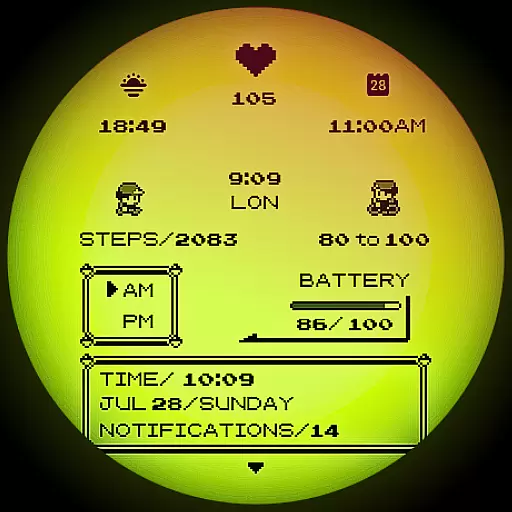
A Pixel Art watchface inspired by other iconic 90s designs for Wear OS devices!
4.40
Access your phone's notifications, calls, apps, photos & texts on your PC
3.90
Secure your apps with lock screens, use custom themes and different features.
4.40
This small app MUST BE INSTALLED after purchase, else license won't work
4.40
Access, manage and transfer files on Android, PC, Mac, NAS and cloud storages.
4.30
Cloud storage, automatic phone backup, and more.
4.10
Customizable calendar widget for seamless event sync, planning & scheduling.
4.00
A Revolutionary All-in-One Artificial Intelligence Tools
3.80
Make your handwriting beautiful, even more than pen on paper.
3.60


User Reviews