
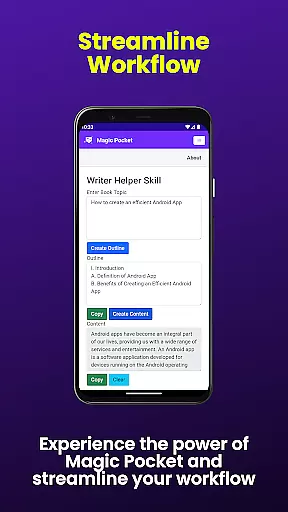
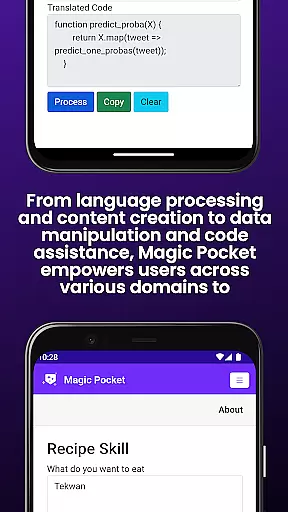
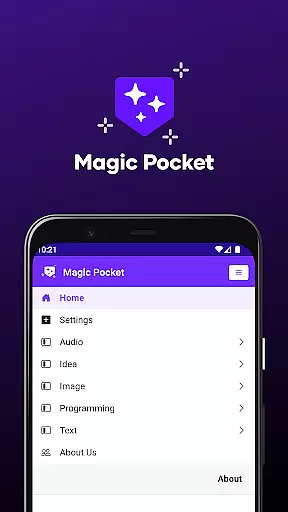
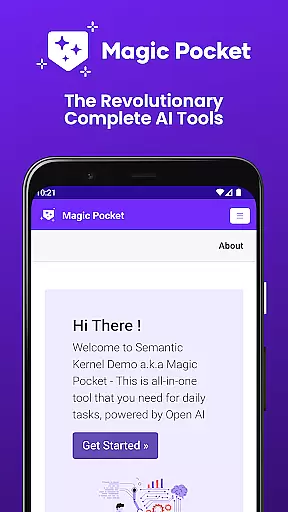
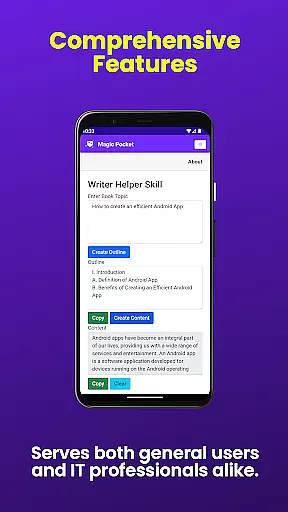
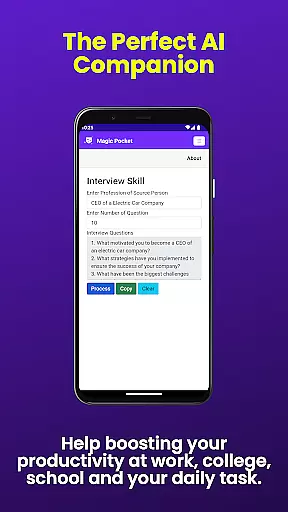
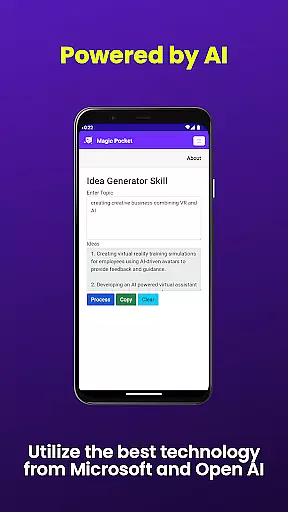
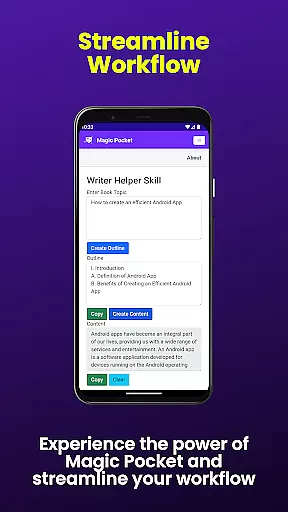
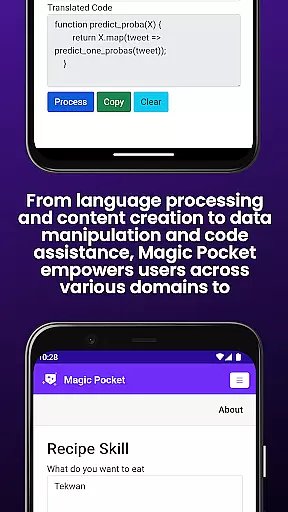
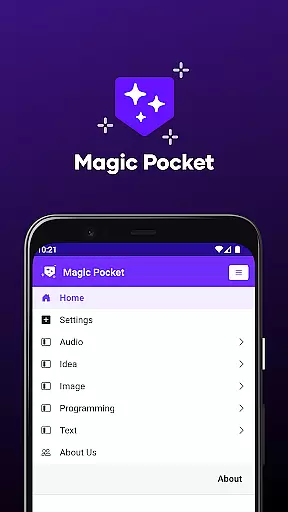
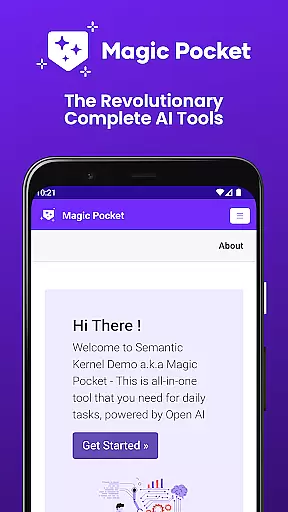
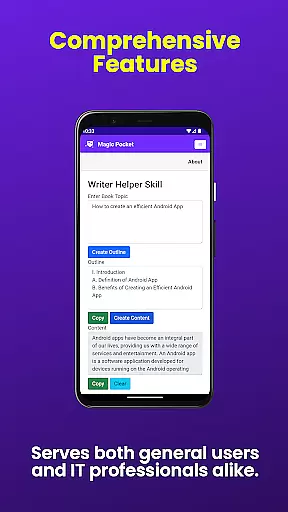
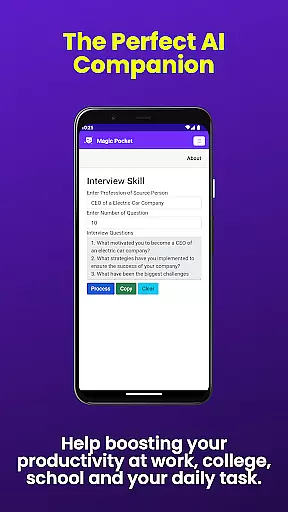
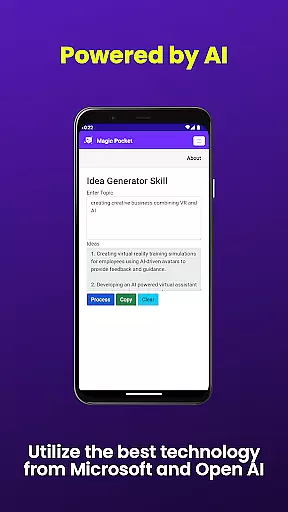
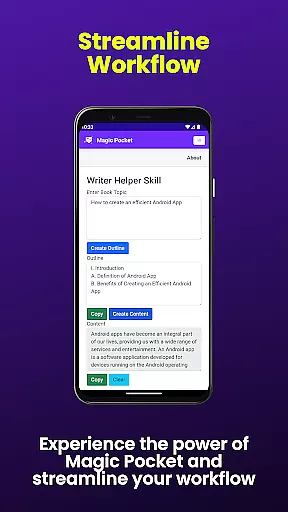
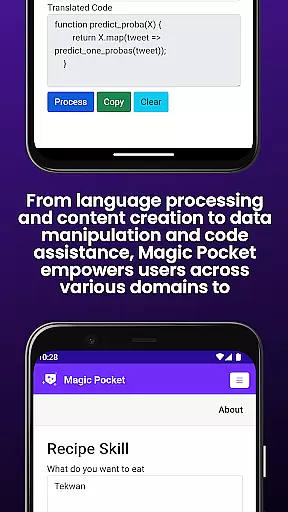
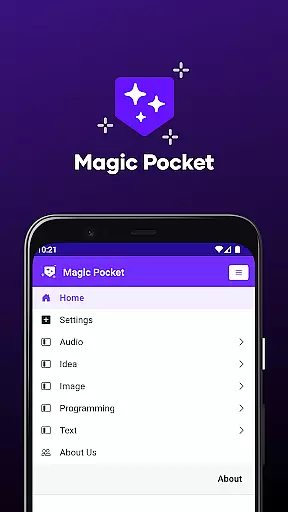
Magic Pocket is a productivity powerhouse, now featuring 100 cutting-edge tools designed to enhance creativity and efficiency. This robust application supports Android and Windows platforms, positioning itself as an essential utility for creative professionals and productivity enthusiasts.
At its core, Magic Pocket facilitates a variety of multimedia tasks, from video conversations and speech-to-speech translation to image data extraction and animation. The app stands out with AI-driven features like the Luma Video Generator and Sana Image Generator, which leverage advanced models to produce high-quality visual content.
Whether you're crafting detailed images, generating realistic handwriting, or manipulating video backgrounds, Magic Pocket provides innovative solutions that streamline complex processes. Its comprehensive feature set makes it an invaluable tool for anyone looking to elevate their creative projects while maintaining peak productivity.
Magic Pocket distinguishes itself through an impressive array of AI-powered functionalities. One standout feature is the ability to animate images using voice commands, allowing users to create dynamic presentations or engaging social media content effortlessly.
The app also includes powerful conversion tools such as HTML to Markdown and image-to-emoji transformation, catering to digital marketers and content creators who require versatile formatting options. Additionally, Magic Pocket's vector image generator and 3D asset converter enable designers to produce professional-grade visuals without needing specialized software.
Another remarkable aspect is the suite of video editing capabilities, including background replacement and captioning tools. These features are particularly beneficial for educators and business professionals who need to produce polished video content quickly. With its comprehensive feature set, Magic Pocket empowers users to tackle diverse creative challenges efficiently.
Task management is a cornerstone of productivity applications, and Magic Pocket excels in this domain by offering an extensive suite of features designed to streamline your workflow. With the introduction of 20 new tools, users can now manage tasks with unprecedented precision and creativity.
Magic Pocket's task management capabilities are highlighted by functionalities such as Talk with Video for seamless communication, Extract Image Data for organizing visual information, and Animate Image With Voice to add dynamic elements to projects. These features ensure that whether you're handling media, engaging in creative work, or transforming text, all aspects of your project can be managed efficiently within a single platform.
The advantage for users lies in the app's comprehensive approach to task handling. By integrating advanced AI tools like Html to Markdown conversion, Speech to Speech translation, and Video Foreground Extractor, Magic Pocket empowers users to tackle complex assignments with ease. This not only boosts productivity but also enhances the quality of output, making it an invaluable asset for both personal and professional use.
Cross-device synchronization is vital for maintaining workflow continuity across different platforms. Magic Pocket addresses this need by ensuring reliable and real-time updates between Android and Windows devices, thus providing a seamless user experience regardless of the operating environment.
The application supports an array of features that facilitate synchronization, including Luma Video Generator for consistent video quality, Sana Image Generator for uniform image rendering, and Photon Image Generator for coherent graphic outputs. Such tools guarantee that your creations retain their intended form and function, irrespective of the device used for access or editing.
For the user, this means enhanced flexibility and peace of mind knowing that their work is securely synchronized and up-to-date across all devices. Whether transitioning from a desktop at the office to a mobile device on the go, Magic Pocket ensures that productivity is never compromised, allowing users to focus on their creative and professional endeavors without interruption.
Extensive feature set
Cross-platform support
AI-powered tools
Professional-grade outputs
User-friendly interface
Steep learning curve
Resource-intensive
Limited mobile functionality
Subscription required
Occasional bugs

 4.20
4.20
AI Video AI Image Private LLM AI Browser Llama Gemma Ollama Connect LLM Studio
4.0
A customizable calendar for your Wear OS watch
4.20
Automates browsing any website and notifies you of important changes or events
4.30
A simple, portable logger for POTA, SOTA, Field Day, and more
4.1
The AI assistant that thinks with you - write, code, and solve complex tasks
4.60
Enjoy classic gameplay with customizable features and retro-style graphics.
4.30
This small app MUST BE INSTALLED after purchase, else license won't work
4.40
Understand anything with a personalized AI research assistant
4.80
Best Tool for the professionals Electrician, Electrical contractors, etc.
4.90
Scientific calculator for Android - looks and operates like the real thing!
4.90
Stay on top of your to-dos with Google Tasks, part of Google Workspace.
4.60
Send files, sync SMS, notifications & clipboard across devices via local network
4.40
Device's storage information in a simple and clear graphical form (infographics)
4.10
Auto-shutoff Alarm with Sunrise, Sunset & Fixed Options.
3.50


User Reviews