
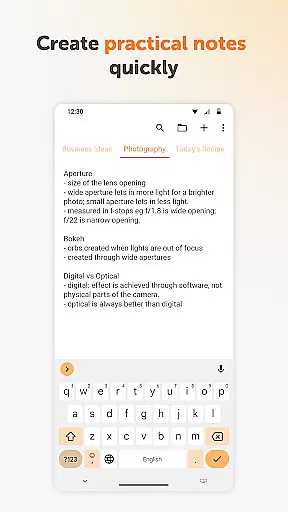
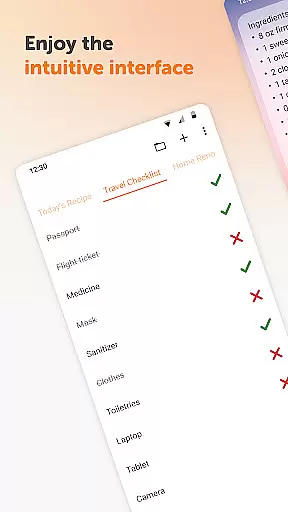
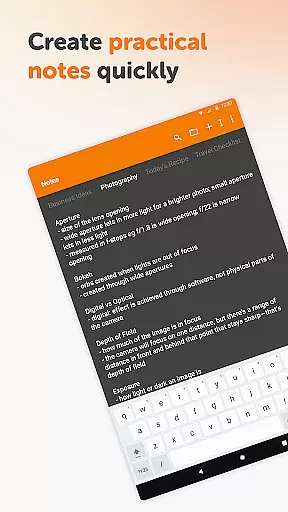
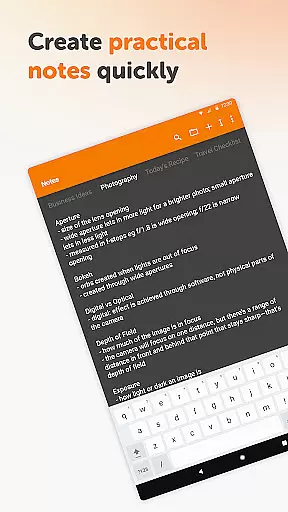
Simple Notes Pro is a productivity-focused note-taking application designed to simplify your daily organization. This tool allows users to create quick notes, to-do lists, and checklists with ease. Its core functionality lies in providing a seamless experience for capturing ideas, managing shopping lists, and organizing reminders without any complicated setup.
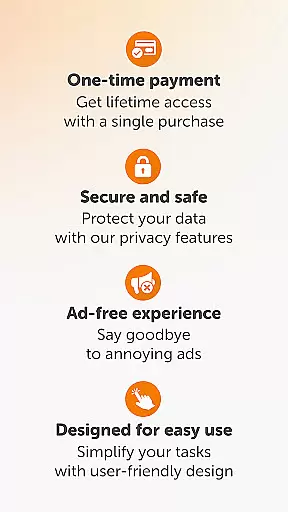
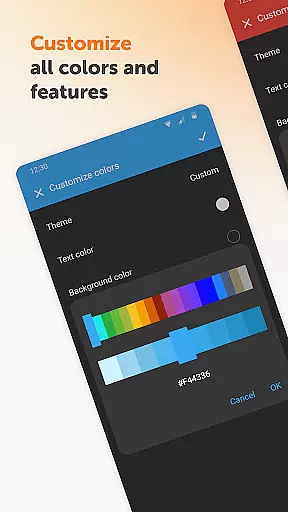
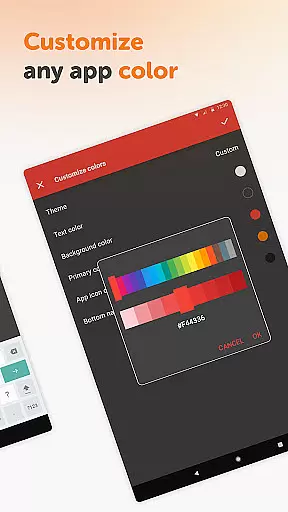
The app stands out with its user-friendly interface, customizable colors, and resizable widgets that make accessing notes effortless. Whether you need to jot down a startup idea or organize your grocery list, Simple Notes Pro ensures you can remember anything fast. It also features autosave functionality, multiple independent notes, and a distraction-free environment with no ads or unnecessary permissions.
With its material design, dark theme, and offline functionality, this app offers both privacy and stability. It's an invaluable tool for anyone seeking a reliable digital notebook that keeps their information secure while delivering a smooth user experience across various tasks.
Simple Notes Pro boasts several notable features that enhance the note-taking experience. One of its key strengths is the autosave function, which ensures that users never lose their important notes due to accidental closures or errors. Additionally, the app supports creating multiple plain text notes and lists quickly, allowing for efficient multitasking and organization.
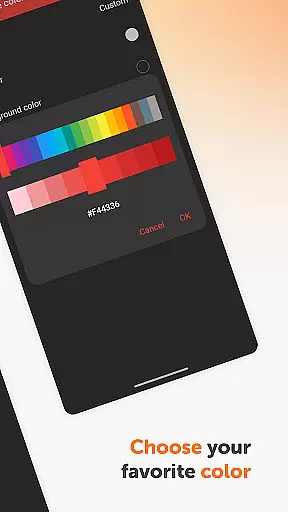
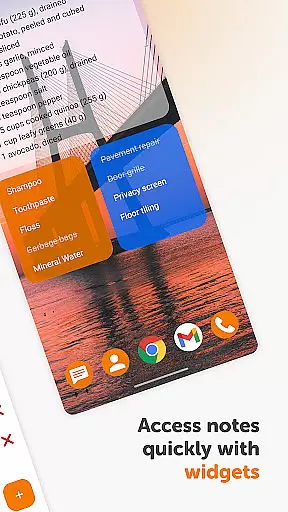
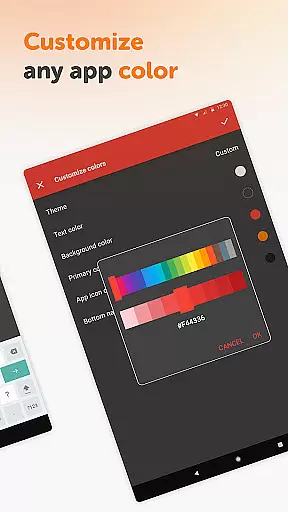
The app includes customizable and resizable widgets, enabling users to personalize their home screen for instant access to their notes. These widgets open directly into the app, streamlining the process of viewing and editing notes. Furthermore, Simple Notes Pro offers a clean, ad-free interface with customizable color options, empowering users to tailor the appearance to their preferences.
Another standout feature is its fully open-source nature, which provides transparency and flexibility. The app requires no internet access, ensuring enhanced privacy and security compared to other similar tools. With these capabilities, Simple Notes Pro delivers a robust solution for individuals who value simplicity, speed, and reliability in their productivity apps.
Task management is a cornerstone of productivity applications, and Simple Notes Pro excels in this area. This feature allows users to organize their daily activities efficiently by creating checklists, reminders, and notes that serve as personal planners.
The app supports the creation of multiple independent plain text notes and lists rapidly, ensuring that jotting down ideas or tasks is seamless. With an autosave function, users need not worry about losing their important notes due to unexpected interruptions or mistakes.
For those who require visual cues, Simple Notes Pro offers a customizable and resizable widget. This widget not only enhances accessibility but also opens the application directly, providing a smooth user experience when managing to-do lists or accessing quick notes.
Cross-device synchronization is vital for users who operate on multiple platforms throughout their day. Simple Notes Pro ensures reliable syncing across devices, which means your notes are always up-to-date regardless of where you access them.
Although Simple Notes Pro does not natively support cloud services, its design emphasizes local storage with robust privacy and security measures. The absence of internet access contributes to more stable performance compared to apps that rely heavily on online connectivity.
Users can trust that their information remains private and secure without unnecessary permissions or ads disrupting their workflow. This approach aligns with the ethos of Simple Mobile Tools, which focuses on delivering high-quality, open-source applications that respect user privacy while maintaining functionality.
User-friendly interface
No ads or unnecessary permissions
Autosave functionality
Fully open-source
Offline usage
Limited advanced features
No cloud sync option
Basic design aesthetics
Plain text only
No collaboration tools

Client for Nextcloud Deck
 4.60
4.60
Experience real multitasking on your Android!
4.00
Native client for Forgejo and Gitea
5.00
We're working to become the best machining app on the market! www.cncdirt.com
4.80
Find and delete junk files & block unwanted notifications & manage files
3.70
All document reader, all in one file viewer read PDF, DOCX, XLS, PPT, TXT files.
4.60
Subscribe to Webcal & .ics calendars and keep them up-to-date!
4.50
Share files & memories safely. Keep your photos and videos secure.
4.40
Use powerful, industry-leading AI tools to generate visual charts from any data
4.80
The long-awaited modern gallery app for your Nextcloud server
4.70
This small app MUST BE INSTALLED after purchase, else license won't work
4.40
Access, manage and transfer files on Android, PC, Mac, NAS and cloud storages.
4.30
Unlock AutoNotification
4.00
Auto-shutoff Alarm with Sunrise, Sunset & Fixed Options.
3.50
ID.me Authenticator is a simple and free Two Factor Authentication solution
3.50


User Reviews