
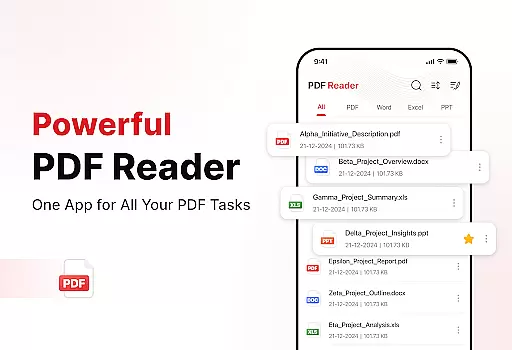
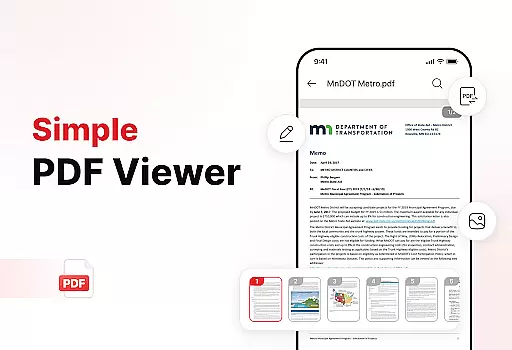
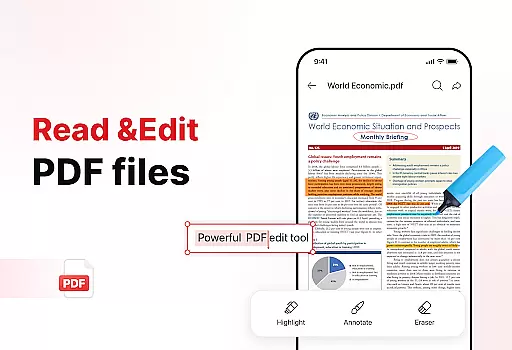
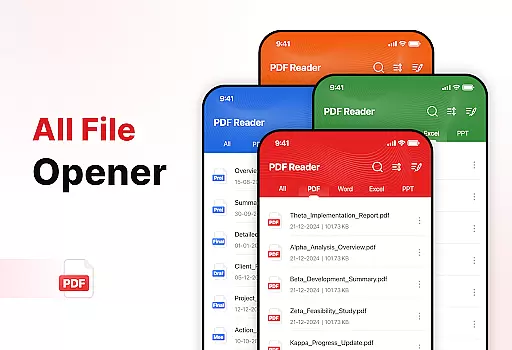
PDF Reader - Edit & View is a comprehensive document management solution designed to simplify how you handle, organize, and convert files. This productivity app offers versatile PDF reading capabilities, allowing users to open and read PDFs of any size without lag while providing easy navigation and zoom functionality for detailed viewing. The app supports multiple file formats including XLS, DOCX, and PPT, making it an essential tool for students, professionals, and anyone who frequently works with documents.
The application stands out with its powerful document converter that transforms scanned documents and images into high-quality PDFs. Its enhanced productivity tools help users manage their storage efficiently through advanced sorting options, bookmarking features, and effortless sharing capabilities. With the ability to add signatures directly to PDFs and quickly search for specific files, this app streamlines document handling while boosting overall productivity.
Whether you're managing important work documents or organizing study materials, PDF Reader - Edit & View provides a complete solution that saves time and enhances efficiency. Its user-friendly interface combined with robust features makes it an indispensable tool for anyone looking to take control of their document management process.
PDF Reader - Edit & View distinguishes itself through a rich set of features designed to enhance document management. One of its standout characteristics is the versatile PDF reader that allows seamless navigation through documents of any size. Users can easily zoom in for details and highlight critical information, ensuring they never miss important content. The app's support for multiple file formats including XLS, DOCX, and PPT demonstrates its commitment to providing a comprehensive document solution.
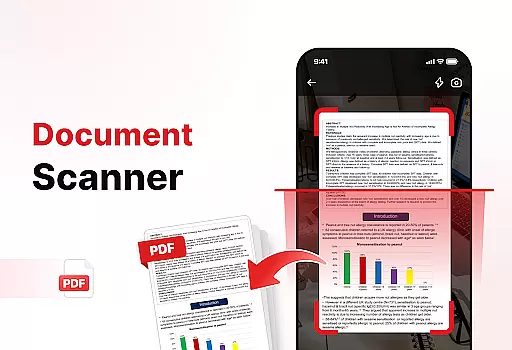
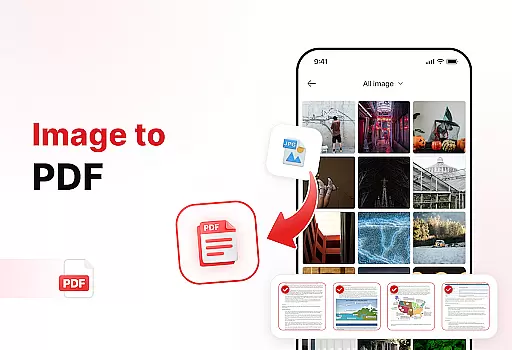
A key innovation is the powerful document converter that enables users to capture text, images, and diagrams from physical documents and convert them into professional-quality PDFs. The Image to PDF feature lets users transform screenshots and graphics into polished PDF files with just a few taps. These conversion capabilities ensure users can digitize and share content effortlessly.
The app's enhanced productivity tools further elevate its value. The file management system helps users keep their storage organized through advanced sorting options, quick access bookmarks, and efficient deletion of unnecessary files. The ability to add signatures directly to PDFs and perform rapid file searches makes document handling both intuitive and efficient. These features collectively create a superior user experience that sets PDF Reader - Edit & View apart from other productivity apps.
In today's fast-paced digital environment, effective task management is crucial for productivity. PDF Reader - Edit & View addresses this need by offering a comprehensive suite of tools designed to streamline document handling.
The app allows users to manage and organize their files with ease. With features like file sorting, users can keep their documents in order, sorting them by name, date, or size. This ensures that important files are always easy to locate and access.
Additionally, the app provides powerful functionalities such as document scanning and conversion. Users can scan physical documents and convert them into high-quality PDFs, making digital archiving more efficient. The ability to convert images into PDFs further enhances document management capabilities.
By integrating these robust features, PDF Reader - Edit & View empowers users to take control of their document workflows, significantly boosting productivity and saving valuable time.
For professionals and students alike, having reliable access to documents across multiple devices is essential. PDF Reader - Edit & View excels in providing cross-device synchronization that ensures users can access their files anytime, anywhere.
The app supports a wide range of file formats including PDF, XLS, DOCX, and PPT, allowing seamless transitions between different types of documents on any device. Whether you're switching from a phone to a tablet or a computer, your documents remain consistent and accessible.
Moreover, the app offers effortless sharing options, enabling users to instantly share PDFs and other files with colleagues, friends, or family. This feature is particularly useful for collaborative projects where team members rely on up-to-date information.
With its user-friendly interface and reliable synchronization, PDF Reader - Edit & View simplifies document management across devices, enhancing both individual and team productivity.
User-friendly interface
Multi-format support
Powerful conversion tools
Advanced organization features
Effortless sharing options
Limited free features
Occasional performance lags
Subscription costs
Complex settings for beginners
Large file size

Professional calendar app for Google Calendar, MS Outlook & Exchange
 4.20
4.20
Easiest event planning, volunteer signups & parent teacher conference scheduling
2.20
Multilingual translator for text, voice, and image translation!
4.90
Subscribe to Webcal & .ics calendars and keep them up-to-date!
4.50
* block pre-roll ads, pop-up and forced redirect ads * Samsung certification app
4.00
Quickly and easily keep track of your work shifts
4.70
Simple notepad & memo. Take notes, to-do list, shopping list with reminders.
4.80
AT&T Internet customers can use this app to personalize their Wi-Fi network.
4.40
Set up, print, and get support—in one place
4.20
Use powerful, industry-leading AI tools to generate visual charts from any data
4.80
The Pro Version of Android's tiniest Notepad app. Just 0.3MB but feature-packed!
4.60
Functional QR scanner and barcode reader that requires little storage space.
4.60
All document reader, all in one file viewer read PDF, DOCX, XLS, PPT, TXT files.
4.60
Ultimate Virtual AI Character for immersive Roleplay Chat. Perfect Companion
3.90
All in one sketching tool. Technical and General drawing. Online Maps support.
3.70


User Reviews