
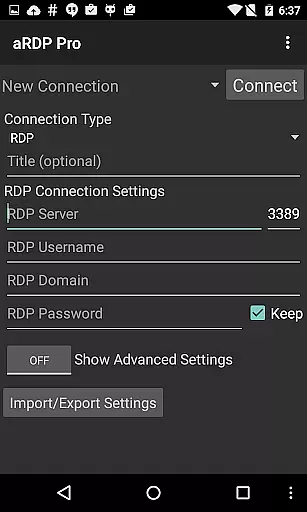
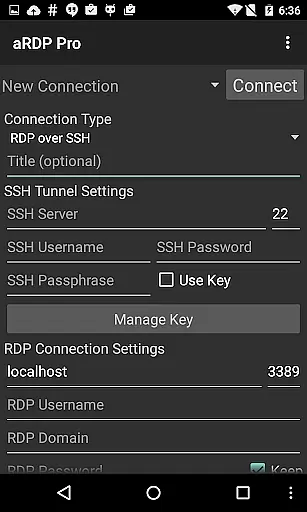
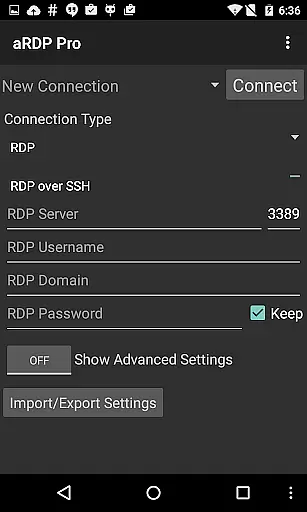
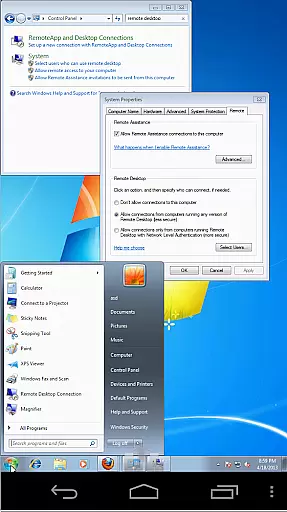
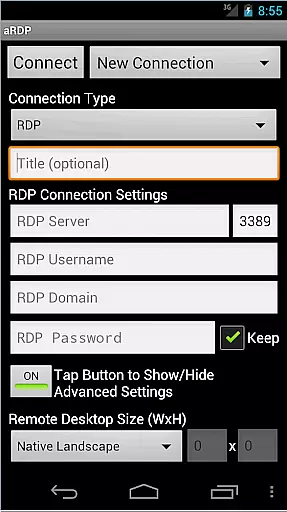
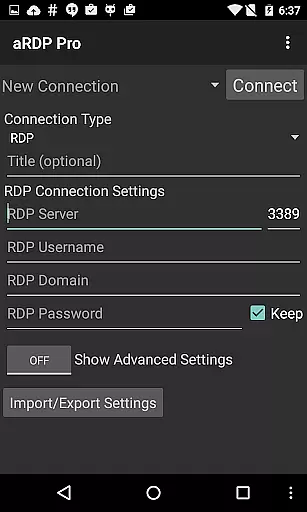
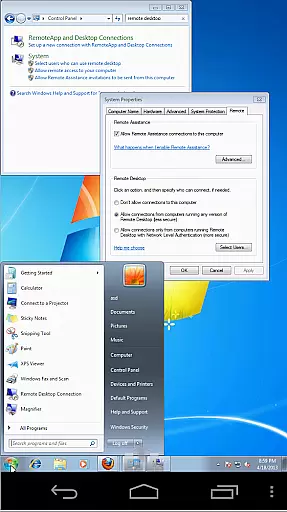
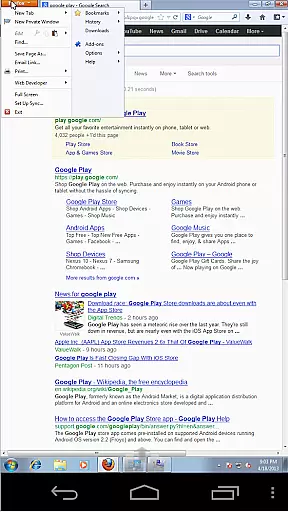
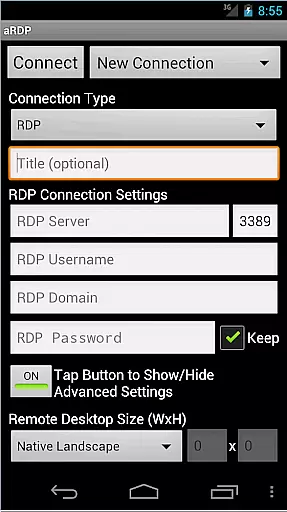
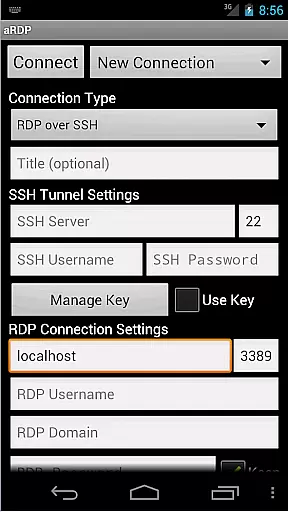
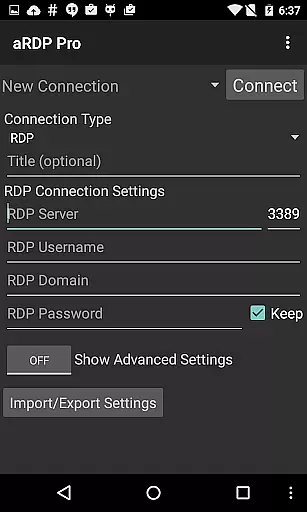
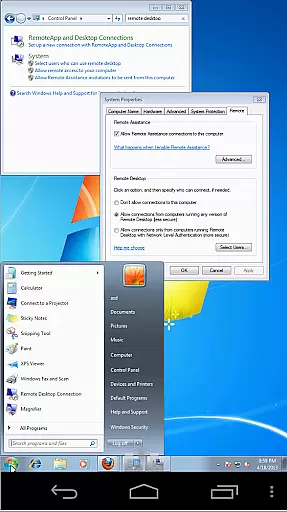
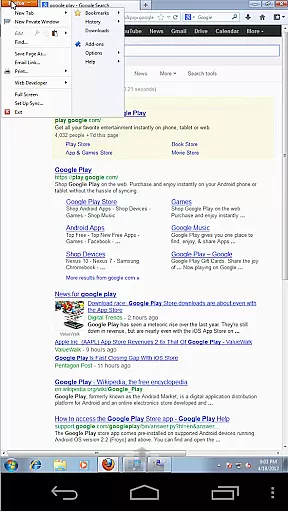
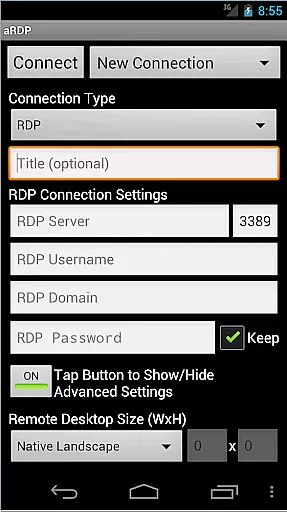
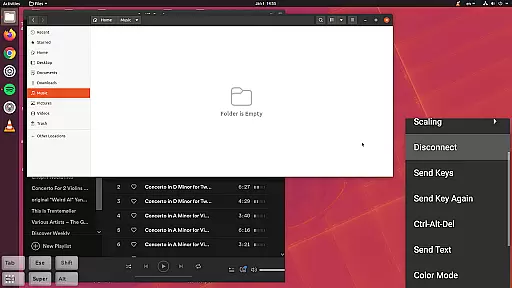
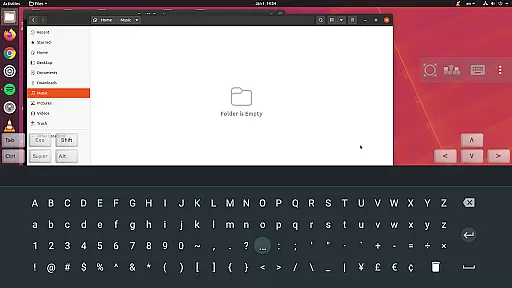
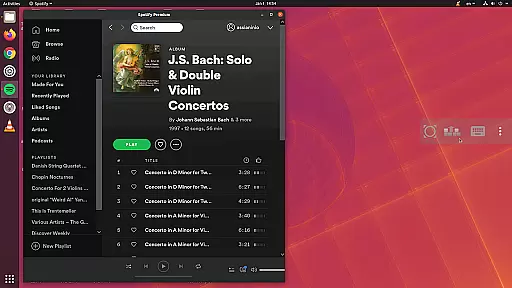
aRDP Pro is a premier open-source Remote Desktop Protocol (RDP) client, offering secure and versatile remote desktop control. It leverages the robust FreeRDP library to enable users to connect to Windows and Linux systems, providing comprehensive functionality for productivity-focused tasks.
With support for SSH tunneling, multi-factor authentication, and advanced session management, this app ensures both security and flexibility. Its intuitive interface and compatibility with various devices make it an essential tool for IT professionals and remote workers who require reliable access to their workstations from anywhere.
The app boasts an impressive array of features tailored for productivity. Users can enjoy seamless RDP file support, sound redirection, and console mode options that enhance remote session experiences. The inclusion of multi-touch gestures allows for efficient navigation, while dynamic resolution changes adapt to different screen sizes and orientations.
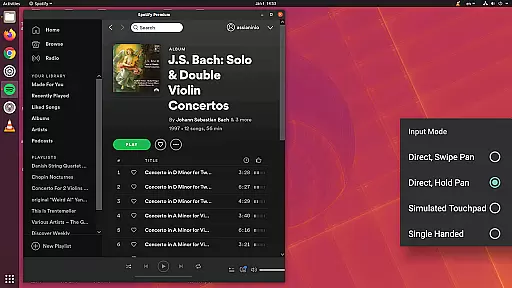
Advanced functionalities such as MFA/2FA SSH authentication, SD card redirection, and fine-grained control over remote desktop styling ensure that users have the tools they need for complex tasks. Additionally, aRDP Pro supports multiple languages, clipboard integration, and various input modes, making it adaptable to diverse user preferences and workflows.
aRDP Pro excels in core task management by providing users with a comprehensive set of tools to control remote desktops efficiently. The app supports Remote Desktop Protocol (RDP) for Windows and Linux systems, ensuring that users can manage their tasks on various operating systems without hassle.
One of the standout features is its support for RDP files, which allows users to save and load connection settings effortlessly. This simplifies the process of connecting to multiple remote machines, streamlining task management across different environments. Additionally, the app offers dynamic resolution changes, enabling users to adjust their desktop configurations while remaining connected, thus optimizing productivity.
The inclusion of multi-touch controls enhances the user experience by allowing intuitive interactions with the remote desktop. Users can perform left, right, and middle clicks using one, two, or three fingers respectively, making navigation seamless. Scrolling and pinch-zooming further augment the ability to interact with the remote system as if it were local.
Overall, aRDP Pro's robust feature set ensures that users can manage their remote tasks effectively, providing both power and flexibility in remote desktop control.
Cross-device synchronization is a critical aspect of aRDP Pro, ensuring that users can maintain consistent access to their remote desktops regardless of the device they are using. The app supports a wide range of devices, including smartphones and tablets running Android, and extends its compatibility to iOS and Mac OS X through separate offerings.
One of the key elements of reliable synchronization is automatic session saving. This feature ensures that users can pick up where they left off, even when switching between devices. Whether you're using a Samsung multi-window setup or taking advantage of Samsung DEX, aRDP Pro provides a seamless transition between different working environments.
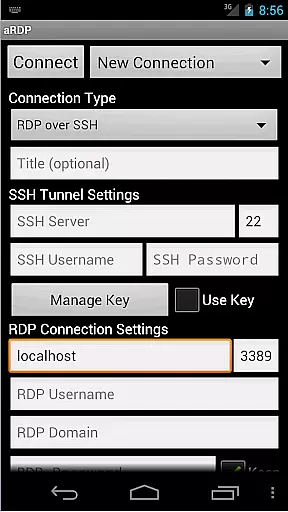
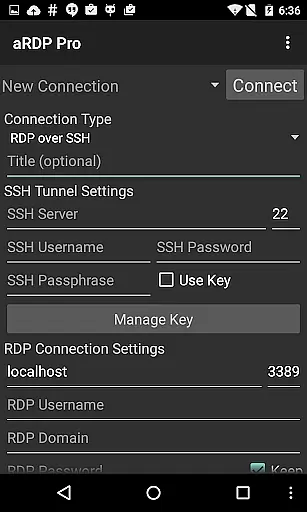
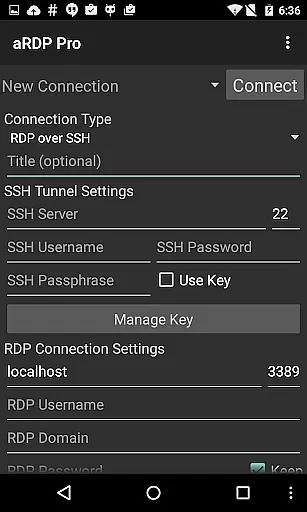
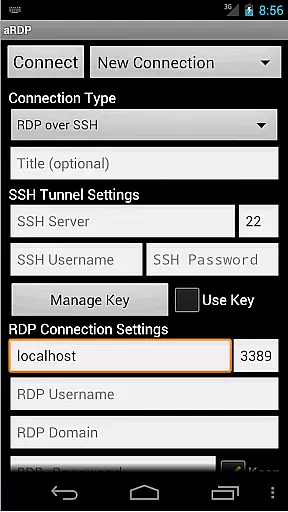
Moreover, the app includes SSH tunneling capabilities, adding an extra layer of security and enabling users to reach machines behind firewalls. This ensures that your connections remain secure and stable, no matter where you are accessing them from. The ability to import encrypted RSA keys in PEM format and unencrypted DSA keys in PKCS#8 format further enhances this reliability.
In summary, aRDP Pro delivers dependable cross-device synchronization, empowering users to manage their remote desktops with confidence and ease, irrespective of their chosen platform.
Secure SSH connections
Multi-touch controls
Dynamic resolution adjustment
Comprehensive session management
Cross-platform compatibility
No Windows 10 Home support
Limited Cyrillic username support
Potential issues with password-less accounts
Complex setup for beginners
Requires third-party VNC server for some functions

Seamlessly integrate data and reports to build your presentation to impress
 4.80
4.80
Native client for Forgejo and Gitea
5.00
Create study competitions, track your hours, and stay consistent with friends
4.4
Mega cloud explorer plugin for Solid Explorer
3.80
Wake up & get tasks done! Add alarms & reminders on the Clock Launcher.
4.00
8 custom complications. Custom Time Fonts. Beautiful color schemes. A++ Design.
5.00
All in One PDF Reader: Manage, Read and Edit your Documents
4.20
Great calculator for Android named one of USA TODAY's "25 Essential Apps".
4.90
AI Chatbot and AI writing assistant powered by ChatGPT.
4.60
The long-awaited modern gallery app for your Nextcloud server
4.70
A beautiful digital clock with autostart and many other functions
4.70
App Lock with fingerprint, password: Lock apps & hide photos with lock screens
4.60
Experience Reading - Night Mode for Documents
4.40
Device's storage information in a simple and clear graphical form (infographics)
4.10
A simple, portable logger for POTA, SOTA, Field Day, and more
4.2


User Reviews