
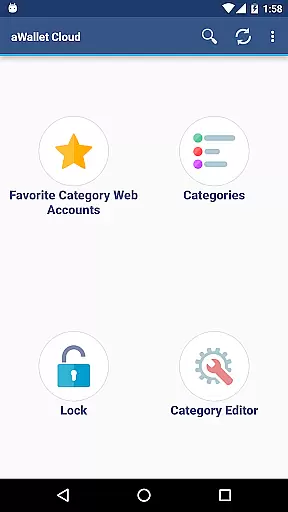
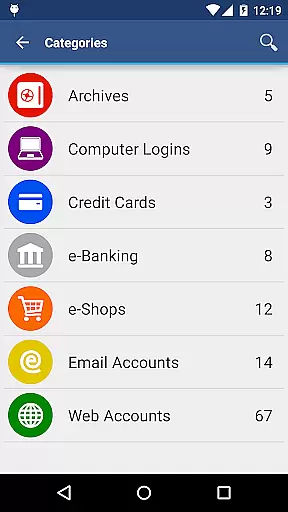
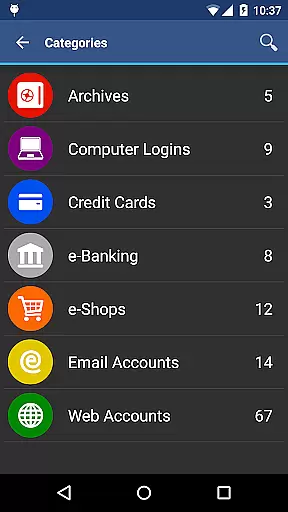
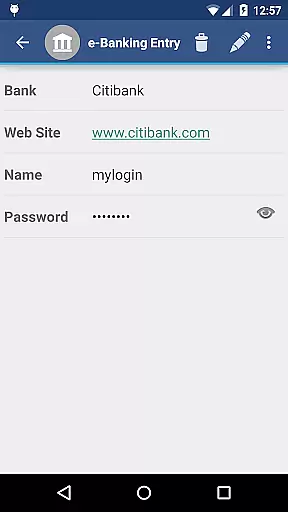
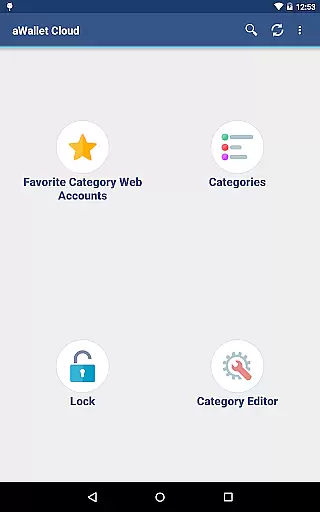
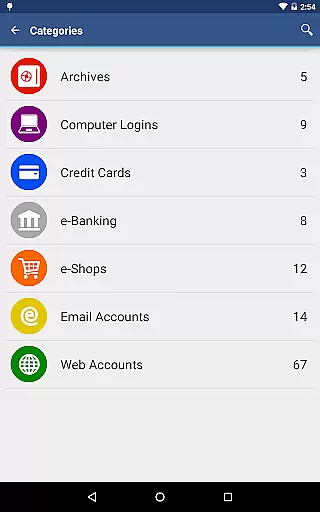
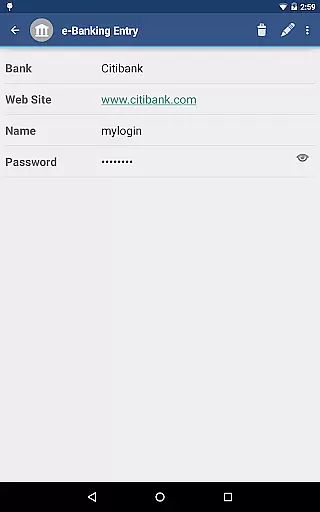
aWallet Cloud Password Manager is a robust productivity tool designed to securely store sensitive information such as passwords, credit card details, and e-banking credentials. The app ensures top-notch security by encrypting all stored data using advanced algorithms like AES or Blowfish with key sizes up to 256 bits.
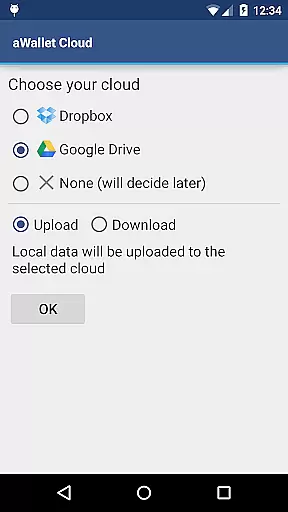
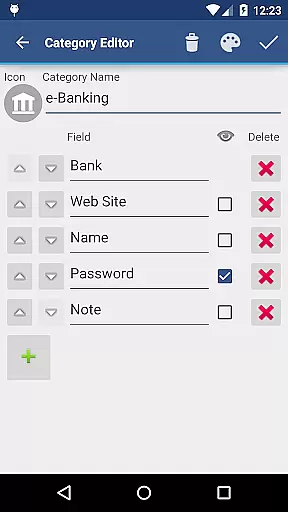
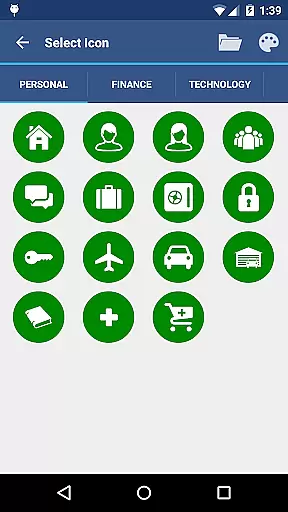
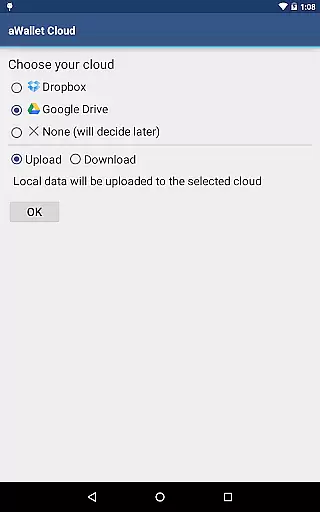
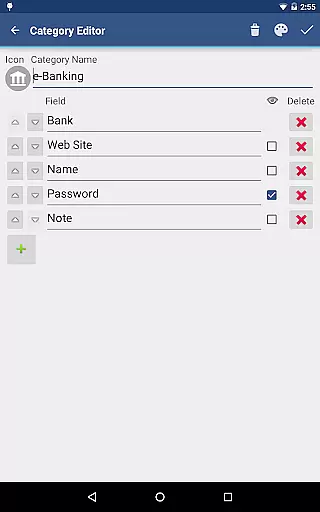
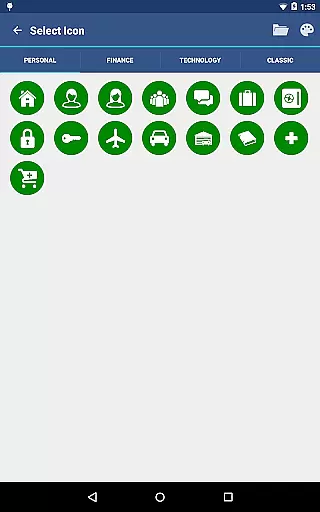
One of the standout features is its ability to synchronize encrypted data with your personal cloud accounts on Dropbox or Google Drive, ensuring that your information is accessible yet secure across multiple devices. Additionally, users can take advantage of the built-in editor to customize data categories and icons, enhancing personalization and ease of use.
With practical functionalities such as auto-lock, password generation, and biometric unlocking options, aWallet caters to both security-conscious individuals and those seeking convenience in managing their digital identities.
The app offers an extensive range of features tailored for secure and efficient data management. Notably, it includes a sophisticated encryption system that uses a combination of randomly generated 'salt' and the user's master password, processed through repetitive SHA-256 hashing, making brute force attacks significantly more challenging.
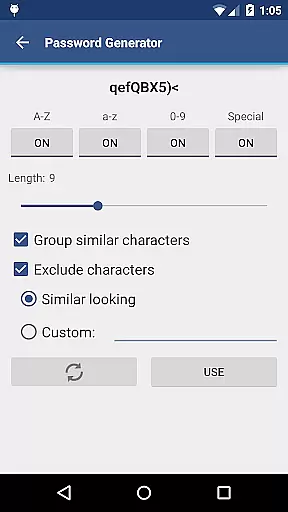
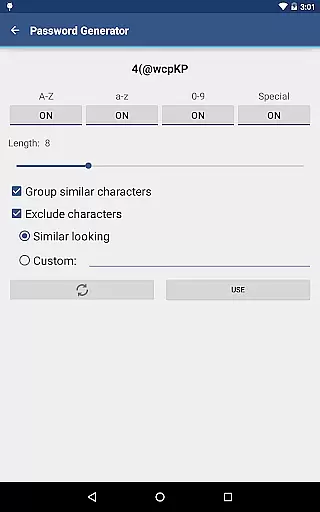
Users benefit from flexible unlocking methods including fingerprint and facial recognition on compatible devices, alongside traditional password entry. The inclusion of a password generator and CSV import/export capabilities further streamline the management of complex credentials.
Additional features such as auto-destruction of the data file after several failed unlock attempts and the ability to backup and restore encrypted files to an Android USB device ensure comprehensive data protection and recovery options.
In the realm of productivity, managing sensitive information efficiently is paramount. aWallet Cloud Password Manager excels in core task management by offering robust features for handling various personal data securely. The app allows users to store passwords, credit card details, and e-banking credentials with ease.
What sets aWallet apart is its synchronization capability with cloud services like Dropbox or Google Drive, ensuring that your encrypted data is accessible wherever you go. This feature not only enhances convenience but also fortifies security as your data doesn't remain static on one device.
The built-in Editor provides flexibility to customize data categories and icons, making organization intuitive and personalized. With functionalities such as field search, auto-lock, and support for backup/restore operations to an Android USB device, users can manage their digital lives seamlessly while maintaining stringent security protocols.
Cross-device synchronization is a critical component for any modern productivity tool, and aWallet Cloud Password Manager delivers reliable performance in this area. By leveraging popular cloud storage solutions like Dropbox or Google Drive, it ensures that all your vital information is synchronized across devices without compromising on security.
This synchronization process maintains the integrity of the encrypted data, which means every time you access your information from a different device, you're guaranteed to have the most up-to-date version at hand. Such consistency is crucial when managing multiple accounts or needing immediate access to financial details.
Moreover, aWallet supports exporting unencrypted data in CSV format to a USB device, providing another layer of reliability for data management. Whether it's through biometric unlocks via fingerprint or facial recognition on compatible devices, or using advanced encryption algorithms, aWallet assures that your cross-device experience remains both fluid and secure.
Advanced encryption
Cloud synchronization
Customizable categories
Biometric login
Ad-free experience
Complex setup
Limited free features
No iOS support
Occasional sync issues
Requires cloud account

Unlock AutoNotification
 4.00
4.00
Send files, sync SMS, notifications & clipboard across devices via local network
4.40
Secure, fast, open-source, Remote Desktop Client for Windows and Linux with SSH
4.60
⏰ Finally a timer app which can run multiple timers simultaneously on your watch
3.90
Activate Two Factor Authentication (2FA or Multi OTP), Password manager and more
4.10
Tally and goal counter for Wear OS & mobile
4.50
A Pixel Art watchface inspired by other iconic 90s designs for Wear OS devices!
4.40
Share files & memories safely. Keep your photos and videos secure.
4.40
Simple notepad & memo. Take notes, to-do list, shopping list with reminders.
4.80
Multilingual translator for text, voice, and image translation!
4.90
Mind Map and brainstorm, note taking and idea collection
4.80
Okta MFA
4.70
Client for Nextcloud Deck
4.60
Access, manage and transfer files on Android, PC, Mac, NAS and cloud storages.
4.30
Total remote control for your Android device, PC and cloud services (IFTTT)!
4.20


User Reviews