
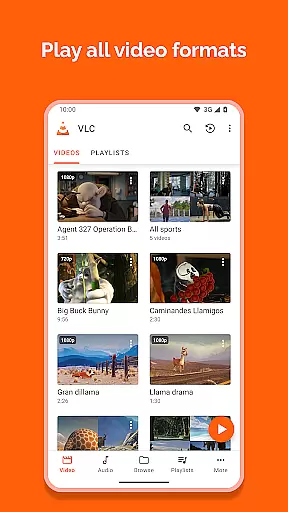
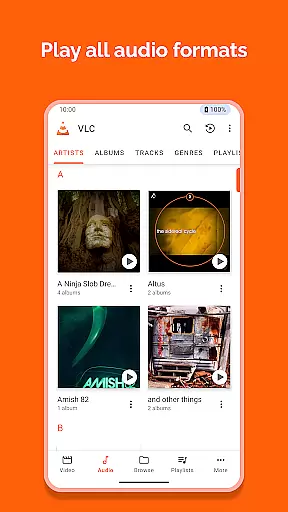
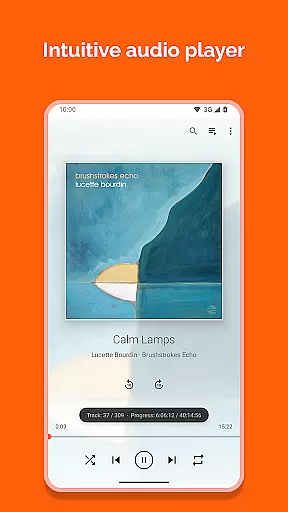
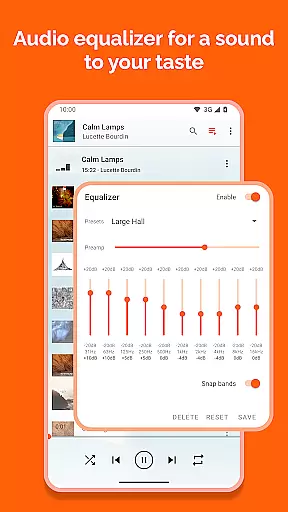
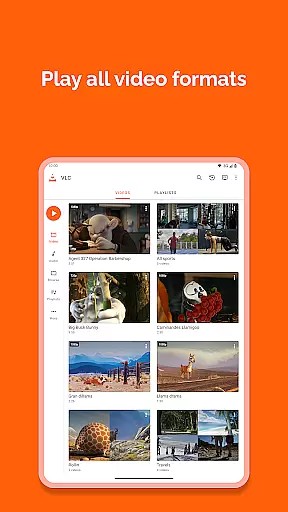
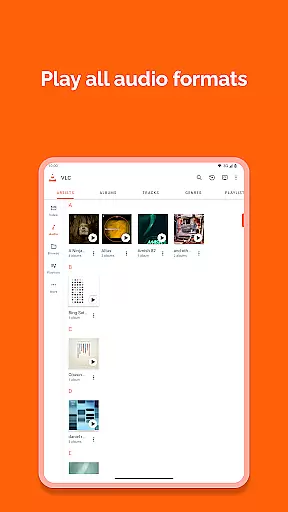
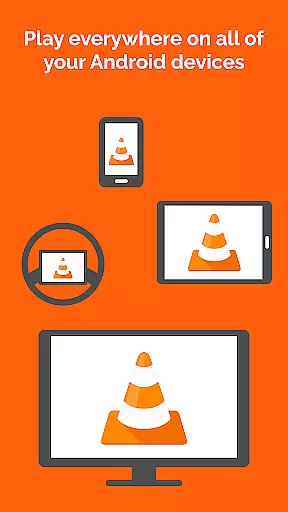
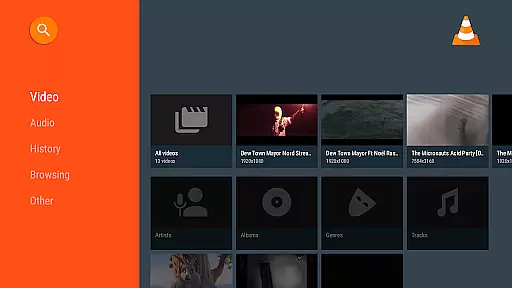
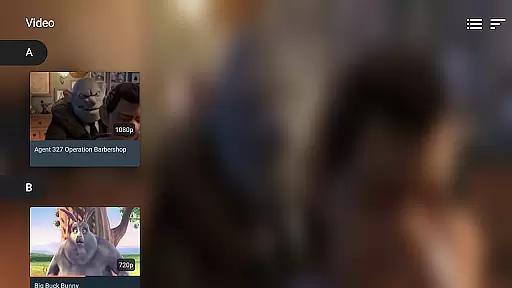

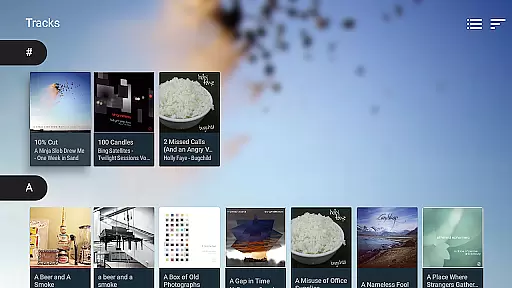
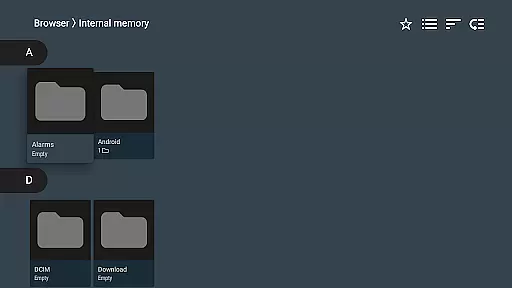
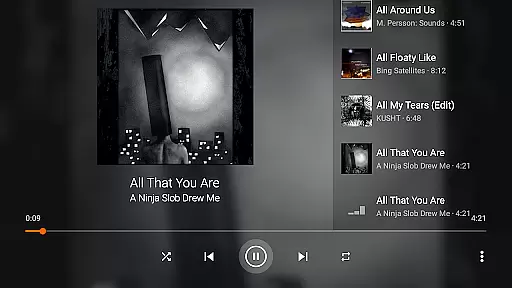
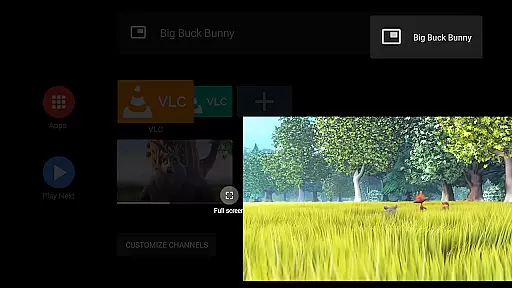
VLC for Android is a versatile, free, and open-source media player that brings the powerful capabilities of the desktop VLC to mobile devices. It supports an extensive range of video and audio formats, network streams, DVDs, and more without the need for additional codecs or plugins.
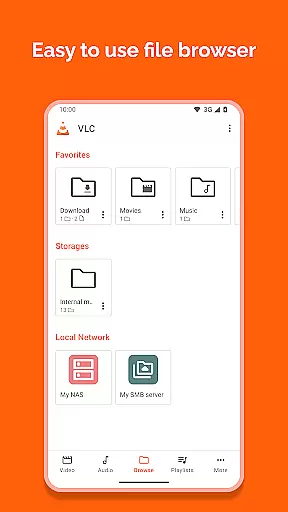
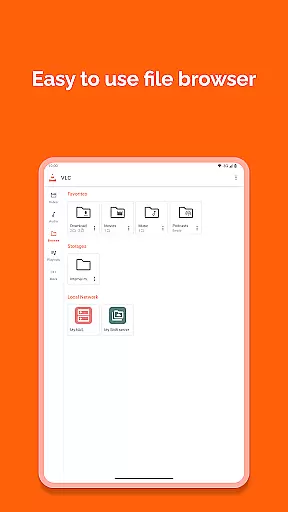
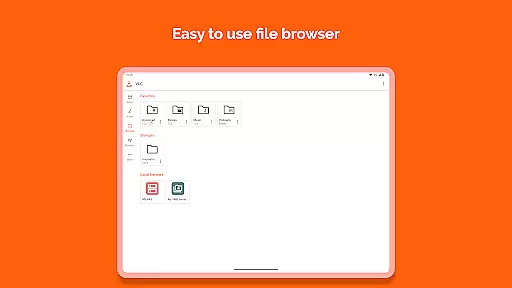
Designed with user convenience in mind, this app offers advanced playback options including multi-track audio, subtitles, and adjustable aspect ratios. Its intuitive interface allows seamless navigation through local files, network shares, and streaming protocols, making it ideal for users who require a comprehensive media solution on their Android devices.
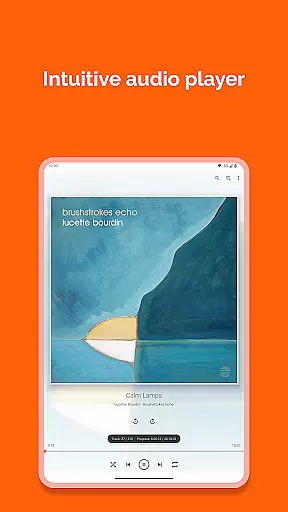
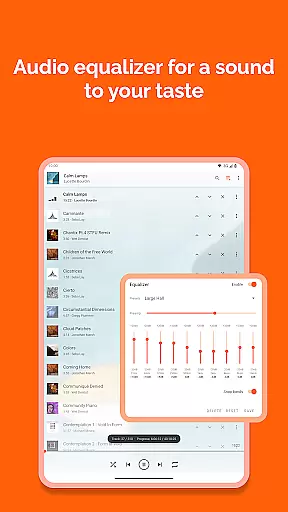
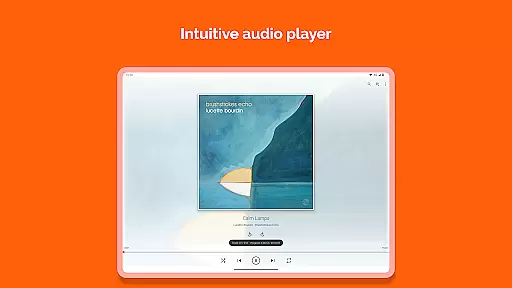
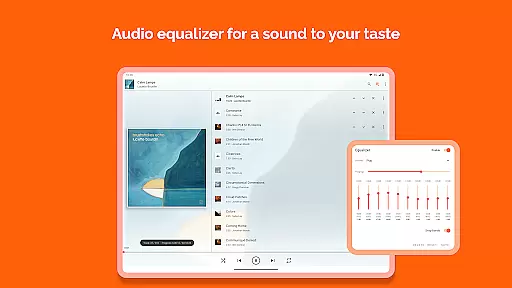
The application stands out by providing a full-featured audio player complete with an equalizer and filters, catering to audiophiles and casual listeners alike. With its commitment to privacy and freedom, VLC for Android ensures a secure, ad-free experience that respects user data while delivering high-quality multimedia playback.
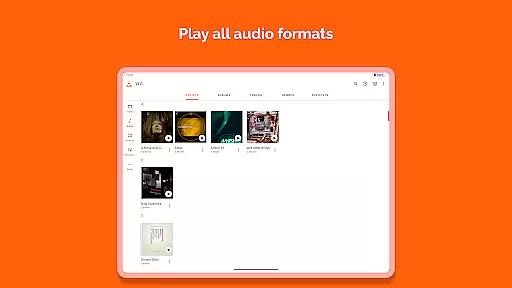
VLC for Android boasts an impressive array of features designed to enhance the multimedia experience on mobile devices. The app supports virtually all video and audio formats, including MKV, MP4, AVI, FLAC, and AAC, ensuring compatibility across different file types without the hassle of downloading separate codecs.
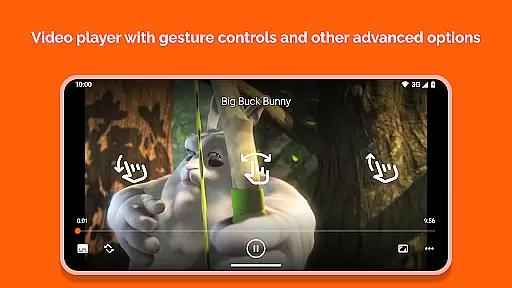
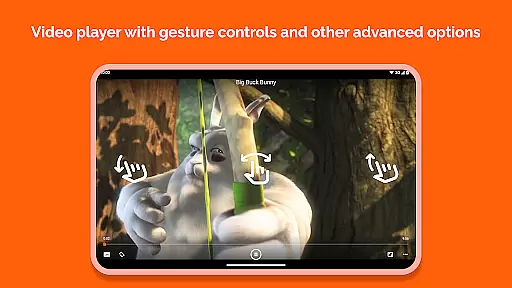
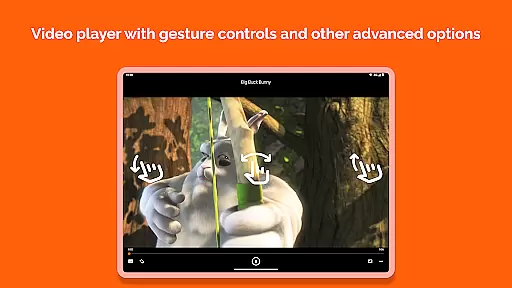
Beyond basic playback, VLC incorporates advanced functionalities such as support for adaptive streaming, multi-track audio, and subtitles, including Teletext and Closed Captions. Users can control playback using intuitive gestures for adjusting volume, brightness, and seeking through media, alongside practical widgets for managing audio controls.
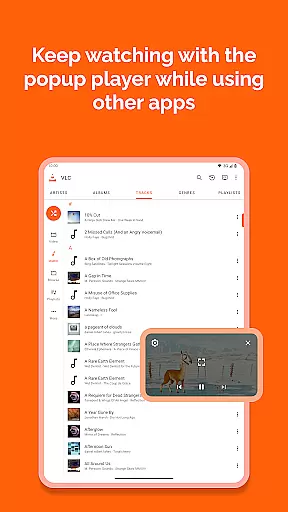
Additional features include a comprehensive media library for organizing audio and video files, support for network streams and disk shares, and customization options like auto-rotation and aspect-ratio adjustments. These robust capabilities make VLC for Android a top choice for users seeking a flexible and reliable media player.
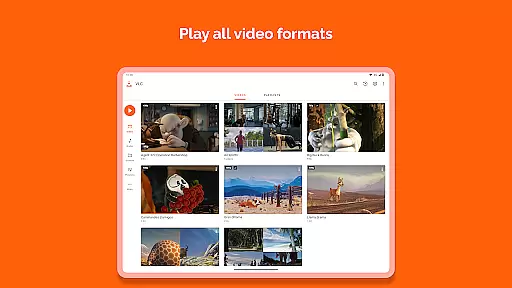
Video format compatibility is a crucial feature for any video player as it determines the range of file types that can be played. VLC for Android excels in this area by supporting all popular and even obscure video formats without requiring additional codec downloads.
The application handles everything from standard MP4 files to more complex formats like MKV, AVI, and M2TS. This ensures users can play videos obtained from various sources without worrying about format issues. The inclusion of support for network streams and adaptive streaming further enhances its versatility.
Users benefit from seamless playback experiences regardless of file type or source. Whether watching local files or streaming content, VLC's comprehensive format support guarantees uninterrupted viewing. This makes it an ideal choice for those who deal with diverse video formats regularly.
While primarily known for its playback capabilities, VLC for Android also incorporates AI-powered editing features that enhance user experience. These tools allow for basic video adjustments and modifications directly within the app, eliminating the need for separate editing software.
The player supports subtitle integration, audio track switching, and aspect ratio adjustments through intuitive controls. Its smart algorithms automatically detect and apply optimal settings for different media types. Additionally, gesture-based controls enable quick adjustments to volume, brightness, and playback speed.
These intelligent features provide users with greater control over their media consumption experience. From simple playback modifications to advanced customization options, VLC's AI-powered tools make video management accessible to both casual viewers and power users alike.
User-friendly interface
Wide format compatibility
No ads or in-app purchases
Advanced playback controls
Regular updates and improvements
Occasional bugs in newer features
Interface may feel dated
Limited customization options
Can be resource-intensive
Not optimized for beginners

Watch full episodes of your favorite Cartoon Network and Cartoonito shows!
 3.50
3.50
Create photo video with music & template. AI video maker for stunning slideshow.
4.60
Stream high quality video from your camera over NDI protocol
4.2
IPTV Loader, loads your own Playlist. DOES NOT CONTAIN ANY LIST OR CHANNELS
4.60
LumaFusion: The Ultimate Storytelling Experience for Video Editing
4.10
Web Browser for LG TV to stream webvideos, online movies and livestreams in HD
4.20
Fast private browser with secure, seamless access & supported video downloads!
4.00
Video player with 4K & 1080P support, popup play, background play and subtitle.
4.20
convenient, safe and fast at Video Downloader & Player
4.60
Video Trimmer, Video to MP3 Converter. Extract music from video, Easy & Fast.
4.80
An easy-to-use and all-round screen recorder with audio
4.80
GENRAL PRO - General Pro is the best video player that fully supports all formats.
4.70
Fast video downloader & private browser. Save HD clips to watch offline.
4.40
AirMirror is Receiver for Screen Mirroring and Casting from Apple Devices.
3.60
This app is an emulator of some specific IPTV boxes
3.50


User Reviews