




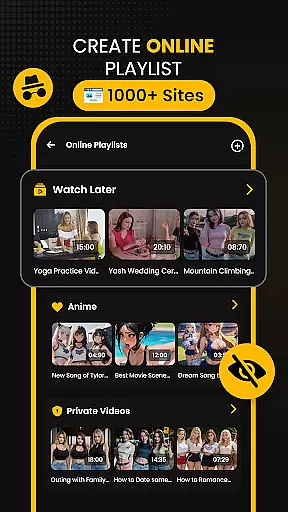


















Download Hub is an all-in-one solution for video downloading, private browsing, and file management. This versatile app allows users to detect and download videos from web pages with resolutions up to 4K, while supporting various formats like MP4, AVI, and MKV. The built-in incognito browser ensures secure and ad-free navigation.
With advanced features such as multi-threading technology for faster downloads, batch processing, and a private gallery with app lock, Download Hub caters to diverse user needs. Whether commuting, studying, or collecting media, this app provides a comprehensive toolset for efficient digital content management.
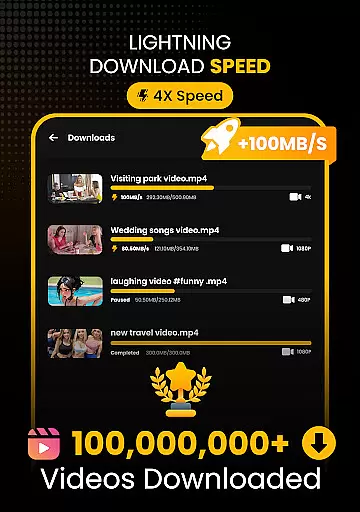
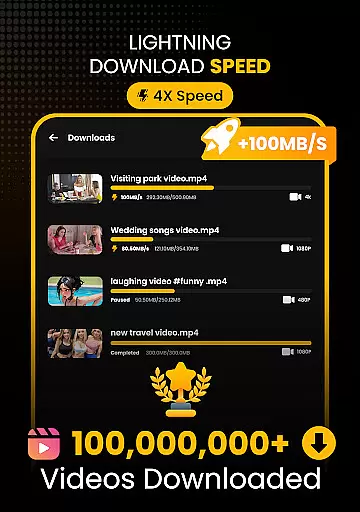
Download Hub stands out with its Universal Downloader Engine that accelerates download speeds by up to 300% using multi-threading technology. The Smart Detection feature automatically identifies downloadable media, while Resolution Control lets users choose between SD and HD quality.
The Secure Private Browser offers an uninterrupted experience with ad-blocking and desktop mode capabilities. Additionally, the integrated File Manager supports SD card storage, background service, and interrupted download resumption, providing users with extensive control over their files.
Video format compatibility is a crucial feature for any video player and editor, ensuring that users can enjoy content in various formats without technical barriers. Download Hub supports an extensive range of video formats including MP4, M4V, MOV, AVI, WMV, MKV, FLV, and MPG. This wide compatibility ensures that no matter the source of your video files, you can easily play and manage them within the app.
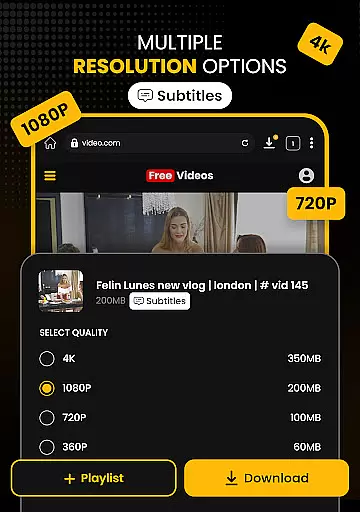
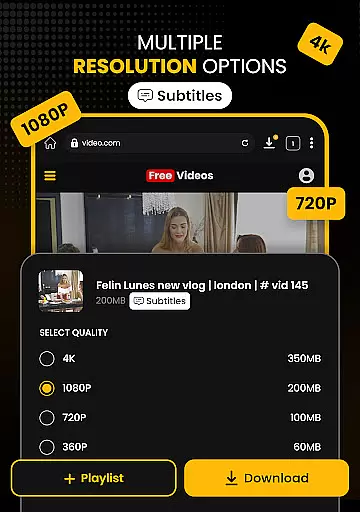
The app's universal downloader engine enhances this capability by allowing users to download videos in multiple resolutions and formats. Whether you prefer SD (480p) for saving data or HD (720p), 1080p, 2K, and 4K for crystal-clear quality, Download Hub has got you covered. The smart detection feature automatically identifies downloadable media links on web pages, making it effortless to grab videos in your preferred format.
For users who require advanced file management, Download Hub offers direct SD card support, background service for uninterrupted downloads, and resume support to fix interrupted downloads without restarting. These features collectively ensure that you have total control over your local storage and can organize your media files efficiently.
AI-powered editing features are transforming the way users interact with video content, providing smarter and more efficient ways to edit and enhance videos. Download Hub incorporates several AI-driven tools that simplify the editing process, making it accessible even to those with minimal technical expertise. One standout feature is the automatic extraction of audio tracks from video clips, enabling users to save music and sound effects for offline listening.
In addition to audio extraction, Download Hub leverages AI to offer advanced video editing capabilities. Users can take advantage of gesture controls for volume, brightness, and seek adjustments, enhancing the playback experience. The night mode feature provides a dark interface for comfortable late-night viewing, reducing eye strain and improving usability in low-light conditions.
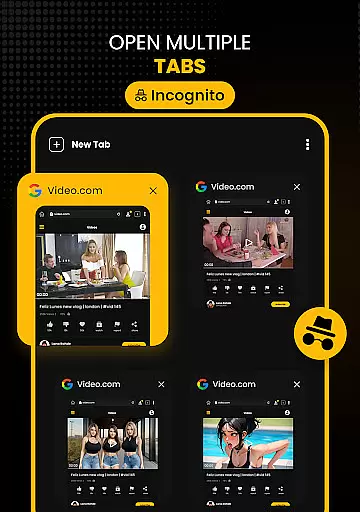
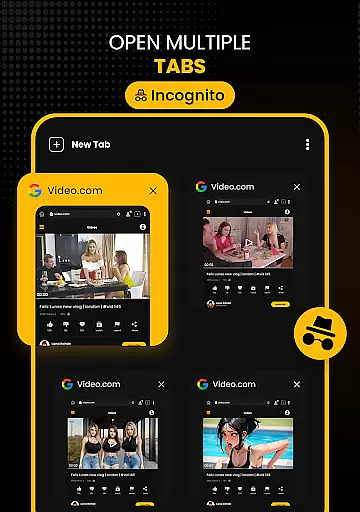
Download Hub also includes a secure private browser with ad-blocking capabilities, ensuring a faster and uninterrupted viewing experience. With multi-tab functionality and desktop mode access, users can browse efficiently and switch between different tasks seamlessly. These AI-powered features collectively deliver a comprehensive and user-friendly video editing and playback solution, catering to both casual viewers and more demanding content creators.
User-friendly interface
Multi-threading support
Private browsing options
HD video downloads
Batch processing capability
No YouTube support
Limited format customization
Occasional detection issues
Storage permission required
Internet connection necessary

Auto video maker with music & exclusive filters. Video editing made simple.
 4.50
4.50
You can play SWF format file!
2.50
Your media, on your terms.
4.10
Photo and Music Video Creator into Stunning Videos—Effortlessly
4.40
IPTV Loader, loads your own Playlist. DOES NOT CONTAIN ANY LIST OR CHANNELS
4.60
Browser for Sony TV to stream web videos, online movies and live tv
3.20
The essential companion to your Blue Iris PC software
2.50
Web Browser for LG TV to stream webvideos, online movies and livestreams in HD
4.20
Enjoy your favorite videos and channels with the official YouTube app.
3.90
A Quick and Pro Video Editor
4.70
Download videos and play them offline
4.70
Support 1000+ Video Format, Subtitle Download, mp3 & Background Play, Cast On TV
4.60
Watch IPTV on your Android device
4.60
Kodi media center, a free and open source cross-platform entertainment hub
3.60
Download videos easily & play them all in one smart, powerful video manager.
3.40


User Reviews