
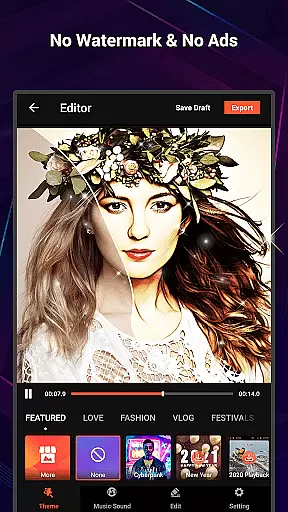
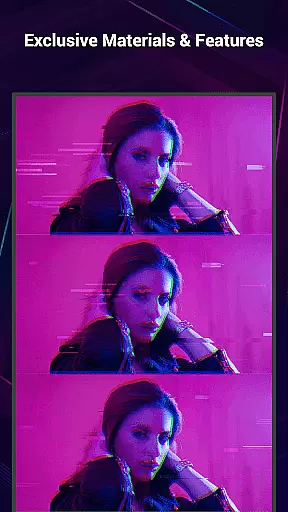
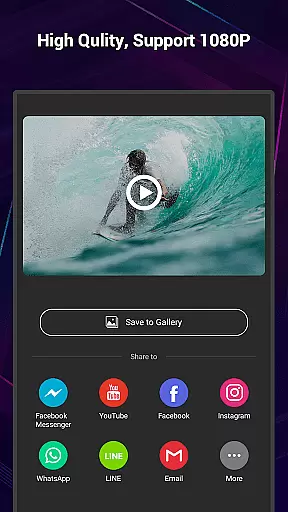
VideoShow Pro is a premium video editing application that offers an exceptional editing experience without the distractions of ads or watermarks. Designed for both amateur and professional use, this app allows users to export high-quality videos in 1080p and even supports 4K resolution. With access to unique materials and up to 20 visual effects (FX) per video, it provides a rich palette for creative expression.
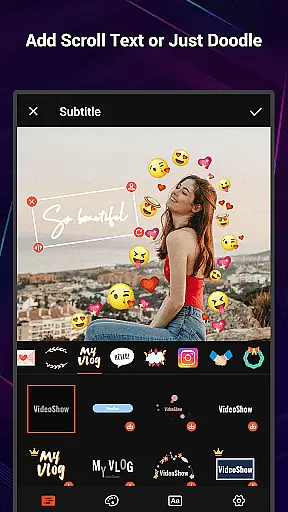
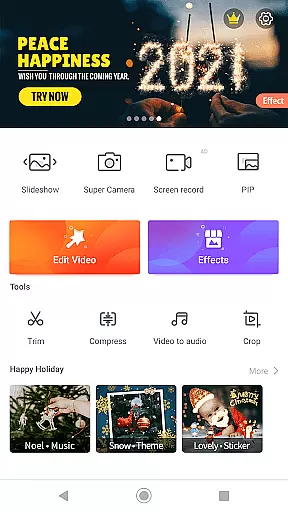
The app's intuitive interface enables users to create stunning videos with minimal effort, combining photos, videos, texts, stickers, music, filters, transitions, and sound effects seamlessly. Whether you're looking to beautify your content with one-tap filters or add depth with elaborate themes, VideoShow Pro caters to various expressions and styles, making it suitable for creating memorable videos for occasions like birthdays, anniversaries, or everyday moments.
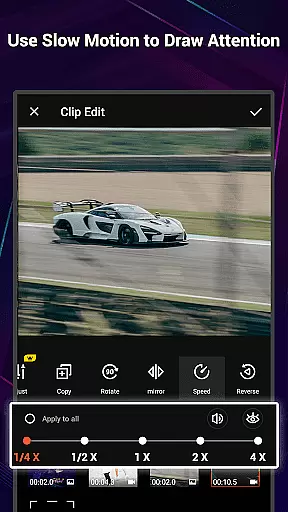
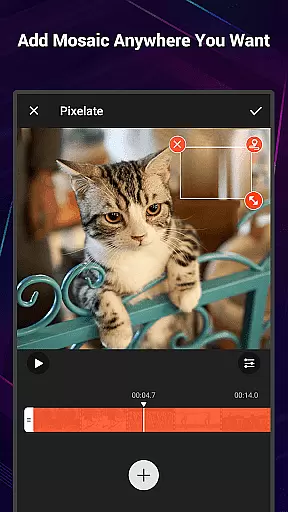
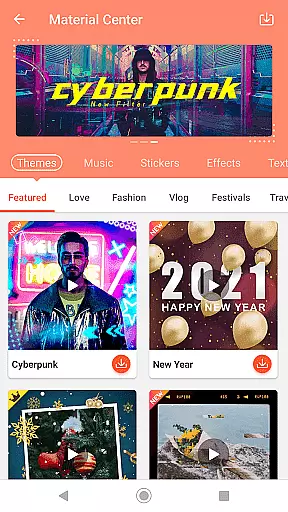
VideoShow Pro stands out with its advanced features tailored for efficient and creative video production. The app allows users to zoom and rotate videos at will, create videos without pre-transcoding, and mix media types by combining photos and videos into a single project. Its Materials Store offers a wide range of customizable elements including themes, music, text styles, stickers, sound effects, and fonts.
For those seeking convenience, VideoShow Pro provides ready-to-use themes such as love, birthday, and friendship templates, alongside square formats optimized for social media. Users can enhance their projects with online or local music tracks, multi-track audio, and live voice recording. Stunning filters, diverse text styles, and subtitle fonts further enrich the editing process. Additionally, toolbox features like Ultra Cut, Fast Trim, video compression, and Video to MP3 conversion offer practical utilities for refining and repurposing content.
VideoShow Pro stands out with its exceptional video format compatibility, ensuring that users can work seamlessly across various file types. The application supports a wide range of formats, including but not limited to MP4, AVI, MOV, and even high-resolution 4K videos.
This extensive compatibility allows creators to import footage from different sources without worrying about conversion issues. Whether you're editing videos from your smartphone, DSLR, or action camera, VideoShow Pro handles them all with ease.
The app's ability to export in 1080p and 4K resolution provides professional-grade output quality. This feature is particularly valuable for content creators who need to maintain high visual standards across different platforms and devices.
By eliminating format restrictions, VideoShow Pro empowers users to focus on their creative process rather than technical limitations, making it an ideal choice for both amateur and professional video editors seeking flexibility in their workflow.
VideoShow Pro incorporates advanced AI-powered editing features that revolutionize the video creation process. The application's intelligent algorithms assist users in automating complex editing tasks while maintaining creative control.
One notable AI feature is the automatic video enhancement tool that optimizes color grading, stabilizes shaky footage, and applies beauty filters with minimal user input. This saves significant time during post-production while delivering professional-looking results.
The AI-driven material suggestion system recommends appropriate themes, music tracks, and effects based on video content analysis. These suggestions adapt to current trends and user preferences, ensuring that creations remain fresh and engaging.
Additionally, the smart trimming function uses machine learning to identify and suggest cutting points based on scene changes and audio cues. This intuitive approach to video editing makes sophisticated techniques accessible to users of all skill levels.
High-quality export options
Extensive FX library
User-friendly interface
Versatile theme selection
Comprehensive music support
Premium version only
Resource-intensive
Limited free materials
Occasional bugs
Subscription costs

Create photo video with music & template. AI video maker for stunning slideshow.
 4.60
4.60
Seamlessly connect and control your smart devices, anytime, anywhere with ease.
4.60
Download website videos fast&privacy
4.40
Make your own Animations, Video and Photo Edits, Visual Effects, and more!
4.00
Add date and time watermark to photos and videos
4.50
Web Browser for LG TV to stream webvideos, online movies and livestreams in HD
4.20
Download Hub, easy and private way to download and enjoy your videos offline
4.80
Photo editor & video maker with music and slideshows.
4.10
convenient, safe and fast at Video Downloader & Player
4.60
Pro video editor app for Instagram, edit video with song, AI, effect & slowmo.
4.80
?100% FREE! Download & save videos? safely in this app. All formats supported.
4.60
AirMirror Receiver - Screen mirroring/cast web videos to Android TV by AirPlay.
4.40
Turn your phone into a wireless camera!
4.20
Powerful video player with advanced hardware acceleration and subtitle supports
4.20
VLC for Android is the best open source video and music player, fast and easy!
4.10


User Reviews