
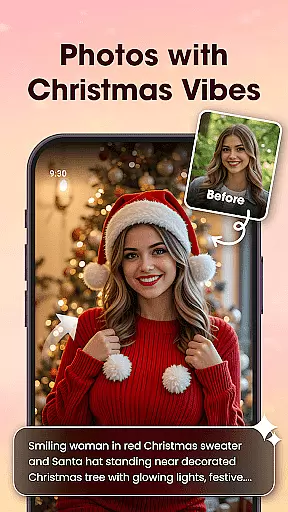
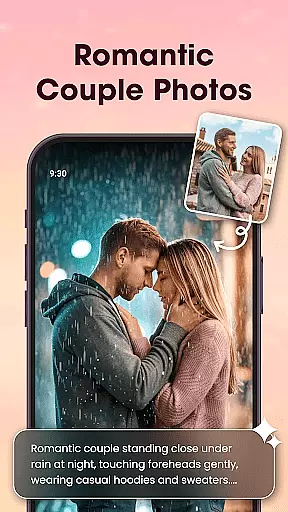
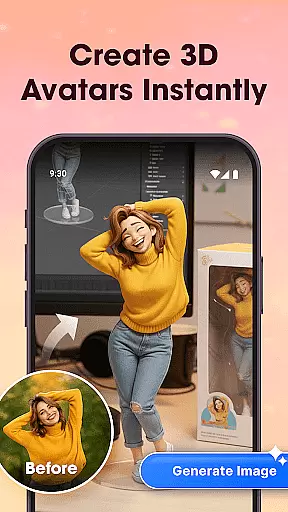
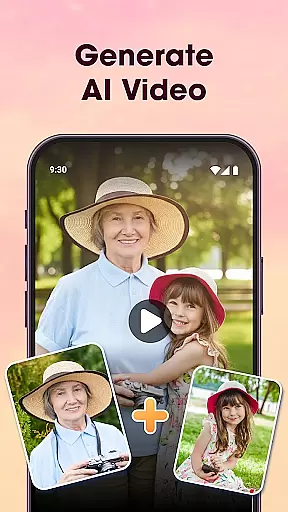
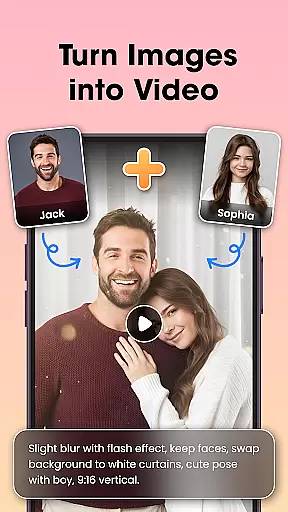
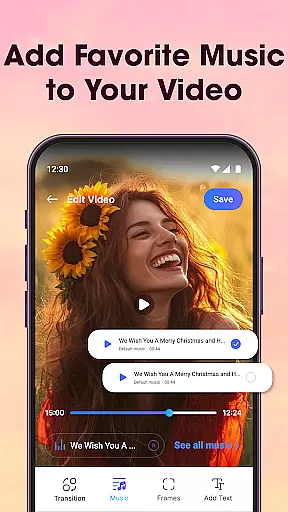
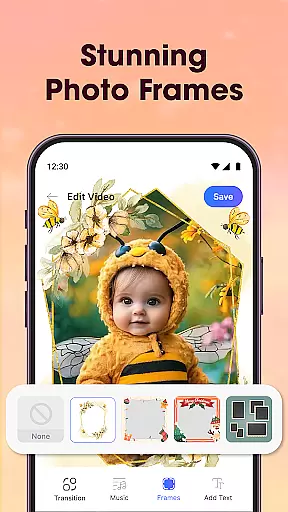
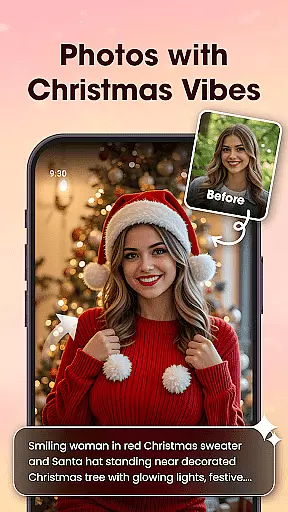
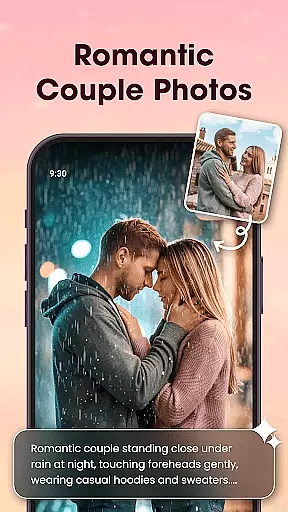
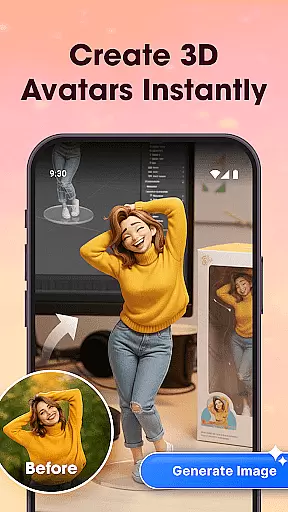
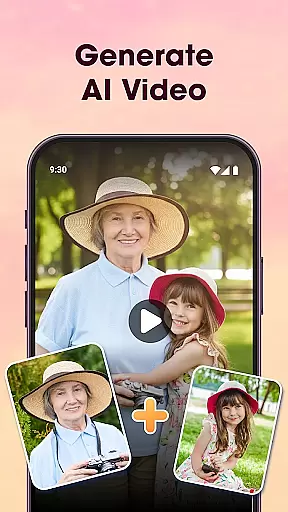
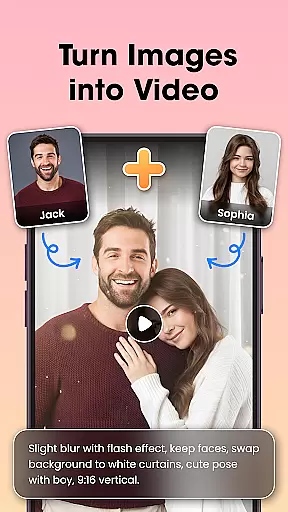
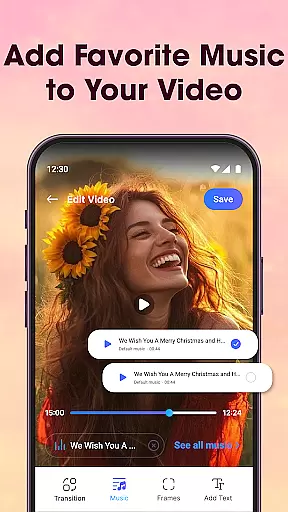
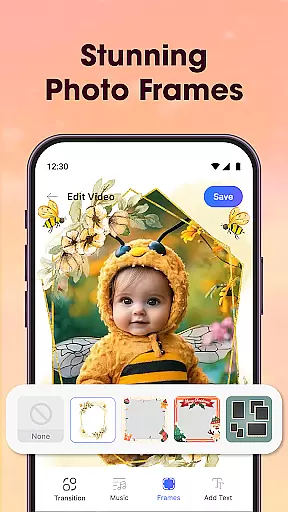
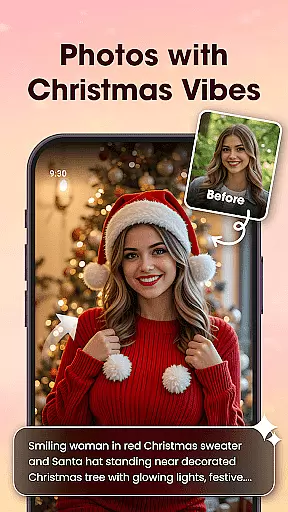
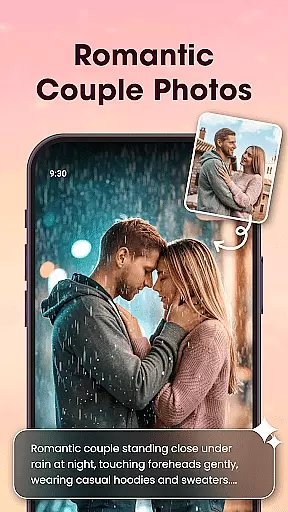
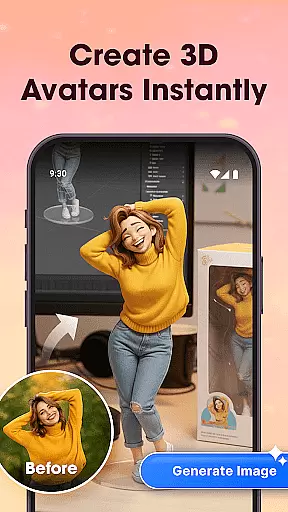
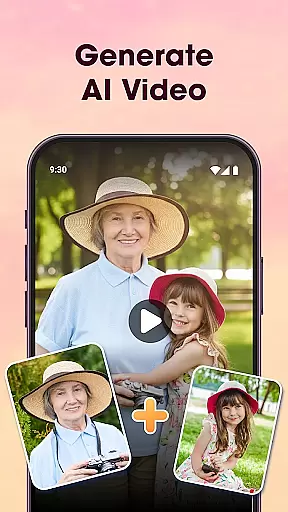
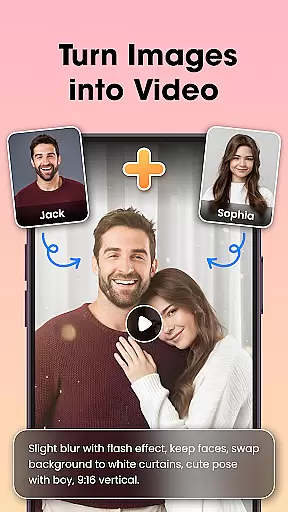
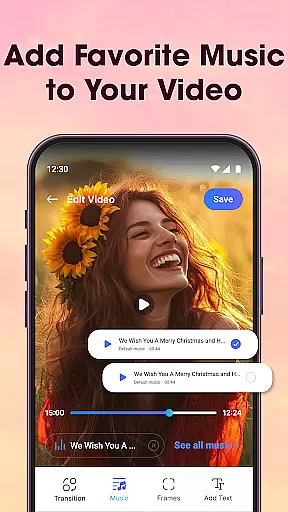
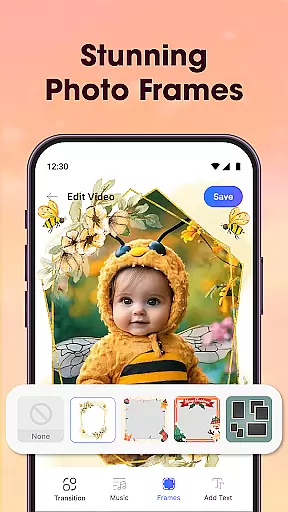
Photo Editor Video Maker Music is a versatile video editing app that transforms your photos into stunning video stories with music and creative effects. The app offers an AI Video Generator that allows users to create emotional and visually appealing videos using templates like AI Hug and AI Kiss. With intuitive tools, you can add background music, stylish effects, frames, and custom text to make each video unique.
The app also includes essential photo editing features such as filters, cropping, retouching, and fine-tuning options. Users can enhance their images before turning them into videos, ensuring high-quality results. Whether you're creating content for birthdays, weddings, or everyday moments, this app provides the tools needed to produce professional-looking videos effortlessly.
This app is perfect for anyone looking to create engaging video content for social media platforms like Reels, Shorts, and Stories. Its user-friendly interface and powerful features make it accessible to both beginners and experienced creators who want to bring their memories to life through dynamic video presentations.
Photo Editor Video Maker Music stands out with its comprehensive set of features designed to enhance video creation. One of the key highlights is the AI Video Generator, which uses advanced algorithms to transform simple photos into captivating videos. Templates like AI Hug and AI Kiss provide unique ways to interact with your images, adding emotional depth to your creations.
In addition to AI capabilities, the app offers robust photo editing tools. Users can apply filters, adjust lighting, crop images, and fine-tune details before incorporating them into videos. The built-in editor ensures that every frame looks its best, while features like AI Background Remover allow for seamless background changes with just one click.
The app also excels in providing creative control over video projects. With options to add music, frames, text, and visual effects, users can customize their videos extensively. Stylish transitions, themed borders, and customizable fonts help tell compelling stories, making this app a top choice for those seeking a complete video editing solution.
Video format compatibility is a crucial feature for any video editing application, ensuring that users can work with a wide range of file types. Photo Editor Video Maker Music supports multiple video formats, allowing creators to import and export projects without worrying about compatibility issues.
The app's extensive format support includes popular standards such as MP4, AVI, and MOV, enabling seamless integration with various devices and platforms. This versatility ensures that whether you're creating content for social media or personal archives, your videos will maintain their quality and playability across different systems.
Moreover, the application provides automatic format conversion during the export process. Users can focus on their creative work while the software handles technical details, converting files to appropriate formats based on the selected resolution and destination platform.
This comprehensive format support significantly enhances user experience by eliminating common technical barriers. Creators can now work more efficiently, knowing their final products will be compatible with various devices and sharing platforms without additional processing or quality loss.
AI-powered editing features have revolutionized the way users create and edit videos, making professional-quality results accessible to everyone. Photo Editor Video Maker Music incorporates advanced artificial intelligence tools that automate complex editing tasks and enhance creative possibilities.
The app's AI Video Generator transforms static photos into dynamic video content using pre-designed templates. Features like AI Hug and AI Kiss add emotional depth to images, creating engaging visual stories without requiring professional editing skills. The AI Background Remover allows users to modify photo environments instantly, opening new creative avenues.
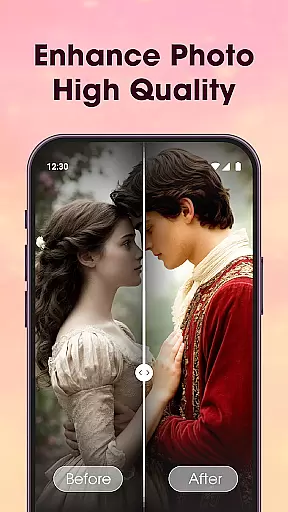
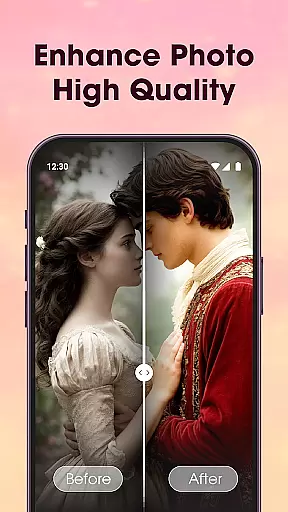
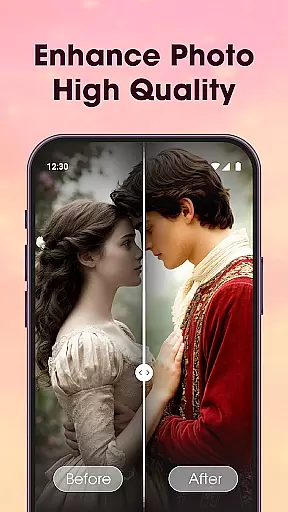
Additionally, the application includes AI Photo Enhancer capabilities that automatically improve image quality. With a single tap, users can enhance clarity, adjust lighting, and refine details in their photos before incorporating them into video projects. These intelligent tools work together to streamline the editing process.
By integrating these AI-powered features, the application enables users to produce sophisticated video content quickly and easily. This technological advancement makes video creation more accessible while maintaining high production values, appealing to both amateur creators and professionals seeking efficient workflows.
User-friendly interface
AI-powered video generation
Extensive photo editing tools
Versatile music integration
High-quality export options
Limited free features
Occasional ads
Advanced tools require learning
Subscription costs
Export watermarks in free version

Video Player - Unlimited features, 30 days money back guarantee.
 4.60
4.60
Your media, on your terms.
4.10
?100% FREE! Download & save videos? safely in this app. All formats supported.
4.60
Video Downloader is an utility that can save videos and music from web sites
4.20
Tik & Story Saver-Download ALL social media videos, photos & reels no watermark.
4.80
Search & download videos from net with all video downloader, auto-detect & safe.
4.60
Capture images & record videos for USB Camera, Webcam, Microscopes, Endoscopes
3.80
1)AirPlay/DLNA Mirroring/Streaming, up to 4 connections; 2)Samba/NAS/DMS Player.
4.00
Fast private browser with secure, seamless access & supported video downloads!
4.00
#1 Torrent App on Android ** No Ads Ever + Battery Saver **
4.80
Watch IPTV on your Android device
4.60
Add date and time watermark to photos and videos
4.50
Web Browser for LG TV to stream webvideos, online movies and livestreams in HD
4.20
IPTV-Smarters Player Pro M3U - Watch Live Stream TV Channels with Chromecast
4.00
Connect 2 UVC devices for recording and broadcast video/audio stream
3.90


User Reviews