
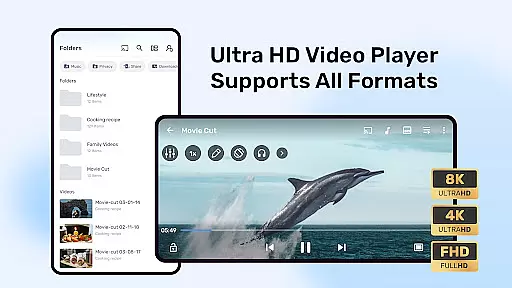
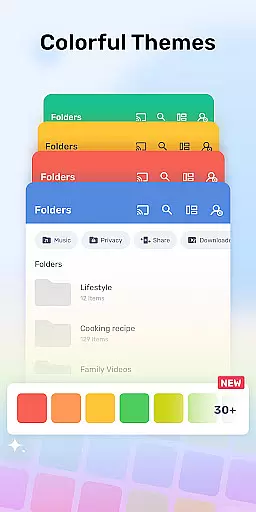
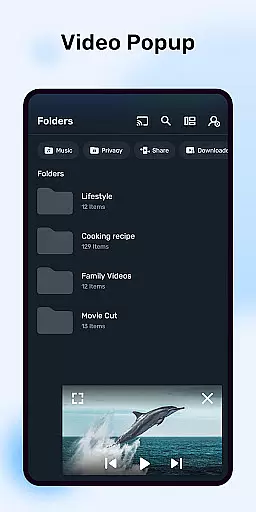
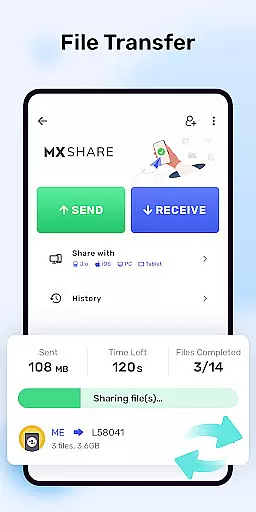


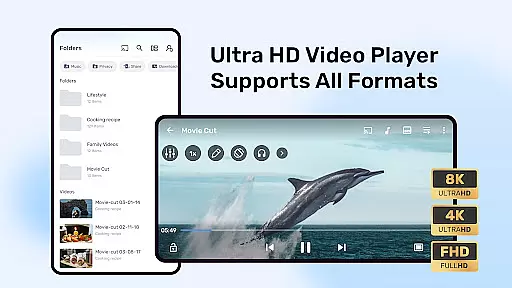

MX Player is a powerful video and music player designed for Android devices, offering advanced hardware acceleration and comprehensive subtitle support. With its cutting-edge features like HW+ decoder, it ensures smooth playback even for high-resolution videos.
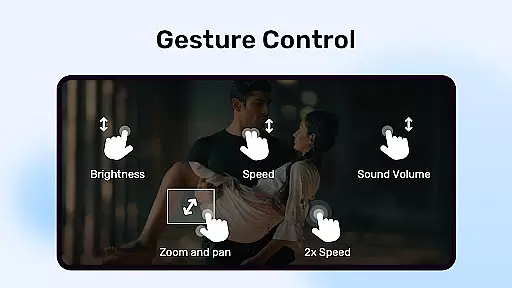
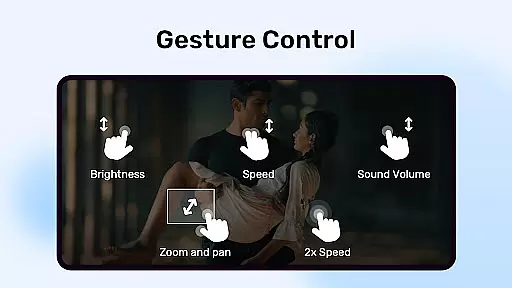
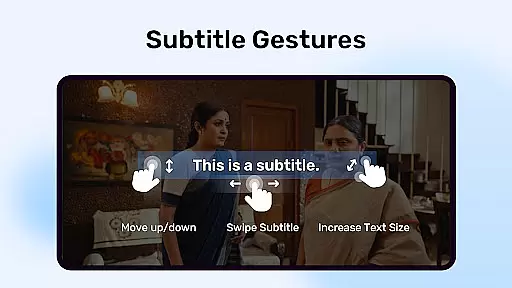
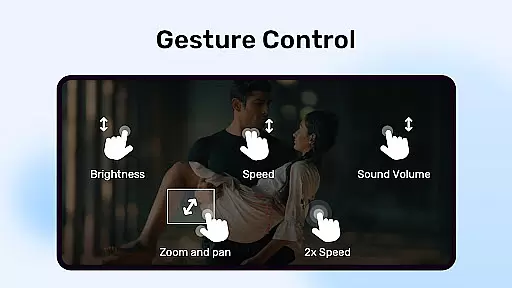
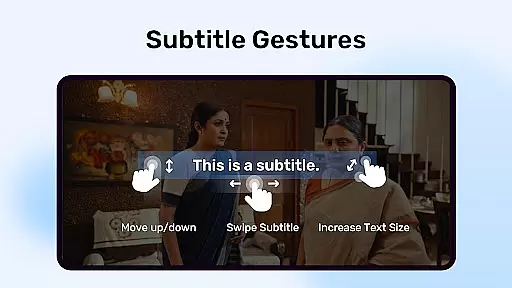
The application stands out with multi-core decoding capability, significantly improving performance on multi-core devices by up to 70%. It also provides user-friendly controls such as pinch-to-zoom, zoom and pan options, and intuitive subtitle gestures, making it highly versatile for various viewing preferences.
Whether you're watching movies at home or streaming content on the go, MX Player enhances your experience with its robust feature set and optimization for both casual viewers and tech-savvy users.
MX Player boasts an array of sophisticated features tailored for an optimal media viewing experience. Its hardware acceleration, powered by the new HW+ decoder, allows more videos to be played smoothly while consuming less power.
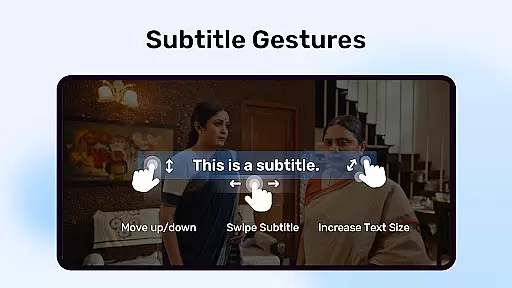
One of the standout functionalities is multi-core decoding, which maximizes the potential of modern devices. This results in superior performance compared to using single-core decoding. Additionally, the app offers innovative touch controls including pinch-to-zoom and subtitle gestures that allow precise adjustments to text positioning and size.
Privacy and convenience are also prioritized with features like Privacy Folder and Kids Lock. These ensure personal content remains secure and children can enjoy videos safely without accessing other apps or making unintended calls.
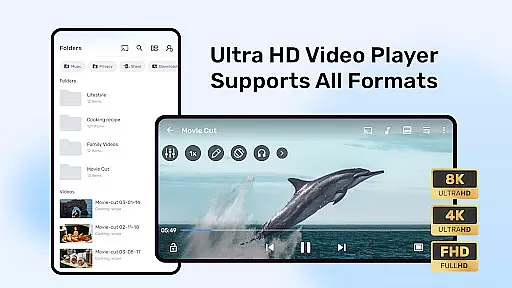
MX Player stands out as a versatile video player due to its extensive support for various video formats. Whether you're dealing with common file types or more specialized codecs, this app ensures smooth playback without the need for additional plugins or conversions.
The inclusion of advanced hardware acceleration through the new HW+ decoder makes it possible to handle high-resolution videos efficiently. This feature not only enhances the video quality but also optimizes battery usage, making it ideal for users who frequently watch media on their devices.
Furthermore, multi-core decoding significantly boosts performance on supported devices. Test results have shown that multi-core devices using MX Player can achieve up to 70% better performance compared to single-core devices, ensuring a seamless and buffer-free viewing experience.
While primarily known for its video playback capabilities, MX Player also offers AI-powered features that enhance user interaction with multimedia content. Subtitle gestures, such as pinch-to-zoom and swipe controls, allow users to easily adjust text size and positioning, providing a personalized viewing experience tailored to individual preferences.
In addition to subtitle customization, the app includes intuitive zoom and pan functionalities. Users can effortlessly zoom in and out of video frames by pinching and swiping across the screen, offering greater control over how they view their content.
Privacy features like the Privacy Folder demonstrate MX Player's commitment to user-centric design. By allowing users to hide private videos, the app ensures that personal content remains secure and inaccessible to unauthorized viewers, thus safeguarding user privacy effectively.
Advanced hardware acceleration
Multi-core decoding support
User-friendly gesture controls
Comprehensive subtitle format support
Enhanced privacy protection
Occasional compatibility issues
Ads in free version
Complex permission requirements
Limited iOS availability
Resource-intensive on older devices

Auto video maker with music & exclusive filters. Video editing made simple.
 4.50
4.50
Watch full episodes of your favorite Cartoon Network and Cartoonito shows!
3.50
Full HD Video mp3 Player, MP4 player play 1080p, File manager, Video Downloader
4.40
HD video maker with no watermark, no ads & vlog maker with music, PIP, text
4.50
Capture images & record videos for USB Camera, Webcam, Microscopes, Endoscopes
3.80
Support 1000+ Video Format, Subtitle Download, mp3 & Background Play, Cast On TV
4.60
Manage your IPTV live channels and VOD playlists (no playlist included)
3.80
Fast private browser with secure, seamless access & supported video downloads!
4.00
Video&Drama Player All Format is a HD video player, music player
3.00
Find, download, and play torrents with the official BitTorrent® Pro app
4.70
?100% FREE! Download & save videos? safely in this app. All formats supported.
4.60
Fast & easy HD video downloader for all formats, support 4K playback & download.
4.60
Photo and Music Video Creator into Stunning Videos—Effortlessly
4.40
Fast video downloader & private browser. Save HD clips to watch offline.
4.40
Live TV, anywhere in your home
3.80


User Reviews