
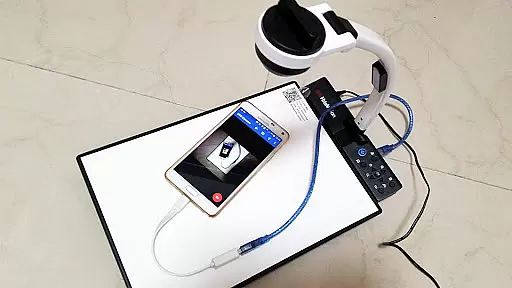
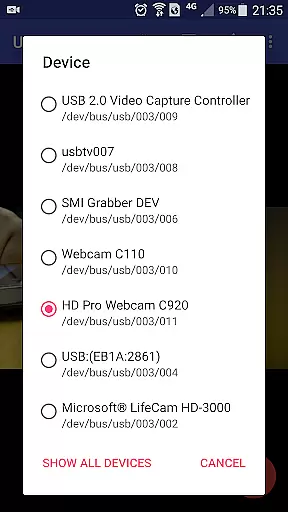
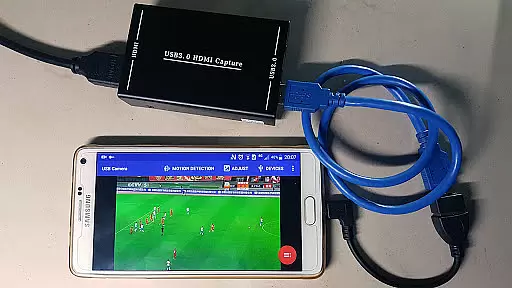
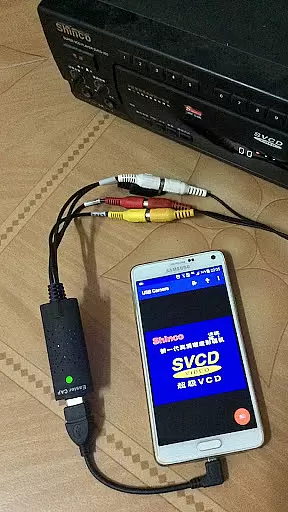
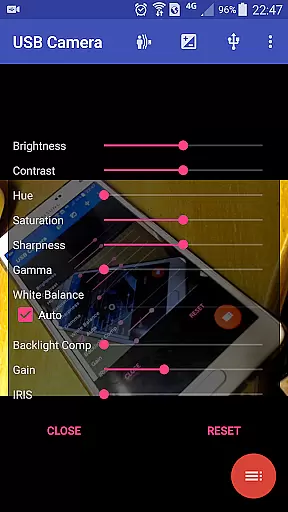
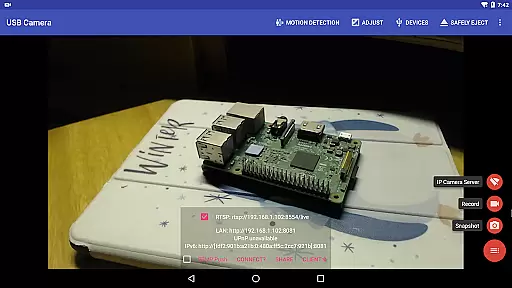
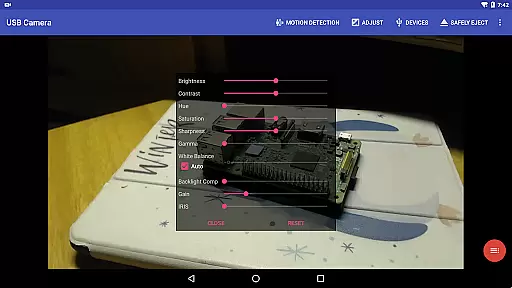
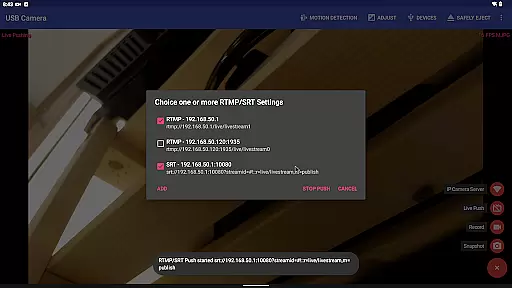
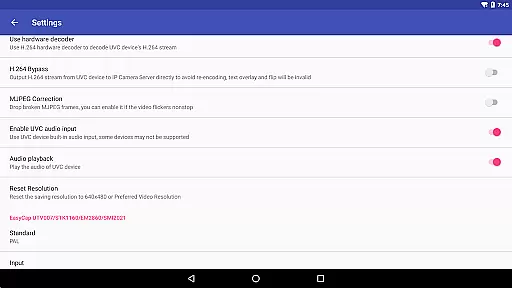
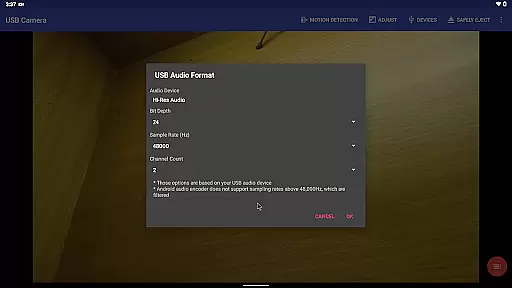
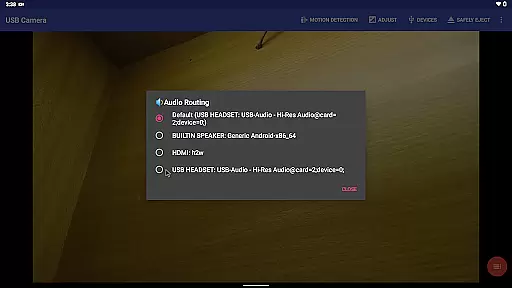
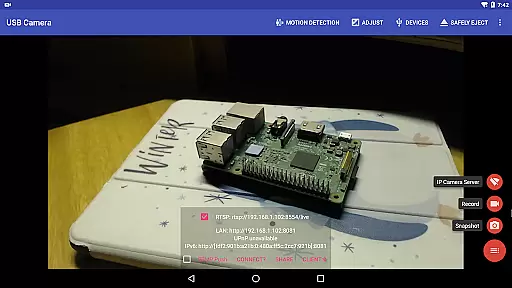
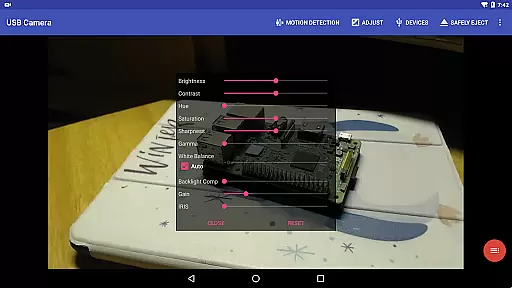
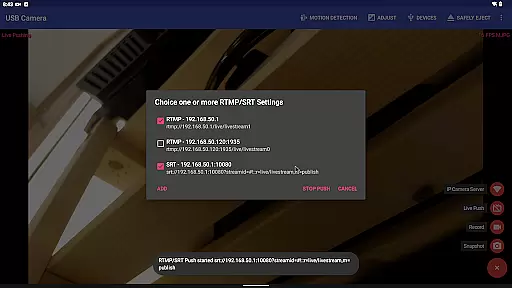
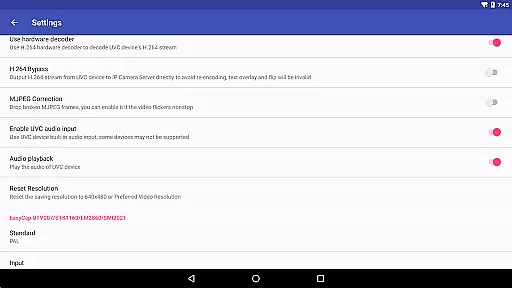
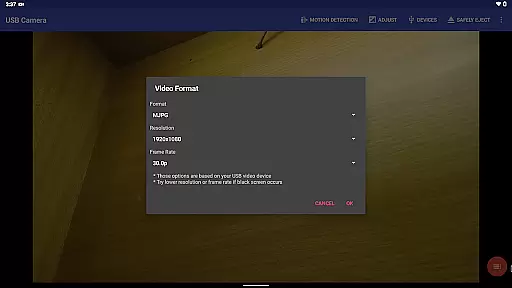
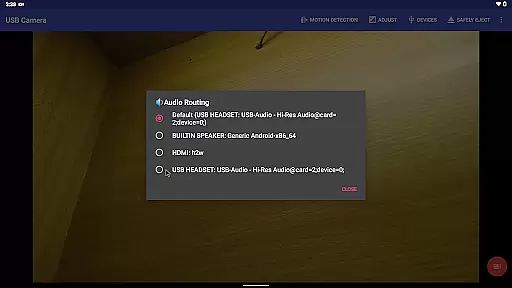
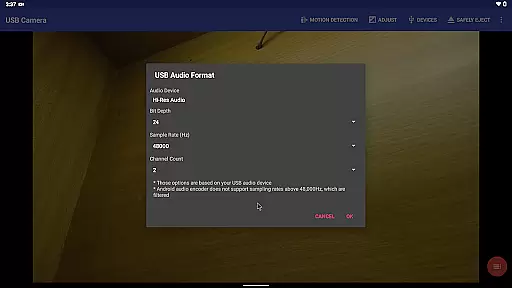
USB Camera Pro is a versatile application that transforms your Android device into a wireless IP camera or video capture tool. It supports various USB WebCams and video capture cards, enabling users to record high-quality videos or stream live content via RTSP and HTTP servers. The app also allows for bi-directional audio support, making it ideal for security monitoring.
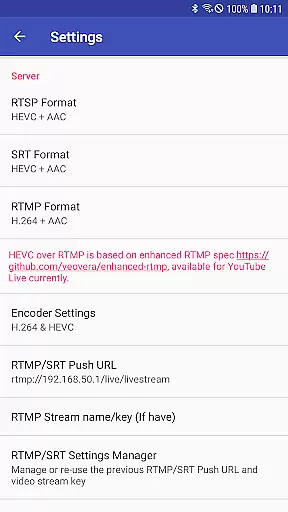
The application offers advanced features such as mixing USB audio with built-in microphones, overlaying internal camera views on external video sources, and pushing streams to multiple media servers simultaneously. With support for HEVC/AV1 codecs over RTMP, users can broadcast directly to platforms like YouTube Live. Its Side by Side (SBS) view functionality works seamlessly with FPV goggles, enhancing the experience for drone enthusiasts and VR users.
USB Camera Pro is suitable for both personal and professional use, providing tools for timestamping, GPS tagging, and speed information overlays on video frames. The loop-recording feature ensures continuous video capture, making it an excellent choice for dashcam functionality. Users can rely on its motion detection-based auto-recording and FTP upload capabilities for enhanced security measures.
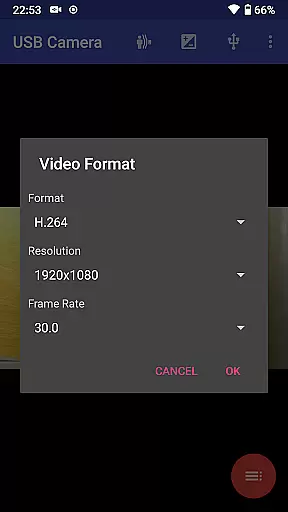
USB Camera Pro boasts an impressive array of features designed to enhance video capture and streaming experiences. One standout feature is its ability to connect multiple devices simultaneously, supporting up to 4K resolution via HDMI and various codecs including H.264, H.265, HEVC, MJPG, YUY2, P010, and NV12. This versatility ensures compatibility with a wide range of cameras and capture cards.
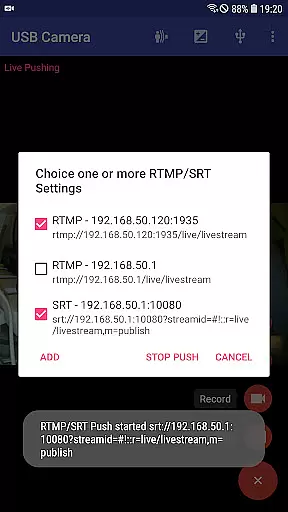
The app's Picture-in-Picture mode and VR/FPV view options provide flexible viewing experiences, while the display video on lock screen feature keeps important footage visible at all times. Advanced users will appreciate the RTMP/SRT live streaming capabilities, which support secure protocols like rtmps and SRT, allowing simultaneous broadcasts to multiple servers. Additionally, the app’s seamless background switching ensures uninterrupted recording during multitasking.
For those requiring detailed video analysis, USB Camera Pro offers timestamping, GPS tagging, and speed information overlays. The loop-recording function automatically segments videos and deletes old archives when storage space is limited, mimicking professional dashcam behavior. Motion detection triggers automatic recordings, which can be uploaded to an FTP server and notified via email, adding another layer of convenience and security.
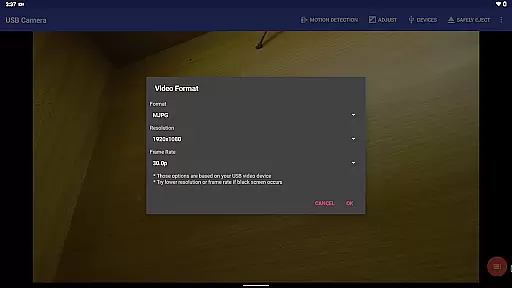
USB Camera Pro demonstrates exceptional versatility in video format compatibility, making it a powerful tool for various professional and personal use cases. The application supports an extensive range of video formats including H.264, H.265, HEVC, MJPG, YUY2, P010, and NV12 among others.
This broad compatibility ensures that users can connect their Android devices to a multitude of USB webcams and video capture cards without worrying about format support limitations. Whether you're using a UVC webcam with a built-in microphone or an advanced HDMI video grabber capable of handling up to 4K resolution, the app maintains optimal performance.
The significance of this comprehensive format support becomes particularly evident when working with specialized equipment such as medical endoscopes or legacy EasyCap devices. Users can seamlessly record, stream, and process video from these diverse sources while maintaining high-quality output across different resolutions and compression standards.
Furthermore, the application's forward-thinking approach extends to supporting modern codecs like AV1 for video streaming on Android 10 and above, ensuring that users can take advantage of the latest technological advancements in video compression and streaming efficiency.
While primarily focused on video capture and streaming capabilities, USB Camera Pro incorporates several innovative features that leverage AI-powered processing to enhance the video editing experience. The application's intelligent processing engine automatically optimizes video streams based on content analysis and environmental conditions.
One notable AI-driven feature is the motion detection-based auto-recording system, which intelligently identifies significant movement within the frame and triggers recording accordingly. This functionality not only saves storage space but also helps users focus on capturing important moments without manual intervention.
The application also implements sophisticated timestamping and metadata overlay capabilities that utilize AI algorithms to position text and information elements optimally within the video frame. These overlays include GPS coordinates, speed information, and customizable timestamp formats that adapt to different video resolutions and aspect ratios.
Additionally, the app's background processing capabilities demonstrate AI-enhanced efficiency, allowing seamless switching between foreground and background operations without interrupting recording sessions. This intelligent resource management ensures consistent performance even during extended recording sessions or complex multi-stream operations.
User-friendly interface
Wide codec support
Advanced streaming options
Bi-directional audio capability
Motion detection recording
Requires good OTG cables
Some features need specific hardware
Android 9+ needs camera permission
Complex setup for beginners
Limited third-party app integration

Online Videos Player
 3.90
3.90
Cast to Chromecast, Xbox, Fire Stick, Roku, DLNA, Smart TV & No Feature Limited!
4.50
Snaptubè Video Downloader app allows to download videos and music in Snaptube. .
4.60
Stream high quality video from your camera over NDI protocol
4.1
Powerful HD video player with support for all formats & subtitles.
4.0
Browser + Remote for Roku to stream webvideos, online movies and livestreams
4.60
A Simple app to download Video & Music from the Internet.
4.70
Enjoy your favorite videos and channels with the official YouTube app.
3.90
Create, Publish & Maximize
4.70
IPTV Loader, loads your own Playlist. DOES NOT CONTAIN ANY LIST OR CHANNELS
4.60
KMPlayer Plus (Divx Codec) officially support Divx codec.
4.30
Video Downloader is an utility that can save videos and music from web sites
4.20
HD video & music player - All format support with floating & PIP mode!
3.80
Kodi media center, a free and open source cross-platform entertainment hub
3.60
Client application for NextPVR software
3.00


User Reviews