
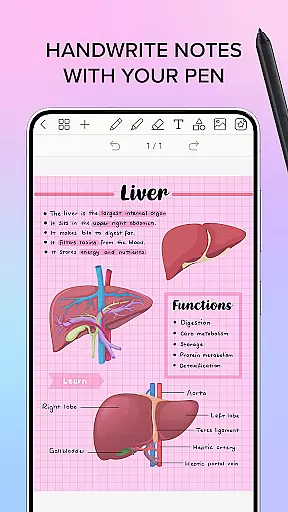
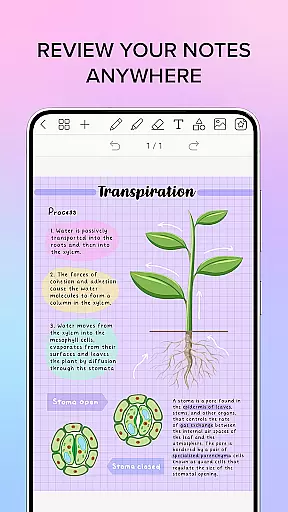
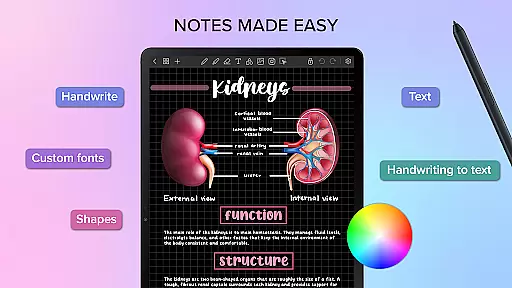
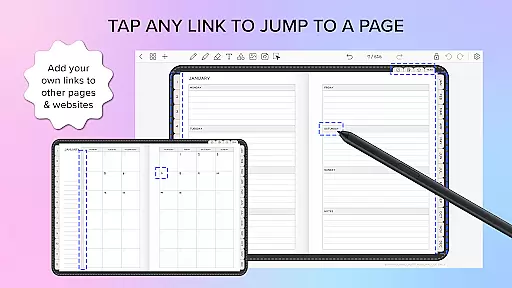
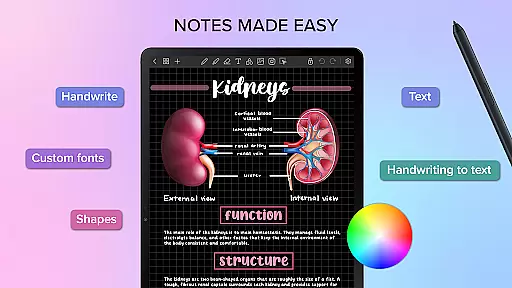
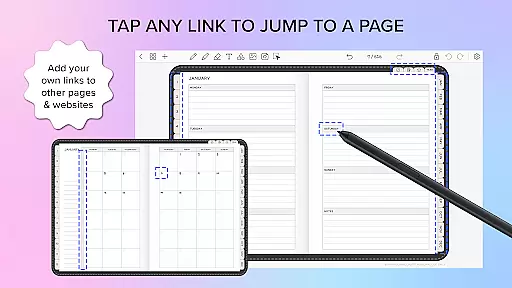
Penly is a comprehensive digital planner, journal, and note-taking app designed to enhance productivity and creativity. With its intuitive interface, users can smoothly handwrite notes, utilize text and image tools, and create sticker collections. The app includes four digital planners with hyperlinked pages, undated and reusable templates, and various styles to suit different preferences.
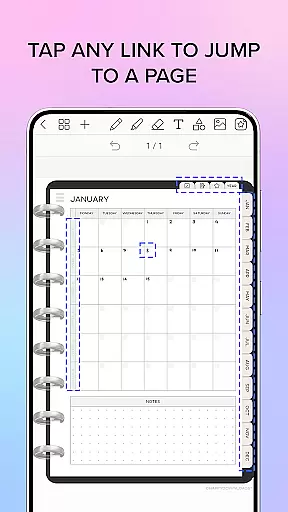
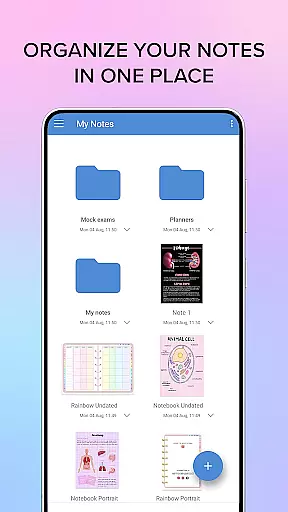
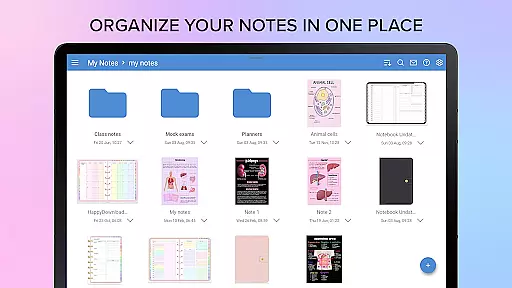
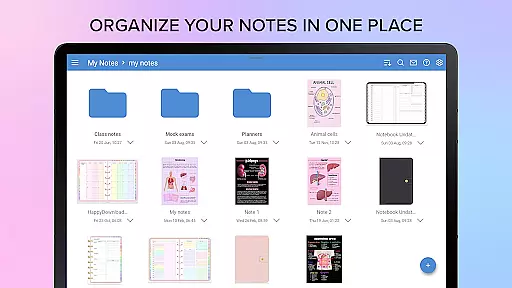
One of Penly's standout features is the ability to import and navigate PDF files, transforming them into editable documents. Users can also create custom hyperlinks within their documents, adding an interactive element to their notes. With robust organizational tools, users can manage pages and documents efficiently through folders and sub-folders, ensuring that everything is well-structured and easily accessible.
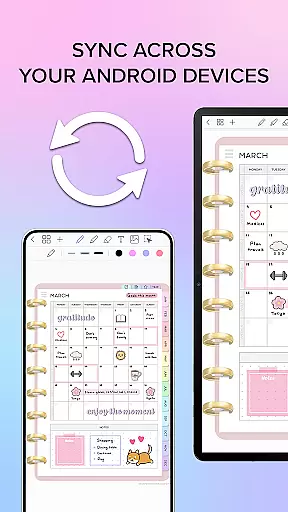
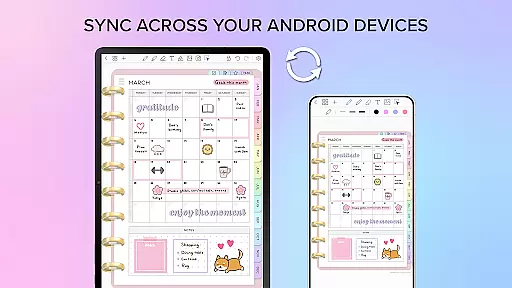
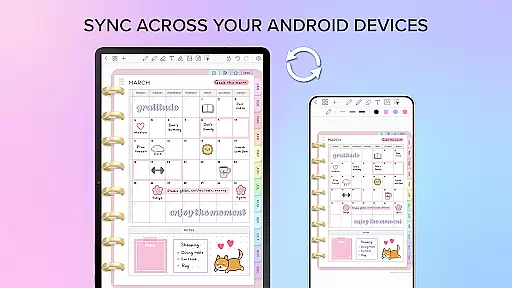
The app supports syncing between Android devices via Google Drive, allowing seamless access across multiple platforms. Whether for personal or professional use, Penly offers a versatile solution for organizing thoughts, planning schedules, and capturing ideas in a highly customizable environment.
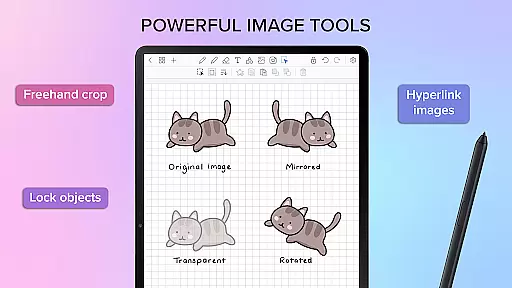
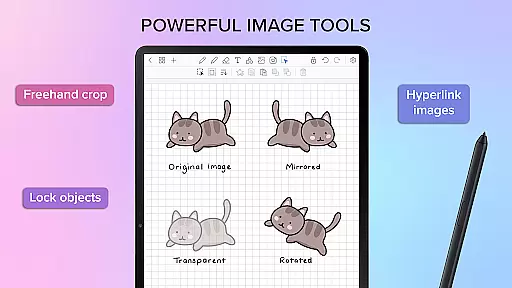
Penly boasts a wide array of features tailored to meet diverse user needs. Its handwriting recognition and smart eraser provide a natural writing experience, while the automatic handwriting-to-text conversion enhances usability. The app includes tools for highlighting, underlining, and manipulating objects such as transforming, grouping, and locking, which are essential for creating structured and visually appealing notes.
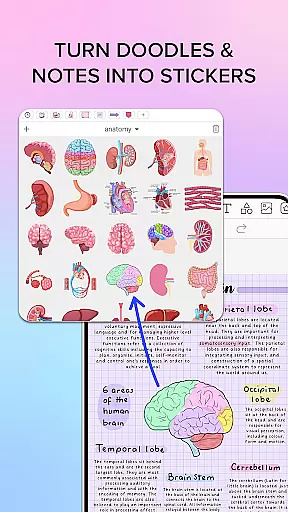
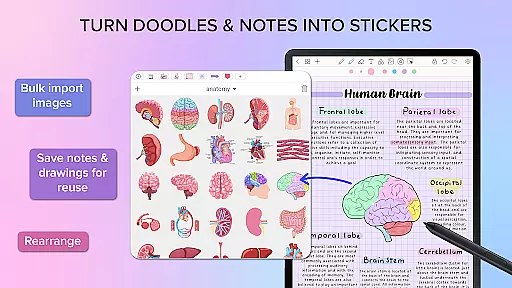
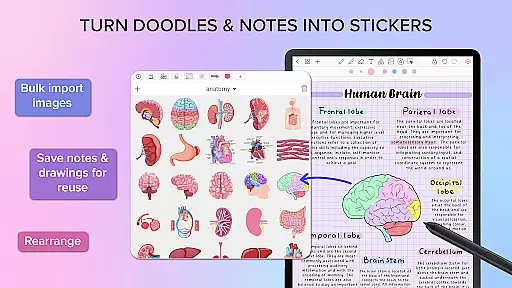
Users can take advantage of the sticker and image tools, enabling bulk imports and easy organization through collections. This feature allows for quick reuse and customization of visual elements. Additionally, Penly supports importing custom fonts and adjusting image properties like opacity, mirroring, and cropping, providing extensive creative control over content creation.
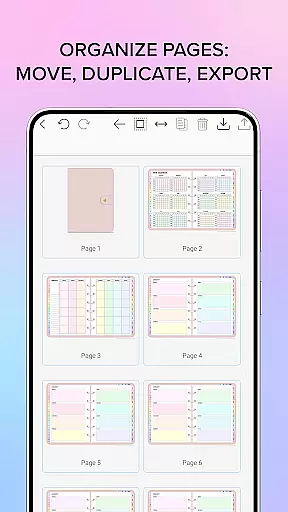
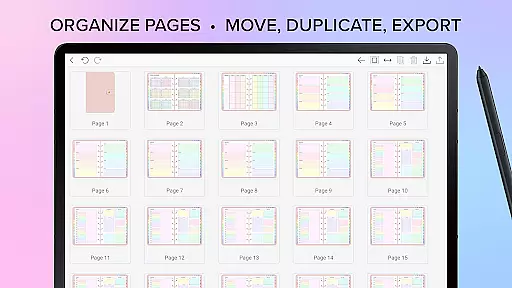
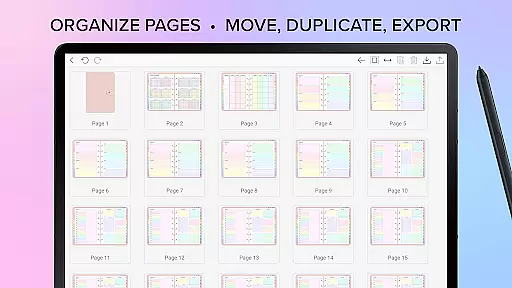
With Penly, managing documents is effortless thanks to features like undo and redo actions, page rearrangement, and folder management. These capabilities ensure that users can maintain an organized workspace, enhancing both efficiency and productivity. The inclusion of hyperlinks further enriches the interactive experience, making Penly a powerful tool for dynamic note-taking and planning.
Task management is at the heart of productivity applications like Penly. This app offers a comprehensive suite of tools designed to help users organize their tasks efficiently and effectively.
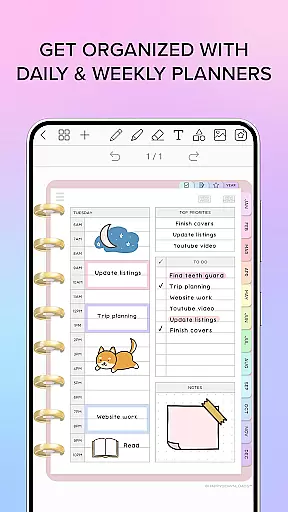
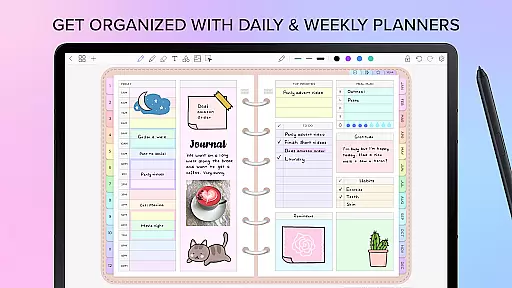
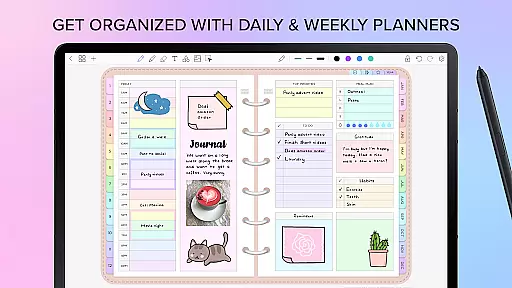
Penly provides four digital planners with hyperlinked pages for monthly, weekly, and daily views. These undated planners are reusable and come in both landscape and portrait orientations, offering flexibility in how users manage their schedules.
Users can import any PDF file into Penly, transforming it into an editable document while retaining navigational hyperlinks. This feature allows for seamless integration of existing workflows and documents into the app's environment.
The ability to sync between Android devices via Google Drive ensures that all task-related information is up-to-date across devices. Whether users are at home or on the go, they have access to their most current data, enhancing their capacity to manage tasks from anywhere.
Cross-device synchronization is crucial for maintaining workflow continuity in today's mobile world. Penly addresses this need by providing reliable syncing capabilities between Android devices through Google Drive integration.
With Penly, users can choose to sync manually or set the app to sync automatically whenever it's opened or closed. This flexibility ensures that all notes, planners, and documents are consistently updated without user intervention.
The app maintains the integrity of complex documents by supporting features such as object transformation, grouping, and locking during the synchronization process. This means that even highly structured documents retain their format and functionality across devices.
By enabling real-time document updates and ensuring that files reopen exactly where users left off, Penly creates a seamless experience that supports productivity regardless of which device is being used at any given moment.
User-friendly interface
Robust organizational tools
Versatile PDF handling
Customizable stickers and images
Seamless cross-device syncing
Limited language support
No free version available
Premium features require payment
Occasional sync issues reported
Learning curve for advanced features

Wake up & get tasks done! Add alarms & reminders on the Clock Launcher.
 4.00
4.00
Smart PDF reader & editor to view, organize and manage PDF documents easily.
3.70
Mind Map and brainstorm, note taking and idea collection
4.80
Protect and view your important info on your phone and tablet with eWallet®
4.80
Make apps & sites with natural language prompts
4.10
Simple and reliable communication between inmates, friends and family
3.20
Translate text/voice/photos in 150+ languages. Offline & fast translator app.
4.50
Access, manage and transfer files on Android, PC, Mac, NAS and cloud storages.
4.30
Secure your apps with lock screens, use custom themes and different features.
4.40
Great calculator for Android named one of USA TODAY's "25 Essential Apps".
4.90
Use powerful, industry-leading AI tools to generate visual charts from any data
4.80
Secure, fast, open-source, VNC and SSH Remote Desktop for Windows, Linux and Mac
4.70
Calendar 2023 widget for Android. Appointment scheduler, planner, and reminder
4.60
Font maker keyboard with your own handwriting
4.10
Experience real multitasking on your Android!
4.00


User Reviews