
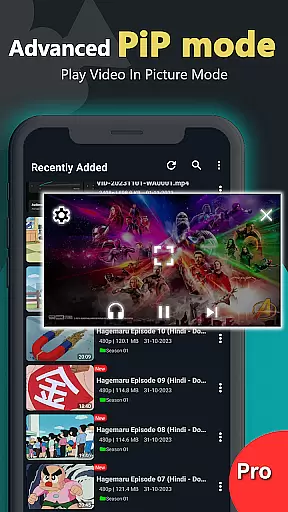
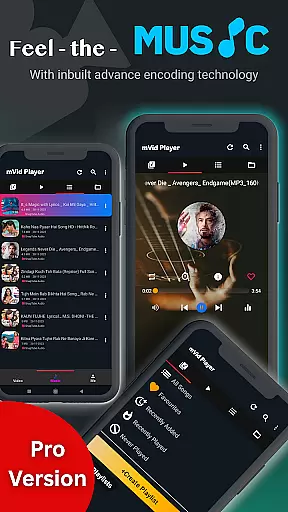
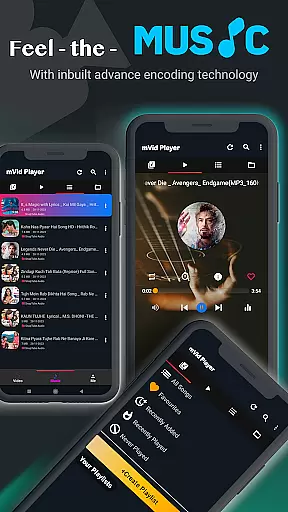
Zea Player Pro is a premium video player designed for Android devices, offering an ad-free experience with support for all major video and audio formats. This includes high-resolution 4K and 8K videos, making it ideal for movie enthusiasts and audio lovers who demand quality.
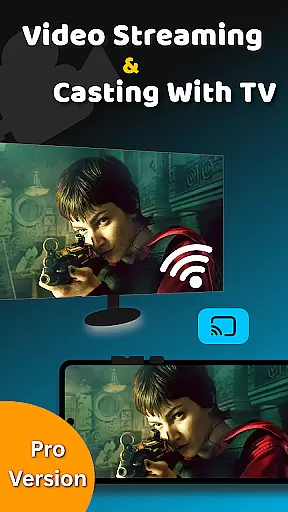
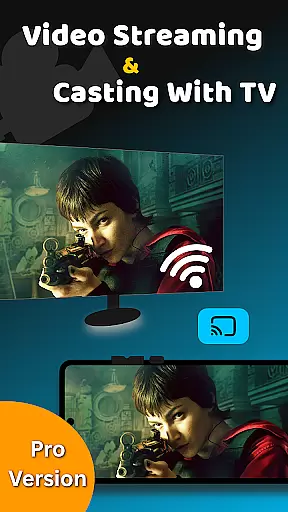
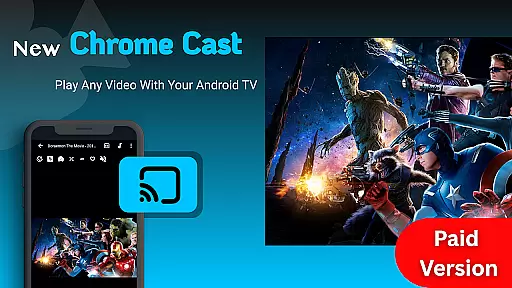
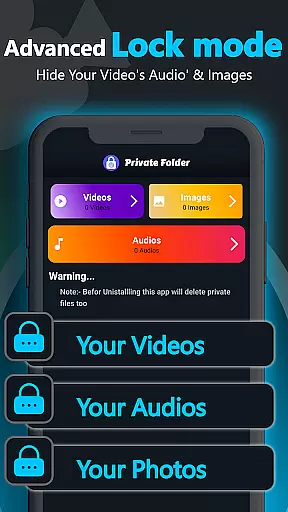
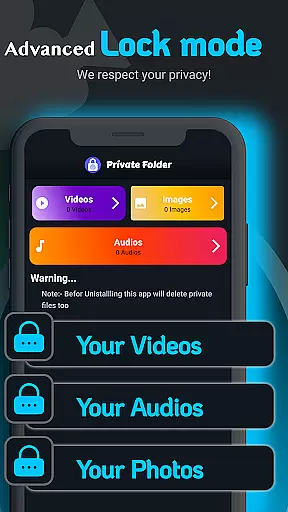
With features like subtitle support, volume boosting, and the ability to cast videos to Android TV, Zea Player Pro stands out as a versatile media player. It also provides a private folder feature to keep your media files secure, ensuring privacy and peace of mind.
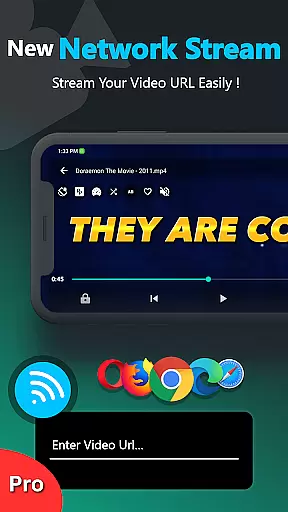
Whether you're streaming from a URL or playing local files, Zea Player Pro delivers smooth playback and superior audio quality. Its user-friendly interface allows easy control over playback, volume, and brightness, enhancing your overall viewing experience.
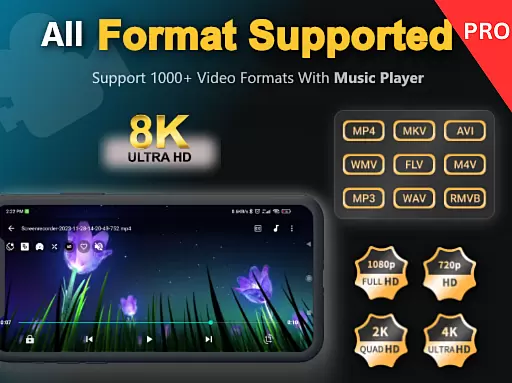
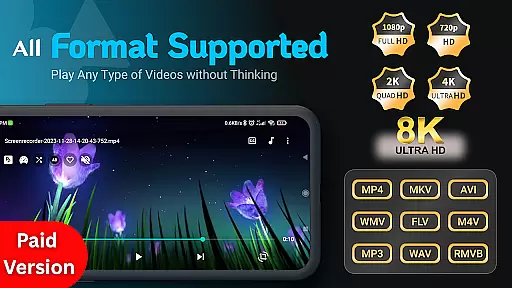
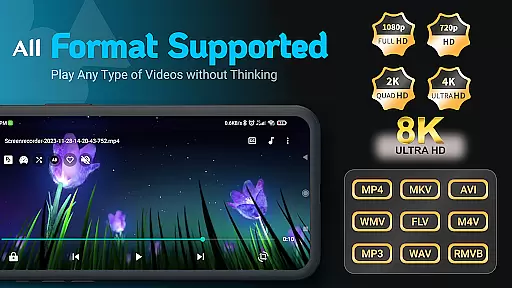
Zea Player Pro boasts an impressive array of features that cater to diverse media consumption needs. The app supports all popular video and audio formats, including MKV, MP4, AVI, and MP3, ensuring compatibility with virtually any file you encounter.
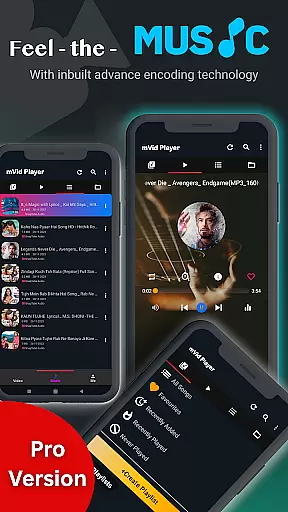
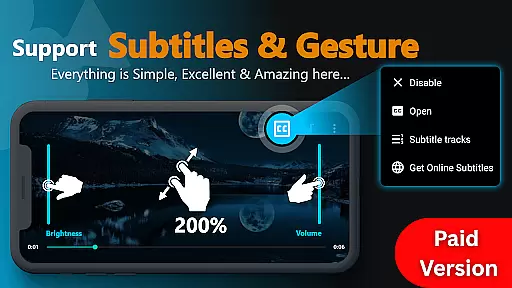
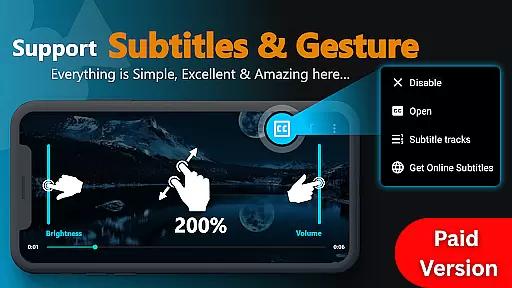
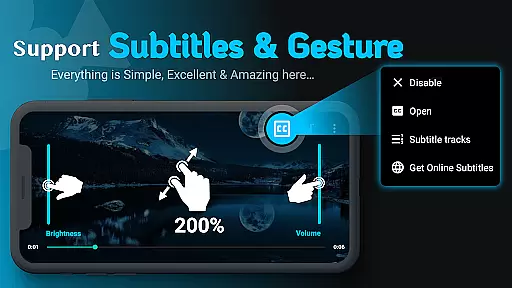
One standout feature is its support for dual audio tracks and online subtitle downloads, allowing users to customize their viewing experience. Additionally, the app enables background audio playback and includes a volume booster for enhanced sound quality.
The inclusion of advanced functionalities such as zooming with two fingers, private folder protection, and seamless casting to Android TV makes Zea Player Pro a top choice for those seeking a comprehensive media solution on their mobile devices.
Video format compatibility is a crucial feature for any video player application, determining its ability to support various file types and resolutions. Zea Player Pro excels in this area by offering extensive support for all major video and audio formats.
The application's robust decoding engine ensures smooth playback of high-resolution videos up to 8K, including specialized formats like MKV, FLV, and M4V. This versatility allows users to enjoy their entire media library without worrying about format restrictions.
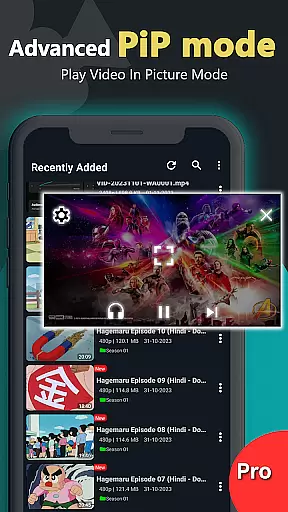
Beyond basic playback, the app provides advanced features such as subtitle support, dual audio tracks, and background playback for music files. These capabilities make it an ideal solution for both casual viewers and media enthusiasts who require comprehensive format support.
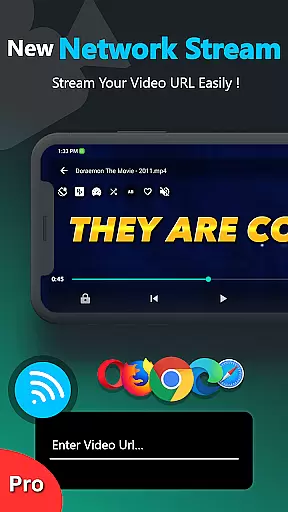
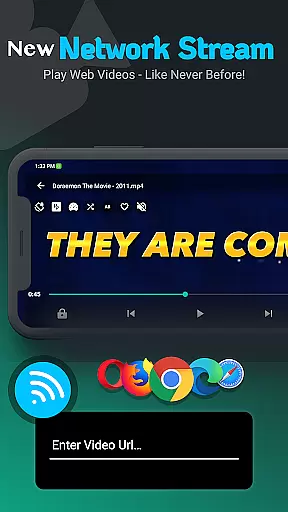
For users who stream content, Zea Player Pro enables direct playback from video URLs, extending its compatibility beyond local files to include online media sources. This comprehensive approach to format support establishes the application as a versatile tool for modern digital media consumption.
While primarily a video player, Zea Player Pro incorporates AI-powered editing features that enhance the viewing experience through intelligent processing and optimization. The application automatically adjusts video parameters to deliver optimal quality based on device capabilities.
The built-in AI algorithms provide real-time enhancement of video and audio quality, particularly noticeable when playing lower-resolution content on high-definition displays. This smart processing helps maintain visual clarity while reducing artifacts and distortion.
Advanced control options powered by AI technology allow users to precisely adjust volume, brightness, and zoom with intuitive gestures. The application's intelligent system learns user preferences over time, creating a more personalized viewing experience.
Although not a traditional video editor, these AI-driven features effectively bridge the gap between playback and enhancement, offering users sophisticated tools to optimize their media consumption without requiring manual technical adjustments.
Ad-free playback
Supports 4K & 8K
Private folder feature
Dual audio tracks
Subtitle downloads
Paid application
No iOS version
Complex settings
Limited support
High system requirements

Online Videos Player
 3.90
3.90
Kodi media center, a free and open source cross-platform entertainment hub
3.60
Connect 2 UVC devices for recording and broadcast video/audio stream
3.90
Watch a large amount of high-definition short drama content
4.60
Powerful HD video player with support for all formats & subtitles.
4.1
Seamlessly connect and control your smart devices, anytime, anywhere with ease.
4.60
Browser for Samsung TV to stream webvideos, online movies and livestreams in HD
4.10
Web Browser for LG TV to stream webvideos, online movies and livestreams in HD
4.20
VLC for Android is the best open source video and music player, fast and easy!
4.10
HD video maker with no watermark, no ads & vlog maker with music, PIP, text
4.50
Viddo: Generate Action Figure, AI Anime, AI kiss, AI hug Video from image & text
4.40
Create & edit videos with AI
4.30
Explore the largest library of free GIFs, Stickers & Memes - or create your own!
3.90
Cast to Smart TV, Fire TV. Cast video, photo - Fast & Stable!
3.90
Save photos and videos from social apps in one tap.
3.60


User Reviews