
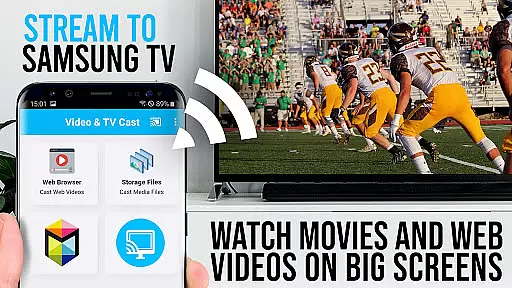
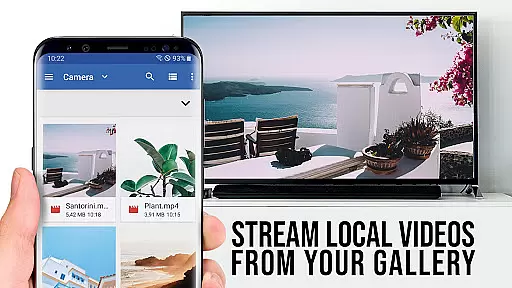
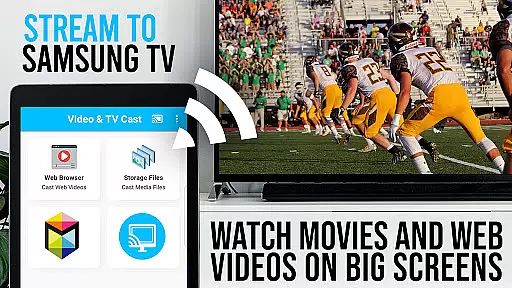
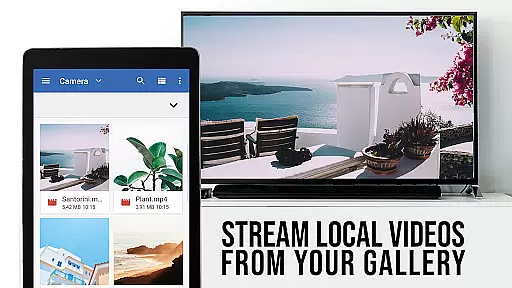
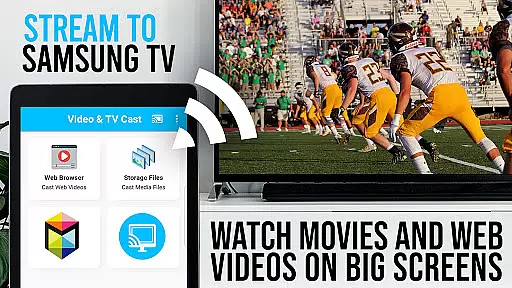
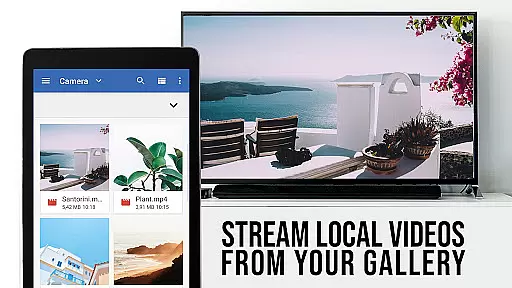
TV Cast Pro for Samsung TV is a specialized video streaming application that enables users to project web videos, online movies, livestreams, and live TV shows onto their Samsung Smart TVs and Blu-ray players. Compatible with Samsung TV models from 2010 to 2017, this app eliminates the need for extra streaming hardware by supporting various video formats like MP4, M3U8, and Full HD content.
This professional edition provides all premium features unlocked, allowing users to cast videos effortlessly by entering the IP address of their Android device. It also supports direct video URL input for playback. While it doesn't support DRM-protected content or function as a full device mirror, TV Cast Pro enhances user experience with tools like a remote playbar, ad-blocking, and desktop site viewing.
By integrating these functionalities, TV Cast Pro delivers a streamlined solution for enjoying digital media on the big screen, making it an ideal choice for Samsung TV users seeking an upgraded streaming experience.
TV Cast Pro offers advanced video streaming capabilities specifically designed for Samsung Smart TVs and Blu-ray players. The application allows users to cast a wide range of video formats including MP4, M3U8, and HLS livestreams directly to their television screens without the need for an additional streaming device.
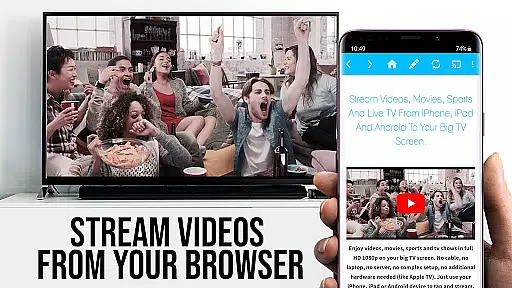
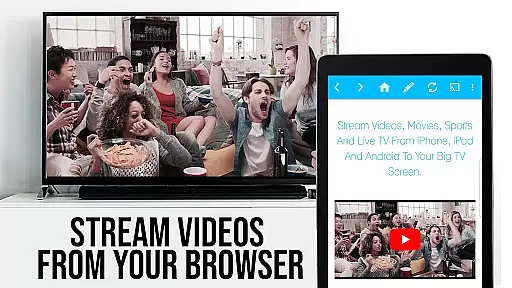
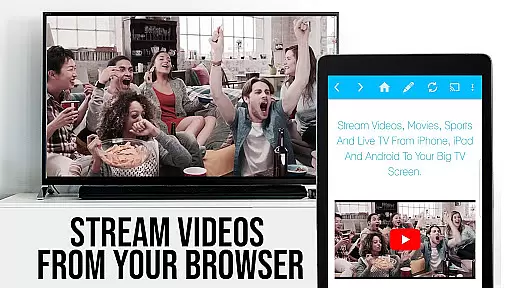
The app's standout feature is its ability to push web-embedded videos to Samsung TVs with a single tap. Users can browse the internet within the app, and once a video is detected, it appears below the browser for immediate casting. Additionally, the PRO version unlocks premium functionalities such as a remote playbar for advanced video control, an ad-blocker to enhance viewing experience, customizable bookmarks, desktop mode for accessing full websites, and personalized homepage settings.
These features collectively provide a seamless and enriched media consumption experience tailored for Samsung TV owners who wish to enjoy online content on a larger display.
TV Cast Pro for Samsung TV stands out with its extensive video format compatibility, ensuring that users can enjoy a wide range of video content without limitations. The app supports popular formats such as Mp4, m3u8, and HLS livestreams, making it versatile for various streaming needs.
This compatibility extends to videos streamed over HTTPS, providing an added layer of security during data transmission. By supporting Full HD quality, the app guarantees a premium viewing experience on Samsung Smart TVs and Blu-ray Players.
Users benefit from the ability to directly enter or paste video URLs into the browser address bar, instantly initiating playback on their Samsung devices. This seamless integration simplifies the process of accessing desired content, enhancing user convenience.
The app's robust format support ensures uninterrupted streaming, allowing users to focus on enjoying their favorite web videos, online movies, livestreams, and live-TV shows without worrying about format restrictions.
While TV Cast Pro for Samsung TV primarily focuses on video streaming, it incorporates intelligent features that enhance the overall user experience through smart functionalities. Although not traditional editing tools, these AI-powered features contribute significantly to content management and presentation.
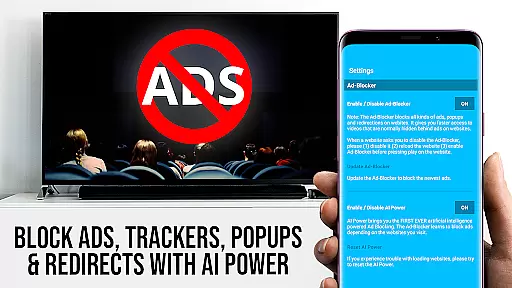
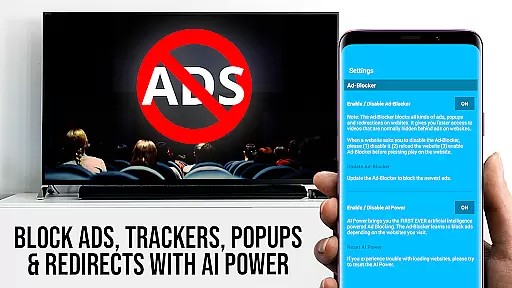
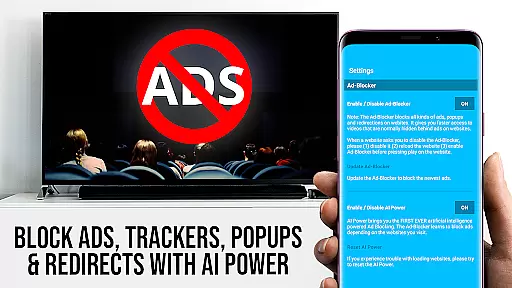
The app's Ad-Blocker feature demonstrates advanced intelligence by effectively blocking ads and popups on most websites. This automated system works in real-time, providing users with an uninterrupted viewing experience while browsing and streaming content.
Additionally, the Remote Playbar function showcases intelligent design by offering precise video control capabilities. Users can effortlessly scrub through videos, adjust playback speed, and manage playback functions, all while maintaining smooth performance across Samsung Smart TV models.
These smart features, combined with the app's ability to detect video links automatically after initial playback on Android devices, demonstrate how AI-powered solutions enhance both content accessibility and user control in modern streaming applications.
Wide format support
Easy one-tap casting
Comprehensive ad-blocking
Advanced remote controls
Personalized settings
Limited to Samsung TVs
No DRM support
Requires companion app
Occasional connectivity issues
Not a full mirroring solution

You can play SWF format file!
 2.50
2.50
Photo and Music Video Creator into Stunning Videos—Effortlessly
4.40
?100% FREE! Download & save videos? safely in this app. All formats supported.
4.60
HD video maker with no watermark, no ads & vlog maker with music, PIP, text
4.50
Stream high quality video from your camera over NDI protocol
4.5
Video Downloader, Multiple Resolution Options, Video Player
4.50
Watch IPTV on your Android device
4.60
#1 Torrent App on Android ** No Ads Ever + Battery Saver **
4.80
VLC for Android is the best open source video and music player, fast and easy!
4.10
Search & download videos from net with all video downloader, auto-detect & safe.
4.60
Create photo video with music & template. AI video maker for stunning slideshow.
4.60
IPTV Loader, loads your own Playlist. DOES NOT CONTAIN ANY LIST OR CHANNELS
4.60
Powerful video player with advanced hardware acceleration and subtitle supports
4.20
Cast to Smart TV, Fire TV. Cast video, photo - Fast & Stable!
3.90
Powerful HD video player with support for all formats & subtitles.
4.0


User Reviews