
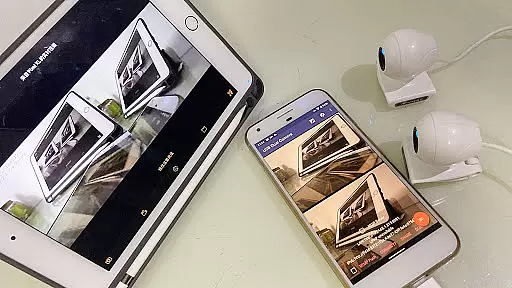
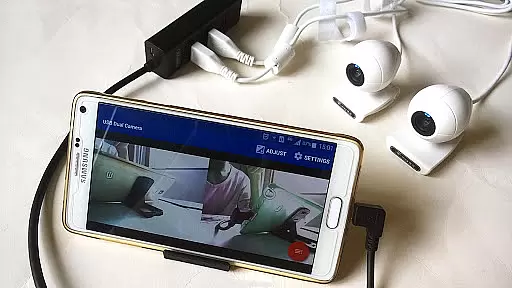
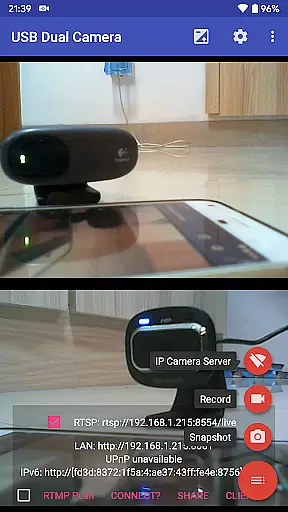
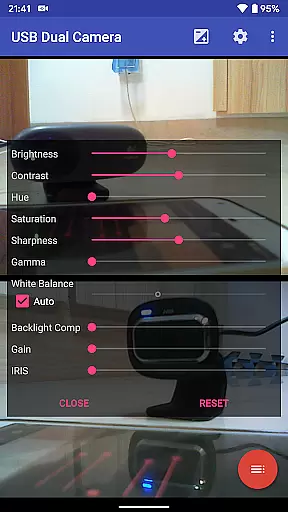
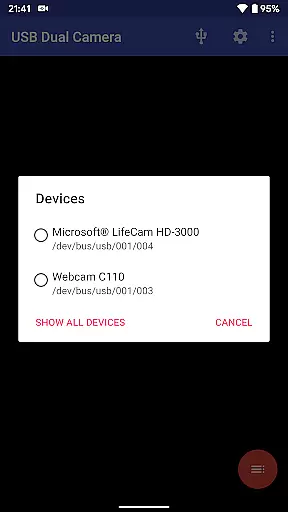

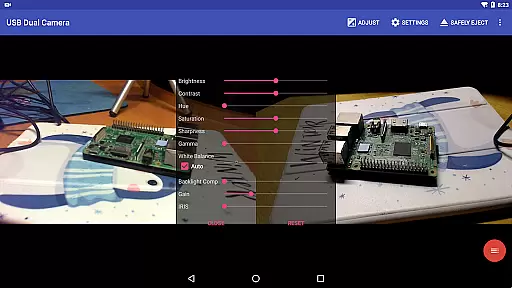
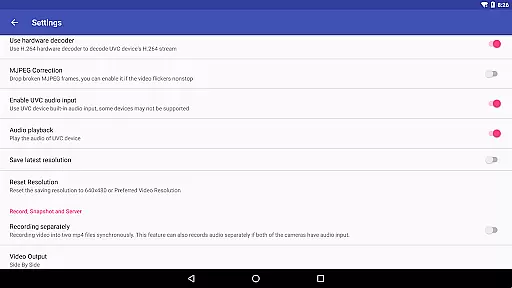
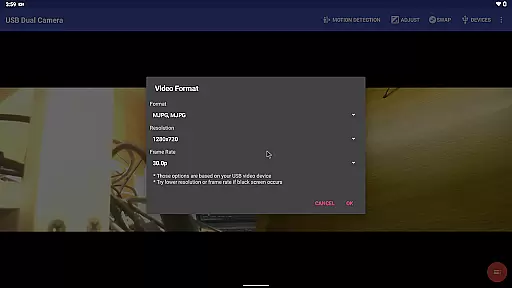
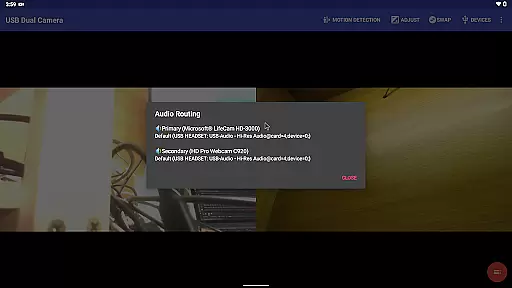
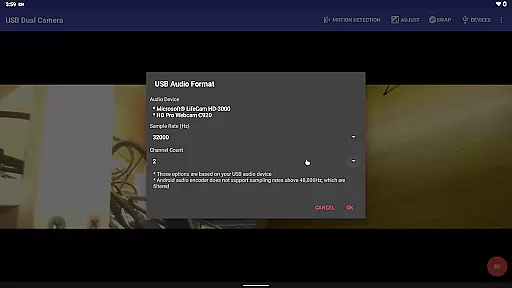
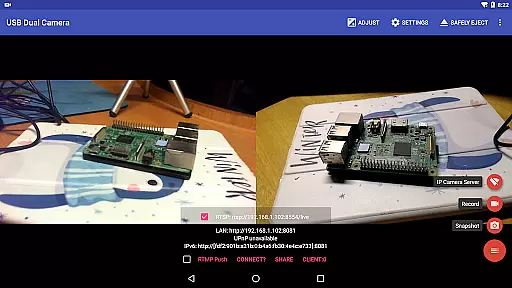
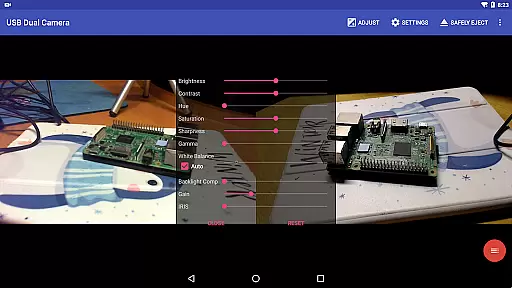
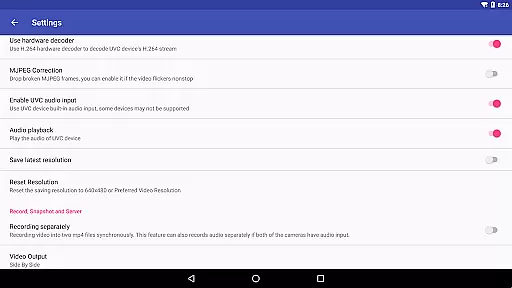
USB Dual Camera Pro is a versatile video application that allows Android devices to connect to two USB WebCams or video capture cards simultaneously via USB-OTG. This app supports UVC WebCams with microphones and UVC video grabbers with audio input, enabling users to record high-quality videos or capture snapshots. It also features an RTSP and HTTP server for turning your phone into a wireless IP camera, ideal for security monitoring with bi-directional audio support.
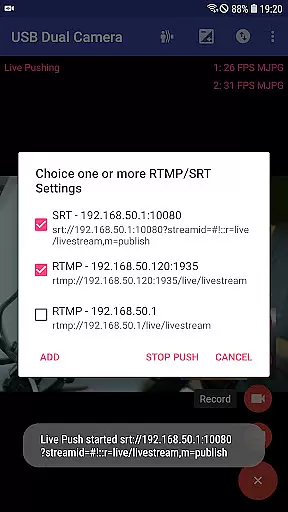
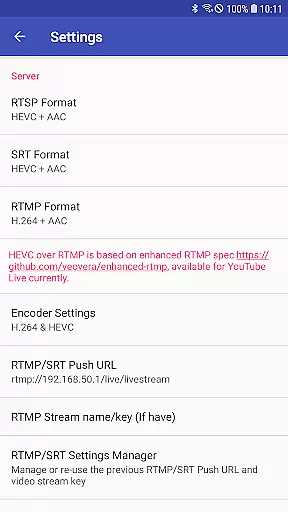
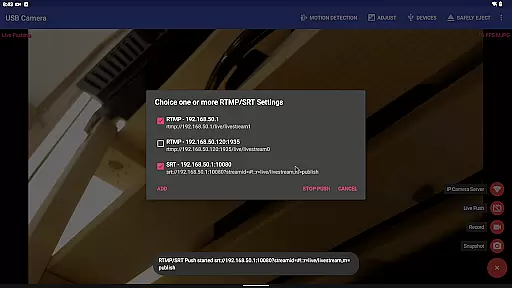
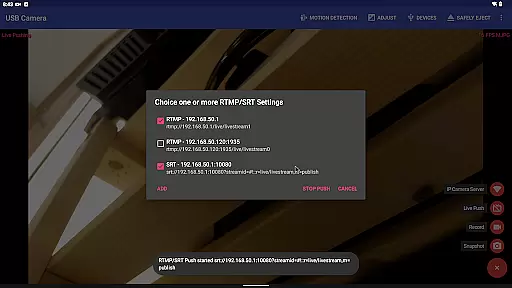
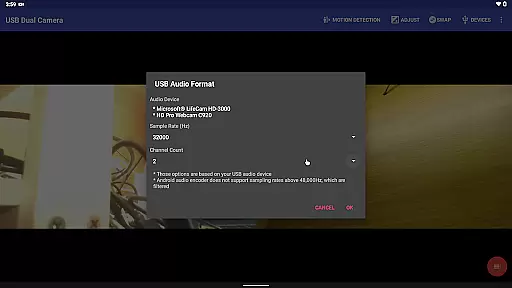
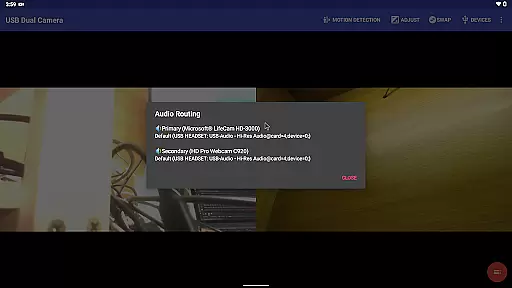
The app's advanced capabilities include pushing video and audio streams to RTMP/SRT live media servers, making it suitable for network live broadcasts. It supports multiple protocols including rtmps and SRT, and can push media to several servers at once. Additionally, the app can mix USB audio with built-in microphones or system audio, overlay internal camera footage onto external camera video, and record dual mp4 files synchronously when connected to two cameras.
With its comprehensive feature set, USB Dual Camera Pro serves various use cases from professional broadcasting to personal security systems. The ability to add timestamps, GPS data, and speed information on video frames enhances its utility in different scenarios such as dashcam usage or motion detection-based recording.
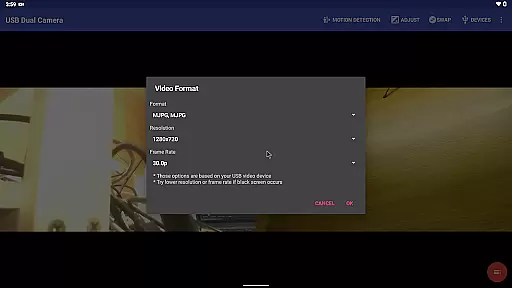
USB Dual Camera Pro stands out with its unique ability to handle two cameras simultaneously, supporting formats like MJPEG, H.264, H.265, HEVC, and even AV1 for modern devices. The app facilitates seamless switching between foreground and background operations without interrupting recordings, ensuring continuous capture. Its loop-recording function helps manage storage efficiently by auto-segmenting videos and deleting older files when space is limited.
One of the key highlights is the integration of an RTSP/HTTP server, allowing users to transform their phones into IP cameras. This feature, combined with bi-directional audio support, makes it a robust solution for remote monitoring. Furthermore, the app's compatibility with FTP servers enables automatic video uploads and email notifications based on motion detection triggers, enhancing security applications.
For content creators, the app offers professional-grade tools such as timestamp overlays, GPS tagging, and speed indicators on video frames. These features are invaluable for creating informative and engaging video content. Additionally, the app's support for advanced codecs ensures high-quality streaming and recording, catering to both amateur and professional needs.
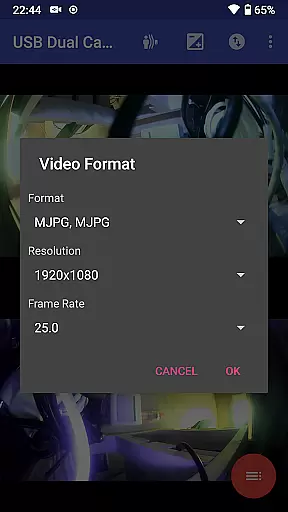
USB Dual Camera Pro demonstrates exceptional versatility in video format compatibility, ensuring a seamless experience for users working with diverse video sources. The application supports an extensive range of formats including MJPEG, H.264, H.265, HEVC, and even the emerging AV1 codec.
This broad compatibility is crucial when connecting multiple cameras simultaneously, as it allows users to work with up to 4K resolution videos via HDMI, accommodating both progressive and interlaced video types. Such flexibility is particularly beneficial for professional video production and live streaming scenarios where varying formats are often encountered.
The app's forward-thinking approach extends to its support for modern codecs across different Android versions. While HEVC recording requires Android 5.0 or above, and AV1 streaming needs Android 10 or higher, these requirements ensure optimal performance on devices capable of handling advanced compression technologies.
By maintaining comprehensive format support, USB Dual Camera Pro enables users to maximize their hardware investments while providing a future-proof solution that adapts to evolving video technology standards.
While primarily focused on camera connectivity, USB Dual Camera Pro incorporates several innovative features that leverage AI-powered capabilities for enhanced video processing. The application's ability to mix USB audio with built-in microphones or system audio represents a sophisticated approach to sound management.
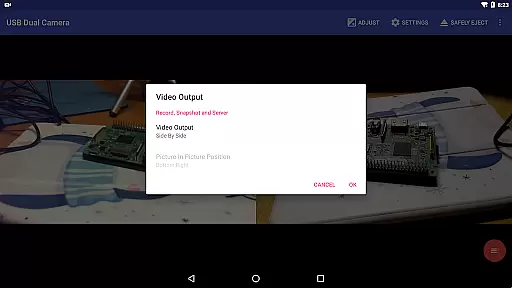
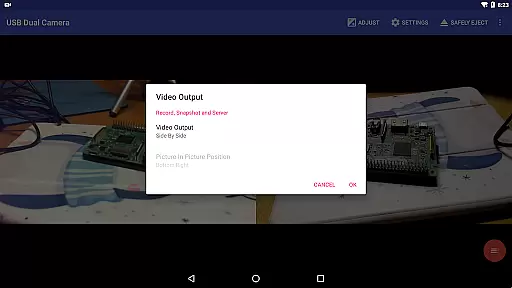
The software goes beyond basic recording by offering intelligent video composition tools. It can overlay internal camera footage onto external camera video streams, creating dynamic picture-in-picture effects that are valuable for presentations and tutorials. This feature is augmented by automatic audio mixing capabilities when working with dual audio sources.
Advanced metadata processing enables the application to add timestamp, GPS coordinates, and speed information directly onto video frames during recording. This automated data overlay provides valuable context for security monitoring and dashcam applications without requiring manual editing.
Furthermore, the app's motion detection-based auto-recording feature showcases its intelligent processing capabilities. By automatically uploading triggered recordings to FTP servers and notifying users via email, it creates an efficient workflow for security professionals and content creators who need reliable, automated video capture solutions.
User-friendly interface
Advanced codec support
Bi-directional audio capability
Efficient storage management
Versatile camera handling
Requires good OTG cables
External power supply needed
Complex setup for beginners
Limited third-party app compatibility
High device requirements

Powerful, professional, versatile teleprompter. Developed by an active film crew
 4.00
4.00
Video Player - Unlimited features, 30 days money back guarantee.
4.60
Your media, on your terms.
4.10
Video Trimmer, Video to MP3 Converter. Extract music from video, Easy & Fast.
4.80
Full HD Video mp3 Player, MP4 player play 1080p, File manager, Video Downloader
4.40
KMPlayer Plus (Divx Codec) officially support Divx codec.
4.30
Powerful Video Editor & Photo Editing App —— Quick Edits & Stunning Effects!
4.30
Browser for Sony TV to stream web videos, online movies and live tv
3.20
Watch IPTV on your Android device
4.60
Snaptubè Video Downloader app allows to download videos and music in Snaptube. .
4.60
VLC Remote lets you control your VLC Media Player on Mac, PC or Linux.
4.60
Fast & easy HD video downloader for all formats, support 4K playback & download.
4.60
Online Videos Player
3.90
Live TV, anywhere in your home
3.80
Manage your IPTV live channels and VOD playlists (no playlist included)
3.80


User Reviews