
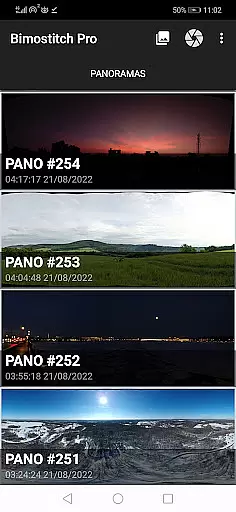
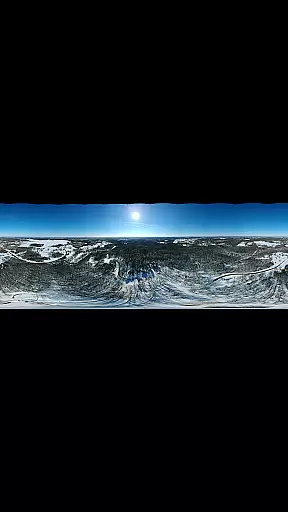
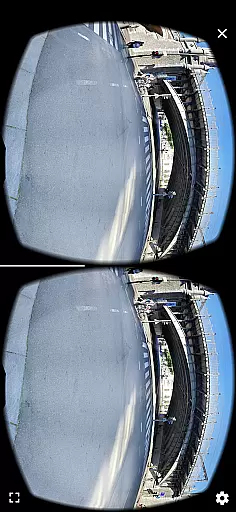
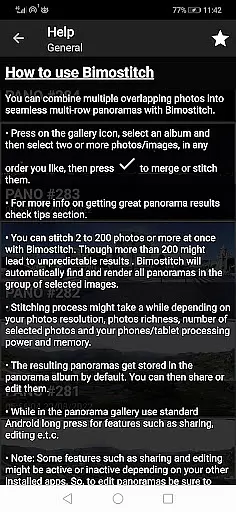
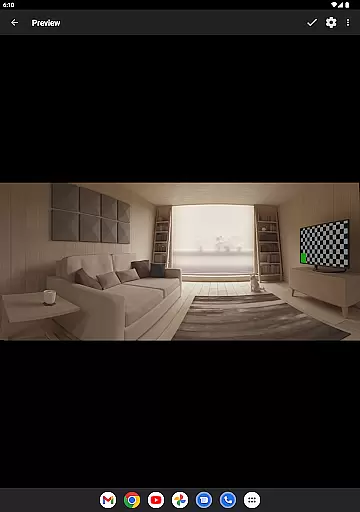
Bimostitch Panorama Pro is a powerful photography app designed for creating high-resolution panoramic images directly on your mobile device. The application allows users to stitch between 2 to 200+ overlapping photos into impressive wide-view panoramas, including single-row, multi-row, vertical, horizontal, 360° panoramas, or photospheres. With advanced on-device image stitching algorithms, the app automatically matches, aligns, and blends selected images into seamless panoramas.
One of the standout features of Bimostitch Panorama Pro is its ability to maintain the quality of source photos while producing ultra-high-resolution outputs of up to 1 Gigapixel. Additionally, it offers pro-level tools such as auto-exposure balancing, automatic straightening, seam detection modes, and lens distortion compensation, making it suitable for both professional photographers and beginners. Users can also convert videos with panning motions into stunning panoramic images, further expanding creative possibilities.
The app's intuitive interface ensures ease of use without compromising functionality. Whether you're capturing images using your phone’s camera, DSLR, or even aerial shots from drones, Bimostitch Panorama Pro provides an efficient solution for creating breathtaking panoramas right in the palm of your hand. Its offline functionality and lightweight design make it perfect for travel or fieldwork where equipment portability and internet connectivity may be limited.
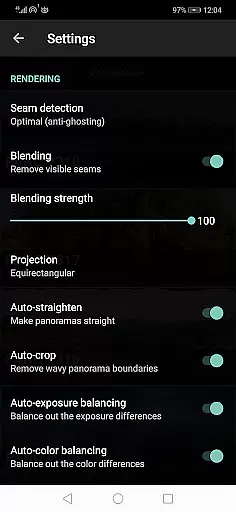
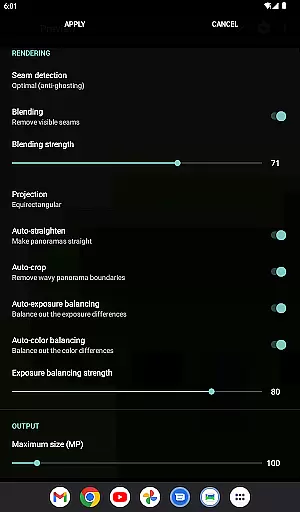
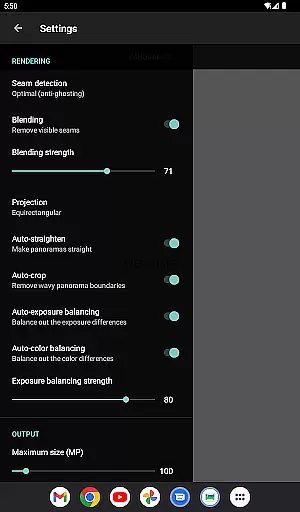
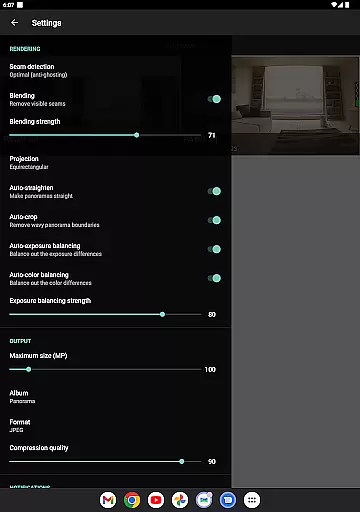
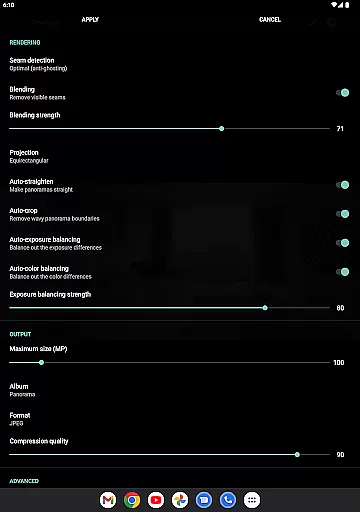
Bimostitch Panorama Pro stands out with its comprehensive set of features tailored for panoramic photography enthusiasts. One of the key highlights is its ability to handle various types of panoramas, including vertical, horizontal, multi-row, and 360° formats. The app supports JPEG or PNG output formats and allows users to compress large panoramas to save space on their devices. Advanced functionalities like auto-color balancing, adjustable blending intensity, and seam detection modes ensure high-quality output that maintains the integrity of the original photos.
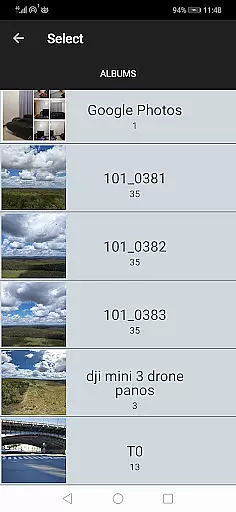
For professionals seeking more control, the app offers additional customization options. Users can adjust the intensity of auto-exposure and color balancing features, view source images during preview mode, and even modify lens calibration settings to compensate for distortions caused by wide-angle or fisheye lenses. The built-in photo picker simplifies the selection process, while integration with other apps enables easy sharing of stitched panoramas via platforms like Facebook, Twitter, Flickr, and Instagram.
Another innovative feature is the video-to-panorama capability, which converts videos of panning motions into panoramic images. This function is particularly useful for drone footage or situations where capturing still images might be challenging. With support for ultra-high-resolution outputs of up to 1 Gigapixel, Bimostitch Panorama Pro caters to users who demand exceptional detail and clarity in their panoramic creations. All these features are powered by advanced on-device algorithms, ensuring fast processing times without requiring an internet connection.
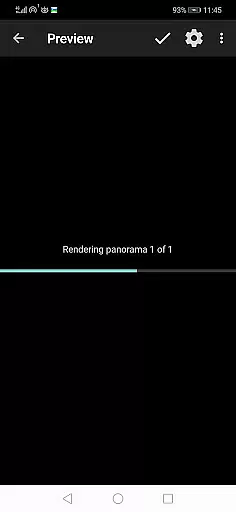
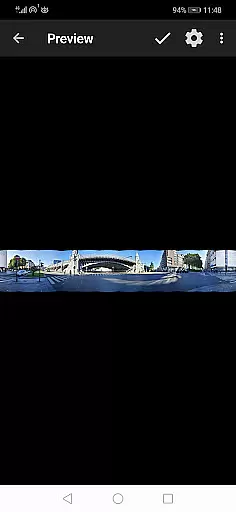
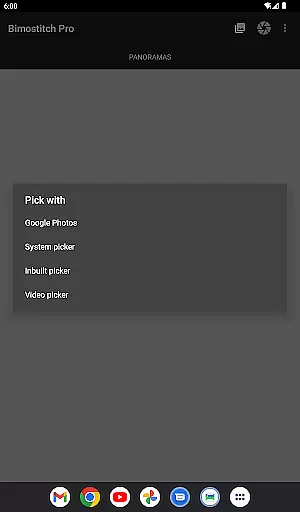
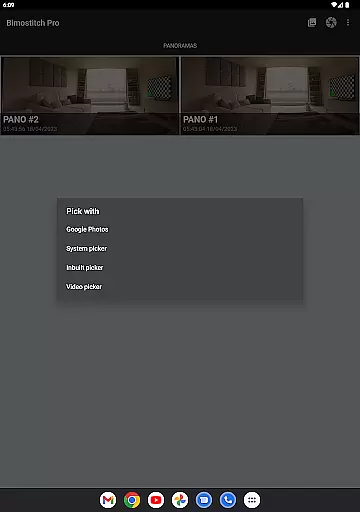
Real-time capture and preview functionality is essential for ensuring that every moment is perfectly captured without delay. Bimostitch Panorama Pro offers an intuitive built-in photo-picker, enabling users to select photos directly from their gallery or snap new overlapping images using the app's camera feature. This seamless integration allows photographers to instantly view and stitch high-resolution panoramas right on their device.
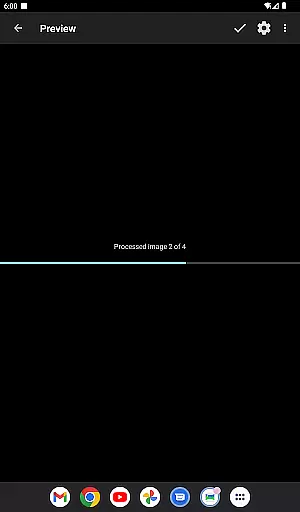
The application supports stitching of single-row, multi-row, vertical, horizontal, 360u00b0 panoramas, or photospheres with minimal effort. By utilizing advanced on-device image stitching algorithms, it automatically matches, aligns, and blends selected images into breathtaking panoramas within minutes. The real-time preview ensures that users can make necessary adjustments before finalizing their work, enhancing both convenience and precision.
Moreover, Bimostitch Panorama Pro caters to various photography styles by accommodating different types of input sources such as DSLR cameras, drones, or downloaded web images. Whether you're capturing landscapes during a tour or creating panoramic shots from existing photos, this app provides immediate high-quality results without requiring any additional equipment. Its offline capabilities further ensure uninterrupted performance regardless of internet connectivity.
AI beauty and enhancement features have become increasingly popular among photography enthusiasts seeking natural yet polished outcomes. Bimostitch Panorama Pro incorporates sophisticated AI-driven tools designed to maintain the authenticity of source photos while elevating their visual appeal through automatic exposure balancing, color correction, and lens distortion compensation. These enhancements are applied subtly to preserve the original essence of each panorama.
One standout feature is auto-lens calibration, which compensates for distortions caused by wide-angle, ultra-wide angle, and fisheye lenses commonly used in panoramic photography. Additionally, the app offers adjustable intensity settings for auto-exposure and color balancing, allowing users to fine-tune these effects according to their preferences. Seam detection modes like optimal cuts contribute to high-quality output by intelligently blending images where they overlap.
Beyond basic enhancements, Bimostitch Panorama Pro also includes options for compressing large panoramas to save space on your device without compromising quality. Users can choose between JPEG or PNG output formats based on their storage needs and desired resolution levels up to 1 Gigapixel. With its comprehensive suite of AI-powered editing tools, this app empowers photographers to create stunning panoramas that retain the natural beauty of the original scenes while benefiting from subtle artistic touches.
User-friendly interface
High-resolution output
Offline functionality
Wide compatibility
Advanced editing tools
Requires 4GB RAM
Premium cost
Complex for beginners
Limited free features
Heavy file sizes

Long exposure camera with computational photography
 2.60
2.60
Create funny photos and videos with the popular Time Warp Scan filter.
4.90
Application for remote controlling DSLR
3.00
What celebrity do you look like? Celebs will find your celebrity match!
4.10
Create collages easily! Nice pic collage maker & background eraser for Instagram
4.50
HD Camera Pro with HD Video shooting, Panorama, Photo editor , Beauty Camera.
4.50
Hair color changer, AI haircut app, fun hair editor and buzz cut filter for all!
3.80
A light meter for true photographers.
4.20
Welcome to ProShot, the most powerful camera app on Android.
4.20
Light-weight Media Gallery app for Android made with Jetpack Compose
4.60
Create Business Headshots, Polaroid Filter, Retake Photos,Profile Pics,AI Photos
4.50
AI-powered video creator by MiniMax - Where ideas meet cinema
4.20
The #1 app for B&W film developing featuring an advanced darkroom timer.
4.10
Astrophotography with your smartphone, photo live stacking and much more!
3.90
HD Photo gallery and photo manager to edit, hide private photos, videos & albums
4.0


User Reviews