
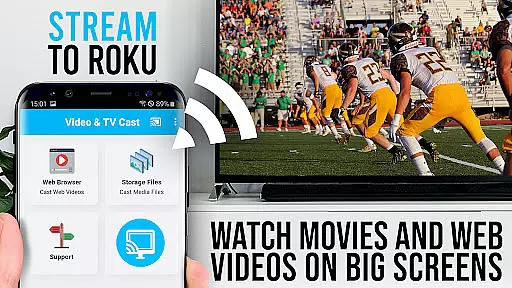
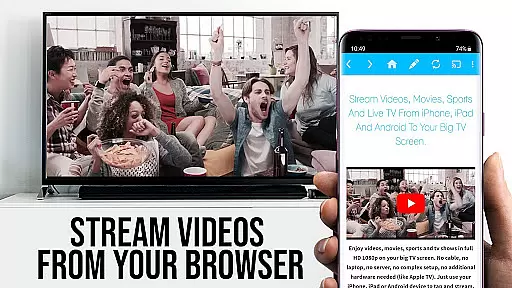
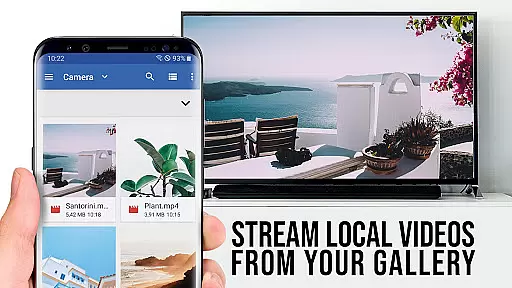
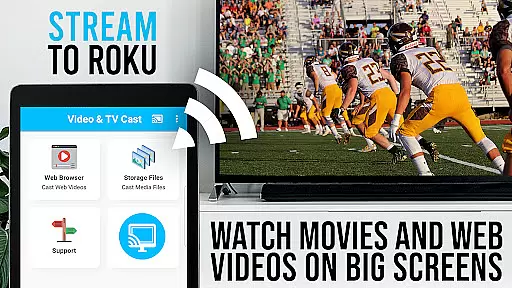
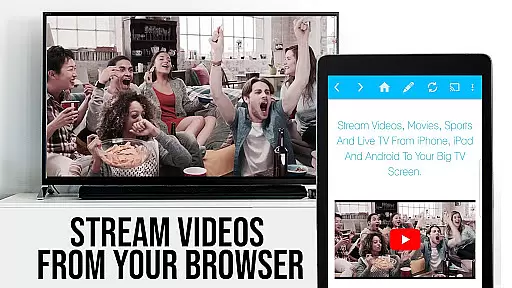
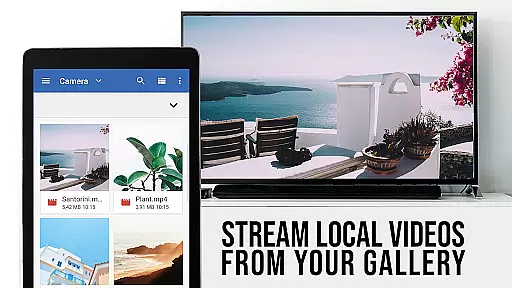
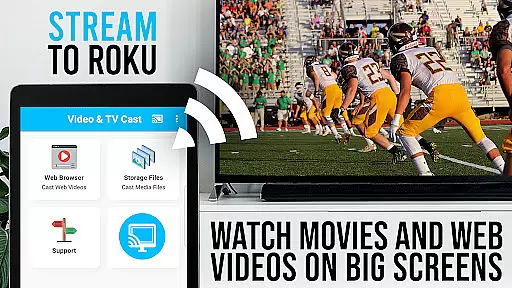
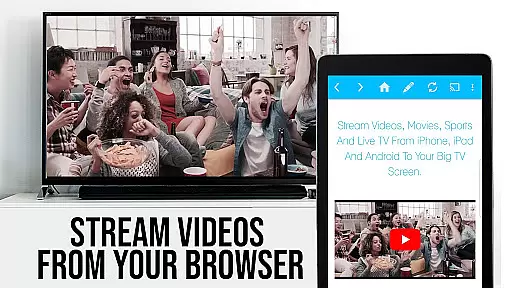
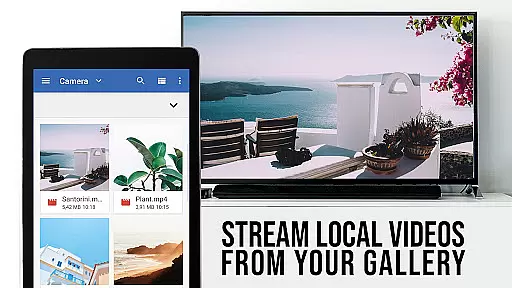
TV Cast Pro for Roku is the premier application designed to enhance your streaming experience by enabling you to cast a wide variety of web videos, online movies, livestreams, and live TV shows directly to your Roku-enabled devices. Supporting formats such as mp4, m3u8, hls livestreams, and video over https, this app ensures that content can be enjoyed in Full HD on the largest screen in your home.
In addition to its casting capabilities, TV Cast Pro includes an integrated Roku Remote, allowing users to control their Roku devices seamlessly. The app also offers advanced features like an Ad-Blocker, desktop mode, and customizable bookmarks, making it a versatile tool for accessing and managing online content.
Whether you're looking to stream personal media or online content, TV Cast Pro for Roku provides a comprehensive solution for enjoying high-quality video entertainment on your terms.
TV Cast Pro for Roku stands out with its ability to browse the web and cast any video with a single tap, directly onto your Roku device. This feature-rich app supports Roku TV, Roku Streaming Stick, Roku Express, Roku Premiere, Roku Ultra, and more, ensuring compatibility with most modern Roku devices.
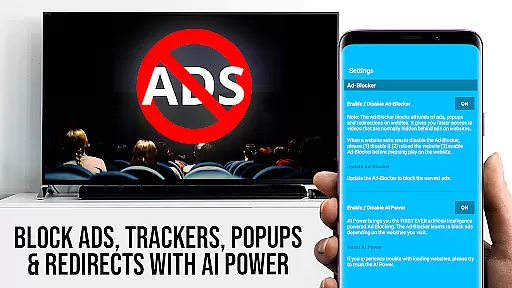
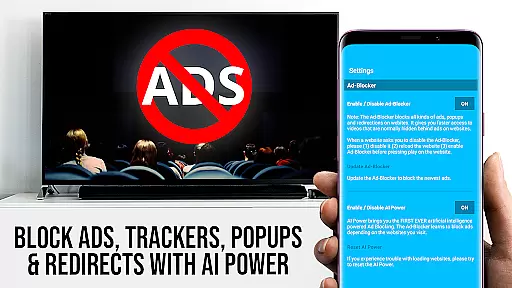
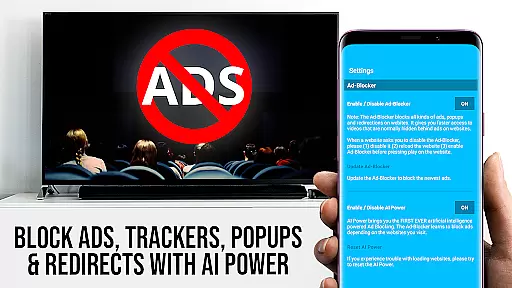
The app's PRO features include a remote control function for managing video playback, an Ad-Blocker to eliminate ads and popups on most websites, and a desktop mode that allows users to access desktop versions of websites. Additionally, users can manage bookmarks efficiently and set a personalized homepage, enhancing navigation and accessibility.
With security in mind, TV Cast Pro requires minimal Android permissions, safeguarding user data and privacy. It does not access identity data, accounts, device ID, phone status, GPS location, or contacts, offering a secure environment for streaming entertainment.
TV Cast Pro for Roku stands out with its extensive video format compatibility, ensuring users can enjoy a wide range of content without limitations. The app supports popular formats such as MP4, M3U8, and HLS livestreams, making it versatile for various streaming needs.
This compatibility is crucial for users who want to cast web videos, online movies, livestreams, and live TV shows directly to their Roku devices. By supporting Full HD and video over HTTPS, the app guarantees high-quality playback that enhances the viewing experience on the largest screen in your home.
The ability to enter or paste full video URLs directly into the browser address bar simplifies the process of playing MP4, M3U8, or other video files on Roku. This feature ensures that users can access content from different sources without hassle, providing a seamless transition from browsing to watching.
Overall, the comprehensive video format support positions TV Cast Pro for Roku as an essential tool for anyone looking to maximize their Roku's potential, offering flexibility and quality that cater to diverse entertainment preferences.
While TV Cast Pro for Roku focuses primarily on streaming and casting capabilities, it incorporates AI-powered features that enhance user interaction and streamline the content discovery process. Although not a traditional video editor, the app leverages intelligent algorithms to detect and present embedded videos from websites, simplifying the casting procedure.
The integrated detection system scans web pages for playable content, displaying discovered videos below the browser interface. This intuitive approach allows users to send videos to their Roku with a single tap, minimizing the steps between finding and viewing content. Such efficiency mirrors the convenience offered by advanced editing tools that utilize AI for automating complex tasks.
Additionally, the app includes an Ad-Blocker feature that uses AI to eliminate ads and popups on most visited sites. Users can toggle this function within settings, ensuring a cleaner, uninterrupted browsing experience while searching for videos to cast.
These smart functionalities underscore the app's commitment to optimizing the streaming workflow through technology, providing users with a sophisticated yet user-friendly platform for enjoying their favorite digital media.
User-friendly interface
Wide format support
Integrated Roku remote
Ad-free experience
Customizable settings
No support for older Roku models
DRM protected content not supported
Limited to video casting only
Requires compatible Roku firmware
Premium version required for full features

The smartest M3U IPTV Player your playlists have ever seen.
 4.0
4.0
Connect 2 UVC devices for recording and broadcast video/audio stream
3.90
Live TV, anywhere in your home
3.80
KMPlayer Plus (Divx Codec) officially support Divx codec.
4.30
Download videos easily & play them all in one smart, powerful video manager.
3.40
All in one multi protocols stream receiver for AirPlay, Cast and DLNA.
3.60
#1 Torrent App on Android ** No Ads Ever + Battery Saver **
4.80
Powerful video player with advanced hardware acceleration and subtitle supports
4.20
VLC for Android is the best open source video and music player, fast and easy!
4.10
KineMaster, Your Ultimate Video Editor!
4.40
Viddo: Generate Action Figure, AI Anime, AI kiss, AI hug Video from image & text
4.40
Video player, file manager for all formats, 4K/HD media player supports subtitle
4.30
This app was created to edit the metadata of music files.
4.20
Browser for Sony TV to stream web videos, online movies and live tv
3.20
Powerful HD video player with support for all formats & subtitles.
4.3


User Reviews