
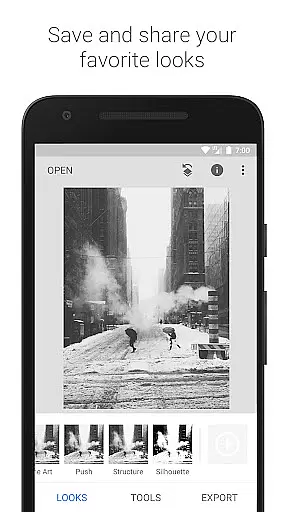
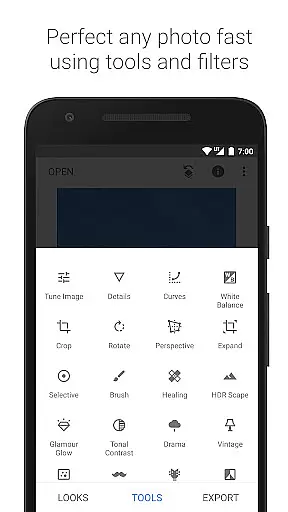
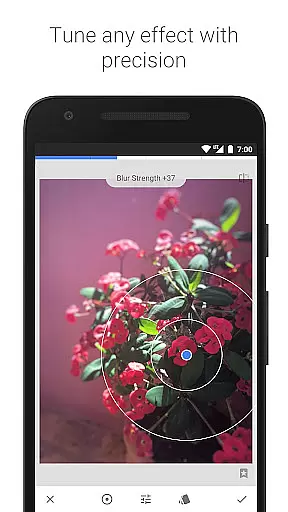
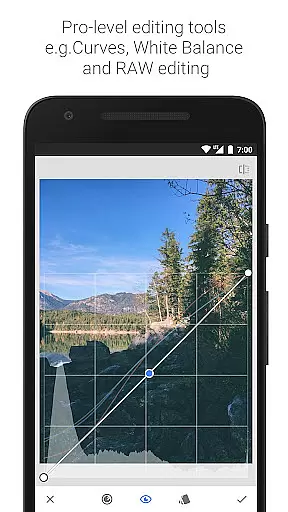
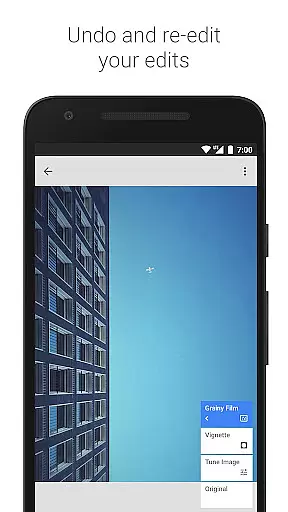
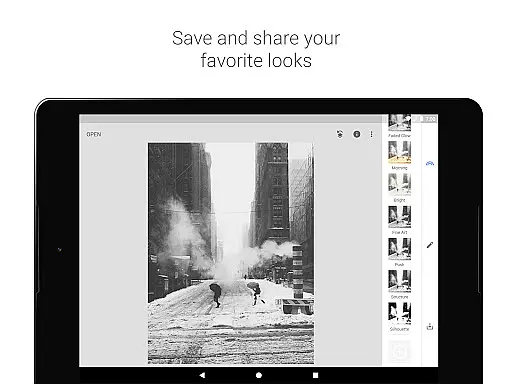
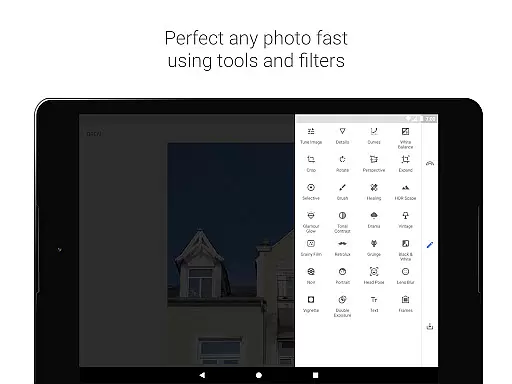
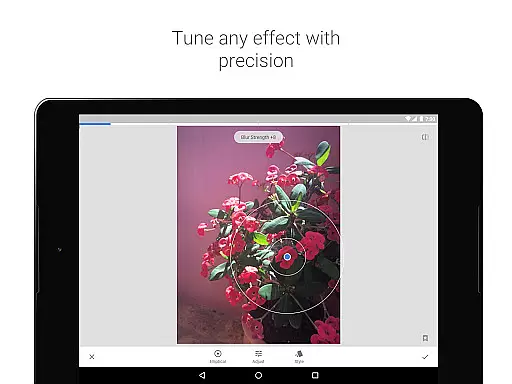
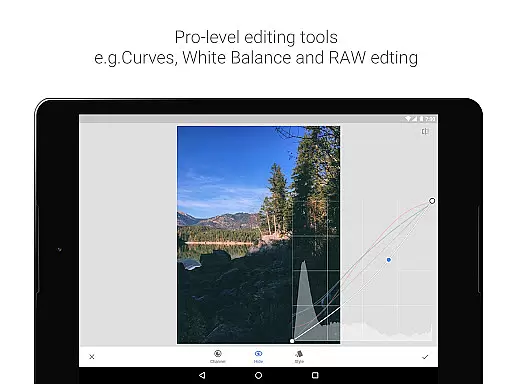
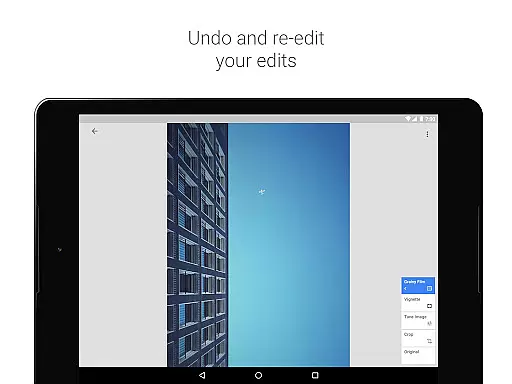
Snapseed is a comprehensive photo editing application developed by Google, offering professional-grade tools for both amateur and expert photographers. The app provides an extensive suite of 29 tools and filters, including options like Healing, Brush, Structure, HDR, and Perspective correction, making it a versatile choice for enhancing images.
One of Snapseed's standout features is its ability to open and edit both JPG and RAW files, allowing users to work with high-quality images directly on their mobile devices. The Selective filter brush and the capability to save personalized looks for future use demonstrate the app's commitment to precision and customization. Whether you're adjusting exposure, tweaking colors, or applying complex filters, Snapseed delivers exceptional control over every aspect of photo editing.
The app is particularly useful for photographers who need to correct image distortions, enhance details, or apply creative effects. With functionalities such as lens blur, glamour glow, and tonal contrast, Snapseed enables users to transform ordinary photos into visually stunning works of art. This makes it an invaluable tool for anyone looking to elevate their photography projects.
Snapseed stands out in the photography category due to its rich feature set tailored for detailed photo manipulation. One of its key strengths is the inclusion of advanced tools like RAW Develop, which allows users to open and tweak RAW DNG files non-destructively. This feature ensures that photographers can make precise adjustments without compromising the original image quality.
The Tune Image tool offers both automatic and manual controls for adjusting exposure and color, providing unparalleled flexibility in image enhancement. Additionally, the Details tool brings out surface structures in images, adding depth and texture that might otherwise be lost. These sophisticated tools are complemented by user-friendly features like Crop, Rotate, and Perspective correction, which help fix common issues such as skewed lines or uneven horizons.
Beyond basic editing, Snapseed includes creative filters such as Drama, Grunge, and Vintage, each offering unique styles and textures. The Face Enhance and Face Pose tools provide specialized adjustments for portrait photography, focusing on facial features and poses. These diverse capabilities ensure that Snapseed caters to a wide range of photographic needs, from technical corrections to artistic expression.
In the realm of mobile photography, the ability to capture and preview images in real time is crucial for achieving desired results. Snapseed, developed by Google, excels in this area by offering users a comprehensive suite of 29 tools and filters that can be applied and visualized instantly.
The application supports both JPG and RAW file formats, allowing photographers to open and tweak DNG files non-destructively while providing immediate feedback on exposure and color adjustments through its Tune Image feature. This ensures that every modification is accurately represented in the preview, giving users confidence in their edits before finalizing them.
Furthermore, Snapseed's selective filter brush and perspective correction tools enable users to make precise adjustments with live updates, ensuring that each edit aligns perfectly with their creative vision. The app's Healing tool also allows for instant removal of unwanted elements from photos, enhancing the overall quality without delay.
By delivering real-time previews across its extensive range of editing capabilities, Snapseed empowers photographers to experiment freely and refine their work efficiently, ultimately leading to higher satisfaction with the final output.
Snapseed stands out in the field of AI-powered photo enhancement by prioritizing natural-looking results over artificial alterations. With features like Glamour Glow and Face Enhance, the app applies sophisticated algorithms to subtly improve portraits while maintaining authenticity.
Glamour Glow adds a fine radiance to images, ideal for fashion or portrait photography, whereas Face Enhance focuses specifically on facial attributes such as eye emphasis, skin smoothing, and lighting adjustments tailored to individual faces. These enhancements are designed to elevate the subject's natural beauty rather than drastically altering their appearance.
Additionally, Snapseedu2019s Tonal Contrast tool selectively boosts details in shadows, midtones, and highlights, creating depth and dimension within photos without introducing unnatural artifacts. This careful balance between enhancement and realism ensures that edited images retain their original essence.
By leveraging advanced AI technologies to deliver nuanced improvements, Snapseed provides users with powerful yet intuitive tools that enhance photographs naturally, preserving the integrity of the captured moment while elevating its aesthetic appeal.
User-friendly interface
Extensive toolset
High-quality results
Regular updates
Cross-platform support
Steep learning curve
Advanced features may overwhelm beginners
Occasional performance lags
Limited real-time collaboration
No cloud saving option

Android Native system HD camera app. Never been so simple and faster.
 4.70
4.70
Pet Camera
3.70
Add a dreamy vibe to your selfies and videos with soft style filters
4.3
USB Storage Access for Photos, Videos, Music and Documents
3.80
See your baby AI baby face generator AI baby maker Face generator babymaker fun!
4.70
AI Photo Editor with 100+ Filters, Effects! Remove BG, Retouch & Photo Enhancer.
4.80
Pro version: AR sun/moon tracker for any date. Tool for photographers & planners
4.90
Discover & download millions of art for The Frame TV or Hisense CanvasTV
4.60
Solocator stamps photos you take with GPS location, Compass Direction, Date/Time
3.80
AI photo editor with hair editor, retouch tools, hair color changer & filters!
4.50
Photo editor & gallery. Crop pictures & edit photos offline, no wifi!
4.50
Easily stitch panoramas from multiple photos or video.
4.40
Transform Photos: Edit, Beautify and Craft Memories & Make Collages!
4.10
Photobooth mini FULL app will allow you to add more fun to your parties
4.00
Raw Image Viewer. Gallery with support of raw images (.cr3, .cr2, .nef, .raf).
2.00


User Reviews